
Introduction
When most people hear "retail automation," they picture large-format stores with self-checkout kiosks, robotic warehouses, and enterprise software suites that cost as much as a small car. It sounds like technology designed for Reliance Retail or a global chain — not for the neighborhood hardware shop, the family-run mobile accessories store, or the local garment boutique that serves the same faces every week.
This is one of the most persistent and expensive myths in Indian retail.
Retail automation, at its core, simply means using software and technology to handle routine, repetitive tasks that currently consume your time, your staff's attention, or both. It doesn't require a large investment, a dedicated IT team, or a complete operational overhaul. It starts with the most time-consuming daily tasks your shop faces and systematically removes the manual effort from each one.
For a small shop owner in India — already managing purchasing, billing, staff, compliance, and customer relationships, often simultaneously — retail automation isn't a luxury. It's one of the most practical business decisions available. This article explains exactly what it means, what it does, how it works in real retail environments, and how to start without being overwhelmed.
What Retail Automation Actually Means
Retail automation is the use of software systems to perform tasks that would otherwise require manual human effort. In a small shop context, this doesn't mean replacing people — it means freeing people from repetitive, low-value tasks so they can focus on the things that actually need human judgment and relationship.
Think about the work your shop generates on a typical day that isn't directly serving customers:
- Writing bills by hand or typing them item by item
- Counting stock manually to see what needs reordering
- Calculating totals and applying GST percentages
- Preparing end-of-day cash summaries
- Compiling sales data for monthly GST filing
- Sending payment reminders to credit customers
- Tracking which products are selling and which aren't
Every one of these tasks is a candidate for automation. And every one of these tasks, when automated, gives time back to the shop owner and staff — time that goes directly into customer service, business development, or simply a less exhausting workday.
The 8 Most Impactful Areas of Retail Automation for Small Shops
1. Automated Billing and Invoice Generation
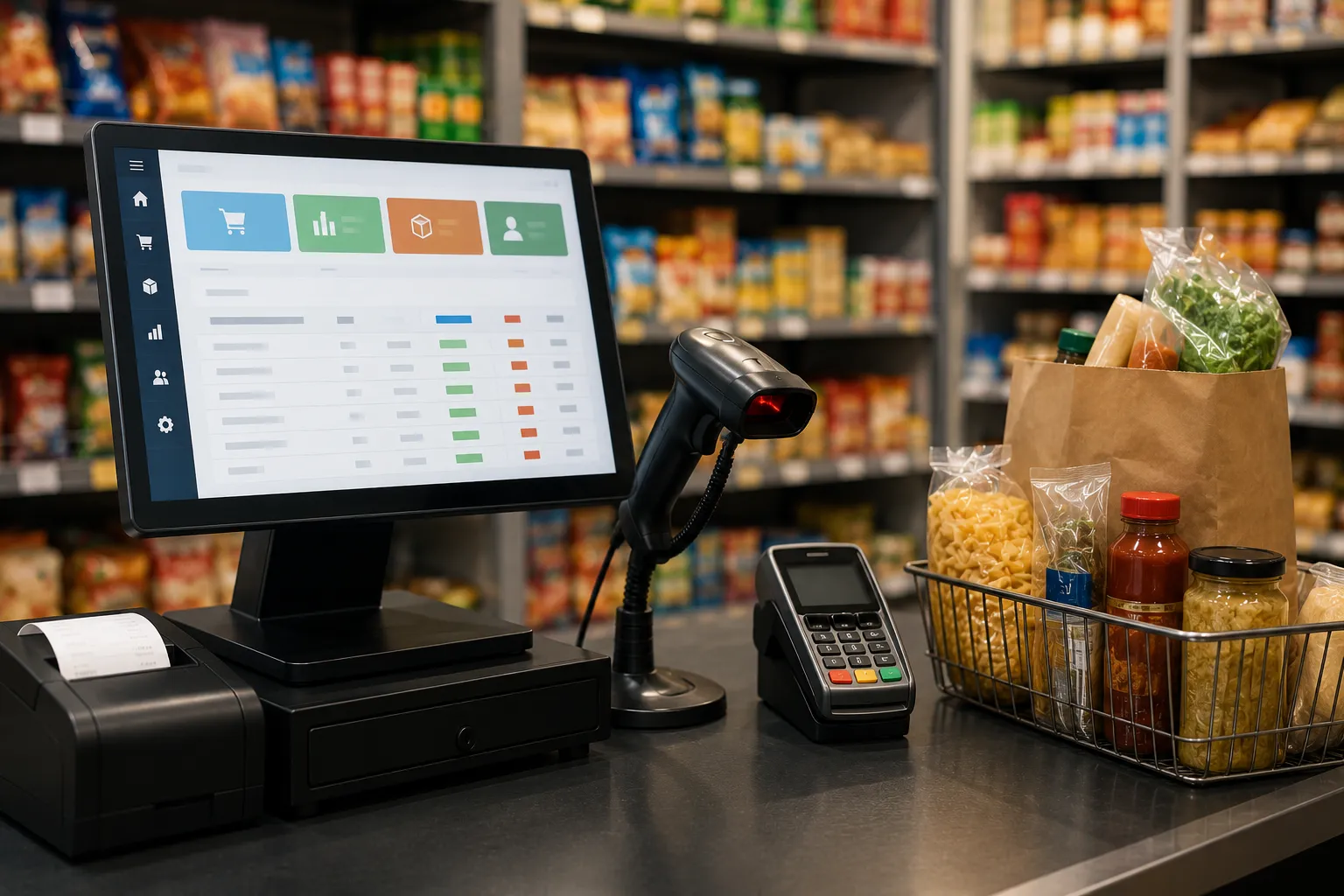
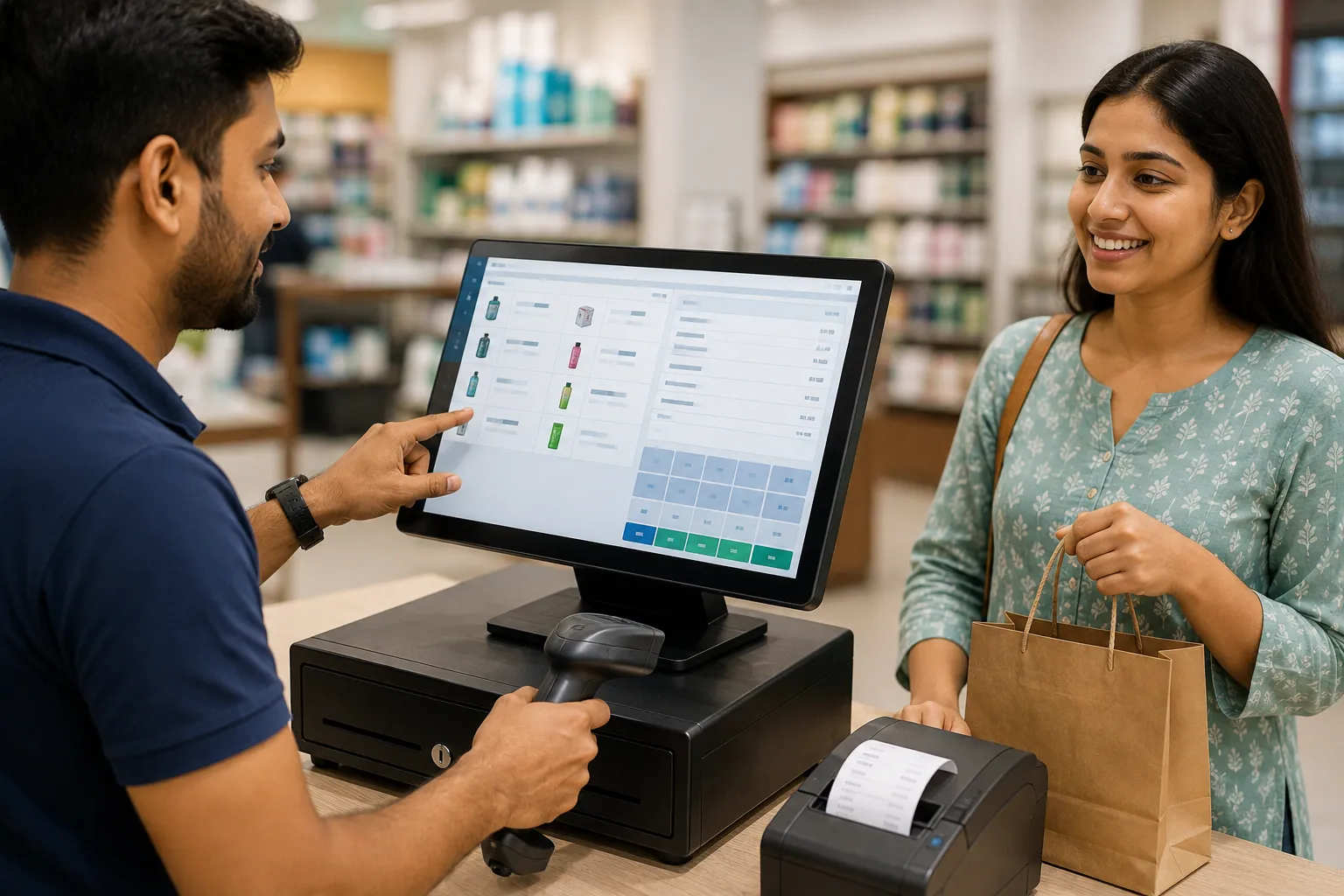
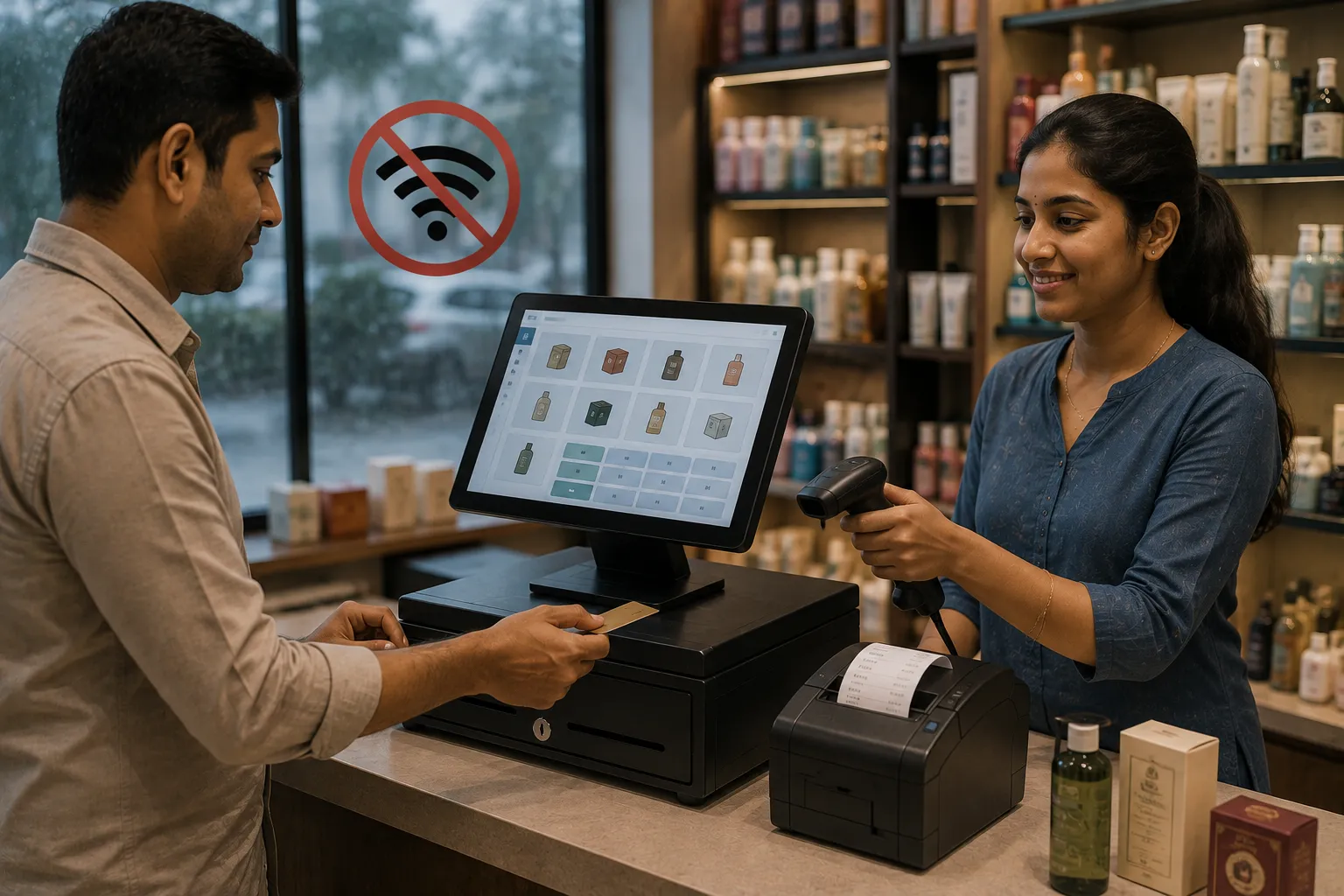
This is the entry point for retail automation and the one with the most immediate visible impact. When billing software with barcode scanning replaces manual bill-writing, the checkout process transforms completely.
What changes:
- Scanning an item auto-populates the product name, price, HSN code, and GST rate
- Totals are calculated automatically — no manual addition or tax calculation
- A formatted, GST-compliant digital invoice is generated in seconds
- The customer receives a printed receipt or a digital copy via WhatsApp or email automatically
What this means in practice: A counter that previously took three to five minutes per customer now processes a bill in under sixty seconds. During peak hours, this difference is immediately visible in queue length and customer satisfaction.
2. Real-Time Inventory Tracking and Automated Stock Updates
Manual stock management — maintaining a separate register, doing periodic physical counts, updating stock levels by hand — is one of the biggest time drains in small retail. It's also one of the areas most vulnerable to error.
What automation does:
- Every item sold is automatically deducted from inventory the moment it's billed
- Every purchase receipt added to the system instantly increases stock counts
- Returns and exchanges update inventory without separate manual entry
- Stock levels are accurate at all times, visible from any authorized device
This eliminates the need for separate daily or weekly stock entry and means you always know what's actually on your shelves — not what was there when you last counted manually.
3. Automated Reorder Alerts and Purchase Orders
One of the most practical benefits of retail automation for small shop owners is automatic low-stock alerts. When a product's inventory falls below a threshold you define, the system flags it immediately — before the item actually runs out.
More advanced automation goes further:
- Generates a draft purchase order automatically for items below reorder level
- Tracks which supplier each product comes from and populates the order accordingly
- Maintains purchase order history for reconciliation with supplier deliveries
- Alerts you to items that are close to their reorder point, not just past it
For shops that have regularly experienced the problem of discovering an item is out of stock only when a customer asks for it, this single automation feature eliminates one of the most common and avoidable customer service failures.
4. Automated GST Calculation and Filing Preparation
In India, GST compliance requires accurate tax calculation on every transaction, organized records by return period, and filing-ready data exports. Doing this manually — calculating the right rate per product, maintaining itemized records, compiling GSTR data — is enormously time-consuming, especially for shops with diverse product ranges carrying different tax slabs.
What billing automation provides:
- Correct GST rates applied to each product automatically based on pre-configured HSN codes
- CGST, SGST, and IGST calculated and displayed correctly on every invoice
- Month-wise and period-wise tax summaries generated instantly
- GSTR-1 and GSTR-3B data exportable directly from the software
What previously required days of manual data organization before each filing period is reduced to generating a report and verifying the numbers. The actual data is already organized, already accurate, and already in the format the GST portal or your CA needs.
5. Automated Sales Reporting and Business Analytics
Most small shop owners have limited visibility into their own business performance because compiling useful data requires manual effort they don't have time for. Retail automation makes business intelligence effortless.
Reports generated automatically include:
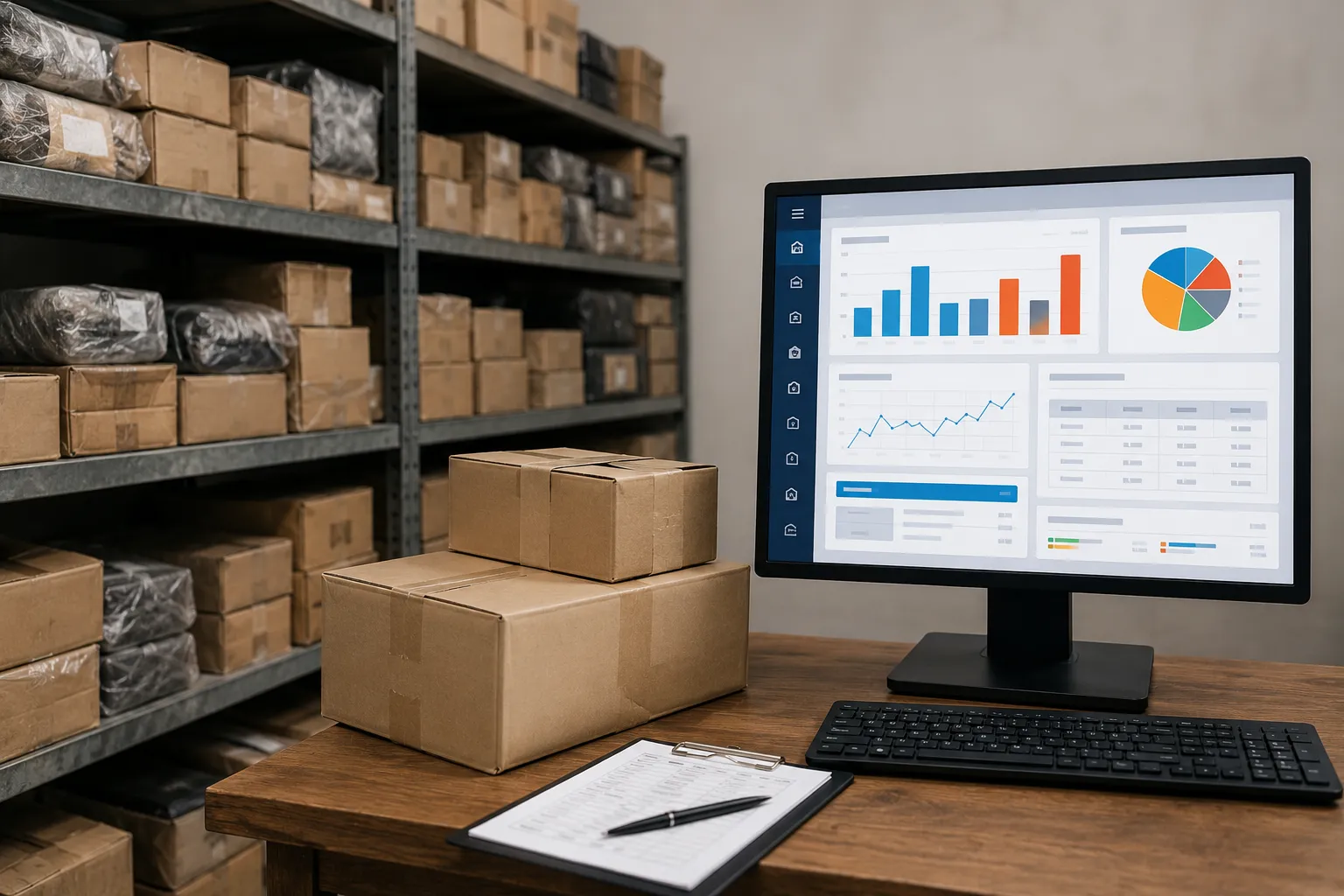
- Daily, weekly, and monthly sales totals with trend comparison
- Product-wise and category-wise performance — top sellers, slow movers, dead stock candidates
- Profit margin reports per product or category
- Staff-wise sales attribution for performance tracking
- Customer-wise purchase history for loyalty and credit management
- GST tax liability summaries by period
These reports don't require any manual compilation — they're generated from the transaction data the billing system captures automatically. The business intelligence is a byproduct of simply billing correctly.
6. Automated Customer Communication
Customer communication in a small shop often depends entirely on whoever happens to be available to make a phone call or send a message. Retail automation makes customer touchpoints consistent and systematic.
What can be automated:
- Bill sharing via WhatsApp or SMS immediately after a transaction
- Payment reminders for credit customers with outstanding balances
- Promotional messages during festive seasons or clearance sales to existing customer lists
- Loyalty points balance updates after each purchase
- Order ready notifications for custom orders or reserved items
Each of these touchpoints, when automated, builds a more professional customer experience without requiring any additional staff time after the initial configuration.
7. Automated Loyalty and Discount Management
Points-based loyalty programs and promotional discounts are highly effective retention tools for small shops, but manually tracking points and applying discounts at checkout is time-consuming and error-prone.
Automation handles:
- Points earned per transaction calculated and added to customer accounts automatically
- Points balance applied as a discount when the customer chooses to redeem
- Promotional rules — buy-two-get-one, percentage discount on selected products, festive offers — applied automatically at billing based on pre-configured rules
- Loyalty tier upgrades triggered automatically when a customer crosses a spending threshold
Staff don't calculate any of this at the counter. The software applies the correct loyalty status and promotional pricing the moment the customer is identified and items are scanned.
8. Automated Backup and Data Security
Data loss in retail — whether from hardware failure, theft, or power issues — is a risk that many small shop owners don't take seriously until it happens. Automated backup removes the human discipline requirement from data protection.
What automation provides:
- Daily or real-time backup of all transaction data, inventory records, and customer information
- Cloud storage backup that protects against local hardware failure
- Version history that allows recovery of data from specific dates
- Access control automation — role-based permissions that ensure staff access only the functions they need
For a small shop, losing a week or a month of billing data is a serious operational and compliance problem. Automated backup eliminates this risk entirely.
How Retail Automation Applies Across Different Shop Types
Retail automation isn't a one-size-fits-all proposition. The specific tasks that benefit most from automation vary by retail category, which is why category-specific software delivers more value than generic tools.
Electrical Goods Retail
An electrical shop deals with a product range that spans thousands of SKUs across multiple brands, widely varying GST rates, serial number tracking for warranty management, and contractor accounts with specific pricing tiers. Purpose-built electrical shop billing software automates serial number capture at the point of billing, warranty period calculation from purchase date, GST rate assignment across a complex mixed-category product line, and contractor-specific pricing rules — automating functions that a generic billing tool would require constant manual intervention to handle.
Automobile Parts and Spares Retail
Auto spare parts retail is characterized by vehicle-compatibility-based SKU management, where the same part may be listed separately for different makes and models, and where accurate identification is critical to avoid returns and customer dissatisfaction. Auto spare parts billing software built for this category automates vehicle-model-wise product lookup, part number matching, and supplier-wise purchase reconciliation — replacing what would otherwise be a time-consuming manual lookup process for every transaction.
Sporting Goods Retail
A sporting goods retailer manages inventory across multiple sport categories, each with size variants, brand-specific pricing, and seasonal demand patterns. Sports shop billing software designed for this environment automates size and variant-level inventory tracking, sports category-wise sales reporting, and seasonal stock management — automating the variant complexity that makes manual inventory tracking in this category particularly error-prone.
What Retail Automation Costs and What It Returns
One of the most common concerns small shop owners raise about retail automation is cost. The perception is that meaningful automation requires significant investment. In most cases, this isn't accurate.
| Automation Level | Typical Monthly Cost (India) | Key Functions Automated |
| Basic billing software | ₹400 – ₹800/month | Billing, GST invoicing, basic reports |
| Billing + inventory | ₹800 – ₹1,500/month | + Stock tracking, reorder alerts |
| Full retail management | ₹1,500 – ₹3,000/month | + Customer loyalty, purchase orders, analytics |
| Multi-store platform | ₹3,000 – ₹8,000+/month | + Multi-location management, advanced reporting |
Against these costs, consider what automation returns:
Time savings: Most shop owners who move from fully manual billing to automated systems report saving two to four hours daily on billing, stock entry, and end-of-day reconciliation. Over a month, that's forty to eighty hours returned.
Error reduction: Pricing errors, tax miscalculations, and stock mismatches have real financial costs. Automation virtually eliminates these error categories.
Compliance savings: Time and fees spent on manual GST data compilation before each filing period are significantly reduced when billing software generates this data automatically.
Staff efficiency: Staff freed from manual data entry tasks can spend more time on customer service, which directly affects repeat business.
The Role of Retail Automation in Business Formalization
Retail automation isn't only an operational story — it has meaningful implications for the legal and financial standing of a small business.
GST Compliance and Audit Readiness
In India, every GST-registered business is legally required to maintain accurate, retrievable transaction records. Automated billing systems create this record automatically with every transaction. When a GST audit or scrutiny notice arrives, organized digital records generated by billing software are far easier to produce and verify than manually maintained ledgers.
Business Registration and Credit Access
Small businesses that maintain organized, consistent digital billing records — with verifiable GST filing history — are in a significantly stronger position when:
- Applying for MSME loans or government credit schemes: Lenders and scheme administrators use GST return consistency as a proxy for business financial health. Automated billing that supports regular, accurate GST filing strengthens every credit application.
- Formalizing business structure: Retailers moving from informal operations to registered sole proprietorships, partnerships, or private limited companies benefit from having organized historical records from the start. Auditors and registration processes require documented financial history.
- Onboarding corporate and institutional clients: Organizations placing bulk orders expect proper tax invoices and organized supplier records. Automated billing makes this easy to provide consistently.
Global Relevance
For retailers with any export or international business dimension, or those operating in markets beyond India, the same principles apply: digital billing records, organized and retrievable, are a baseline expectation of formal business operations in any jurisdiction. Retail automation creates these records as a natural byproduct of daily operations — without any additional documentation effort.
Getting Started with Retail Automation: A Practical Path
The most common mistake when implementing retail automation is trying to do everything at once. A phased approach works better:
Phase 1 — Start with billing: Replace manual bill-writing with billing software. Configure your product catalog with correct prices and GST rates. Train staff on scanning and checkout. This phase alone delivers the majority of the daily time savings most shops experience.
Phase 2 — Connect inventory: Enter your opening stock, configure reorder points for fast-moving items, and start using purchase order management. This phase eliminates most stock-related surprises and gives you accurate visibility within weeks.
Phase 3 — Activate reporting and customer features: Start using the reports your billing software already generates from Phase 1 and Phase 2 data. Configure customer loyalty if you have a regular customer base. Set up WhatsApp bill sharing and promotional messaging.
Phase 4 — Advanced automation: Explore GST filing integration, multi-store management, advanced analytics, and any category-specific features relevant to your retail type.
Most small shops complete Phases 1 and 2 within the first month and are generating meaningful operational savings before Phase 3 begins.
Conclusion
Retail automation isn't a technology story — it's a business efficiency story. For a small shop owner managing billing, inventory, compliance, staff, and customer relationships largely by hand, automation is the most practical route to reclaiming time, reducing errors, maintaining compliance, and making better decisions with real data.
The entry point is lower than most shop owners expect. A good billing software subscription costs less per month than most shops lose in billing errors. The time savings appear within the first week of implementation. The compliance benefits accumulate with every correct, automatic GST invoice. And the business intelligence that emerges from the data captured automatically becomes more valuable with every passing month.
You don't need a large team, a dedicated IT department, or a complex implementation plan to start. You need the right software for your retail category, a clear phase-one focus, and the willingness to let the system handle what it's built to handle.
The shops that feel most out of control are usually the ones still doing everything manually. The fix is simpler than they think.
Frequently Asked Questions
1. Does retail automation mean I need to hire technical staff or an IT person? No. Modern retail automation software for small shops is designed to be operated by regular retail staff with minimal technical background. Most billing and inventory management systems have intuitive interfaces that staff learn within a few days. Implementation support — product setup, initial configuration, and staff training — is typically provided by the software vendor as part of onboarding.
2. What is the minimum investment needed to start retail automation for a small shop in India? The most meaningful automation — billing, GST invoicing, and basic inventory tracking — is available through retail billing software starting at approximately ₹400 to ₹800 per month on subscription plans. A barcode scanner (₹1,500–₹3,000) and a receipt printer (₹3,000–₹6,000) complete a fully automated billing counter. Total setup cost for a basic automated billing station can be under ₹15,000–₹20,000 in most cases.
3. How does retail automation help with GST compliance specifically? When your billing software is configured with correct HSN codes and GST rates for each product, every invoice generated automatically applies the right tax rate, displays CGST and SGST (or IGST) separately, and stores the transaction in an organized, period-wise record. At filing time, the software generates GSTR-1 and GSTR-3B summary data that can be directly uploaded or shared with your CA — eliminating the manual data compilation that most small retailers currently dread each quarter.
4. Will retail automation make my staff feel like their jobs are at risk? This concern comes up often, and the practical experience of most retailers who implement automation is the opposite. Staff who spend hours on repetitive manual billing, stock entry, and reconciliation find their workdays less exhausting and more focused on actual customer service after automation is introduced. Automation handles the clerical load; staff handle everything that requires human judgment, relationships, and service — which tends to be more engaging work.
5. Can I automate billing in a shop with thousands of products? Yes, and in fact this is where automation delivers the most value. Managing a large product catalog manually — maintaining accurate prices, correct tax rates, and current stock levels — is where manual systems break down most visibly. Billing software handles large catalogs efficiently through organized product masters, category-wise management, and bulk import tools that allow you to upload your entire product list from a spreadsheet rather than entering items one by one.
6. How quickly can I expect to see the benefits of retail automation after implementing billing software? Most retailers report visible time savings within the first week — faster checkout, no manual tax calculation, and automatic end-of-day reports. Inventory accuracy improvements become apparent within the first month as stock records are maintained automatically through each sale. GST compliance benefits are visible at the first filing period after implementation. The cumulative effect of fewer errors, better stock management, and better business data typically becomes clear within the first three months of consistent use.























Sign in to leave a comment.