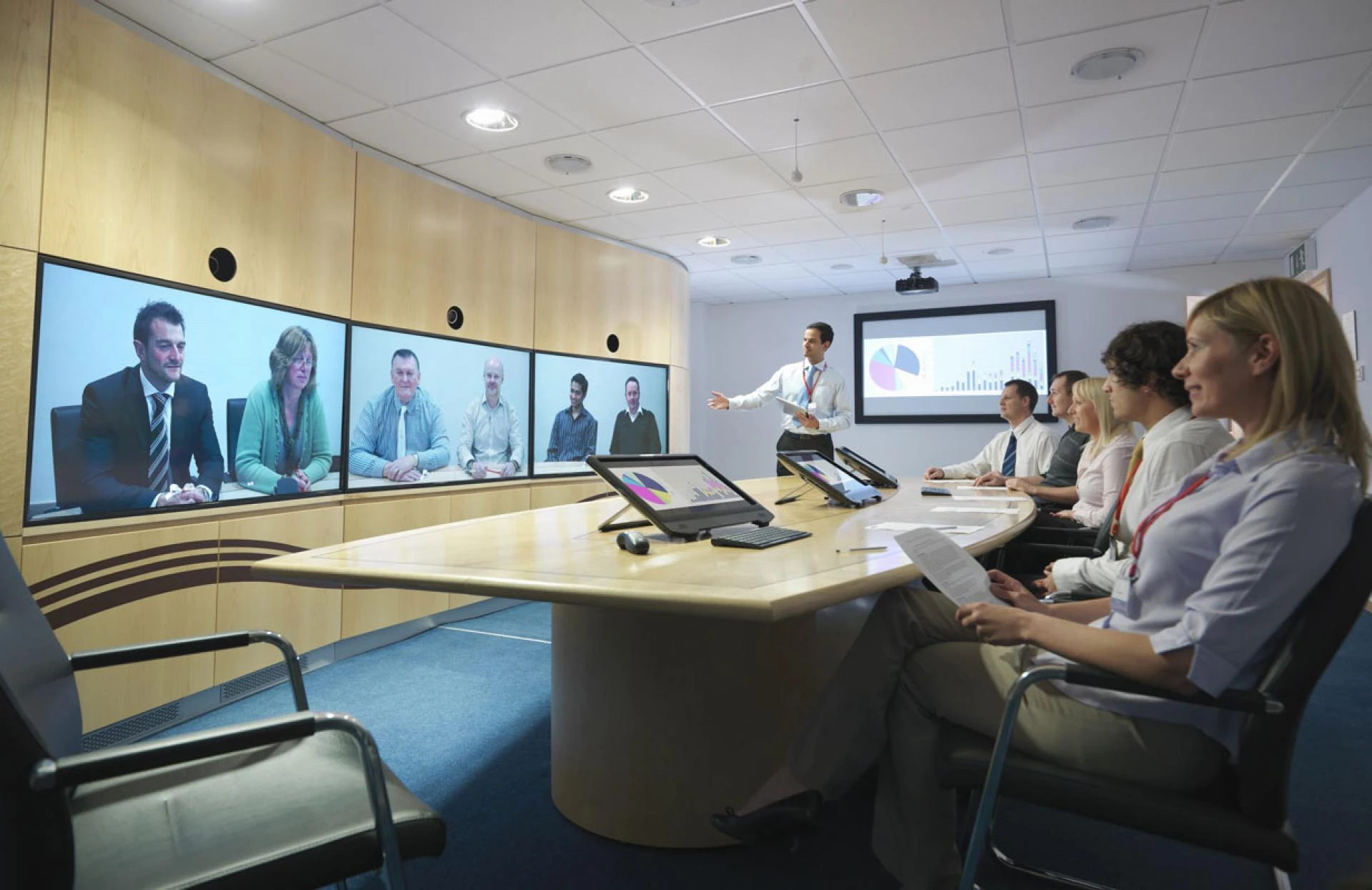

There are a whole lot of projectors for watching videos or presentations. Some are suitable for offices and bright lighting, others for watching films in the dark, and others for showing videos on large surfaces. If you need a projector but need help with their variety, we will tell you which projector to choose for your home theatre.
Room type
If the room is large (hall, living room), it is worth installing a stationary projector once and for all. For a small room (bedroom, children's room), a small UHF projector is better suited; it will take up little space, and if necessary, you can always put it in a closet without bothering with fastenings. To choose multimedia projectors, you need to proceed not only from the room's parameters, so let's move on.
Matrix type
Everything is more complicated here. There are four main types of matrices: LCD, 3LCD, DLP and LCoS. Let's take a closer look at them.
LCD
The standard operating principle of the device is that light passes through the matrix, which “colours” the projection. The option is reliable and inexpensive, but any light will become a hindrance - whether from the sun or lamps. Suitable for well-darkened rooms and creating a budget home theatre. For a small room - a child's room, for example, or as a first inexpensive projector, you can take a closer look at the compact Rombica Ray Mini, which will not break your pocket but will be able to demonstrate all the capabilities of the LCD matrix in resolution up to FullHD, even without using a special screen. However, please note that this projector is not suitable for large screens.
3LCD
The essence is the same; only the device will have three matrices, not one, and each is responsible for a specific RGB colour. Such devices are more expensive, but the saturation also increases, meaning extraneous light will not interfere as much.
DLP
This technology often applies to office projectors, but they are quite possible and even desirable when creating a home theatre if you decide not to save money. No matrix or ordinary light - just a chip with myriads of tiny mirrors (each mini-mirror is responsible for a separate image pixel). A laser beam is reflected from each mirror, forming a clear and rich image. Light most often does not interfere with viewing at all, so there is no need for blackout curtains.
LCoS
The most expensive type of matrix which combines DLP and LCD technologies. The image in models with this matrix is the clearest, brightest and most contrasting; no extra light will interfere with enjoying the movie, but there is also a drawback - projectors with an LCoS matrix are much more expensive than their counterparts with DLP and, even more so, with LCD.
Projection ratio
Everyone determines this parameter according to their needs and the characteristics of the room. In the device's documentation, it is defined in the form of numbers, for example, 2.5:1—this means that at a distance of 2.5 metres from the projection site, the image will be one metre wide. If you place the projector further, the image will increase but will lose quality. If closer, it will decrease in size but improve in terms of clarity.
Brightness and Contrast
Most often, manufacturers indicate only the last parameter since, unlike TV displays, interactive kiosks’ contrast is also responsible for brightness. In the documentation, it is designated, for example, as 500:1, and the higher the first number, the brighter and more contrasting the image. Keep in mind that for all types of matrices, this parameter should be at least 350:1 because, with a different value, it’s not very comfortable to watch movies.
Permission
And again, without revelations: the higher it is, the better. The symbols are the same as on the displays of smartphones, TVs and gaming monitors. There’s definitely no need to go below FullHD in 2023, but above that, it’s really worth it. With a 4K resolution, it will be very pleasant to watch any movie. Still, there is a nuance: a resolution of 8K or more will not give a special increase in clarity since the wall or canvas to realise such quality will require simply gigantic ones.
Modes
In addition to the fact that a projector projects an image onto a screen or wall, it often has many additional functions. Some of them are very useful, while others are added more for show and marketing ploys, so it’s worth paying attention to the most useful ones in advance:
3D mode. The image quality with it decreases, but three-dimensional films can be watched without special glasses. We recommend purchasing such a projector only with a resolution of at least 4K.
Modes for different situations. Fiction, old movies, action films, cartoons - and so on. For office projectors, this function is useless, but for home viewing, it’s quite meaningless. Again, these modes will not correct the already poor quality of the source video or the low resolution of the projection.
Image enhancement modes - Suitable for online broadcasts and watching movies through streaming services or for low-quality films with a reduced bitrate. The modes add additional “virtual” frames as if smoothing out the number of frames per second. Low-grade and cheap projectors do this poorly - the image appears unnatural and sometimes even more jagged.
Game mode, as in the CODE vision V1 projector. It is not suitable for everyone, but it can be a very interesting gadget for a party or to install in a child's room. The set includes two gamepads and an SD card with three hundred games that will perfectly replace a retro console and will definitely appeal to both children and millennials who grew up with Dandy and Sega.
It is worth noting that selecting a projector based on the parameters of additional modes is of little importance. Select a gadget with the desired type of matrix for the room, and then move on to the intricacies.
Connectors and Interfaces
The more different interfaces a projector has, the more signal sources it can be connected to. Please note the presence of HDMI and USB for wired interfaces and Wi-Fi with Bluetooth for wireless ones - this is the base. The rest is optional.
For example, “tulips” can be useful for broadcasting films with Volodarsky’s voice acting from an old VCR, and a USB with a Type-C plug at both ends can be useful for capturing images from a smartphone. The more interfaces, the better, as in the Nebula Cosmos Max projector.
In addition to the fact that this is simply an excellent projector with a laser matrix and 4K resolution, it also has a lot of connection options, both via wires via HDMI, USB (various types) and Ethernet and wireless networks, Wi-Fi and Bluetooth.
Conclusion
So, how to choose a good projector for your home? It is worth paying attention to the following parameters: for good image quality, the projector resolution should be at least FullHD (higher is better), brightness should be at least 500 lm, and the picture format should ideally be 16:9. The best matrix for home is 3LCD, and the type of projector in most cases (both for the office and the home) is suitable for a stationary one.
Let us remind you that in addition to the stated parameters, projectors differ in type, purpose, image characteristics, as well as additional functions and modes, so simply choosing a random projector in a store and hoping that it suits you personally is not the best idea. And even if you have already clearly decided on the desired model, you will also be faced with the choice of canvas, which you need to approach responsibly.
But after you install a home projector, it will be simply impossible to tear yourself away from watching movies.





















Sign in to leave a comment.