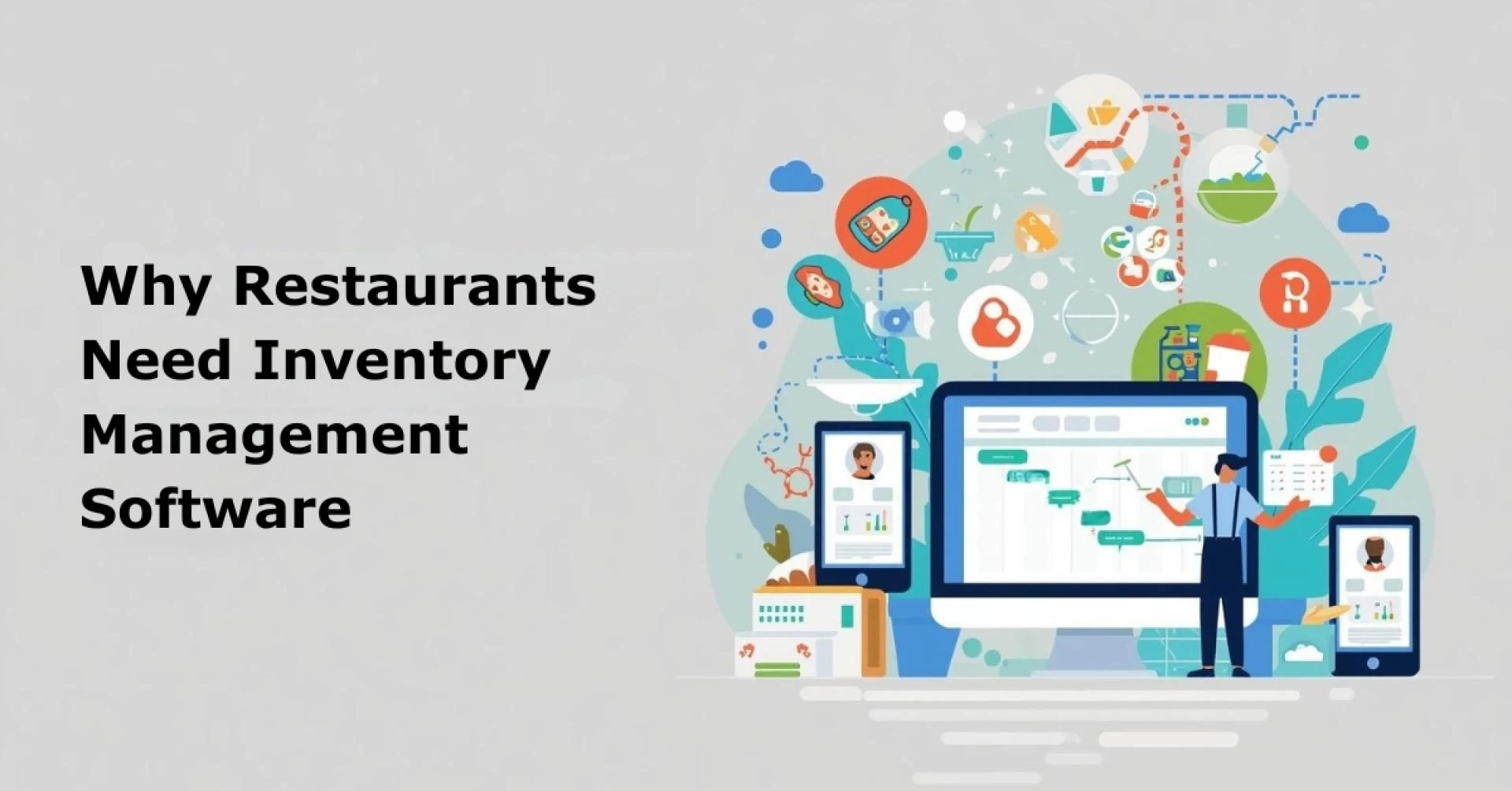
In today’s restaurant industry, staying profitable is tougher than ever. With razor-thin margins, unpredictable supply chains, and rising food costs, restaurant owners can’t afford to make inventory mistakes. Yet many still rely on outdated tools, manual logs, paper checklists, or clunky spreadsheets to track stock. These methods might feel familiar, but they’re slow, error-prone, and often lead to waste or over-ordering.
That’s where restaurant inventory management software comes in. This isn’t just another tech buzzword, it’s a practical, game-changing solution that helps restaurants monitor their inventory in real-time, cut unnecessary expenses, and make smarter purchasing decisions. By automating routine tasks and providing accurate data, this software turns inventory from a daily headache into a strategic advantage.
Throughout this article, we’ll explore the key benefits of restaurant inventory management software and why it’s quickly becoming essential in the food service world. We’ll show you how it saves time, reduces food waste, lowers costs, and boosts overall efficiency. You’ll also discover what features to look for, how to implement the system smoothly, and what kind of return on investment (ROI) you can expect.
If you're ready to make inventory less stressful and more profitable, you’re in the right place. Let’s get started.
What Is Restaurant Inventory Management Software?
Restaurant inventory management software is a digital tool that helps restaurants track, manage, and optimize their food and beverage stock in real time. Instead of relying on handwritten logs or spreadsheet updates, this software gives restaurant owners and managers a clear, accurate view of what’s in stock, what’s running low, and what needs to be ordered.
At its core, the software connects your inventory data to your daily operations. It tracks every ingredient coming in and going out, right down to the last tomato or teaspoon of oil. Most systems integrate with your point-of-sale (POS) system, which means every order that goes through the register also adjusts the stock levels automatically.
Core Benefits of Implementing Restaurant Inventory Management Software
Restaurant inventory isn’t just about knowing what’s on the shelf it’s about running a smarter, leaner operation. By using the right inventory management software, restaurants can save money, cut waste, and work more efficiently. Whether you run a cozy café or a multi-location chain, this technology offers real, measurable advantages.
Let’s explore the top 10 benefits.
1. Reduces Food Waste and Spoilage
Food waste is one of the most expensive silent killers in the restaurant business. Perishable ingredients get forgotten at the back of the fridge, expiry dates sneak past, and over-ordering leads to spoilage. According to WRAP, global foodservice businesses waste over 1.3 billion tons of food every year and a big part of that is preventable.
Inventory software gives you real-time visibility into what’s being used, what’s nearing expiry, and what’s consistently overstocked. It tracks usage trends, alerts you before items spoil, and helps you follow FIFO (First-In, First-Out) methods. With automated tracking, you no longer rely on memory or rushed staff checks.
The result? Lower waste, fresher ingredients, and more sustainable operations.
2. Cuts Down the Cost of Goods Sold (COGS)
Controlling your COGS is key to increasing profit margins. When you don’t know what’s in stock or what’s getting wasted, you’re likely overspending. Many restaurants lose up to 10–15% of potential profit due to poor inventory controls.
Inventory software helps you order just what you need, when you need it. It connects ingredient usage to menu sales and helps you make data-driven purchasing decisions. You’ll spot over-ordering, track vendor prices, and negotiate better deals based on actual usage.
Even small improvements in COGS can lead to big financial wins over time.
3. Prevents Stock-Outs and Over-Stocking
Running out of key ingredients during a busy shift can be a disaster. It slows down service, frustrates customers, and affects your restaurant’s reputation. On the flip side, overstocking ties up cash in unused inventory and increases the risk of spoilage—especially with perishables.
Inventory management software gives you precise stock counts at all times. It alerts you when items fall below a set threshold and even suggests reorder quantities based on historical usage. No more last-minute supplier calls or rushed grocery store runs. You stay in control.
More importantly, software helps you order smarter, not just more.
4. Improves Supplier and Purchase Order Management
Managing multiple suppliers across different ingredients and locations can get messy fast. Without a streamlined process, restaurants often face missed deliveries, inconsistent pricing, and poor vendor communication.
Inventory software simplifies this. It stores supplier details, tracks order history, and lets you generate purchase orders directly from the system. You can compare vendor prices, monitor lead times, and flag suppliers that regularly underdeliver or overcharge.
This level of control not only improves your vendor relationships but also keeps purchasing costs in check.
5. Enhances Menu Engineering and Profitability
Every menu item uses ingredients. But not every dish brings the same profit. Without visibility into food costs, it’s easy to keep serving low-margin dishes that drain resources and profits.
Inventory software changes that. It links recipes to real-time ingredient prices, helping you calculate the exact cost of each dish. You can instantly see which menu items are profitable and which ones aren’t pulling their weight. This gives you the power to redesign your menu around high-margin bestsellers.
With better cost control comes smarter pricing and stronger profitability.
6. Saves Time and Reduces Human Error
Manually tracking inventory takes hours. From counting stock to updating spreadsheets, the process is slow and repetitive. And when staff are in a rush, mistakes happen wrong counts, missed items, and incorrect orders.
Inventory software automates much of this process. It pulls data from your POS, updates stock levels instantly, and simplifies audits. Staff spend less time counting and correcting and more time focusing on service and operations. Plus, with fewer errors, you avoid costly ordering mistakes.
Time saved is money earned and stress avoided.
7. Strengthens Compliance and Food Safety Tracking
Restaurants must follow strict food safety and hygiene standards. But keeping up with expiry dates, storage rules, and audit trails is tough, especially when relying on manual logs.
Inventory management software helps you stay compliant. It tracks expiry dates, lot numbers, and batch codes. You can monitor temperature-sensitive items, manage recalls quickly, and generate digital audit reports when needed. Everything is logged, time-stamped, and easy to retrieve.
This not only reduces risk but also builds customer trust and regulatory confidence.
8. Supports Multi-Location and Franchise Operations
Managing inventory across multiple outlets or franchise units is a major challenge. Without centralized control, each location may order differently, track stock inconsistently, or waste ingredients without oversight.
Inventory software solves this with centralized dashboards. You get real-time insights from every location what’s in stock, what’s selling, and what’s being wasted. It standardizes operations, enables bulk purchasing, and ensures every branch follows the same best practices.
Scaling a restaurant business becomes easier when your inventory is under one digital roof.
9. Provides Real-Time Data for Smarter Decision-Making
Guesswork has no place in a competitive kitchen. Without accurate, up-to-date data, it’s easy to misjudge inventory needs, overbuy ingredients, or miss critical trends.
Inventory management software provides real-time reports that show what’s working and what’s not. You can track usage patterns, monitor daily variances, and forecast demand with confidence. This helps you make data-driven decisions, whether you're planning next week’s orders or optimizing menu pricing.
The more informed your decisions, the more profitable your operation becomes.
10. Boosts Overall Operational Efficiency
When your inventory is in sync with your kitchen, front-of-house, and suppliers, everything runs smoother. Orders arrive on time. Staff spend less time fixing mistakes. You stop running out of key items mid-service.
Inventory software brings all of this together. It connects departments, streamlines workflows, and reduces friction across the board. From ordering and receiving to prep and plate, your operations become faster, leaner, and less stressful.
Efficiency isn’t just about speed; it’s about working smarter with fewer resources.
How to Pick the Right Software (and Implementation Tips)
Not all restaurant inventory management tools are created equal. Some are perfect for small cafés. Others are built for high-volume franchises. Choosing the right one isn’t about finding the “best” software; it’s about finding the one that fits your restaurant’s unique needs.
Start by identifying your top challenges. Do you struggle with food waste? Need help managing multiple locations? Want to streamline supplier orders? Once your needs are clear, it becomes easier to filter through the options.
Key Features to Look For
When evaluating inventory software, prioritize these essential features:
- Real-time inventory tracking: See exactly what’s in stock across all locations, no guessing.
- POS integration: Syncs with your sales data to adjust stock automatically after every sale.
- Recipe and menu costing tools: Calculate food costs per dish and track profitability.
- Reorder alerts and automation: Get notified when stock runs low and automate purchase orders.
- Mobile access: Track inventory from a phone or tablet, ideal for busy kitchens.
- Waste tracking: Record spoilage and prep waste to reduce losses.
- Multi-location management: Consolidate inventory across branches with a central dashboard.
- Analytics and reporting: Visualize trends, forecast demand, and make smarter decisions.
Implementation Tips for a Smooth Start
Even the best software can fall flat if the setup process isn’t handled right. Implementation matters. Here’s how to get it right:
- Clean up your existing data: Before going digital, audit your current stock. Remove duplicates, standardize SKUs, and update product names.
- Start with a pilot location: Test the software at one outlet first. Work out the kinks before scaling.
- Train your team thoroughly: Everyone who handles inventory should know how to use the system, from chefs to front-of-house managers.
- Set clear reorder points: Use past sales and usage data to set smart thresholds. This reduces stock-outs and over-ordering.
- Define inventory cycles: Choose whether you’ll track stock daily, weekly, or bi-weekly. Stick to the schedule for consistency.
- Monitor early ROI: Track savings in food waste, labor time, and COGS from day one. Use this data to build confidence and improve processes.
Real‑World Examples or Mini Case Studies
Seeing the benefits of restaurant inventory management software in action helps make the case even stronger. Let’s look at two real-world examples where restaurants dramatically improved operations by going digital with their inventory.
Case Study 1: Independent Bistro Cuts Waste by 40%
The Problem:
A mid-sized bistro in Chicago struggled with high food waste and inconsistent stock levels. They used a manual inventory process that required hours each week. Despite their best efforts, food spoilage remained a constant issue, especially with fresh produce.
The Solution:
They implemented a cloud-based inventory management tool integrated with their POS system. The software automatically deducted ingredients from inventory after every sale and issued alerts when items neared expiration.
The Result:
Within three months, the bistro reduced food waste by 40%, saving over $2,000 per month. Inventory time dropped from 6 hours per week to just under 2. Staff had better visibility, and ordering became more precise.
Case Study 2: Multi-Location Chain Gains Full Control
The Problem:
A quick-service restaurant chain with five outlets was facing inconsistent stock levels across locations. Some stores ran out of key ingredients while others overstocked. There was no centralized view, and managers placed orders independently—leading to chaos and unnecessary costs.
The Solution:
They rolled out a multi-location inventory system that centralized purchasing and synced all five locations into one dashboard. Each outlet could track real-time stock, while corporate management had full oversight of trends and vendor performance.
The Result:
Stock-out incidents dropped by 85%, and purchasing was standardized across all locations. They also negotiated better supplier rates due to consolidated ordering, cutting overall food costs by 12%.
Conclusion
Managing restaurant inventory used to be a chore. Today, it’s a competitive edge. With the right inventory management software, you gain control, reduce waste, and run a tighter, more profitable operation.
You’ve seen how the benefits go beyond just counting stock. From cutting food costs to streamlining supplier orders and improving decision-making, the right system transforms how your restaurant runs. Whether you operate a single outlet or a multi-location chain, this technology helps you scale smarter, serve better, and protect your margins.
The best part? It’s not just about data, it’s about clarity. Real-time insights empower you to act faster and plan better, without the stress or guesswork.

























Sign in to leave a comment.