

Smart switches sound simple. Tap the app, lights turn on. Except when they don't. One evening it's smooth. Next, the switch just stops responding — no error, no warning, just silence. For homes and offices across Dubai, this happens more often than owners expect. Weak signal, faulty wiring, a missed update — plenty of things can knock a switch offline. As Electrician Dubai, we've walked into countless properties chasing this exact problem. This guide covers what's really going on, and what actually fixes it. No guesswork, just what's worked in real Dubai homes.
Common Reasons Smart Switches Go Offline
Weak or Unstable Wi-Fi Signal
- Switches run entirely on a wireless connection. No signal, no function.
- Thick concrete walls in Dubai apartment blocks block coverage fast
- Distance from the router matters more than most people assume
- Other devices nearby can interfere and cause dropouts
Power Fluctuations and Voltage Issues
- Sudden surges or dips reset switches mid-command
- Older buildings with patchy wiring see this constantly
- Repeated resets wear down internal components over time
- Sometimes the switch survives the surge, but the connection doesn't
Firmware and App Sync Problems
- Missed updates quietly break the sync between app and device
- Auto-update turned off? That's usually where the trouble starts
- Manufacturers push changes often — skipping even one causes issues
- A switch running old firmware may stop talking to the network entirely
Overloaded Home Networks
- Too many devices, not enough bandwidth. Simple as that.
- Smart switches often lose priority behind streaming boxes and laptops
- Routers hit memory limits and start dropping older connections
- Nobody notices until the lights stop responding
Poor Neutral Wire Connections
- Most smart switches need a neutral wire just to stay powered
- Skip it during installation, and disconnects become routine
- This is easily the most overlooked wiring mistake in retrofits
- Flickering alongside dropouts? Wiring, not Wi-Fi
Router Placement and Hardware Limits
- A router buried in a cabinet weakens everything downstream
- Older routers simply can't handle a house full of smart devices
- Mesh systems solve this more reliably than a single unit ever will
How to Fix Smart Switches That Keep Disconnecting
Start With the Network
- Restart the router. Check if the switch reconnects.
- Move the router closer, or add an extender
- Split the 2.4GHz and 5GHz bands — most switches only use 2.4GHz anyway
Check the Wiring
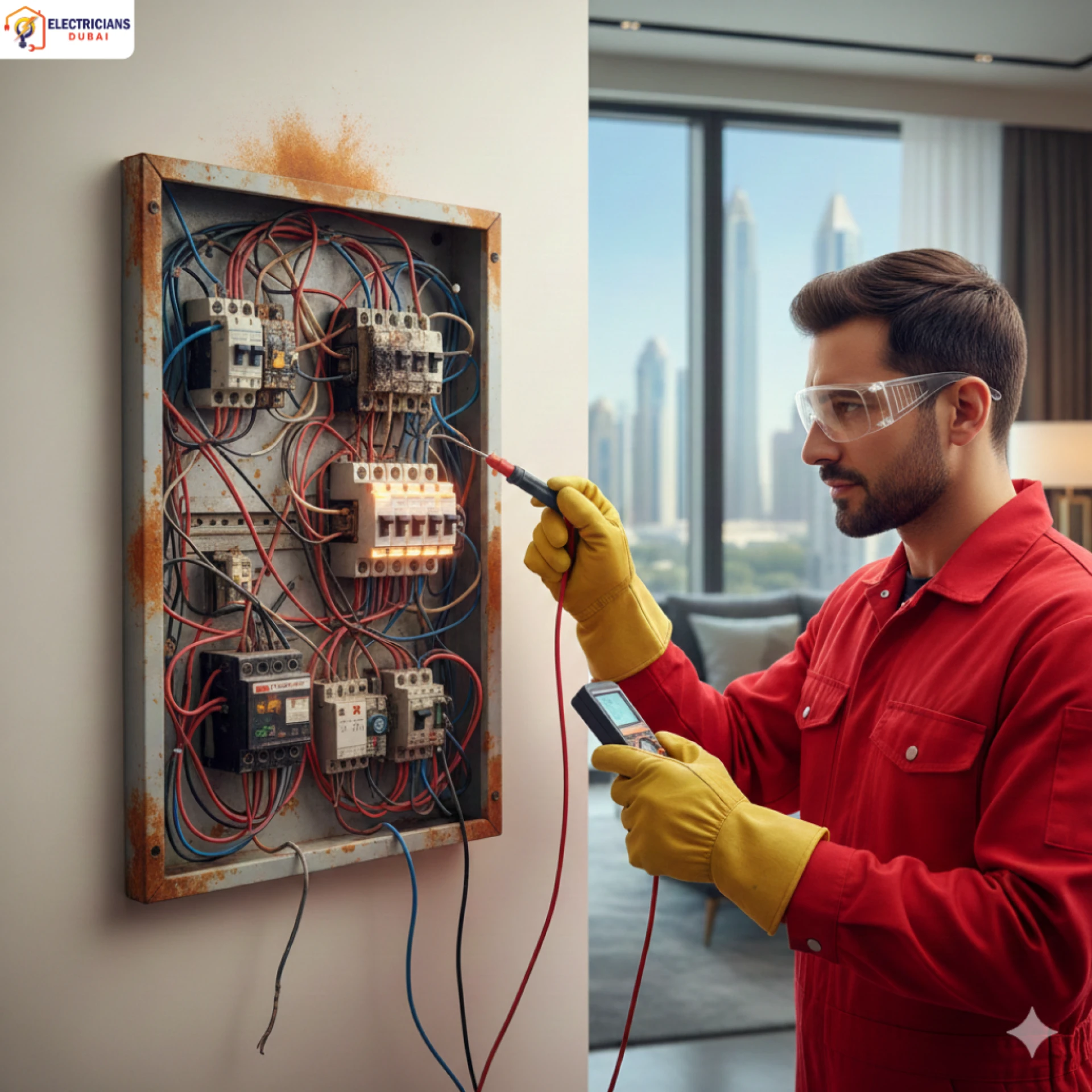
- Loose neutral connections need a licensed electrician, not a guess
- Flickering plus disconnects usually means wiring, not the app
- Rewiring a smart switch without proper training? Not worth the risk
Keep Firmware Current
- Turn on automatic updates inside the app
- Still, check manually every few months as a backup
- Restart the switch after each update to confirm it took
Ease Network Congestion
- Disconnect devices that aren't in use
- Upgrade to a router built for multiple smart devices
- A dedicated IoT band keeps switches from competing with everything else
Real Scenario: A Dubai Marina Apartment
A resident in Dubai Marina kept losing connection to switches every evening — same time, same rooms. Inspection found the router tucked inside a media cabinet, blocking the signal to the far bedroom. One switch also had no neutral wire connected. For issues like this, a professional Electrician Dubai can inspect both the wiring and Wi-Fi setup to find the real cause. Relocating the router and running proper wiring fixed the issue. If you’re searching for an Electrician Near Me, we can help identify and fix smart switch problems properly. No more manual toggling. No more app errors. Just a system that works the way it should.
When to Call a Professional Electrician
- Disconnects continuing despite strong Wi-Fi? That's a wiring issue, not a network one.
- Flickering lights, warm switch plates, or buzzing sounds need attention now
- DIY wiring fixes risk damaging the switch — and the system behind it
- A licensed electrician can test voltage, wiring, and neutral connections safely
FAQs
1. Why does my smart switch keep disconnecting from Wi-Fi?
Usually weak signal, router distance, or too many devices competing for bandwidth. Moving the router closer often helps immediately.
2. Can bad wiring cause a smart switch to go offline?
Yes, often. A missing or loose neutral wire connection is a common cause, especially in retrofitted properties.
3. Do smart switches really need regular firmware updates?
Yes. Outdated firmware loses sync with the app more often than people realize. Automatic updates prevent most of these issues.
4. Is it safe to fix smart switch wiring on your own?
No. Wiring problems should always go to a licensed electrician. It's not worth the safety risk or potential damage.
5. How does Electricians Dubai help with smart switch issues?
Our team checks wiring, tests voltage, and confirms proper neutral connections — handling both the electrical and connectivity side in one visit.
Conclusion
Smart switches dropping offline isn't just an inconvenience. It's often a sign of something deeper — wiring, power, or network-related — that needs real attention, not another reset. As Electrician Dubai, we help homes and businesses across the city get smart switches working reliably again, for good. Looking for an Electrician Near Me who actually understands both the wiring and the technology behind it? Reach out to Electricians Dubai and get it sorted properly.



























Sign in to leave a comment.