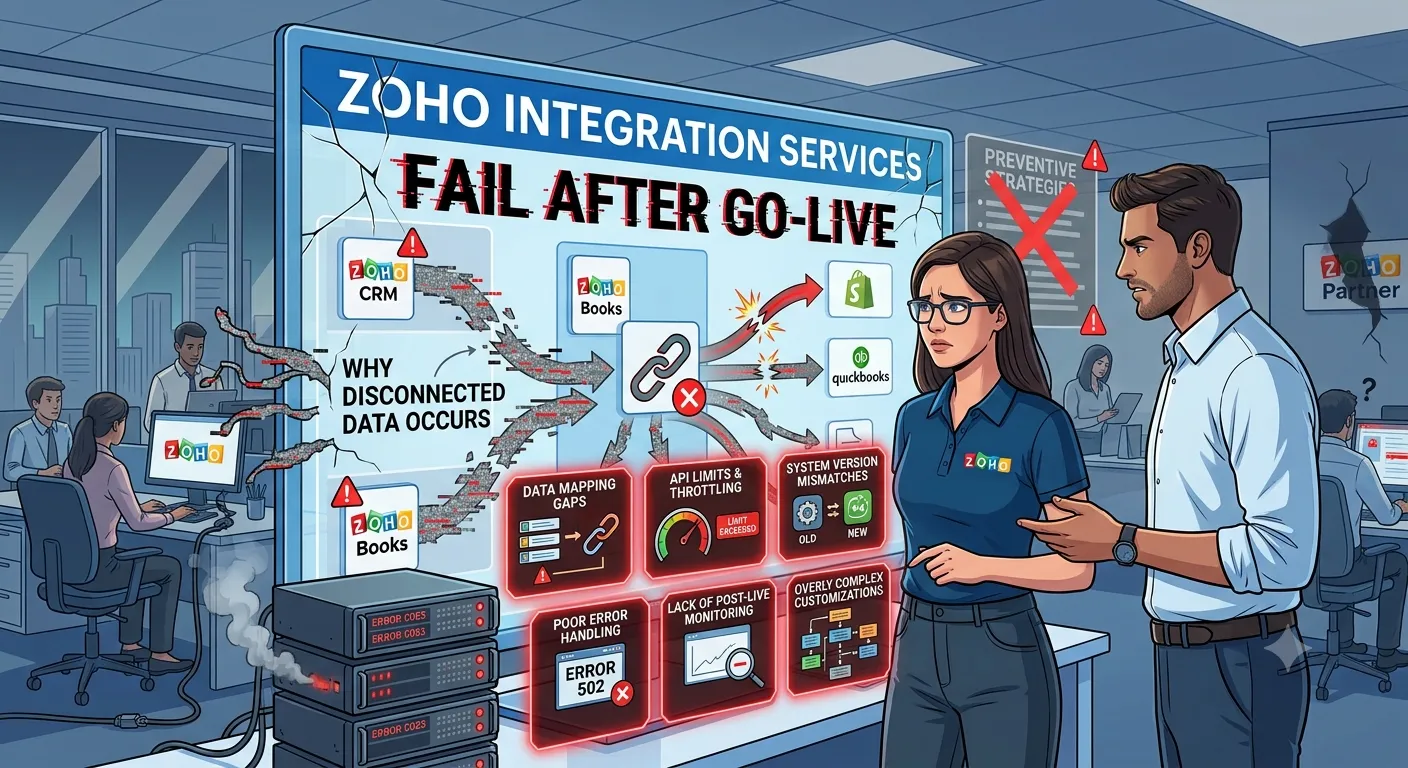

A Zoho integration can work perfectly during testing and still create operational problems weeks later. The usual trigger is not a broken API. It is unclear ownership of customer, order, product, or financial data.
This affects CTOs, founders, and operations leaders when Zoho CRM must exchange data with ERP, accounting, ecommerce, payment, or custom applications. The risk increases when multiple systems can update the same record.
That is why Zoho Integration Services should start with data ownership and workflow rules, not connector selection. Zoho supports APIs, OAuth 2.0 connectors, webhooks, and application-level integrations.
Our approach is to map the business event first, then decide which system owns each record. This is also how how Zoho Integration Services work in enterprise systems should be evaluated.
Why Zoho Integrations Keep Breaking After Launch
The first warning sign is usually a small mismatch. A customer changes an address in one system, while another system keeps the old value.
That problem becomes expensive when the integration has no clear source of truth. Zoho's own documentation shows that integrations require decisions around field mapping, duplicate handling, sync direction, and sync frequency.
Data quality makes this harder. Gartner reported in 2024 that 59% of organizations did not measure data quality. Gartner also identified inconsistent data across sources as a major data quality challenge.
The pattern we see is straightforward: companies often test whether records can move, but not whether business rules remain correct when records change.
A Better Framework for Zoho Integration Services
That data ownership problem points to a different design sequence. Instead of starting with the connector, we start with the event, ownership, validation, and recovery path.
1. Define the system of record
Every important object needs an owner.
For example, Zoho CRM might own leads and opportunities. An ERP might own inventory and financial transactions. An ecommerce platform might own checkout events.
This prevents two systems from continuously overwriting each other.
2. Design for data quality before synchronization
The second question is not whether two systems can exchange records. It is whether they can exchange the right records consistently.
IBM reported in 2026 that 43% of chief operations officers identified data quality as their most significant data priority. IBM also reported that more than one-quarter of organizations estimated annual losses above $5 million from poor data quality.
That makes validation, deduplication, required fields, and reconciliation part of the integration itself.
3. Decide where custom logic belongs
Simple field synchronization may fit a native connector or Zoho Flow. Complex pricing, inventory, approval, or multi-system workflows may require APIs or middleware.
McKinsey reported in 2024 that 70% of top-performing organizations surveyed had experienced difficulty integrating data into AI models. The underlying issues included data quality and governance.
The same principle applies to operational integrations. More connections do not automatically create better architecture.
What We Learned from a Real Implementation
That distinction between simple synchronization and business logic became important in our work with Champion Cash Loans.
The client needed its PHP website, Zoho CRM, and vehicle pricing system to work as one lead workflow. We connected website lead capture to Zoho CRM and built a Java-based pricing API that enriched new lead records with dynamic vehicle pricing data.
The architecture used a Zoho CRM custom function to trigger the pricing API. We built the pricing service with Java and Spring Boot, then deployed the solution on AWS using Docker.
The measurable implementation scope was a three-system workflow rather than a standalone CRM connection. The public case study does not disclose a percentage or time-saving figure, so we do not invent one.
The important lesson was architectural. The integration had to preserve the sequence from lead creation to pricing enrichment. Connecting the systems was only one part of the work.
Oodles approaches Zoho implementations around those workflow dependencies rather than treating integration as isolated API work.
Key Takeaways
- Define the system of record before designing synchronization.
- Map business events instead of only mapping database fields.
- Treat duplicate detection and validation as core integration logic.
- Choose native connectors for simple flows and custom APIs for complex rules.
- Design failure handling, logging, and reconciliation before production launch.
- Measure operational outcomes instead of stopping at successful API responses.
If your systems are connected but teams still reconcile records manually, discuss your workflow with us through Zoho Integration Services.
FAQ
What are Zoho Integration Services?
Zoho Integration Services connect Zoho applications with other business systems through APIs, connectors, webhooks, middleware, or automation tools. The objective is ongoing data exchange that follows defined business rules, rather than simply moving records between applications.
Which systems can Zoho integrate with?
Zoho can connect with other Zoho applications and third-party systems through available integrations, APIs, and connectors. Common examples include ERP platforms, ecommerce applications, payment systems, accounting software, communication tools, and custom business applications.
When should a business use custom Zoho integration?
Custom integration becomes relevant when standard connectors cannot represent the required business logic. Examples include complex pricing rules, custom objects, multi-step workflows, specialized authentication, advanced validation, or synchronization across several external systems.
How do you prevent duplicate data during integration?
Start by defining unique identifiers and ownership for each record type. Then apply validation and deduplication rules before synchronization. Zoho's ERP integration documentation, for example, provides explicit options for handling duplicate customers, vendors, and items.
How do Zoho Integration Services support enterprise workflows?
Zoho Integration Services can connect CRM, finance, inventory, ecommerce, and custom applications into defined business processes. Enterprise architecture should also include authentication, field mapping, error handling, logging, reconciliation, and clear ownership of shared data.






















Sign in to leave a comment.