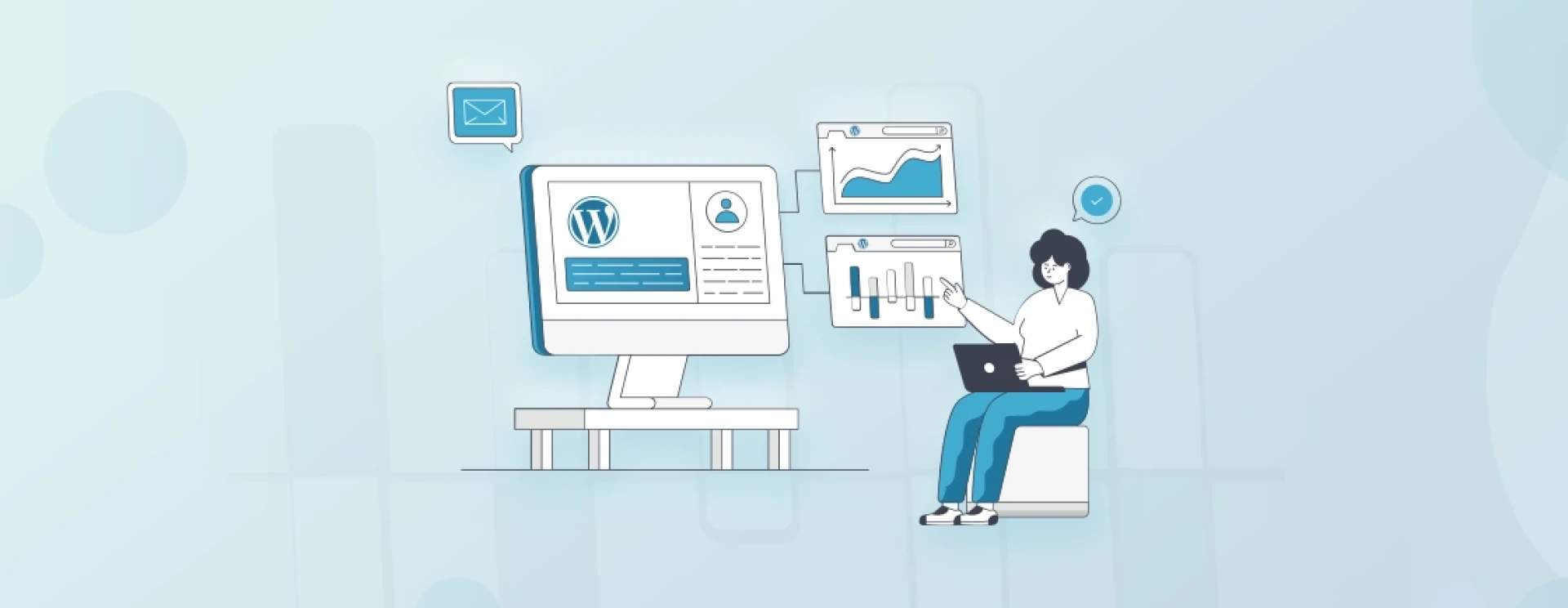

If you're looking to manage multiple websites efficiently, WordPress Multisite is the answer you've longed for. This powerful tool allows you to host multiple websites from a single WordPress installation, saving you considerable time and effort. In this comprehensive guide, we will walk you through the ins and outs of WordPress Multisite development, empowering you to harness its full potential.
Setting Up WordPress Multisite
Before diving into WordPress Multisite, setting up your base WordPress installation is vital. Ensure you have a reliable hosting provider that supports Multisite and a domain name at the ready. Once you have installed WordPress, you can enable Multisite by adding a few lines of code to your `wp-config.php` file. Fear not; ample documentation is available to guide you through this process.
Understanding Network Architecture
When you activate Multisite, a network of websites is created, with one website acting as the leading site – often referred to as the "network admin" or "super admin." This prominent site houses the central dashboard where you can manage all aspects of your network. However, each website within the network gets its features and content, making it a standalone entity.
Managing Websites on Multisite
Once your network is set up, managing individual websites becomes a breeze. You can easily add new websites, assign unique domain names, and modify settings such as themes, plugins, and user roles. With a robust Multisite framework, you can effectively manage updates and control user access across multiple websites from a single interface. This centralized approach significantly streamlines administrative tasks, especially for agencies and businesses with expansive online portfolios.
Plugins and Themes for Multisite
One of the significant advantages of WordPress Multisite is the ability to share plugins and themes across multiple websites. Choose wisely when selecting plugins for your network, opting for those Multisite compatible. These plugins can be activated network-wide or on specific websites per your requirements.
Similarly, themes designed for Multisite enable you to maintain a consistent look and feel across your network while allowing individual websites to add a touch of uniqueness.
Considerations for Development
It's essential to keep scalability and security in mind when it comes to Multisite development. Since you're managing multiple websites from a single installation, ensuring each website is isolated and secured from potential vulnerabilities is crucial. Regular backups and updates are necessary to maintain the health and performance of your entire network. Additionally, be mindful of potential performance implications, as heavy resource utilization on one website could impact the others.
Expanding Your Network with User Registration
Adding user registration to your Multisite network creates new dimensions for community-based platforms, e-learning portals, or content collaboration sites. Enabling user registration allows individuals to create their websites within your network, complete with their custom domains. This feature enhances user engagement and empowers content creators while you retain complete control over your network's operations.
Conclusion
WordPress Multisite development offers a comprehensive solution for managing multiple websites under one roof. Its flexibility, scalability, and ease of use make it a fantastic choice for agencies, educational institutions, online communities, and businesses with multiple brands.
With the knowledge gained from this guide, you can confidently dive into WordPress Multisite development, leverage its full potential, and create an impressive online presence that grows along with your ambitions.
So, what are you waiting for? Unleash the power of WordPress Multisite and watch your online empire thrive!































Sign in to leave a comment.