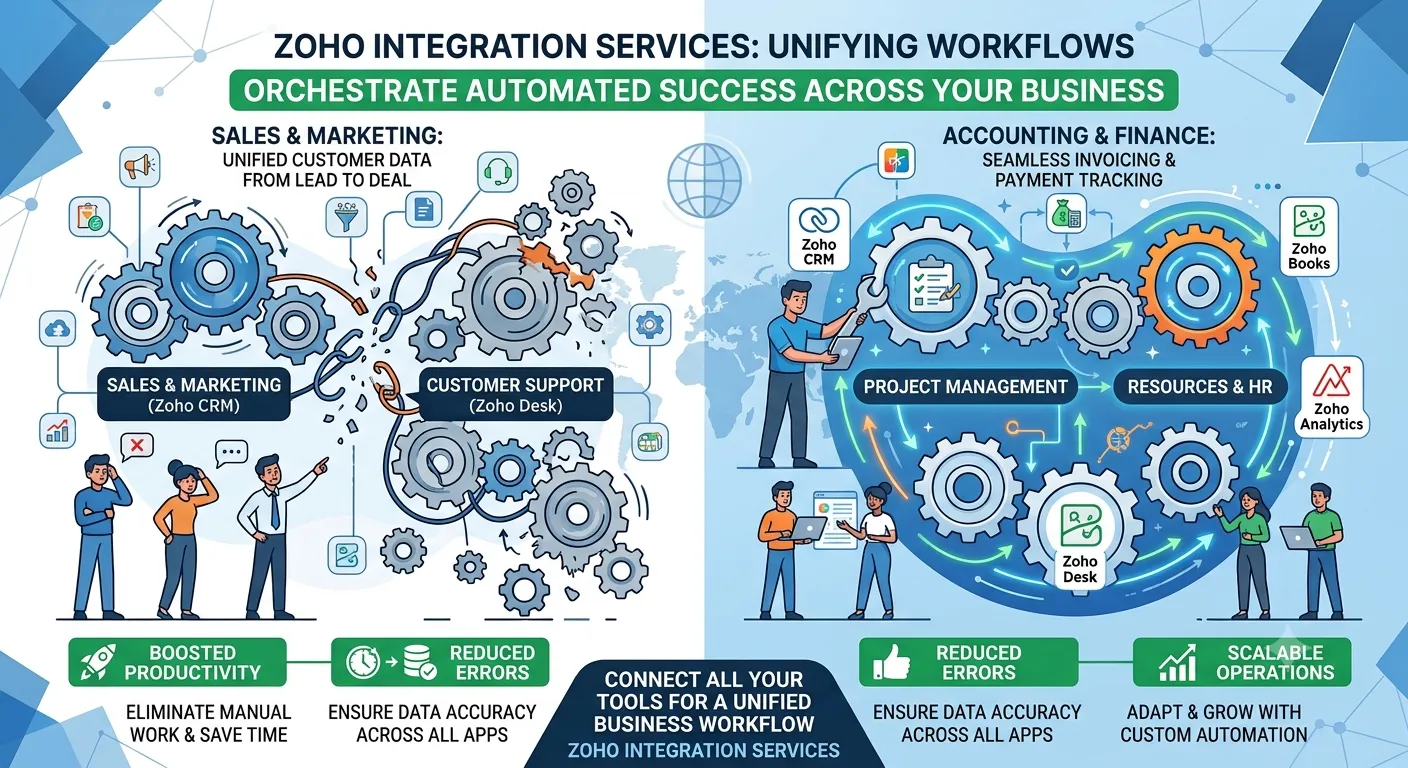

A sales team updates a deal, finance waits for an invoice, and operations still checks a spreadsheet. The systems are connected, but the workflow remains manual.
This is where Zoho Integration Services need a business-first design. The goal is not simply moving records between applications. The goal is deciding what should happen, when it should happen, and who owns the next action.
CTOs and operations leaders usually inherit this problem after adding CRM, finance, HR, support, or inventory tools at different stages. Each application works independently, but the handoffs create duplicate data, manual checks, and unclear ownership.
Our approach starts with the workflow rather than the application. We map triggers, data ownership, validation rules, exceptions, and downstream actions before selecting the integration method.
This approach also explains how Zoho Integration Services work in enterprise systems. The integration becomes part of the operating model instead of another technical layer.
Why Workflow Integration Keeps Breaking
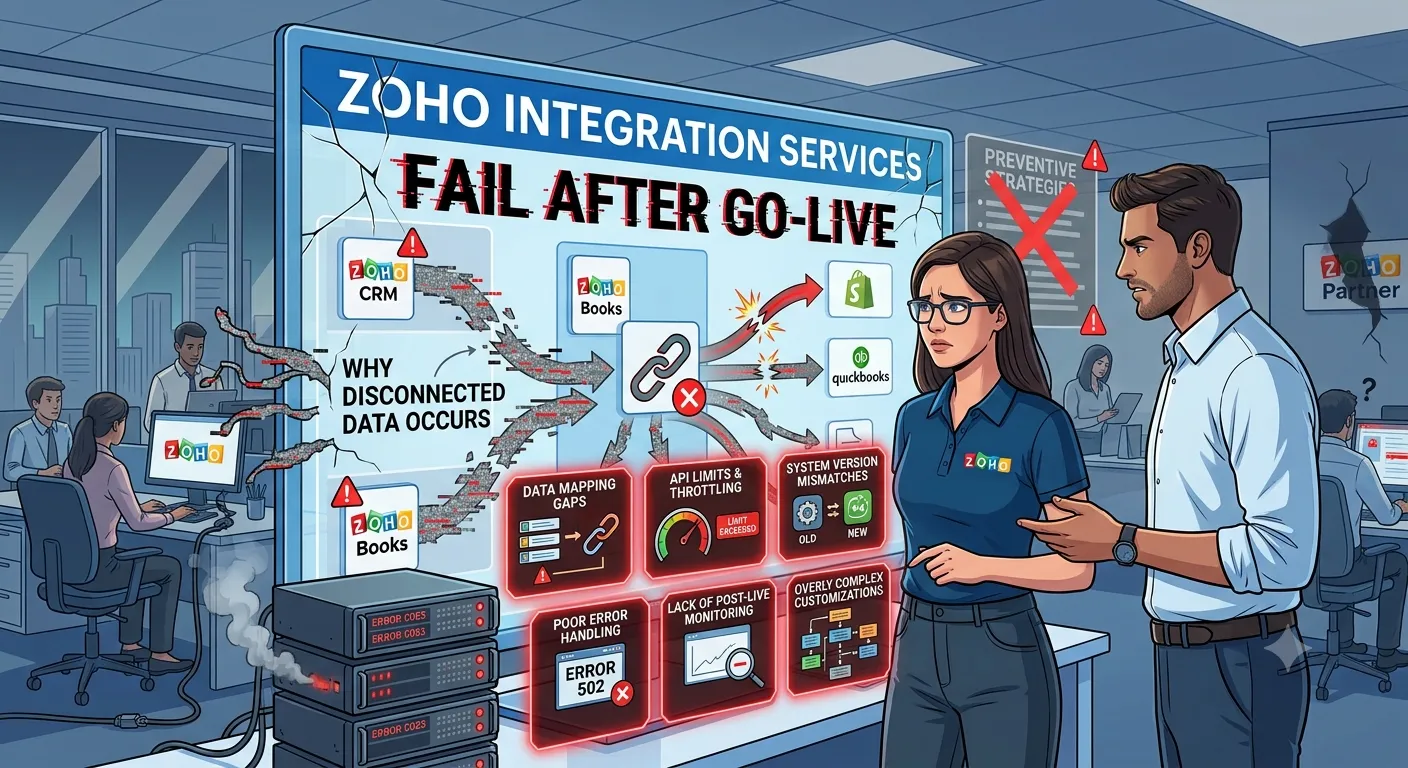
The common failure is not always an API problem. It is often an undefined business rule.
For example, a CRM may create a customer before finance approves the account. If the integration immediately creates an invoice record, downstream teams inherit incomplete information.
Gartner reported in 2024 that only 48% of enterprise digital initiatives met or exceeded their business outcome targets. The survey covered more than 3,100 CIOs and technology executives.
That gap matters because integration projects can technically succeed while operationally underperforming. A record can move successfully between systems and still create the wrong business action.
Another overlooked issue is ownership. Gartner reported that 82% of organizations in its 2024 API Strategy Survey used APIs internally, while 71% used APIs provided by third-party SaaS vendors.
More connections therefore do not automatically create better processes. They increase the need for clear data ownership and integration governance.
A Business-First Zoho Integration Framework
1. Map the decision before the data
We first document the business event that starts the workflow.
A new lead, approved quote, employee joining, payment confirmation, or support escalation can become a trigger. We then define the required data and the system responsible for each field.
This prevents a common problem: two applications becoming competing sources of truth.
2. Design the exception path
A successful workflow needs more than its happy path.
We define what happens when a customer already exists, a required field is missing, an API fails, or an approval is rejected. These conditions determine whether the process needs retries, notifications, manual review, or rollback logic.
This becomes particularly important for Zoho HR Automation Solutions. Employee onboarding can involve identity data, documents, approvals, access controls, and notifications across several applications.
McKinsey found that 61% of respondents in its automation research said their organizations had met their automation targets. The research also identified broader organizational scope as a factor associated with automation success.
The practical lesson is straightforward: automate the complete workflow, not only the easiest step.
3. Choose the integration mechanism around risk
Not every workflow needs the same architecture.
For simple synchronization, Zoho Flow or native automation may be sufficient. For specialized logic, Deluge functions can handle business rules within the Zoho ecosystem.
For external applications, we may use REST APIs, webhooks, or a custom middleware layer. The decision depends on transaction volume, latency, security, failure recovery, and the complexity of the business rules.
We also consider observability. An integration that cannot explain why a record failed becomes an operational liability.
What We Learned from a Real Implementation
One Oodles implementation involved Champion Cash Loans, a US-based vehicle title loan platform. The client needed its PHP website, Zoho CRM, and vehicle pricing system to work as one lead-processing workflow.
We designed a three-system flow. The website captured the lead and pushed it into Zoho CRM. A Zoho CRM custom function then triggered a Java application to retrieve vehicle pricing.
We built the pricing service with Spring Boot and deployed it on AWS using Docker. The resulting workflow connected lead capture, CRM creation, and real-time pricing within one automated sequence.
The public project record does not disclose a time-saving or cost-reduction figure. We therefore use the documented architectural outcome instead of assigning an unsupported percentage.
This implementation also illustrates why business-first planning matters. The integration was not designed as a generic CRM connection. It was designed around the exact sequence required by the sales workflow.
For similar projects, Oodles applies the same principle across CRM, finance, inventory, HR, and custom business applications.
Key Takeaways
- Start Zoho Integration Services with business events, not API endpoints.
- Define the system of record for every important business object.
- Design failure, retry, approval, and manual-review paths before development.
- Select Zoho Flow, Deluge, APIs, webhooks, or middleware based on workflow risk.
- Treat monitoring and error visibility as part of the integration design.
- Measure the operational outcome instead of counting integrations completed.
If you are evaluating Zoho Integration Services around a complex workflow, we can discuss the process, systems, and integration boundaries with your team.
FAQ
What are Zoho Integration Services?
Zoho Integration Services connect Zoho applications with other business systems through native connectors, Zoho Flow, Deluge, APIs, webhooks, or middleware. The objective is to automate business workflows while maintaining data consistency, ownership, validation, and controlled exception handling.
Which Zoho applications can be integrated?
Common integrations include Zoho CRM, Books, Inventory, People, Creator, Analytics, Forms, and Flow. External systems can also connect through REST APIs and webhooks. The appropriate architecture depends on data volume, business rules, security requirements, and how frequently information must synchronize.
How do Zoho Integration Services improve HR workflows?
They can connect employee onboarding, approvals, documents, notifications, and workforce records across applications. For example, an approved employee record can trigger downstream actions while validation rules prevent incomplete information from reaching dependent systems.
Should we use Zoho Flow or custom APIs?
Zoho Flow can suit straightforward application-to-application workflows. Custom APIs become more appropriate when integrations require specialized business logic, external services, complex transformations, authentication controls, or custom failure handling. Many enterprise workflows use both approaches within the same architecture.
How should a company start a Zoho integration project?
Start by mapping the current workflow and identifying triggers, data owners, dependencies, exceptions, and manual handoffs. Then define the target workflow and choose the integration mechanism. This prevents technical integration work from solving the wrong operational problem.

























Sign in to leave a comment.