
Microsoft Dynamics 365 Business Central is a powerful ERP system, but it becomes truly transformative when connected with the other tools your business relies on daily. Integrating it with e-commerce platforms, CRMs, HR tools, and more can help your team save time, reduce manual work, and make smarter decisions faster. In this article, we'll walk you through the five most common integrations for Dynamics 365 Business Central and why they matter for your business.
Why Integrate Microsoft Dynamics 365 Business Central?
Growing Need for Integration in Modern Businesses
Today's business environments are more connected than ever. Whether you're selling online, managing a remote workforce, or tracking customer data, your business tools must work in harmony. That's why companies are turning to integration — so that data flows automatically, processes are more efficient, and teams aren't buried under manual tasks.
Key Benefits of Seamless System Connectivity
When your systems are integrated with Business Central, you reduce double data entry, minimize human errors, and speed up workflows. It also improves visibility across departments — from sales to finance to fulfilment — making your operations smoother and brighter.
1. Business Central + E-commerce Platforms
Shopify, BigCommerce, Magento: What's Common?
E-commerce businesses using platforms such as Shopify, BigCommerce, or Magento often struggle to sync data between their storefronts and ERPs effectively - from orders, inventory updates and shipping details needing to sync seamlessly, to stock levels needing updating regularly - this must all happen seamlessly for maximum business growth and efficiency.
Benefits for Order Management and Inventory Sync
When you integrate Business Central with your e-commerce platform, all your online sales data flows straight into your ERP system — automatically. That means real-time inventory updates, faster order fulfilment, and fewer customer service headaches. It also helps avoid overselling or stockouts.
2. Business Central + CRM Systems
Dynamics 365 CRM and Salesforce
Sales and customer relationships are key to business growth. CRMs like Dynamics 365 Sales or Salesforce help your teams track leads, opportunities, and customer activity. But if this data sits in a silo, it loses value.
Why Sales and Finance Teams Work Better Together
By integrating your CRM with Business Central, your sales team gets better insight into customer credit limits, past purchases, and billing info — without bugging the finance team. And finance gets accurate sales forecasts and customer payment behavior — all in real time.
3. Business Central + EDI Integration
Automating Document Exchange Across Partners
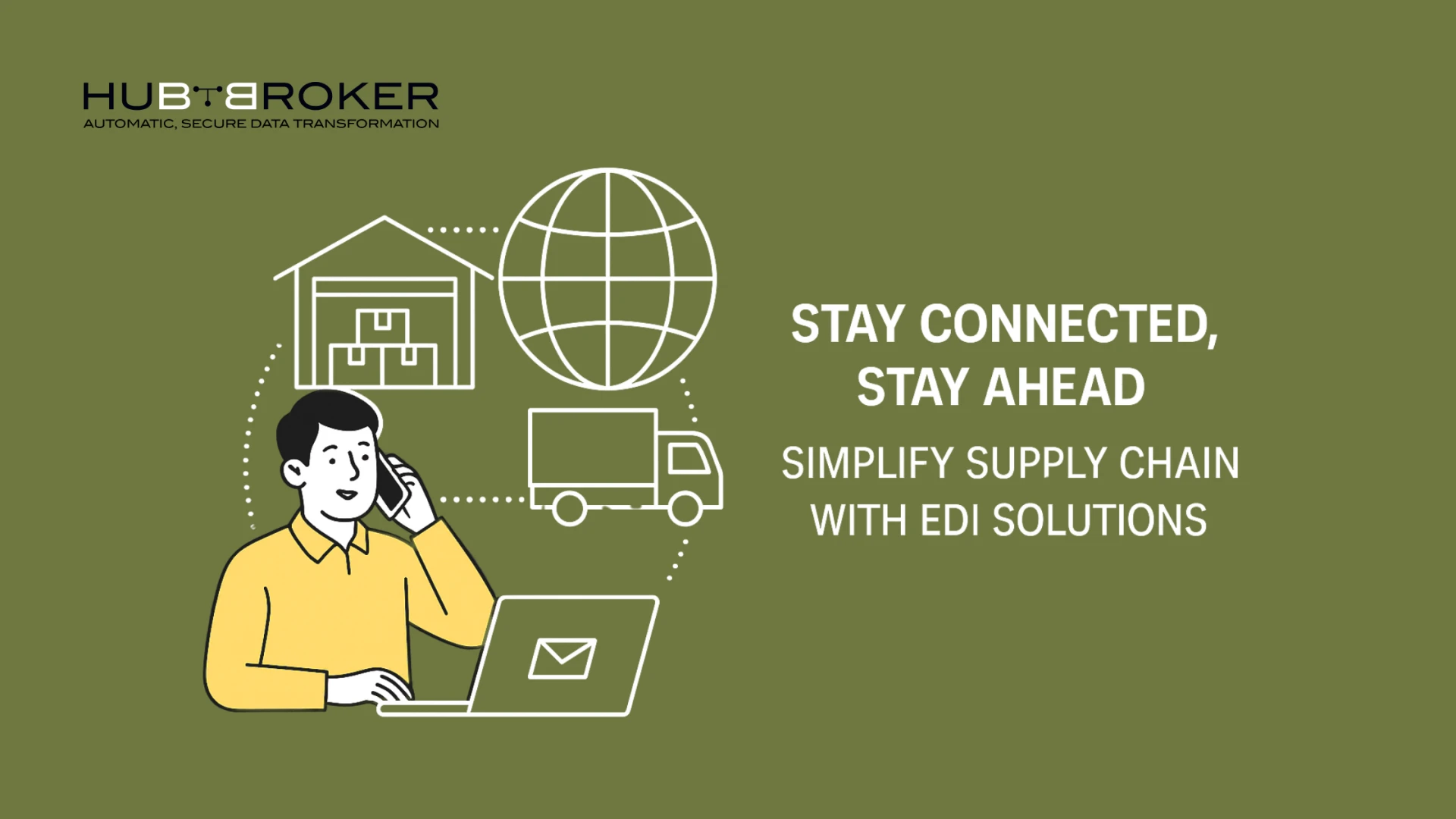
Manual entry of invoices, purchase orders or shipping notifications can be time-consuming and error-prone; using Electronic Data Interchange (EDI) integration automates these B2B communications between suppliers, vendors or large box retailers and their buyers or clients.
Popular Use Cases: Retailers, Wholesalers, Distributors
If you're working with major players like Amazon, Walmart, or regional distributors, EDI becomes essential. A Dynamics 365 Business Central integration with EDI ensures that every document is transmitted and processed without human error — saving hours of work and avoiding costly mistakes.
4. Business Central + Payroll & HR Systems
Connecting with ADP, Paychex, or BambooHR
Handling payroll and HR data manually is fraught with potential errors and compliance problems, creating opportunities for errors and compliance issues. By connecting systems like ADP, Paychex or BambooHR with Business Central, you create a safe, real-time connection between financial and workforce data.
Ensuring Compliance and Employee Data Accuracy
From time tracking to payroll processing to tax reporting, integration keeps everything in sync. It reduces administrative work and ensures employees get paid accurately and on time — while HR and finance stay compliant with local regulations.
5. Business Central + BI & Reporting Tools
Integration with Power BI and Third-Party Tools
Business intelligence is no longer optional — it's a must. Tools like Power BI or third-party reporting solutions help convert raw data into visual, actionable insights.
Real-Time Visibility for Smarter Decisions
By connecting Business Central to BI tools, you gain dashboards that display real-time sales, inventory, and cash flow information for quicker decision-making without waiting for end-of-month reports or manual updates.
How to Choose the Right Integrations for Your Business
Evaluate Business Goals and Bottlenecks
Start by identifying where your most significant pain points are. Is it in order processing? Payroll? Customer management? Once you know your priorities, choosing the proper integration becomes much easier.
Partner with Integration Experts Like HubBroker
Integration should never be treated like an assembly-line job; therefore, working with experienced solution providers such as HubBroker ensures your systems will connect safely and seamlessly, leaving your team to focus on growing the business instead of trying to connect systems on its own.
Final Thoughts
Integration between Microsoft Dynamics 365 Business Central and other systems can unlock significant efficiency and productivity gains, from e-commerce, CRM, HR, and EDI or reporting tools, whether they be for e-commerce, CRM, HR, to reduce manual work while helping your team move faster with confidence. In today's fast-paced business world, integration isn't simply optional- it is vital!



























Sign in to leave a comment.