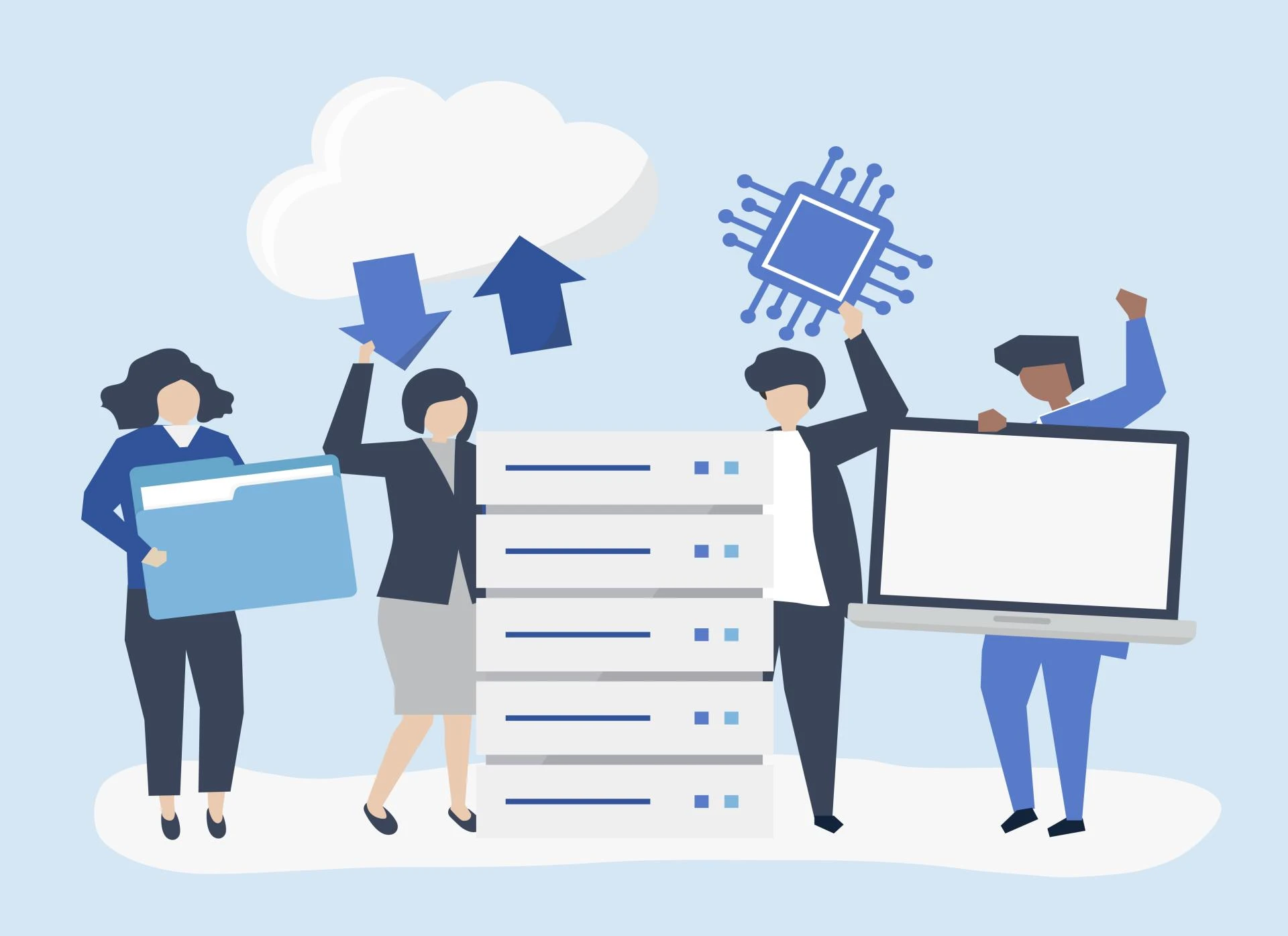

7 commonly asked Data Archiving questions
Question 1: What is SAP data archiving?
Answer: SAP data archiving is a systematic approach that helps businesses with their overall data growth management. It is a secure process, allowing long-term data storage and retention and providing organisations with a secured location for storing critical data. The data archived in the secondary storage are often required during audits. Moreover, data archiving optimises system performance, ensuring efficient use of the database resources within the IT environment. From streamlined implementation of the process to quick troubleshooting, archiving is your go-to method for managing the ever-increasing data.
Now that you have learned about the process let's look at some other SAP data archiving FAQs.
Question 2: Is there any particular technology used for data archiving?
Answer: While data archiving helps strike a balance between retaining the most important historical data and maintaining a lean, highly performing IT landscape, there are technologies that support the process. In the context of SAP, the technology used for archiving data is the Archive Development Kit along with Archive Administration (transaction SARA). However, in the non-SAP context, there are other technologies, like Intermediate Archive implementation, which can be used to support the data archiving process.
Question 3: What are the types of archiving?
Answer: This SAP data archiving FAQ is possibly the most interesting one; there are three major types of archiving. They are – data archiving, document archiving, and fiscal archiving.
Data archiving: This type of archiving is undertaken for structured data, meaning that you move your inactive or closed business data from the live system to a secondary storage. With data archiving, you have to set a process and strategy to reduce manual efforts and errors. Moreover, you also have to ensure compliance with the legal data retention requirements.
Document archiving: This type of archiving is used for unstructured data. Here, sales invoices, PDFs, word files, excel spreadsheets, and so on are archived. Document archiving happens in real-time and can be stored on any content server. However, you have to ensure that the link is kept active from the content server to your SAP systems for accessing the archived documents.
Fiscal archiving: One of the lesser known yet important types of archiving is fiscal archiving. In this, you have to regularly freeze the data, i.e. it is kept in a frozen state for a defined period of time by archiving them. Fiscal archiving helps ensure the quality of your audit report by enabling the consistency of your original data.
Question 4: What is the difference between data archiving and data destruction?
Answer: Yet another common SAP data archiving FAQ is the difference between data archiving and data destruction. Let's see the difference:
With data archiving, you can reduce the size of your SAP database while keeping its growth optimised and minimum. On the other hand, data destruction using SAP ILM, is a standard method that helps destroy data for compliance with data privacy laws.
Data destruction helps with the consistent and secure deletion of old data that shouldn't exist in the system as per the compliance policies, whereas data archiving reduces memory growth when using an in-memory database such as HANA.
Question 5: Why is data archiving necessary in SAP systems?
Here are some of the main reasons why archiving is important:
- Helps with overall cost reduction – from operations to maintenance, and more.
- Leverage a reduced total cost of SAP ownership.
- Ensure data privacy and compliance with its laws globally.
- Improves system performance.
- Allows you to achieve higher sustainability goals.
What is more interesting is that these reasons for data archiving are not limited to the production environment, but also to the non-production systems. The non-production systems are the ones that need regular refreshing from the production for project and support purposes.
Question 6: What are the top benefits of SAP data archiving?
Answer: This is yet another common SAP data archiving FAQ. It is interesting to note that there are numerous benefits that data archiving offers to organisations; however, if you have to list down the top ones, enabling the right-sized move to an upgraded system, reduced migration times, and quicker disaster recovery and business continuity are a few of them.
Question 7: How does data archiving offer quick troubleshooting in case of any system issues?
Answer: Not troubleshooting by definition, but archiving does help in improving disaster recovery and business continuity. How? Well, with the reduced size of the database and optimised system performance, the ability to bounce back in the event of system failure becomes much quicker. Businesses can backup and restore their data easily while minimising data loss and reducing downtime. This ability of quick troubleshooting is possibly data archiving's top feature.
Conclusion
These are some of the most sought-after SAP data archiving FAQs to help you understand the complexities of managing data in your business system. By finding the answers to these common questions, organisations can better understand the importance of archiving inactive data, improving system performance, reducing costs, and ensuring compliance with regulatory standards.
While learning the basics is a great starting point, having the right partner by your side can make all the difference in streamlining the process. A trusted partner can help you design and implement an archiving strategy tailored to your specific needs, ensuring a smooth transition of inactive data to secondary storage while maintaining accessibility and data integrity.
































Sign in to leave a comment.