

Hardware degrades. Cryptographic malware evolves. Human error remains a statistical certainty. System administrators and tech enthusiasts alike understand that data loss is not a hypothetical scenario; it is an inevitable system event waiting to execute. When a primary storage array fails or a localized disaster strikes, the difference between a minor operational hiccup and catastrophic data loss relies entirely on the architecture of your backup solution.
Deploying a resilient data retention strategy requires more than occasionally copying directories to a secondary drive. It necessitates a systematic approach to redundancy, security, and recovery protocols. A compromised system without a verified restoration path translates directly to lost operational time and compromised project integrity.
This guide breaks down the structural components of modern backup architectures. By evaluating local and cloud-based frameworks, you will learn how to configure a deployment that mitigates risk, ensures rapid recovery, and secures your infrastructure against unforeseen system failures.
Types of Backup Solutions
Constructing a robust backup appliance environment usually involves evaluating two primary vectors: localized hardware and remote cloud infrastructure. Each presents specific operational advantages and structural vulnerabilities.
Local Backups: External Drives and NAS
Local storage involves maintaining physical hardware, such as external solid-state drives (SSDs) or Network Attached Storage (NAS) configurations, within your immediate network topology.
Pros: Localized hardware delivers superior read/write speeds, significantly reducing network bottlenecks during large data transfers. Furthermore, maintaining physical custody of your storage arrays provides total administrative control over the data lifecycle.
Cons: The primary vulnerability of local hardware is physical susceptibility. A localized event, such as an electrical surge, hardware degradation, or environmental damage, can easily compromise both the primary machine and the backup array simultaneously. Additionally, scaling a local server rack or NAS enclosure requires periodic hardware investments.
Cloud Backups
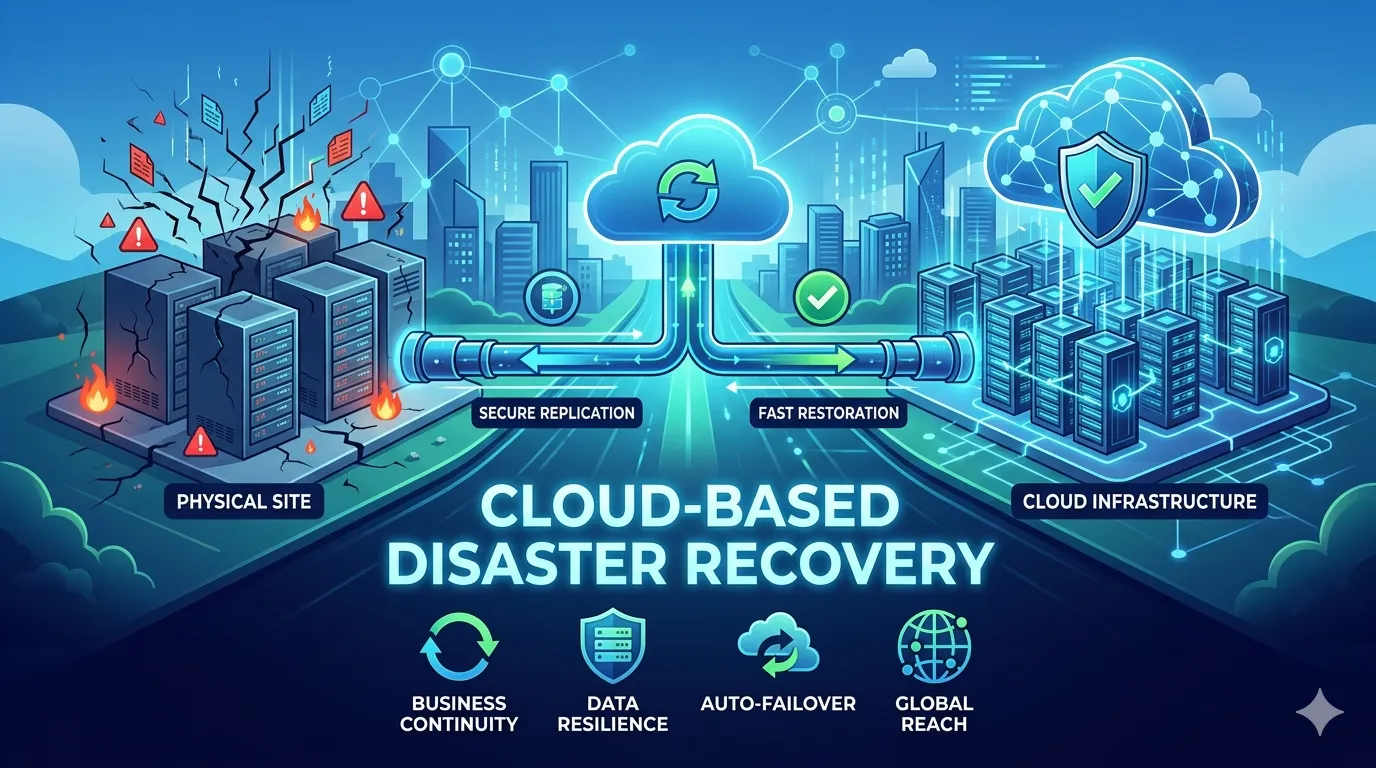
Cloud backup services route your encrypted data to off-site data centers. Backup solutions range from consumer-grade sync services like Google Drive and Dropbox to dedicated, enterprise-grade backup infrastructures like AWS S3 or Backblaze B2.
Pros: Cloud environments offer inherent geographic redundancy, isolating your data from localized hardware failures. They also provide linear scalability; expanding storage capacity is a simple matter of upgrading a subscription tier rather than provisioning new physical drives.
Cons: Remote backups introduce a strict dependency on network bandwidth. High-latency or throttled connections will drastically increase your Recovery Time Objective (RTO). Furthermore, maintaining cloud infrastructure shifts your expenditure model to an ongoing operational cost (subscription fees).
Choosing the Right Backup Solution
Selecting the optimal framework requires mapping your specific technical requirements against available resource constraints.
Assess Your Operational Needs
Before provisioning storage, calculate your total data volume and anticipated growth rate. Evaluate your budget parameters to balance initial hardware capital against ongoing cloud subscription costs. Most importantly, define your recovery speed requirements. If your workflow demands immediate restoration of terabytes of data, prioritizing local NAS architecture over network-dependent cloud pulls is essential.
Implement the 3-2-1 Backup Rule
Industry professionals rely on the 3-2-1 backup methodology as the foundational standard for data redundancy. This rule mandates maintaining three total copies of your data. Two of those copies should be stored on different physical media formats (e.g., a local workstation internal drive and a local NAS). The final copy must be stored off-site, typically via a secure cloud repository, to insulate the system from geographic disasters.
Best Practices for Data Backup
Even the most sophisticated hardware requires strict administrative protocols to function reliably during a recovery event.
Automate Backups
Manual execution relies on human memory, introducing a critical point of failure. Configure backup daemons or cron jobs to execute automated data synchronization. Scripting these processes ensures your system captures delta changes continuously without requiring active user input.
Regularly Test Your Backups
A backup is only as reliable as its restoration process. Periodically simulate hardware failures to execute test restorations from your backup archives. Validating the integrity of the data ensures that your parity checks are functioning and that file corruption has not silently compromised your redundant arrays.
Encrypt Sensitive Data
Data stored at rest and transmitted across networks must be cryptographically secured. Implement AES-256 encryption protocols on both your local NAS drives and your cloud payloads. This ensures that even if physical drives are intercepted or network traffic is compromised, the underlying data remains inaccessible to unauthorized entities.
Secure Your Digital Infrastructure
Implementing a comprehensive backup architecture is a fundamental requirement for maintaining digital operational integrity. Failing to provision redundant storage leaves critical codebases, project files, and personal data exposed to inevitable hardware degradation and external threats.
Take immediate action to audit your current data retention protocols. Calculate your necessary storage volumes, deploy a local NAS or external array, and synchronize your critical directories with a secure cloud provider to satisfy the 3-2-1 rule.























Sign in to leave a comment.