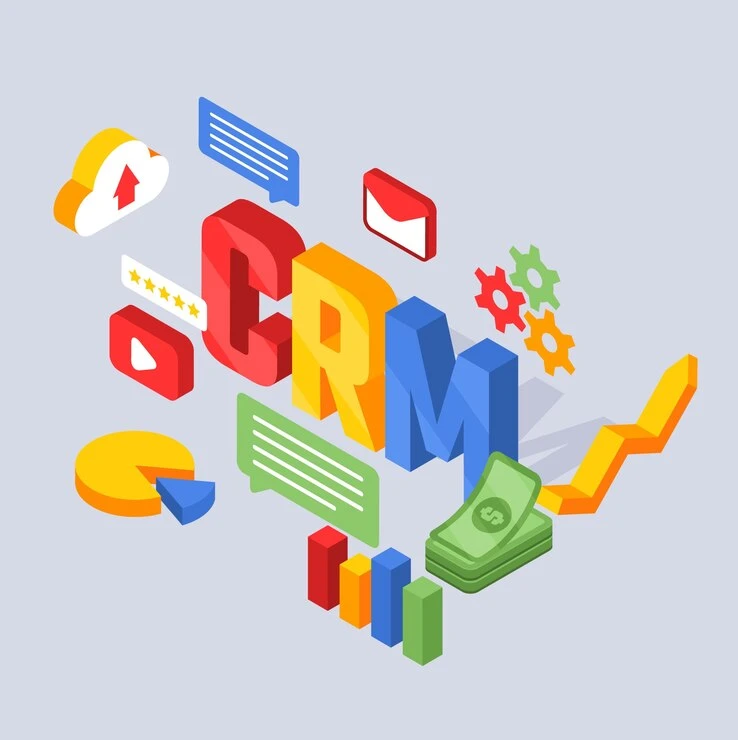
Customer Relationship Management (CRM) solutions have become a crucial tool for small businesses to streamline their operations, manage customer interactions, and drive growth. Whether you’re a startup or an established business, selecting the right CRM can enhance efficiency, boost sales, and improve customer satisfaction. This guide will explore the best CRM solutions for small businesses, their key features, and how a CRM development company can help customize solutions to meet specific business needs. Additionally, improving CRM with admin dashboards can provide deeper insights, streamline operations, and enhance data-driven decision-making, making CRM solutions even more effective for small businesses.
What is a CRM?
A Customer Relationship Management (CRM) system helps businesses organize customer information, track interactions, manage leads, and automate marketing and sales processes. CRMs enable businesses to build stronger relationships with customers and optimize operations for increased revenue.
Why Small Businesses Need a CRM
Small businesses face several challenges, such as limited resources, inefficient workflows, and the need for personalized customer interactions. A CRM system helps by:
- Centralizing customer data
- Automating repetitive tasks
- Enhancing customer engagement
- Improving sales and marketing efficiency
- Increasing revenue through better customer relationship management
Best CRM Solutions for Small Businesses
Here’s a look at the top CRM solutions that are ideal for small businesses:
1. HubSpot CRM
Best for: Startups and small businesses looking for a free, easy-to-use CRM.
- Key Features:Contact and deal management
- Email tracking and automation
- Sales pipeline tracking
- Integration with marketing tools
- Pricing: Free version available; paid plans start at $50/month.
2. Salesforce Essentials
Best for: Small businesses looking for a powerful and scalable CRM.
- Key Features:AI-powered sales insights
- Lead and opportunity tracking
- Workflow automation
- Mobile CRM access
- Pricing: Starts at $25/user/month.
3. Zoho CRM
Best for: Budget-conscious businesses looking for robust functionality.
- Key Features:Lead and contact management
- Workflow automation
- Sales forecasting
- AI-powered insights
- Pricing: Free for up to 3 users; paid plans start at $14/user/month.
4. Pipedrive
Best for: Small businesses focusing on sales pipeline management.
- Key Features:Visual sales pipeline
- Email tracking and automation
- Customizable workflows
- Integration with third-party apps
- Pricing: Starts at $12.50/user/month.
5. Freshsales by Freshworks
Best for: Businesses looking for AI-powered automation.
- Key Features:AI-driven deal insights
- Email and call tracking
- Sales automation
- Custom reports and analytics
- Pricing: Free plan available; paid plans start at $15/user/month.
6. Insightly
Best for: Small businesses needing project management features.
- Key Features:Lead and contact management
- Workflow automation
- Project management tools
- Integration with popular apps
- Pricing: Starts at $29/user/month.
7. Bitrix24
Best for: Businesses looking for an all-in-one CRM solution with collaboration tools.
- Key Features:Sales and marketing automation
- Built-in telephony
- Project management
- Social media integrations
- Pricing: Free plan available; paid plans start at $39/month.
How a CRM Development Company Can Help
While off-the-shelf CRM solutions work for many businesses, some may require custom CRM development tailored to their specific needs. A CRM development company offers:
- Custom CRM Software Development: Tailored solutions to fit unique business processes.
- CRM Integration Services: Seamless integration with existing tools like email, ERP, or accounting software.
- CRM Migration Services: Smooth transition from outdated CRM platforms to advanced solutions.
- CRM Mobile App Development: Mobile-friendly solutions for better accessibility.
- CRM Automation & AI Integration: AI-driven insights and automation for increased efficiency.
Choosing the Right CRM for Your Business
When selecting a CRM, consider the following factors:
- Ease of Use: A simple and intuitive interface is crucial.
- Scalability: Ensure the CRM can grow with your business.
- Customization: Ability to tailor features to your needs.
- Integration: Compatibility with other tools your business uses.
- Cost: Choose a CRM that fits within your budget while offering essential features.
Conclusion
Choosing the right CRM solution can significantly impact your business’s growth and efficiency. Whether you opt for a ready-made CRM or need a customized solution, working with a CRM development company ensures you get a system that aligns with your business goals. Evaluate your needs, explore the available options, and invest in a CRM that helps you streamline operations and improve customer relationships.



















Sign in to leave a comment.