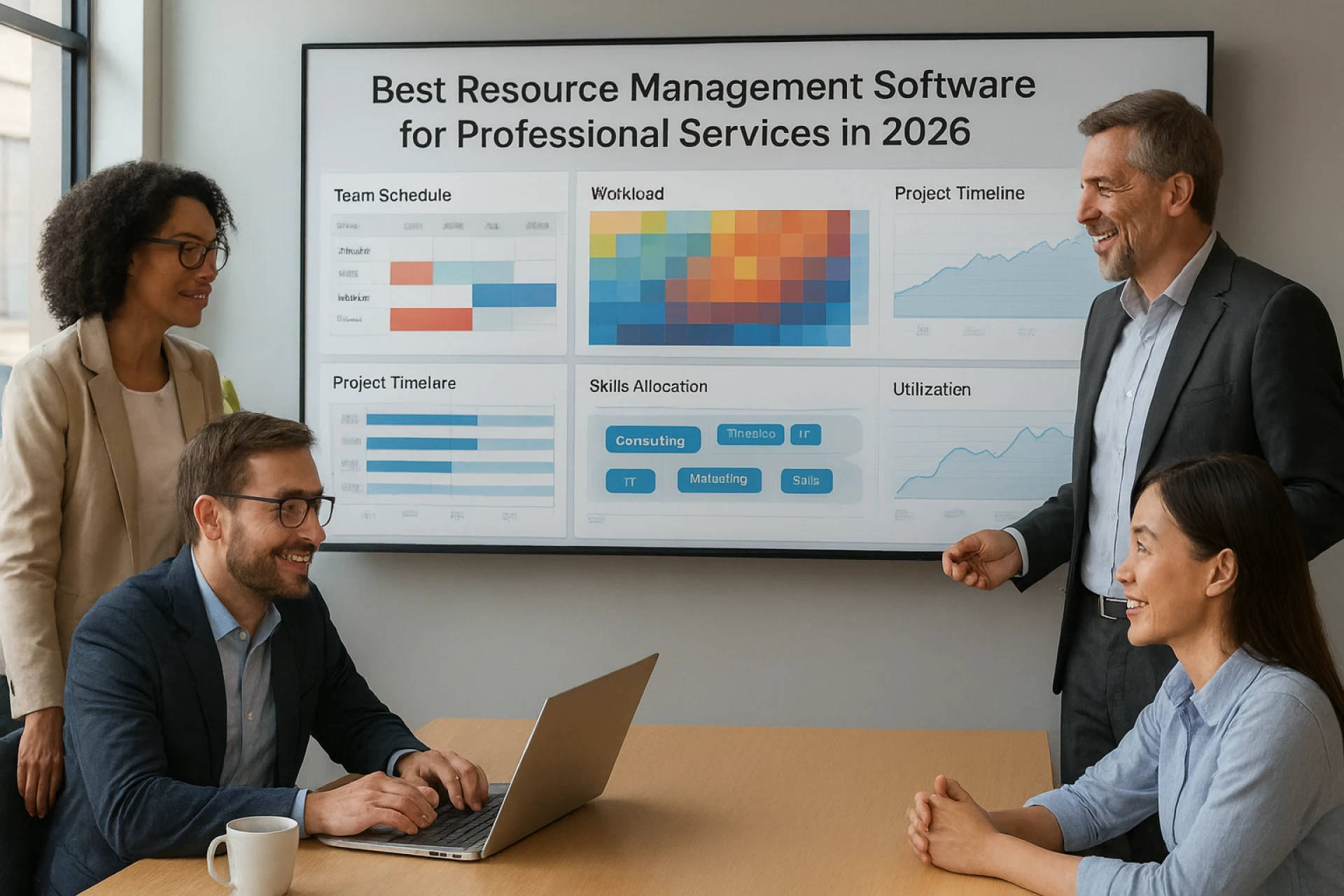
Best Resource Management Software for Professional Services in 2026
Running a professional services team in 2026 is not for the faint hearted. Clients expect quicker answers. Projects move faster than ever. And your team is juggling work across offices, homes, airports and sometimes questionable coffee shops. With all of this happening at once, planning resources the old way is simply not enough anymore.
That is why firms are turning toward smarter tools that bring real visibility into people, projects and capacity. The goal is simple. Stop guessing. Start planning with confidence. And find the best resource management software for professional services that can actually support the way teams work today.
A modern resource management software platform helps you understand who is available, who is overloaded and what your upcoming demand truly looks like. It cuts out the manual stress and helps teams stay effective without burning out.
This guide breaks down the tools worth considering in 2026. What they do well. Who they fit. And how to choose one that supports your firm as it grows.
Quick Picks for 2026
Short on time? Here is a quick snapshot of the top tools professional services teams trust in 2026. Each one brings something different to the table, but smarter planning is the common thread.
eResource Scheduler
Best for firms that want a highly configurable platform that adapts to their workflows and offers clear, reliable visibility across teams and projects.
Float
Best for teams that prefer a lightweight, visual way to manage short term planning without heavy processes.
Kantata
Best for organizations looking for a PSA where projects, billing and basic resourcing sit under one roof.
Workday
Best for firms already operating inside Workday and wanting to keep resource planning within the same environment.
Retain
Best for firms that rely on a traditional planning structure and want a familiar approach.
Runn
Best for small teams that need simple forecasting and capacity control.
What professional services teams really want from their tools
Visibility is nice. Profit is better. Most professional services teams are not waking up thinking about fields and filters. They are thinking about whether this quarter will land where it should and whether their people can keep up without burning out.
What they really want from the best resource management software for professional services is simple.
- Weeks that feel planned, not reactive
- Revenue that is predictable, not a surprise at month end
- The right people on the right work at the right time
- Less admin and fewer status meetings for the same level of control
- Cleaner billing with fewer write offs and uncomfortable margin conversations
Underneath all of that sits one idea. They want confidence that the forecast is real, that workloads are fair and that a new project will not quietly break three others in the background.
The right platform should make that level of confidence normal. Not a special event.
Top resource management software for professional services in 2026
Many platforms claim to improve planning. In reality, each one takes a slightly different approach to how work, people and profit come together. Here is how some of the main players fit into a professional services context.
eResource Scheduler
Configurable planning for profit focused professional services teams
eResource Scheduler is used by firms that want their management tool to reflect how they actually work. It gives a consolidated view of people, skills, demand and financial impact so leaders can see how staffing decisions affect both delivery and margins. Instead of treating every team the same, it allows fields, views and approval flows to be configured around different offices, service lines or practices.
For professional services teams that care about data flow, eResource Scheduler offers API access and integrations so resource plans do not sit in a separate island. Schedules, time entries and financial figures can connect into the wider stack, which helps firms link capacity, utilization and revenue in a more consistent way. The result is a planning environment that supports long term client work as well as shorter projects, without asking teams to start from scratch.
Float
Simple planning for smaller or design led teams
Float is a good fit for teams that want a clear, visual way to see who is working on what in the near term. It focuses on straightforward assignment and basic capacity views, which can help firms moving away from spreadsheets. It suits smaller agencies and internal teams that do not need detailed financial modelling inside their planning and management tool.
Kantata
PSA for firms that want delivery and billing together
Kantata is designed for organizations that want project management, billing and resource planning in one environment. It brings tasks, time and finances into a single view, which can be useful for firms that prefer to manage delivery and revenue within the same system. Resource management sits as part of that wider picture, especially for longer running client engagements.
Workday
Resource planning within an existing Workday stack
Workday often suits firms that already use it for people or financial data and want to keep project staffing within that ecosystem. Planning, time and project information can connect back to core records, which supports leadership teams that are focused on a single operational source of truth. It is most effective where the organisation is already committed to Workday as a central platform.
Retain
Structured planning for firms with established processes
Retain is commonly adopted by firms with long standing planning cultures. It supports the assignment of people to work and provides visibility into availability, which aligns with teams that prefer a steady and predictable approach to scheduling. It can be a natural step for firms formalising processes that were previously handled through manual tools.
Runn
Forecasting led planning for growing teams
Runn is used by growing teams that want planning and forecasting in the same place. It helps leaders compare upcoming demand with current capacity so they can make earlier decisions about hiring or staffing. This can be useful in firms where pipeline and delivery are closely linked and the focus is on understanding the next few months rather than only the current week.
How to choose the right resource management software for your firm
Once you look past logos and feature grids, the real question is simple. Which tool matches the way your firm actually works. The best resource management software for professional services is the one that fits your clients, your people and your existing systems, not someone else’s idea of a perfect firm.
A few filters help.
First, look at configurability. Can you set up roles, skills, practices and approval flows in a way that mirrors your real world structure. If every team has to change how it works just to fit into the system, adoption will drop fast.
Second, check the financial link. Strong tools do not stop at schedules. They help you see how staffing decisions affect utilization, revenue and margin so you can protect profit while you staff projects.
Third, review the integrations and API story. Planning cannot live alone. Your scheduling tool should connect cleanly with time tracking, finance and reporting, so you are not exporting and stitching data every week.
Finally, think about day to day use. Leaders, project managers and team members will all touch the tool. If it is not simple enough for busy people to use, even the smartest feature set will stay unused.
Why resource capacity planning and configurability matter
Most firms do not struggle because of a lack of demand. They struggle because they cannot clearly see how much work their people can take on before it hits a breaking point. Strong resource capacity planning helps you compare incoming projects with skills, availability and billable targets so you can say yes, not yet or not now with a straight face.
Configurability supports that decision making. Every firm slices its world differently, whether by service line, office, industry or client tier. A tool that lets you model your real structure, rather than forcing a one size fits all setup, makes planning feel natural and keeps teams using the system instead of going back to side spreadsheets.
Final thoughts for decision makers
Choosing the best resource management software for professional services is less about who shouts the loudest and more about who fits your reality. The strongest platforms give you clear capacity, honest numbers and a way to connect planning with finance and delivery without extra admin.
Tools like eResource Scheduler, Float, Kantata, Workday, Retain and Runn all have a place in the market. The real question is which one will still make sense when your client list, team size and revenue targets grow. If you want planning that feels tailored instead of forced, it is worth looking closely at how configurable a platform is and how well it connects into the rest of your stack.
When you are ready to move beyond spreadsheets and guesswork, a focused evaluation and a short trial can show you quickly whether a tool fits. If eResource Scheduler aligns with how your firm operates, booking a demo is a simple next step to see it in action with your own data and team context.
Frequently Asked Questions
1. What is resource management software in simple terms?
It is a planning tool that helps you see who is working on what, when they are free and which projects need people next. For professional services teams, good resource management software brings people, projects and capacity into one clear view instead of scattered sheets and separate files.
2. How is the best resource management software for professional services different from basic planning tools?
Basic tools show tasks and deadlines. The best resource management software for professional services also shows skills, billable work, demand, capacity and project impact in one place. It helps you make decisions that protect revenue and client delivery, not just move dates around.
3. Why is resource capacity planning so important for professional services firms?
Resource capacity planning helps you see how much work your team can realistically handle before you say yes to a new project. When you compare demand with skills, availability and billable targets, it becomes easier to avoid overbooking people, missing deadlines and eroding margins.
4. Do smaller professional services teams really need resource management software?
Yes, especially once work grows beyond a few simple projects. Even smaller teams benefit from a central place to see availability, project load and upcoming demand. A clear view of people and work reduces guesswork, keeps clients informed and makes it easier to grow without burning out the same few high performers.
5. What should firms look at before choosing a resource management software platform?
Start with how closely the tool can match your real structure, including roles, skills, offices and service lines. Then check how it supports capacity planning, how it connects to time and finance systems and how easy it is for busy managers to use every week. A platform that fits your firm and supports consistent planning will usually deliver better long term value than one that just looks impressive in a demo.




























Sign in to leave a comment.