
Digital media work has become less about producing one finished asset and more about building a repeatable system. A podcast episode can become a blog post, a short video can become a newsletter idea, and a single creative prompt can turn into several versions of a campaign. The challenge is no longer whether AI can help. The real question is how creators can use AI without making the final result feel generic.
A practical workflow usually works best when each tool has a small, clear job. One tool helps with ideation, another helps shape the visual direction, and another keeps the prompt process consistent. When those steps are separated, AI becomes less of a replacement for creative judgment and more like a production assistant that keeps the work moving.
Why Small AI Tools Matter in Content Production
Large AI platforms can do almost everything, but that can also make them unfocused. Creators often need a faster way to solve one narrow problem: naming a scene, testing a visual direction, drafting character details, or finding a better prompt angle. Smaller AI tools are useful because they remove friction at a specific moment in the workflow.
For example, a writer may not need a full article generator at the beginning of a project. They may only need a few specific angles to explore. A marketer may not need a complex design suite when they are still deciding the basic visual mood. A creator preparing social content may simply need a reliable list of prompt structures that can be reused across projects.
From Blank Page to Usable Direction
The blank page is often the slowest part of digital media production. It is not because creators lack ideas, but because early ideas are usually too loose. They need to be turned into something testable: a title, a scene, a structure, a character trait, or a visual concept.
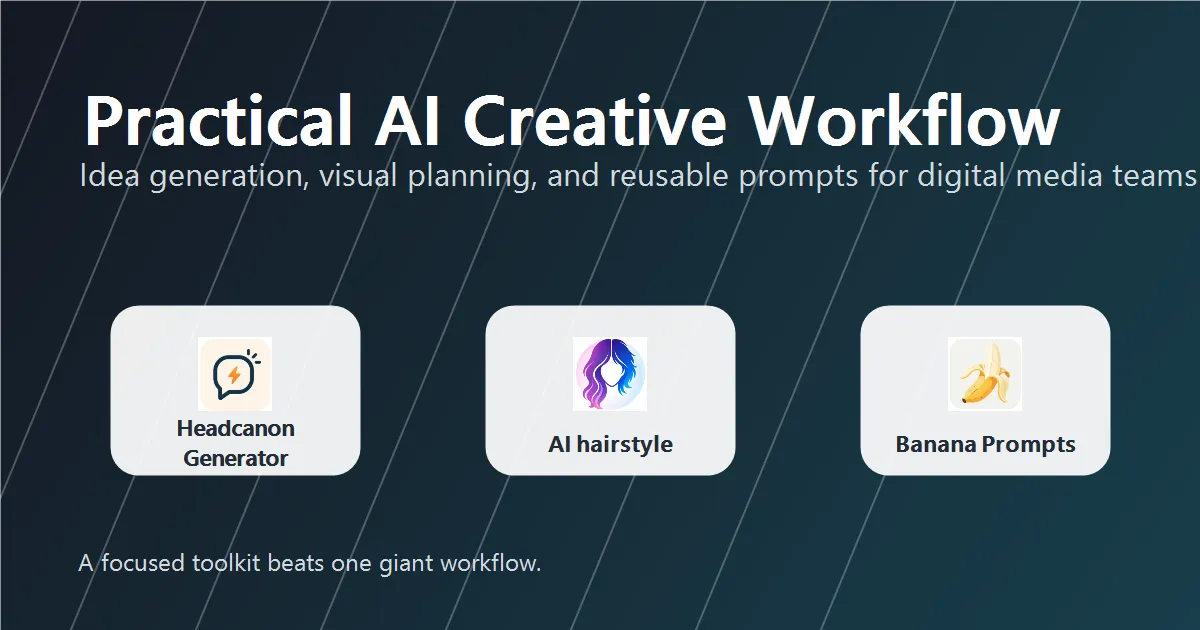
This is where focused tools can help. A fiction writer or fandom creator might use a Headcanon Generator to explore character habits, hidden motives, or small backstory details before writing a scene. The value is not that the first suggestion becomes the final answer. The value is that it gives the writer something concrete enough to react to, revise, or reject.
That kind of reaction is important. Good AI-assisted work still depends on taste. A useful suggestion should make the creator think, “That is close, but I can make it sharper.” Once that happens, the tool has already done its job.
Testing Visual Ideas Before Committing
Visual planning has a similar problem. People often know the feeling they want, but not the exact look. This is common in profile images, creator branding, video thumbnails, and lifestyle content. Before investing in a photoshoot or design session, it can be useful to test a direction quickly.
An AI hairstyle preview is a simple example. It helps users compare different looks before making a real-world decision or choosing a visual style for a profile image. For creators, this kind of preview can also support moodboarding: a softer look for a personal brand, a sharper style for a professional page, or a more playful direction for social content.
The key is to treat the output as a reference, not as a final identity. AI previews are best used to narrow choices, start conversations, and reduce uncertainty before committing more time or money.
Prompt Libraries as Workflow Memory
One underrated part of AI work is remembering what worked. Creators often spend time crafting a good prompt, use it once, and then lose the structure. Over time, that becomes inefficient. A prompt library turns scattered experiments into a reusable system.
For image generation, writing, campaign planning, or brainstorming, a resource like Banana Prompts can act as a starting point for repeatable ideas. Instead of beginning from zero every time, creators can adapt an existing prompt pattern to the current project. This is especially useful for teams that need consistent tone, format, or visual direction across many pieces of content.
The best prompt libraries are not just collections of clever lines. They are workflow memory. They help people remember the structure behind a good result, so the same thinking can be reused in a different context.
A Practical AI Workflow for Creators
A simple content workflow might look like this:
- Start with the goal: Define whether the content needs to inform, entertain, sell, teach, or inspire.
- Generate rough angles: Use AI to create options, not conclusions.
- Choose one direction: Pick the idea that fits the audience and the platform.
- Develop supporting assets: Build visuals, examples, outlines, and prompt variations.
- Edit manually: Remove generic phrasing, tighten the structure, and add real context.
This approach keeps AI in the right place. It supports the process without taking over the voice. It also makes the final piece easier to trust, because the creator still controls the judgment calls.
Best Practices for Using AI Without Losing Originality
- Use one tool for one job. Avoid asking the same AI system to solve every creative problem at once.
- Keep a human decision point. After each AI step, decide what is useful and what should be discarded.
- Save reusable structures. If a prompt or format works, keep it for future projects.
- Match the tool to the stage. Ideation tools are different from editing tools, and visual preview tools are different from publishing tools.
- Check the final tone. The finished content should sound like it belongs to the creator, not to a template.
Conclusion
AI is becoming part of everyday creative work, but the strongest results usually come from focused use. Instead of relying on one tool to do everything, creators can build a small toolkit around the way they actually work. One tool helps shape an idea, another tests a visual direction, and another preserves useful prompt structures for later.
That is the practical future of AI in digital media: not one button that replaces the creator, but a set of smaller supports that make the creative process faster, clearer, and easier to repeat.





















Sign in to leave a comment.