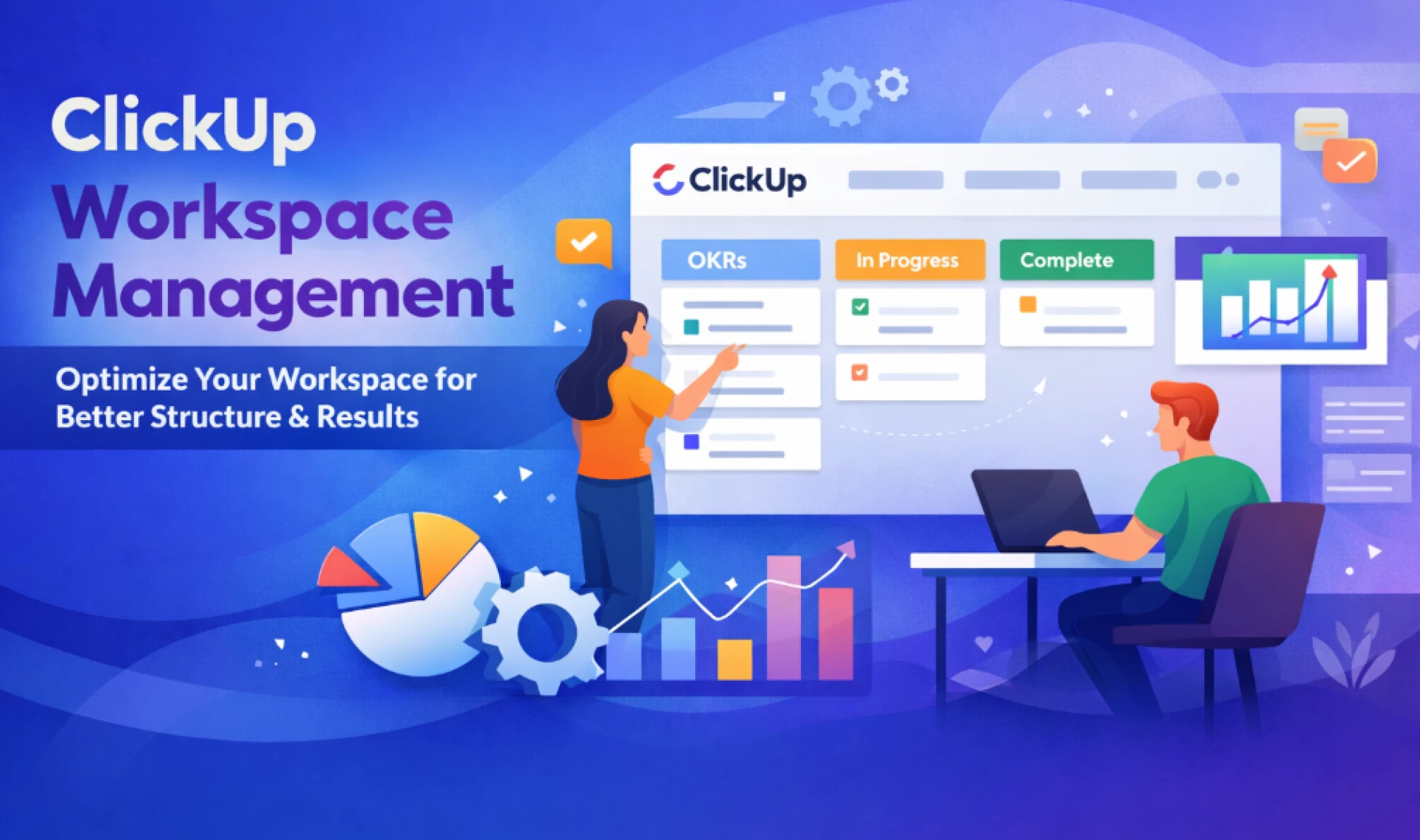

Managing work should feel clear—not chaotic. Yet many teams struggle with messy folders, duplicate tasks, and unclear ownership inside ClickUp. Strong clickup workspace management fixes this. It gives your team structure, improves visibility, and keeps execution aligned with business goals.
At Upficient, we help growing teams simplify and scale their ClickUp setup. This guide explains how to manage your workspace the right way and how ClickUp Workspace Optimization can improve performance across departments.
What Is ClickUp Workspace Management?
ClickUp Workspace Management means structuring, organizing, and maintaining your ClickUp environment so it supports productivity instead of slowing it down.
It includes:
- Designing a clean Space → Folder → List hierarchy
- Standardizing task statuses and workflows
- Managing user roles and permissions
- Organizing dashboards and reporting
- Maintaining automation and integrations
- Conducting regular audits and cleanup
Without a management strategy, your workspace can quickly become cluttered, confusing, and inefficient.
Why ClickUp Workspace Management Matters
A poorly structured workspace creates friction:
- Teams duplicate tasks
- Reporting becomes unreliable
- Goals disconnect from execution
- Onboarding takes longer
- Automations break or conflict
On the other hand, optimized workspace management delivers:
1. Clear Visibility
Leadership can track progress without digging through lists.
2. Faster Execution
Teams know exactly where work belongs and what to do next.
3. Better Accountability
Ownership and deadlines stay visible.
4. Scalable Structure
As your company grows, your workspace grows with it.
This is where ClickUp Workspace Optimization becomes a game-changer.
Core Elements of Effective ClickUp Workspace Management
1. Build a Scalable Hierarchy
Your structure should reflect your organization—not your temporary projects.
Recommended Structure:
- Spaces: Departments (Marketing, Sales, Operations, Product)
- Folders: Major functions or quarterly initiatives
- Lists: Ongoing processes or project-specific work
Avoid creating too many Spaces. Over-segmentation leads to reporting gaps and silos.
2. Standardize Statuses and Workflows
One of the biggest mistakes teams make is creating too many custom statuses.
Best practice:
- Use consistent statuses across similar teams
- Keep workflows simple
- Align statuses with real operational stages
Example:
- Backlog
- In Progress
- Review
- Blocked
- Completed
Standardization improves reporting accuracy and automation efficiency.
3. Implement Role-Based Permissions
Workspace management includes controlling access.
Define:
- Admins
- Members
- Guests
Limit editing permissions where necessary to protect structure integrity. This prevents accidental deletions, automation changes, or structural disruptions.
4. Use Naming Conventions
Clear naming prevents confusion.
Examples:
- Q1-2026-Marketing-Campaign
- Sales-Lead-Nurture-Workflow
- Ops-SOP-Update
Consistent naming supports searchability and reporting clarity.
5. Centralize Dashboards and Reporting
Dashboards should answer business questions instantly:
- What are we working on?
- Are we on track?
- Where are delays happening?
- Who is overloaded?
Strong clickup workspace management ensures dashboards pull from standardized fields and statuses, making them reliable.
ClickUp Workspace Optimization: Taking It Further
While workspace management focuses on structure and governance, ClickUp Workspace Optimization focuses on improving performance.
Optimization includes:
1. Automation Cleanup
Too many automations can conflict or slow performance.
Audit and remove:
- Duplicate automations
- Outdated triggers
- Redundant notifications
2. Custom Field Simplification
Overloaded custom fields overwhelm users.
Keep only what impacts:
- Reporting
- Prioritization
- Revenue
- KPIs
3. Template Standardization
Templates ensure repeatable success.
Create templates for:
- Client onboarding
- Campaign launches
- Product sprints
- Hiring workflows
This reduces setup time and maintains consistency.
4. Performance Monitoring
Track:
- Task completion rate
- Overdue tasks
- Workload balance
- Goal progress
Optimization turns data into decisions.
Common Workspace Management Mistakes
Avoid these pitfalls:
❌ Creating a New List for Every Project
Instead, use templates within structured folders.
❌ Ignoring Archive and Cleanup
Inactive projects should be archived quarterly.
❌ Overcomplicating Automations
Simple automations outperform complex chains.
❌ No Governance Policy
Define rules for:
- Who can create Spaces
- Who can change statuses
- Who can add automations
Without governance, structure breaks over time.
How Upficient Helps Teams Manage ClickUp Better
At Upficient, we specialize in strategic ClickUp implementation and optimization.
We don’t just set up workspaces—we align them with business goals.
Our approach includes:
- Full workspace audit
- Structural redesign
- Workflow mapping
- Dashboard setup
- Automation strategy
- Ongoing governance support
We focus on practical systems that scale.
Step-by-Step Framework for Better ClickUp Workspace Management
Step 1: Audit Your Current Workspace
Identify:
- Redundant lists
- Unused custom fields
- Broken automations
- Reporting inconsistencies
Step 2: Define Organizational Structure
Map departments and key functions before restructuring.
Step 3: Standardize Workflows
Align statuses across teams.
Step 4: Clean and Optimize
Archive old work and remove clutter.
Step 5: Train Your Team
Even the best structure fails without adoption.
When Do You Need ClickUp Workspace Optimization?
You likely need optimization if:
- Your dashboards don’t reflect reality
- Teams complain about confusion
- Automations misfire
- Projects are constantly delayed
- Reporting requires manual adjustments
Optimization isn’t just about cleanup—it’s about performance improvement.
Long-Term Maintenance Strategy
ClickUp Workspace Management is not a one-time task.
Set recurring:
- Quarterly audits
- Automation reviews
- Dashboard updates
- Permission checks
Create a workspace governance document that outlines standards and processes.
Final Thoughts
Strong clickup workspace management transforms ClickUp from a task tool into a true operational system.
With clear structure, governance, and ongoing ClickUp Workspace Optimization, teams work faster, leaders gain visibility, and growth becomes sustainable.
If your workspace feels cluttered or misaligned, it’s time to rethink your setup. A strategic approach—like the one offered by Upficient—can unlock clarity, efficiency, and measurable results.
FAQs
1. What is clickup workspace management?
ClickUp workspace management involves organizing, structuring, and maintaining your ClickUp environment to improve efficiency, reporting accuracy, and team collaboration.
2. How often should I optimize my ClickUp workspace?
Quarterly reviews are recommended. However, fast-growing teams may require more frequent optimization checks.
3. What is ClickUp Workspace Optimization?
ClickUp Workspace Optimization focuses on improving performance by refining structure, automations, dashboards, and workflows to maximize productivity.
4. Can a poorly managed workspace affect team performance?
Yes. Cluttered structures and inconsistent workflows cause confusion, delays, and inaccurate reporting.
5. Why should I hire experts like Upficient?
Experts bring structured methodology, prevent costly mistakes, and design scalable systems tailored to your business goals.



























Sign in to leave a comment.