

ClickUp is one of the most versatile and powerful work management platforms available today. From task management to project tracking and automation, it offers an extensive set of features designed to help teams collaborate efficiently. However, without the right guidance, even the most feature-rich ClickUp workspace can become cluttered, underutilized, or confusing.
This is where ClickUp consultants play a crucial role. Professional consultants help businesses with ClickUp Workspace Optimization, ensuring that every team, process, and workflow is aligned for maximum productivity.
What Is ClickUp Workspace Optimization?
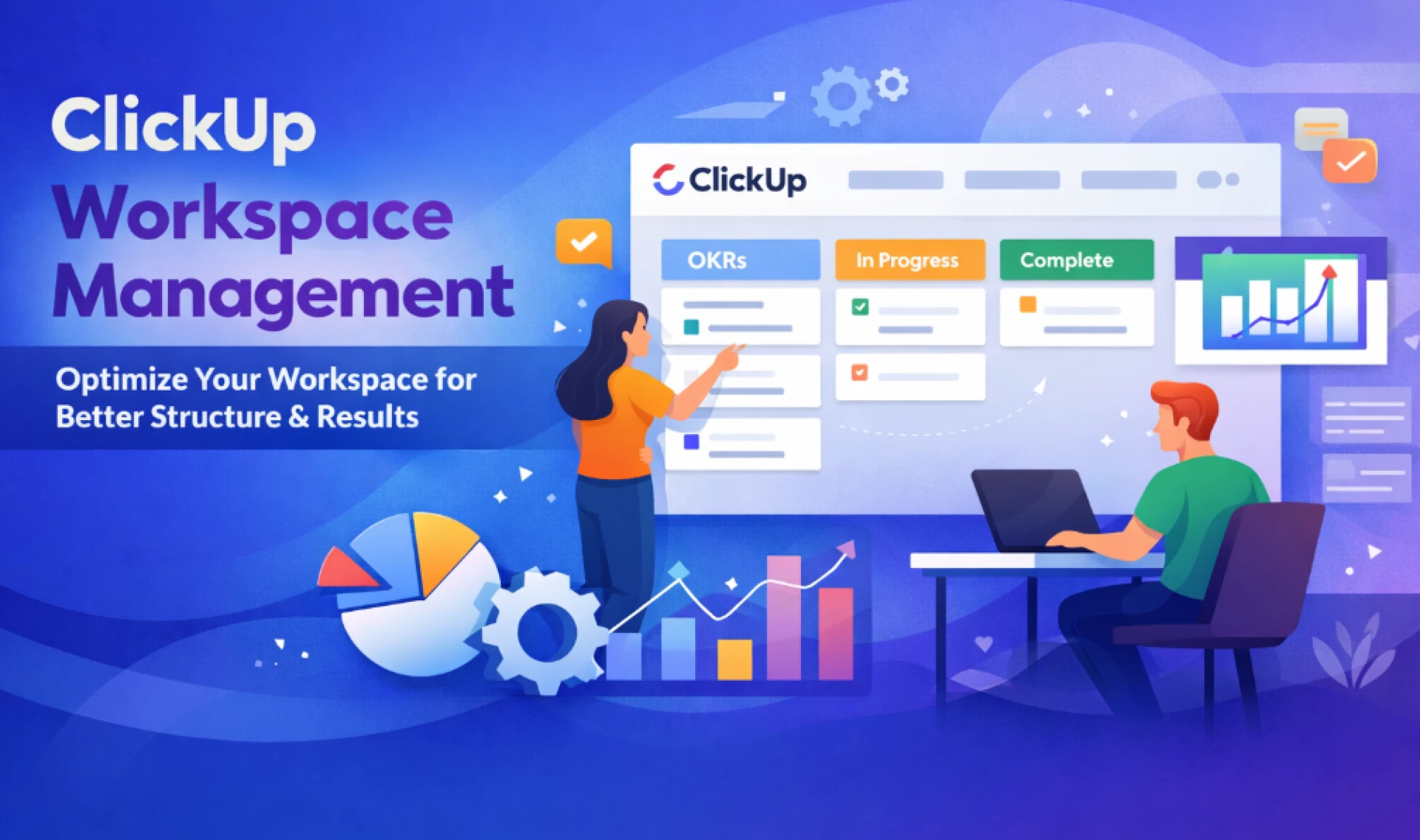
ClickUp Workspace Optimization is the process of analyzing, structuring, and fine-tuning your ClickUp workspace to match your organization’s specific needs. It involves:
- Organizing spaces, folders, lists, and tasks for clarity
- Creating meaningful statuses and custom fields
- Implementing automations to reduce repetitive tasks
- Building dashboards for clear visibility and reporting
- Training team members for consistent adoption
Optimizing your workspace ensures that ClickUp not only supports day-to-day operations but also scales with your growing business.
Common Challenges Without ClickUp Consultants
Many teams attempt to set up ClickUp on their own, but often face these issues:
- Disorganized workspace structure – Spaces and lists may overlap, making it hard to find tasks.
- Underutilized features – Teams may only use basic task lists, missing out on automations and dashboards.
- Low adoption – Without guidance, employees struggle to understand the best way to use ClickUp.
- Inconsistent processes – Different teams may follow varied workflows, reducing overall efficiency.
- Inefficient reporting – Dashboards may not accurately reflect progress, KPIs, or dependencies.
A ClickUp consultant helps avoid these pitfalls by creating a workspace that is intuitive, standardized, and tailored to your business.
How ClickUp Consultants Improve Workspace Optimization
ClickUp consultants specialize in understanding both your tools and your processes. Their expertise ensures your workspace is optimized for efficiency and scalability.
1. Workflow Analysis & Mapping
Consultants start by reviewing your current processes across teams. This includes:
- Task creation and assignment
- Project planning and execution
- Communication and collaboration methods
By mapping existing workflows, consultants identify gaps, redundancies, and opportunities for improvement.
2. Workspace Architecture Design
An optimized ClickUp workspace is organized for both clarity and scalability. Consultants structure:
- Spaces – Separate departments or functions
- Folders – Group related projects or workflows
- Lists & Tasks – Assignable, trackable items with clear status indicators
A well-structured workspace reduces confusion, saves time, and improves team adoption.
3. Automation & Customization
ClickUp offers powerful automation capabilities, but they must be implemented thoughtfully. Consultants:
- Set up task automations to reduce manual work
- Create recurring tasks and templates
- Configure notifications for critical updates
Custom fields, statuses, and priorities are also designed to match your unique business needs.
4. Reporting & Dashboards
ClickUp consultants ensure your dashboards provide meaningful insights. They help teams track:
- Project progress and timelines
- Team workload and capacity
- Key performance indicators (KPIs)
- Dependencies and bottlenecks
Dashboards provide a real-time snapshot, enabling informed decision-making.
5. Training & Change Management
Optimized workspaces are only effective if your team knows how to use them. Consultants provide:
- Role-based training for managers, team leads, and employees
- Guides and best practices for task management
- Ongoing support to ensure consistent usage and adoption
Benefits of Hiring ClickUp Consultants
Engaging a professional ClickUp consultant brings tangible advantages:
- Faster onboarding – Teams start working effectively from day one.
- Increased productivity – Automation and streamlined workflows reduce manual tasks.
- Better collaboration – Clear roles, responsibilities, and workflows minimize miscommunication.
- Scalable system – Your ClickUp workspace evolves with your business.
- Data-driven decisions – Accurate dashboards provide actionable insights.
Why Choose Upficient for ClickUp Workspace Optimization
Upficient is a trusted provider of ClickUp consulting services. Their team of experts helps businesses transform their ClickUp workspaces into efficient, scalable systems.
Upficient’s Approach:
- Assessment & Discovery – Understanding your current workflows, tech stack, and business goals.
- Workspace Design – Building a clear structure with spaces, folders, lists, and tasks aligned to your processes.
- Automation & Optimization – Implementing automations, templates, and custom fields to enhance efficiency.
- Training & Support – Providing hands-on guidance and resources for consistent adoption.
- Continuous Improvement – Monitoring workspace usage and making iterative improvements over time.
Upficient ensures that ClickUp is not just a task management tool but a fully optimized platform that drives business outcomes.
ClickUp Workspace Optimization for Different Teams
- Marketing Teams – Campaign management, content calendars, and reporting dashboards.
- Sales Teams – Deal tracking, CRM integration, and pipeline automation.
- Operations Teams – SOP management, internal requests, and resource allocation.
- Product & Development Teams – Sprint management, bug tracking, and roadmap visibility.
Consultants ensure each team’s ClickUp workspace meets their specific requirements while maintaining overall organizational consistency.
Common Mistakes Avoided by ClickUp Consultants
- Overcomplicating the workspace with too many spaces or custom fields
- Failing to leverage automation, leading to repetitive manual tasks
- Poor user adoption due to lack of training or guidance
- Disconnected workflows causing inefficient processes
- Ineffective reporting and dashboards
Final Thoughts
ClickUp is a powerful platform, but its true potential is realized only when the workspace is structured, optimized, and managed effectively. Hiring ClickUp consultants ensures your workspace supports productivity, collaboration, and business growth.
With Upficient, businesses gain a partner that not only sets up and optimizes ClickUp but also trains teams for consistent, long-term adoption. Whether you’re just starting with ClickUp or looking to improve an existing workspace, professional consultancy is the key to maximizing efficiency and scaling successfully.
FAQs: ClickUp Consultants & Workspace Optimization
Q1. What do ClickUp consultants do?
ClickUp consultants assess workflows, design optimized workspaces, implement automations, create dashboards, and train teams for maximum efficiency.
Q2. What is ClickUp Workspace Optimization?
It’s the process of structuring, configuring, and customizing a ClickUp workspace to improve productivity, collaboration, and reporting across teams.
Q3. How long does workspace optimization take?
Depending on the size of your team and complexity of workflows, optimization can take 2–6 weeks with professional guidance.
Q4. Do I need a consultant if I already use ClickUp?
Even existing ClickUp users benefit from consultants to clean up disorganized workspaces, implement automations, and increase adoption.
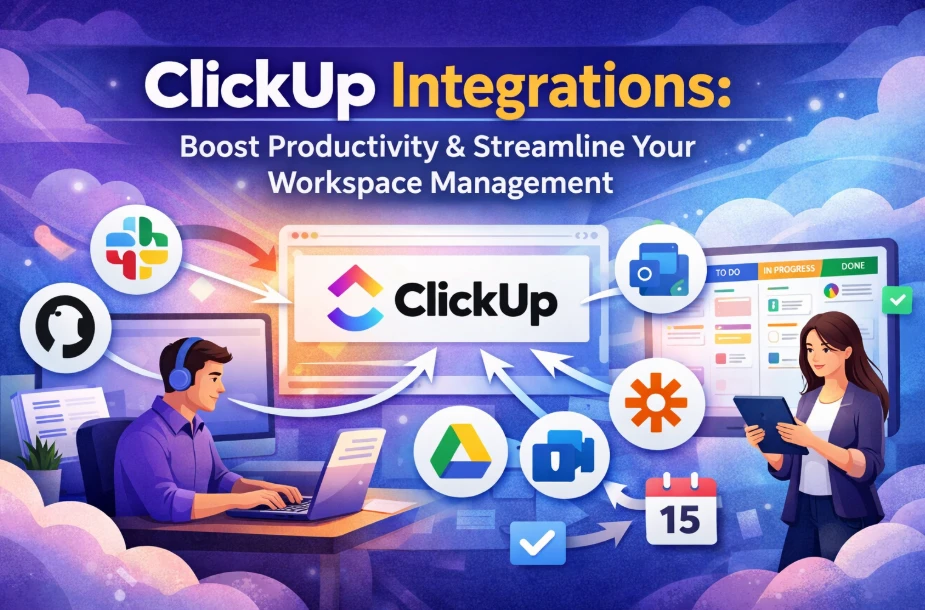
Q5. Can consultants help integrate ClickUp with other tools?
Yes. Consultants can implement native integrations or use APIs and middleware to connect ClickUp with your tech stack.
Q6. How does Upficient support long-term adoption?
Upficient provides training, documentation, and ongoing optimization to ensure ClickUp continues to deliver business value.
























Sign in to leave a comment.