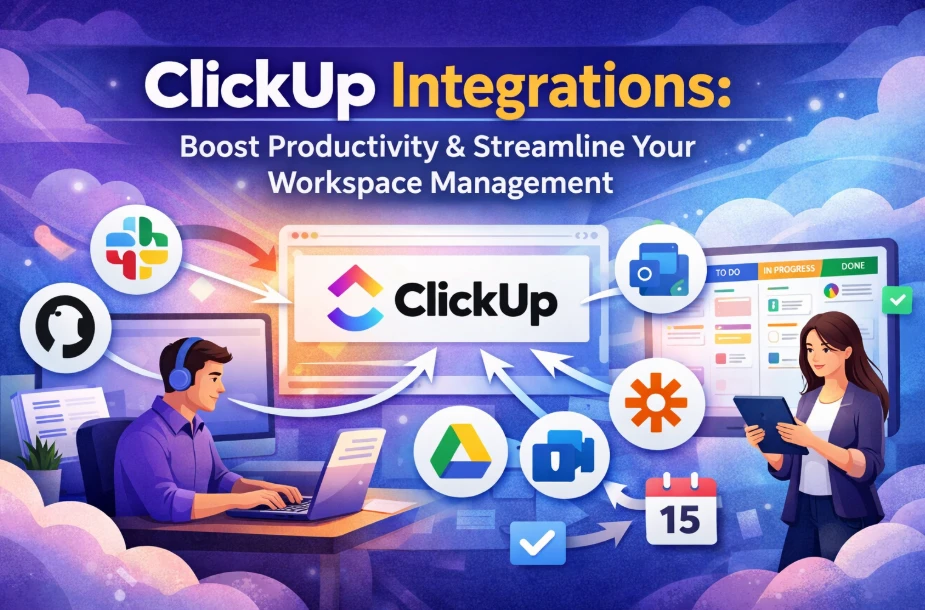

In today’s fast‑moving digital world, productivity tools must adapt to your workflows—not the other way around. That’s where ClickUp integrations come in. By seamlessly connecting ClickUp with the apps and systems your team already uses, you can eliminate manual processes, reduce duplicate data entry, and supercharge your ClickUp workspace management.
Whether you’re onboarding a new team, scaling your operations, or refining your project workflows, integrating ClickUp with the right tools brings clarity, speed, and efficiency to every part of your business.
What Are ClickUp Integrations?
ClickUp integrations are connections between ClickUp and other third‑party applications—such as messaging apps, file storage platforms, development tools, and CRM systems—that enable data sharing and synchronized workflows. Instead of switching between platforms, these integrations allow teams to manage everything from a centralized workspace.
For example:
- Automatically create ClickUp tasks from Slack messages
- Sync GitHub issues with ClickUp tasks
- Attach Google Drive files directly to ClickUp tasks
- Track time using Harvest without leaving ClickUp
These integrations streamline communication, foster collaboration, and help teams stay in sync.
Why Integrations Matter for Workspace Management
Good ClickUp workspace management means organizing tasks, projects, documentation, and communication in a way that maximizes team efficiency. Integrations play a key role here by:
1. Reducing Manual Work
With native connections between tools, your team doesn’t have to manually copy information back and forth. Automated workflows mean fewer mistakes and faster turnaround.
2. Improving Cross‑Team Collaboration
When everyone works from the same source of truth—whether they’re in ClickUp, Slack, or Google Calendar—visibility improves and bottlenecks shrink.
3. Enhancing Reporting and Oversight
Integrations that link data from other systems into ClickUp dashboards make it easier to track progress, measure work, and make strategic decisions based on real‑time insights.
4. Supporting Scalable Processes
As teams grow, the right integrations help ensure workflows remain efficient—without adding manual overhead.
Popular ClickUp Integrations That Transform Workflow
ClickUp offers a wide range of integrations that fit different business needs:
- Communication Tools: Slack, Microsoft Teams
- File Storage & Collaboration: Google Drive, Dropbox, OneDrive
- Development Tools: GitHub, GitLab
- Calendars & Time Management: Google Calendar, Outlook, Harvest
- CRM & Sales: Salesforce, HubSpot
- Automation Platforms: Zapier, Make (formerly Integromat)
These integrations help choices become strategic extensions of your workspace rather than separate islands of information.
How to Set Up Integrations in ClickUp
Setting up integrations in ClickUp is designed to be intuitive:
- Navigate to ClickUp Integrations – From your workspace settings, select “Integrations.”
- Choose the Tool You Want to Connect – Browse through the available list.
- Authorize the Integration – Follow the prompts to authenticate your account with the external app.
- Configure Your Preferences – Decide what data to sync, how often updates should occur, and what triggers automation.
- Test the Workflow – Ensure everything works as expected before using it in production.
Once connected, integrations can often be customized further with automations and task templates.
Benefits of Integrations for Workspace Management
ClickUp workspace management becomes more efficient and strategic when your tools talk to each other. Some benefits include:
- Faster decision‑making with centralized information
- Real‑time notifications from connected apps
- Less context switching, leading to higher productivity
- Automated task triggers based on activity in external systems
- Seamless documentation access within ClickUp tasks
With integrations powering underlying workflows, teams can focus more on meaningful work and less on administrative effort.
Common Use Cases for ClickUp Integrations
Team Communication Sync
Automatically turn Slack messages into ClickUp tasks so nothing gets missed in busy conversations.
Development Workflows
Keep engineering teams in sync by linking GitHub or GitLab issues directly to ClickUp, with updates flowing both ways.
Client Collaboration
Attach files from Google Drive or Dropbox to tasks so stakeholders always see the latest version.
Time Tracking and Billing
Use time tracking integrations like Harvest to log hours without manual entries, ideal for billing and performance tracking.
Sales & Project Handoff
Integrate CRM systems like HubSpot or Salesforce so sales information automatically flows into ClickUp tasks for delivery teams.
Tips for Successful Integration Strategy
- Start with Core Tools First
Integrate the systems your team uses most daily before exploring more advanced options. - Map Your Workflow Before Connecting
Understand where work starts and ends, and only integrate tools that add measurable value. - Monitor Integration Performance
Regularly check sync logs and automation outcomes to ensure accurate data flow. - Train Your Team
Make sure everyone knows how integrations are connected and how they improve workflows. - Review and Evolve Your Integrations
As your business grows, revisit your integrations to ensure they still match your needs.
Final Thoughts
ClickUp integrations are more than connectivity tools—they’re strategic assets that accelerate collaboration, automate routine work, and unlock higher efficiency in your ClickUp workspace management. When thoughtfully implemented, integrations turn ClickUp into a central hub that drives productivity across departments and systems.
Whether you’re onboarding a new team or optimizing workflows for an existing one, the right integrations ensure your workspace works the way your team needs it to.
Frequently Asked Questions (FAQ)
1. What are ClickUp integrations?
ClickUp integrations are connections between ClickUp and other software applications that enable data sharing and workflow automation, eliminating the need to switch between tools.
2. How do integrations improve workspace management?
By syncing data and automating tasks, integrations reduce manual work, increase visibility, and help teams stay aligned across tools.
3. Can I integrate ClickUp with communication tools?
Yes — popular integrations like Slack and Microsoft Teams allow seamless messaging and task creation directly from communication channels.
4. Are integrations easy to set up?
Yes. ClickUp’s integration settings guide you through authentication and configuration with intuitive setup steps.
5. What if an app I use doesn’t have a native integration with ClickUp?
You can often connect tools using automation platforms like Zapier or Make to bridge gaps between systems.





























Sign in to leave a comment.