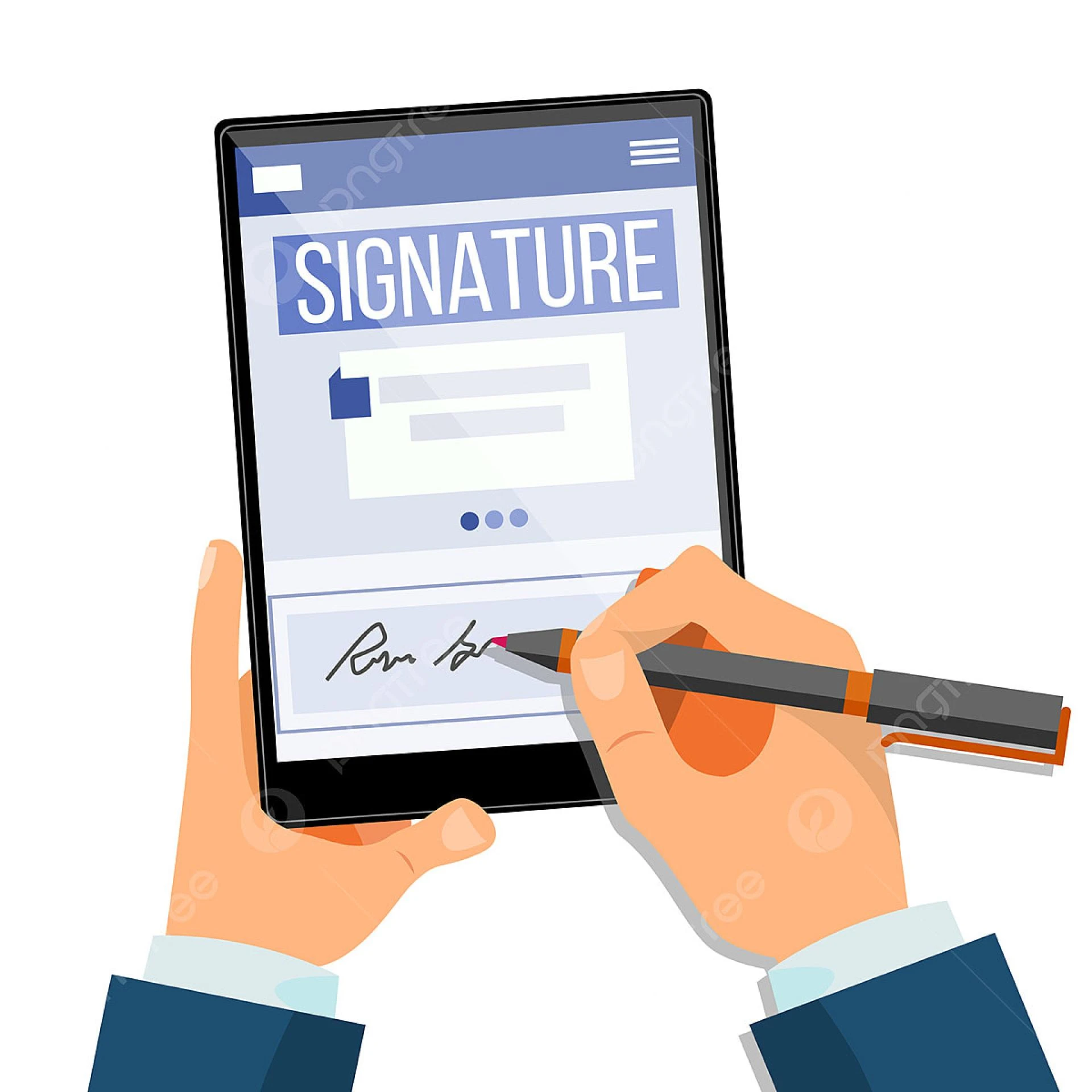

The Aadhaar eSign API has revolutionized digital document workflows in India, enabling instant, secure, and legally valid signatures through Aadhaar-based authentication.
But while the benefits are clear, many businesses — especially those integrating the API for the first time — face technical or compliance hurdles that slow down adoption or impact performance.
Whether you’re integrating Aadhaar eSign into a CRM, ERP, or your own B2B application, understanding and avoiding these common pitfalls can save time, effort, and future headaches.
This blog outlines the top mistakes organizations make during Aadhaar eSign API implementation — and how to avoid them for a flawless, compliant integration.
1. Skipping Sandbox Testing
One of the most frequent mistakes is directly integrating the eSign API in production without proper sandbox testing.
Every API behaves differently based on your system architecture, document formats, and authentication logic. Failing to test in a sandbox environment can lead to unexpected errors, verification issues, or broken workflows once live.
How to Avoid It:
Use the test environment provided by your eSign ASP (Application Service Provider). Conduct thorough simulations for all use cases — single sign, bulk sign, and multi-user signing — before moving to production.
2. Ignoring Document Format and Size Constraints
The Aadhaar eSign API typically accepts documents in PDF format and may have size limitations (for example, 1–5 MB depending on your provider).
Businesses that upload large or incompatible files often encounter errors or signing delays.
How to Avoid It:
- Standardize your document templates.
- Compress files without affecting quality.
- Validate the document format before initiating the signing request.
Optimizing documents ensures faster signing and reduces API timeouts.
3. Weak Error Handling
A poorly configured error-handling system can lead to confusion when something goes wrong during the signing process.
Common issues include:
- Unclear error messages displayed to users.
- API timeouts without proper logging.
- Missing retry logic for network interruptions.
How to Avoid It:
Implement a robust error-handling framework in your backend. Each failed transaction should return a clear message and be logged for debugging. Always include retry logic for temporary failures to ensure a seamless user experience.
4. Neglecting Aadhaar Consent Flow
Many developers focus on functionality but overlook legal compliance with consent collection.
Under UIDAI guidelines, every eSign transaction must capture explicit user consent before initiating authentication. Failing to do so may make the signature legally invalid.
How to Avoid It:
- Display a clear consent screen to users.
- Include a statement that explains document purpose and Aadhaar verification use.
- Store consent logs with timestamps and IP addresses for audit purposes.
This not only ensures compliance but also builds transparency and trust.
5. Inadequate Security Practices
Since Aadhaar eSign involves personal identity data, security lapses can lead to major compliance violations. Some organizations fail to use encryption or secure communication channels, exposing themselves to data breaches.
How to Avoid It:
- Use HTTPS/TLS encryption for all data exchanges.
- Never store Aadhaar numbers, OTPs, or biometric data.
- Secure API keys in environment variables, not hardcoded into scripts.
- Regularly audit your application for vulnerabilities.
Remember: Aadhaar eSign is only as secure as your implementation.
6. Overcomplicating the User Interface
Even the most powerful integration can fail if the signing experience feels complex to end-users. Confusing screens, unclear buttons, or too many steps lead to drop-offs.
How to Avoid It:
Keep the user interface clean, intuitive, and minimal.
- Use simple instructions like “Sign with Aadhaar.”
- Provide visual progress indicators.
- Confirm success with clear acknowledgment messages or email alerts.
A great UX is key to user adoption — especially for clients unfamiliar with eSign tools.
7. Ignoring Compliance Updates
The Aadhaar eSign ecosystem evolves as UIDAI and CCA release new guidelines or security standards. Businesses that don’t stay updated risk non-compliance or API incompatibility.
How to Avoid It:
- Subscribe to regulatory updates from UIDAI and your eSign provider.
- Review your integration every 6–12 months to ensure alignment.
- Work with authorized ASPs that keep their SDKs and APIs up-to-date.
Continuous compliance ensures your eSign implementation remains legally valid and future-proof.
8. Not Defining Clear Roles and Permissions
In multi-user B2B environments, unclear access control often causes confusion — who can send, sign, or verify documents?
Without role-based permissions, you risk unauthorized access or unintentional data sharing.
How to Avoid It:
- Implement role-based access control (RBAC) in your application.
- Define permissions for administrators, signers, and verifiers.
- Log all actions for accountability.
This structure protects your data and simplifies internal audits.
9. Overlooking Document Storage and Verification
Some companies stop after getting the signed file — but secure storage and easy retrieval are just as important.
If you can’t verify or retrieve signed documents quickly, compliance audits become difficult.
How to Avoid It:
- Store signed documents in encrypted repositories or integrated DMS (Document Management Systems).
- Keep digital certificates and hash values linked to each file.
- Implement verification endpoints to check document authenticity anytime.
A well-managed document system is the backbone of audit readiness.
10. Failing to Educate Internal Teams
Technical integration is just half the journey. Many organizations forget to train employees or clients on how to use the new digital signing process.
This leads to resistance, errors, and low adoption rates.
How to Avoid It:
- Conduct internal demos and hands-on training.
- Create FAQs or short video tutorials for users.
- Highlight benefits — speed, security, compliance — to encourage usage.
When teams understand the “why” behind Aadhaar eSign, adoption becomes effortless.
Best Practices for Smooth Implementation
To summarize, successful Aadhaar eSign integration requires:
- Testing extensively in a sandbox environment.
- Prioritizing user consent and compliance.
- Keeping security and encryption airtight.
- Monitoring performance and error logs.
- Providing a simple and transparent user journey.
When done right, Aadhaar eSign becomes a powerful enabler of trust, efficiency, and legal confidence for any B2B operation.
Conclusion
Integrating the Aadhaar eSign API is one of the smartest moves a business can make toward digital efficiency. But skipping critical steps or overlooking compliance can lead to major setbacks.
By learning from these common pitfalls — and proactively following best practices — your organization can ensure a secure, seamless, and fully compliant eSign experience for every stakeholder.
Remember: The goal of Aadhaar eSign integration isn’t just digital signatures — it’s about building digital trust at scale, ensuring every document you sign is legally valid, auditable, and secure.
Avoid the mistakes others make, and you’ll turn eSign into a long-term competitive advantage.





























Sign in to leave a comment.