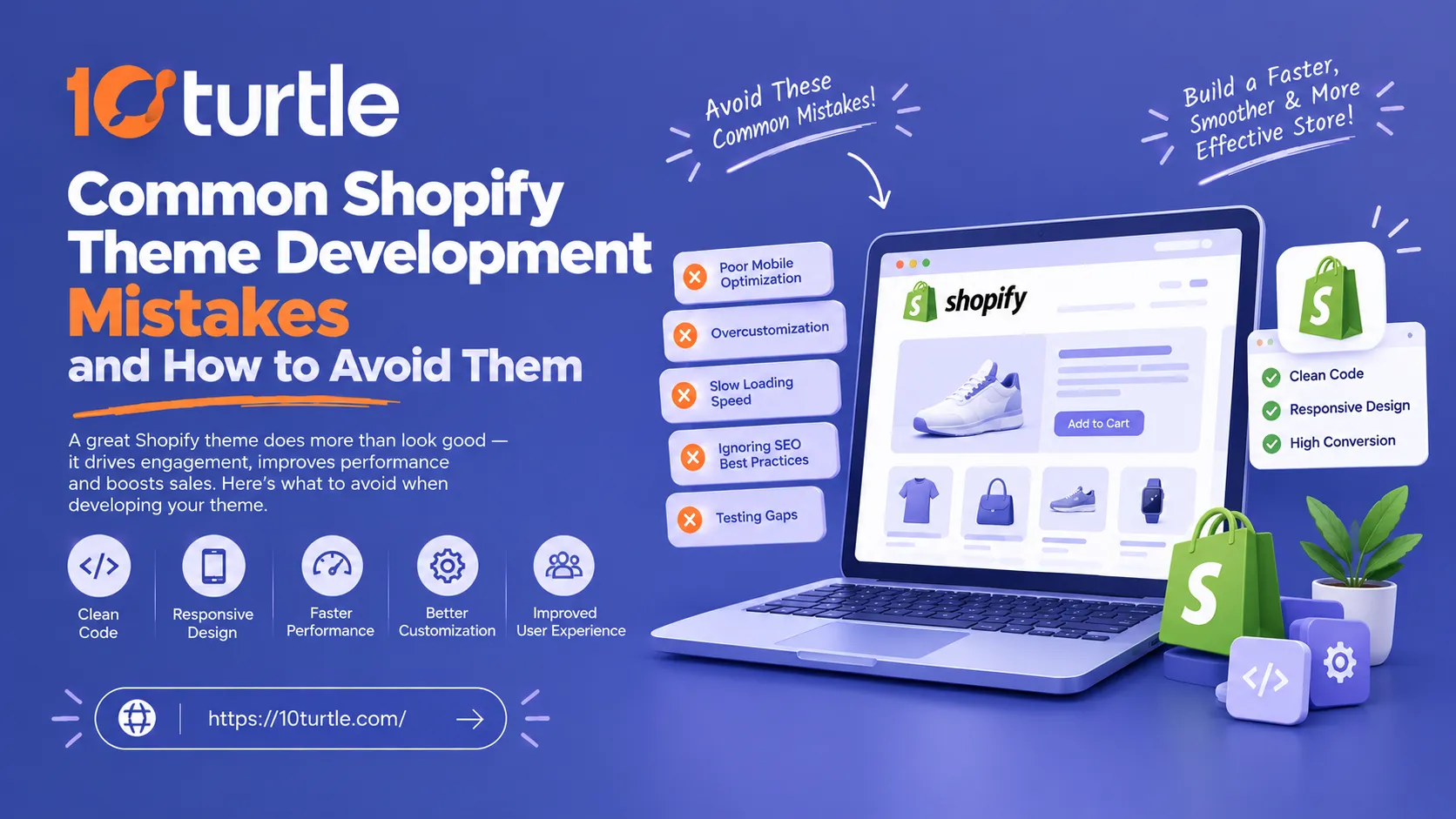

A Shopify store can look polished in a design file and still fall apart once real customers, real products and real traffic arrive. In most cases, the cause is not the platform. It is a handful of avoidable decisions made during Shopify theme development: hardcoded content, heavy scripts, messy Liquid, and testing that stops at the homepage.
For US businesses, the stakes are practical. Shoppers on mobile connections expect pages to load quickly, checkout paths to feel effortless, and layouts to work on every device. A theme that misses on any of these quietly costs sales. This guide walks through the most common mistakes developers and store owners make, and how to fix each one before it reaches your live store.
Why Shopify Theme Development Mistakes Get Expensive
A theme is more than a visual layer. It controls how fast pages render, how easily your team edits content, how well your store handles new products and campaigns, and how it performs in search. Problems built into the theme tend to compound: every new section, app or landing page inherits the same weaknesses.
Fixing them later usually means untangling code that dozens of pages depend on. That is why the cheapest time to get the foundation right is at the start.
The Most Common Shopify Theme Development Mistakes
1. Building on Outdated Architecture
Older themes rely on fixed templates where only the homepage supports flexible sections. Online Store 2.0 changed this with JSON templates and sections on every page, which lets merchants rearrange content without touching code.
How to avoid it: Build on an Online Store 2.0 foundation such as Shopify's Dawn reference theme, and use JSON templates for product, collection and custom pages. If you are inheriting a legacy theme, plan a migration instead of adding more patches.
2. Hardcoding Content Instead of Using Sections and Blocks
Hardcoded banners, badges and promo text force merchants to call a developer for every small change. It also makes seasonal campaigns slow and expensive.
How to avoid it: Expose editable content through theme settings, section schema and blocks. Use metafields for product-specific details such as size guides, ingredients or care instructions. The rule of thumb: if a marketer will need to change it more than once a year, it should be editable in the theme editor.
3. Loading Too Many Apps and Scripts
Each installed app can add JavaScript, CSS and network requests. Stores that stack reviews, popups, upsells and tracking tools often end up with slow pages, even when the theme code itself is clean.
How to avoid it: Audit apps before launch and remove anything that overlaps. Prefer apps that use theme app extensions and app blocks, which load only where they are placed. Defer non-critical scripts, and check that leftover code from uninstalled apps has been removed from the theme files.
4. Writing Inefficient Liquid
Liquid is powerful, but careless use adds up. Nested loops, repeated filtering of large collections and unnecessary logic inside product grids can slow down server rendering.
How to avoid it:
- Use {% render %} for snippets rather than the older {% include %}, which keeps variable scope clean.
- Keep loops small and avoid loops within loops on high-traffic templates.
- Assign repeated values to variables once instead of recalculating them.
- Move complex presentation logic into sections or snippets that are easy to test.
These habits matter for any Shopify theme development company or in-house team maintaining a store over the long term.
5. Ignoring Image Optimization
Large, unoptimized images are among the most common reasons a store feels slow. Homepage heroes and product galleries are the usual offenders.
How to avoid it: Use Shopify's image filters to serve responsive sizes with srcset and sizes. Set explicit width and height to prevent layout shifts. Lazy-load images below the fold, but never the main hero or first product image, since delaying it hurts Largest Contentful Paint.
6. Treating Mobile and Accessibility as Afterthoughts
Designing on a large monitor and checking mobile at the end leads to cramped menus, tiny tap targets and awkward product pages. Accessibility gaps, such as missing alt text, poor color contrast or keyboard traps, also create usability and legal risk for US retailers, where ADA-related claims against ecommerce sites are a real concern.
How to avoid it: Design mobile first. Test navigation, filters, cart drawers and forms on real devices. Follow WCAG guidelines, use semantic HTML, ensure focus states are visible, and test with a keyboard and a screen reader.
7. Editing the Live Theme Directly
Making changes on the published theme is one of the fastest ways to break a storefront during a sale. Without version history, rolling back is guesswork.
How to avoid it: Work in a duplicate or development theme, and use Shopify CLI with a local development environment so you can preview changes before publishing. Connect the theme to a Git repository for version control, code review and safe rollbacks.
8. Skipping Theme Check and Structured QA
Many issues are catchable before launch, yet plenty of themes ship without a systematic review. Broken translations, deprecated tags and performance warnings slip through.
How to avoid it: Run Shopify's Theme Check as part of your workflow. Test key journeys end to end: search, collection filtering, product variants, cart, discount codes and checkout. Review performance using Lighthouse and monitor Core Web Vitals, including LCP, INP and CLS, after launch, not just before it.
9. Overbuilding Custom Features
Custom functionality has its place, but rebuilding features Shopify already provides natively adds maintenance cost and bug risk.
How to avoid it: Start with what Shopify supports out of the box, then customize where it clearly improves conversion or brand experience. Every custom feature should have a business reason and an owner.
A Practical Checklist Before Launch
- Theme is built on Online Store 2.0 with JSON templates
- Merchant-editable content lives in sections, blocks and metafields
- Apps are audited and unused code is removed
- Images are responsive, sized and correctly lazy-loaded
- Liquid is reviewed for loops, snippets and repeated logic
- Mobile, keyboard and screen reader testing is complete
- Theme Check passes and core purchase paths are tested
Development happens in a separate theme with version control
When to Bring in a Development Partner
Some stores can manage small tweaks in-house. But when you are building a custom storefront, migrating a legacy theme, or fixing persistent performance problems, an experienced team saves time and prevents rework. If you are weighing options, exploring custom Shopify theme development with a team that understands both design and engineering can help you scope the project realistically, from architecture through launch QA.
Frequently Asked Questions
What is the most common mistake in Shopify theme development?
Loading too many apps and scripts is among the most frequent, along with hardcoding content that merchants need to edit. Both are easy to prevent with planning.
Do I need Online Store 2.0 for a new Shopify theme?
For new builds, it is the sensible starting point. Sections on every page, JSON templates and app blocks give merchants far more control without extra code.
How can I make my Shopify theme faster?
Optimize images, audit apps, defer non-critical JavaScript, keep Liquid loops lean, and measure Core Web Vitals regularly. Small gains across these areas add up.
Should I edit my live theme directly?
No. Use a duplicate or development theme with version control, then publish once changes are tested.
How long does custom Shopify theme development take?
It depends on scope. A lightly customized theme takes far less time than a fully bespoke build with custom sections and integrations. A clear brief and defined feature list are the best way to keep timelines realistic.
Final Thoughts
Most Shopify theme development mistakes come down to shortcuts that feel efficient during a build and become expensive after launch. Build on a modern foundation, keep content editable, protect performance, test properly, and treat the theme as a long-term asset rather than a one-time deliverable. Stores that do this spend less time firefighting and more time growing.
Frequently Asked Questions
What are the common mistakes to avoid in Shopify theme development?
Common mistakes include loading too many apps and scripts, hardcoding content, and writing inefficient Liquid code. These issues can lead to slow performance and costly fixes later, so it's essential to design with flexibility and optimization in mind from the start.
How can I ensure my Shopify theme is mobile-friendly?
To make your Shopify theme mobile-friendly, design with a mobile-first approach, test on real devices, and ensure navigation and buttons are easy to use. Following WCAG guidelines for accessibility also helps improve usability for all customers.
Is it necessary to build my Shopify theme on Online Store 2.0?
Yes, using Online Store 2.0 is highly recommended for new builds as it offers features like JSON templates and sections on every page, providing merchants with more control and flexibility without needing extensive coding.
What steps can I take to optimize my Shopify store's loading speed?
To optimize loading speed, focus on image optimization, audit installed apps to remove unnecessary ones, and defer non-critical JavaScript. Regularly measure Core Web Vitals to identify areas for improvement.
Should I make changes directly to my live Shopify theme?
No, it's best to avoid editing the live theme directly. Instead, work in a duplicate or development theme, allowing you to test changes thoroughly before publishing them to your live store.
How long does it take to develop a custom Shopify theme?
The time required for custom Shopify theme development varies based on the project's scope. A lightly customized theme may take less time than a fully bespoke build, so providing a clear brief and defined feature list is crucial for accurate timelines.
What is Liquid, and why is it important for Shopify themes?
Liquid is a templating language used in Shopify for dynamic content rendering. Writing efficient Liquid code is crucial because inefficient code can slow down server rendering and negatively impact the performance of your store.
Why should I run Shopify's Theme Check before launching my store?
Running Shopify's Theme Check helps identify issues such as broken translations, deprecated tags, and performance warnings before launch. This systematic review can prevent problems that might affect user experience and sales once the store is live.




















Sign in to leave a comment.