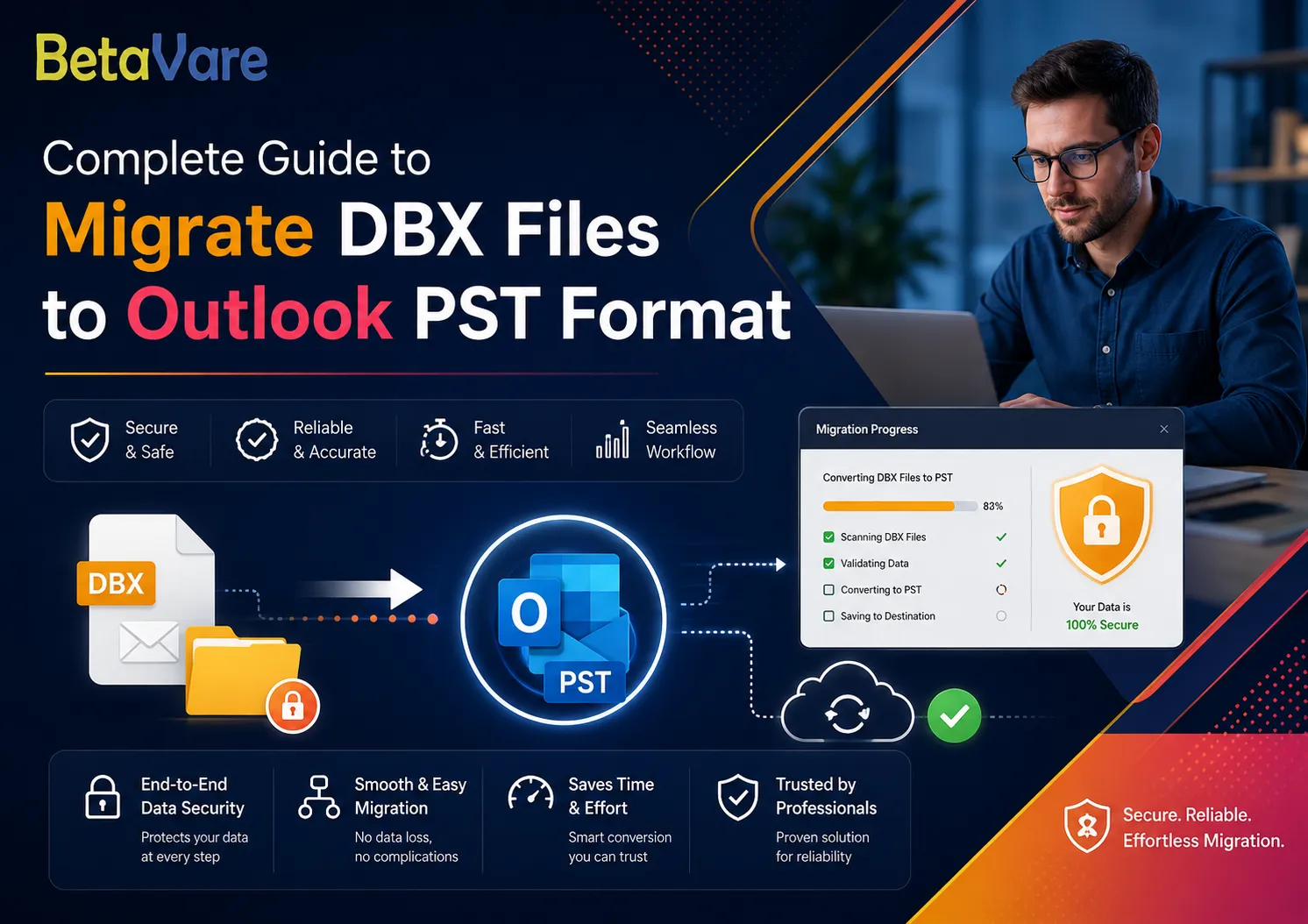

Complete Guide to Migrate DBX Files to Outlook PST Format
Category: Email Migration | Read time: 7 min
Moving from Outlook Express to Microsoft Outlook requires you to have an effective process for BetaVare converting your Outlook Express DBX files into Outlook PST files to save your emails. In this guide, we will walk you through each step of the migration process, starting from the basics all the way through to the click-of-a-button conversion process.
What Are DBX Files and Why Do You Need to Convert Them?
The DBX is the default extension for all emails stored in Outlook Express, which is an outdated version of Outlook. The inbox, outbox, and other email folders will be stored separately as individual files having the extension .dbx. However, in Outlook, all emails will be saved in one single PST file.
In cases when there is an upgrade from the older system to Windows or any new version of Outlook, emails with the DBX extension cannot be accessed using the latter. In such cases, it is necessary to convert DBX to PST.
Why Manual Methods Often Fail
While many people opt for manual solutions, such as re-installing or importing Outlook Express, there are several flaws inherent in these procedures:
- Chance of data loss – During manual export, attachments, inline images, and e-mail headers like CC and BCC might get left out.
- Takes time – The export process of big mailboxes manually will likely take several hours without any status indication.
- Dependence on clients – Most manual export procedures need both Outlook Express and Outlook to be installed at once.
- Hierarchies are destroyed – While exporting manually, your mail folders' hierarchy is going to be messed up.
The Smarter Way: Use a Dedicated DBX to PST Converter
An especially made piece of software solves all such issues. The DBX to PST Exporter is meant specially for such conversions; the software supports large-sized files, preserves all email data intact, and requires no email client software to be installed on your computer.
Note: You have the choice of downloading a trial version of the software at zero cost to examine the output and then buy the product.
Key Features That Make the Conversion Reliable
Here is what you can achieve with the use of this specialised converting software as opposed to the manual approach:
- All of the necessary attributes of the emails are preserved after conversion such as 'To', 'From', 'CC', 'BCC', 'Date', 'Subject', links, as well as font formatting; all of the emails will be identical to the source emails that were received in Outlook Express.
- All attachments are kept safe when migrating emails. All pictures, documents, audio and video files will be moved without any losses so that all of the emails will be stored safely within a PST file.
- All folders will remain as they are now in your email client's mailbox. No need to recreate all of the folders after the conversion since they will all be recreated automatically.
- Compatibility is not an issue anymore since the program is compatible with various Outlook versions, including Outlook 2003 and newer releases.
- The preview option is included in the program, which allows browsing through all emails in DBX files and checking their contents prior to converting the messages.
- Last but not least, there is an option available on how to save emails in PST. Either create a new PST file or add emails to the existing one.
Step-by-Step: How to Migrate DBX Files to PST
Exporting Outlook Express emails into Microsoft Outlook PST files are not difficult at all and can be done in five simple steps:
- Step: Download and install the software that will convert your DBX files into PST. The program works for all versions of the Windows PC operating system, including Windows 10 and 11.
- Step: Add your DBX file — simply click the Browse button and pick your file. dbx file stored somewhere in your PC memory. Any file can be added without limitations on size.
- Step: Check your email – all your messages will be displayed in preview along with attachments so you can be sure about what you are exporting.
- Step: Select PST as the output format and select where you would like to save your PST files.
- Step: Click the Convert Now button – your file will be converted into PST files in just seconds/minutes.
Who Should Use This Tool?
This solution to your problem would be useful for many different types of people. For home users who want to upgrade their outdated Windows XP or Vista PCs, this solution will be as helpful as for IT professionals who need to migrate email boxes en masse in their organisations.
If you have accumulated years of emails in Outlook Express and would like to use the modern version of Outlook, this is probably the only way to go.
With this tool, even a non-techie user can migrate a DBX mailbox to PST file format without having to know anything about the technical process involved.
Frequently Asked Questions
Is Outlook installation required for DBX to PST Conversion?
No, as it can be done with no need for Outlook installation.
You don’t have to install any of the Outlook clients on your computer for conversion.
Is there a restriction on file size while importing a DBX file?
Not really, as it supports any DBX file size whether it is big or small.
Is the created PST compatible with all Outlook versions?
Yes, as it is compatible with all Outlook versions from 2003 onwards up to the latest versions.
Can I preview my email before conversion?
Certainly, as you get the preview feature. You can view each email in detail in the preview panel.
Conclusion
Migration of existing Outlook Express mailboxes can be easy and safe. With the use of a specialized tool, one will ensure an instantaneous, precise, and fully reliable migration of all email messages, their attachments, and all folders to the PST format that is suitable for using in Outlook. No matter what your profile is — whether it is a personal user or an IT specialist — with the help of the DBX to PST Exporter, you will manage everything without coding.

























Sign in to leave a comment.