
In the trading world of today where everything moves at lightning speed, being efficient is the most important thing to do. Traders very often take advantage of TradingView because of its advanced charting tools and technical analysis features. But in contrast, MetaTrader 4 (MT4) and MetaTrader 5 (MT5) are great platforms for executing trades and implementing strategies with the help of automated systems. However, the question remains unanswered: how can one reliably and without any mistakes link TradingView signals to MT4/MT5? This question will be answered shortly in a step-by-step manner.
Why Traders Need to Link TradingView to MT4/MT5
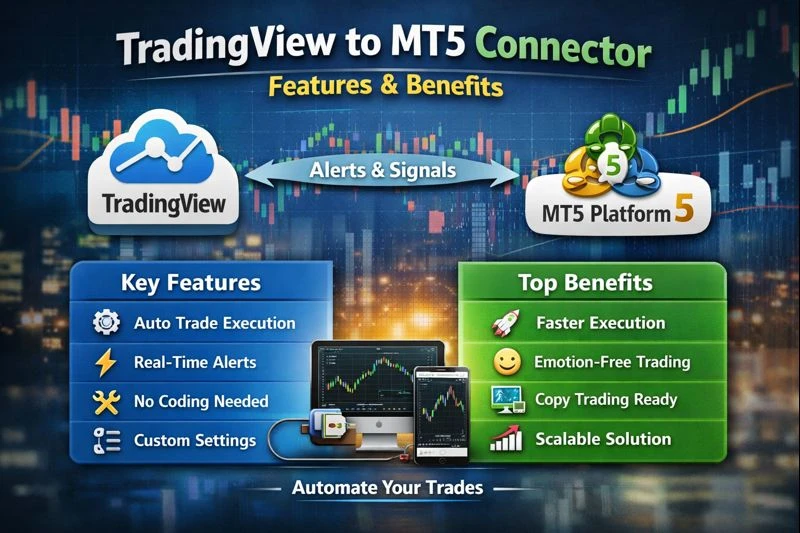
Creating great indicators and strategies is easier with TradingView, but it does not automatically trade for you. However, MT4/MT5 allows the use of EAs and scripts for complete automation of the trading process. Therefore, by making the link from TradingView to MT4/MT5:
Your trading strategies can be automated.
Manual error risk can be minimized.
Real-time alerts can be the basis for instant trade execution.
Trading can be more consistent and efficient.
Common Problems When Connecting TradingView to MT4/MT5
When traders try to link TradingView with MT4/MT5, most of the time they run into the following problems:
Loss of signals because of slow internet.
Wrong order execution because of improper setup.
Mistakes in stop-loss or take-profit values.
No alerts because of different alert settings.
If the above-mentioned errors are not properly managed, they can result in losses.
Step-by-Step Guide to Connect TradingView Signals to MT4/MT5
1. Select Dependable Bridge Software
One can most conveniently link TradingView alerts to MT4/MT5 by means of a trade copier or bridge software. The following are a few popular choices:
MetaConnector
Combiz Services Copy Trading Software
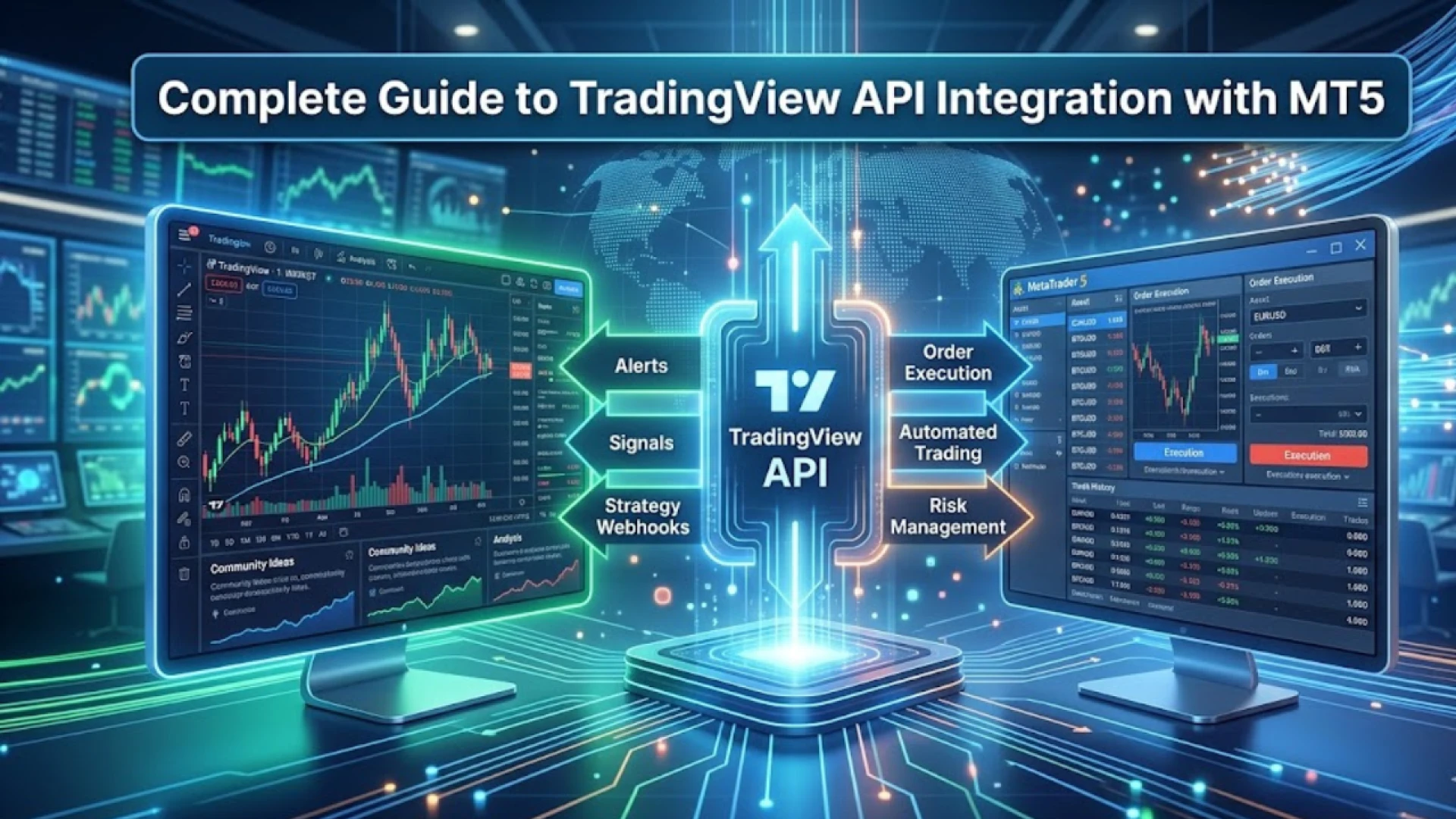
These programs accept alerts from TradingView and then, automatically, without any need for the trader to intervene, send orders to MT4/MT5.
2. Correctly Set Up Alerts in TradingView
With regards to the alerts created in TradingView:
Select as the alert action “Webhook URL”.
The format of the message must be the same what your bridge software requires.
Have an alert test to check that it is going off correctly.
3. MT4/MT5 Configuration
Use the EA or bridging plugin offered by your company.
Enter the exact API key or webhook URL from TradingView.
Make sure to connect your broker account and it is prepared for automated trading.
4. Live Testing
When not to use real money:
Check order execution by running demo accounts.
Ensure stop-loss, take-profit, and order types are properly transmitted.
Watch for delays or errors and then change the settings as needed.
Tips to Avoid Errors
A connection to the internet always has to be stable.
Keep both TradingView and MT4/MT5 current.
Go through your alert messages and bridge settings once more.
Think about using premium bridge software for better reliability and lower latency.
Conclusion
The process of linking signals from TradingView to MT4/MT5 may look complicated at first, but if you have the right tools and set-up, it will become seamless. By using a dependable bridge such as MetaConnector or Combiz Services Copy Trading Software, you can be sure that your transactions will be executed correctly which reduces errors and improves efficiency.
This method of automation allows you to invest your time in strategy and analysis as the software takes care of execution. It’s like waving goodbye to missed trades and saying welcome to smooth and error-free trading!














Sign in to leave a comment.