
If you are sending alerts from TradingView to MT5 and experiencing difficulties with stop limit orders, you should not be concerned in any way since this problem is one of the major issues traders face while integrating TradingView with MT4/MT5. This problem can be very frustrating no matter if you are employing automated trading systems, day trading, or using sophisticated trading strategies, an order stuck just because of wrong stop limit setting can totally disrupt your trading flow.
We will discuss the reasons behind stop limit issues, the functioning of the TradingView to MT5 bridge, and the ways to solve the order execution problems using tools like MetaConnector.
What Causes the Failing of TradingView Alerts on MT5?
The TradingView to MT5 bridge sends out signals and MT5 interprets the signal as a trading order. But, stop limit orders are very delicate and thus, the following reasons lead to their failure:
1. Incorrect Distance From Current Price
There is a minimum distance rule that MT5 imposes on stop limit orders.
If the price of your buy or sell stop limit is too close to the market price, it gets rejected by MT5 right away.
2. Restrictions Imposed by the Broker
Brokers differ in their regulations on:
stop limit levels
minimum price drift
permitted order types
Your broker might prevent the order because of the settings associated with your account.
3. Misleading Alert in TradingView
If the alert message does not include:
order type
symbol
SL/TP
lot size
MT5 terminal cannot carry out the command.
4. Slow or Lost API Signal
If you are not trading through a robust platform for trading automation, your trading signals to MT5 may be very late making the stop limit price invalid.
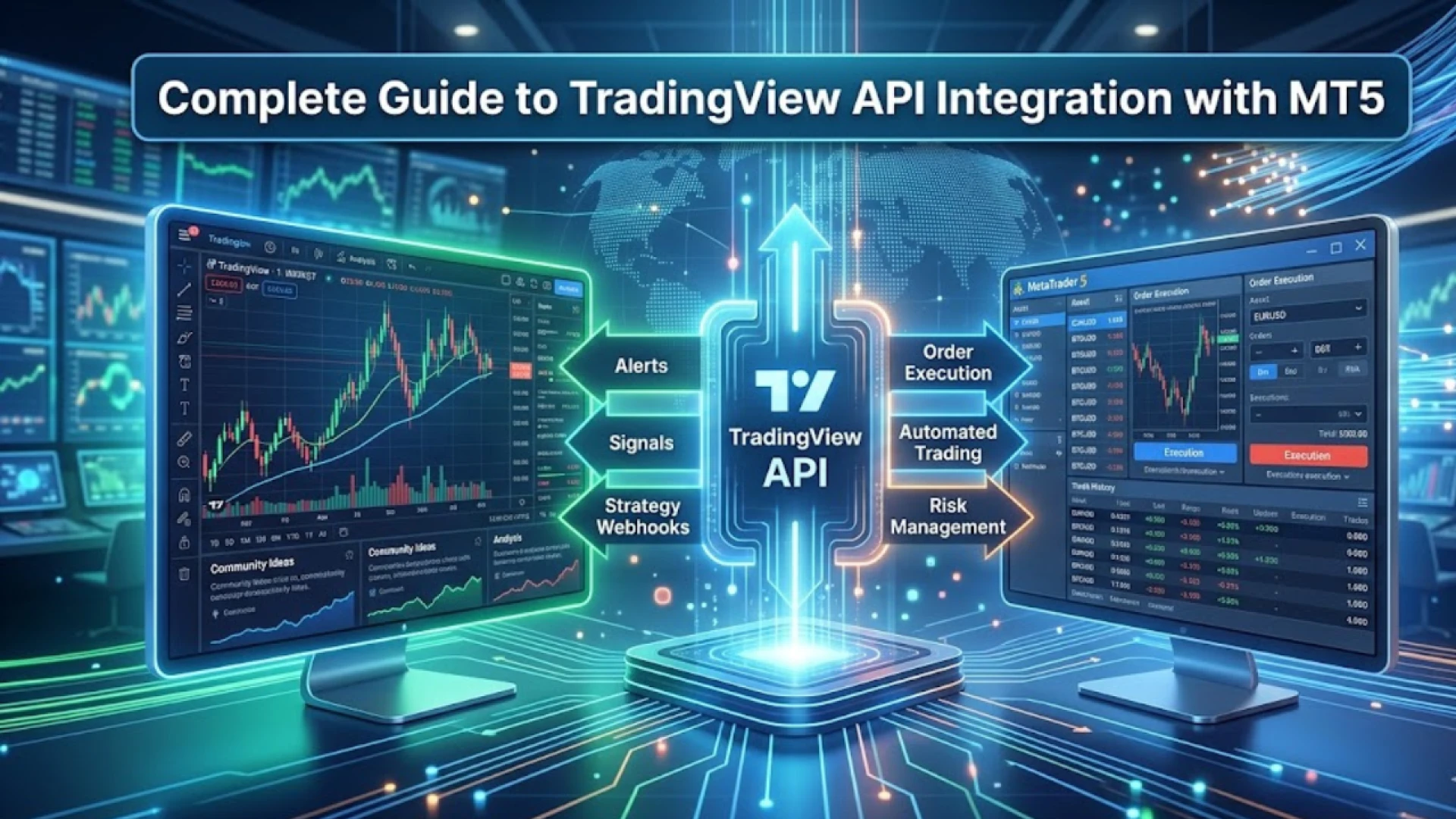
How TradingView to MT5 Integration Works
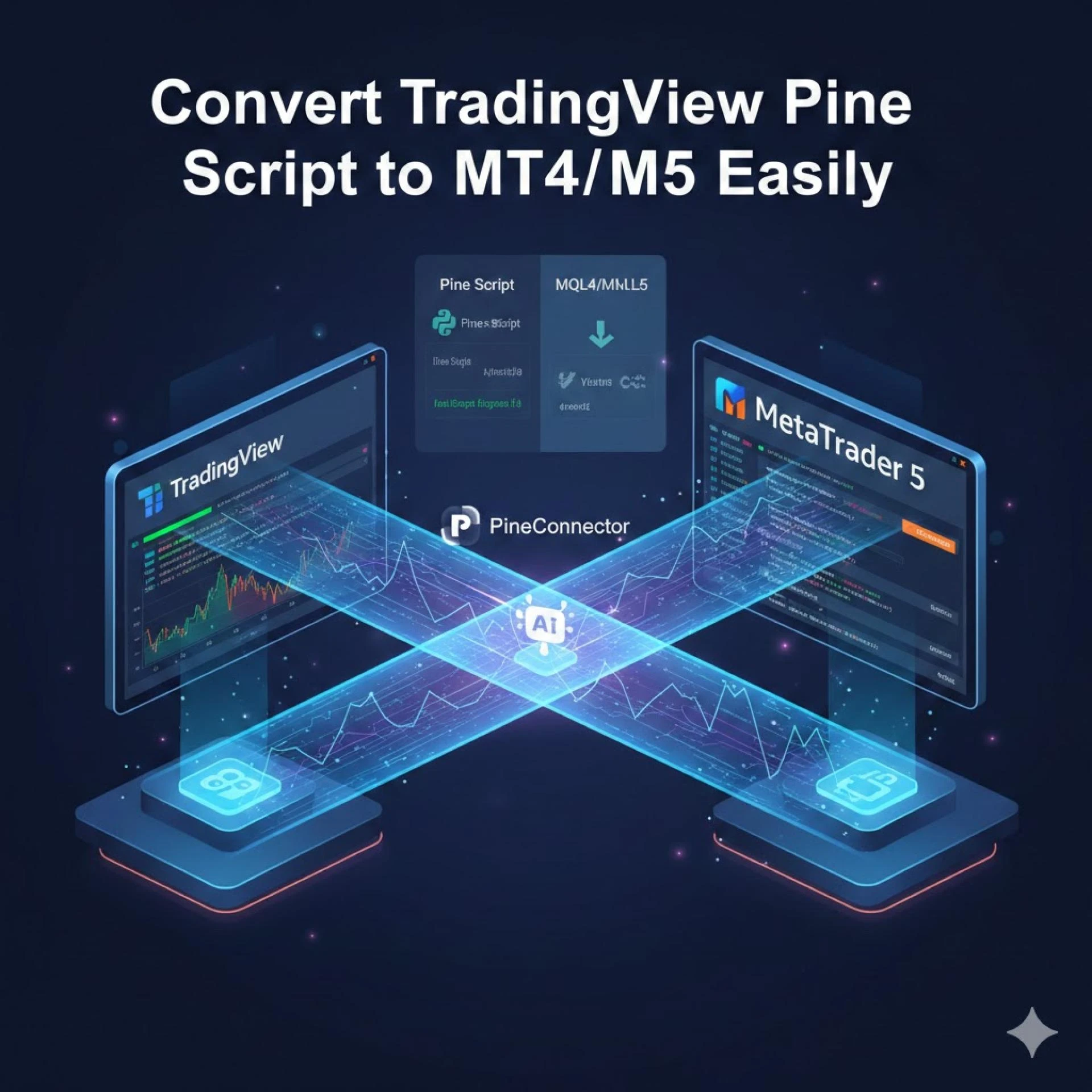
The integration of TradingView and MT5 through MetaConnector is a seamless process where:
An alert is created by TradingView.
The alert message is forwarded to the MetaConnector.
MetaConnector turns it into a MetaTrader 5 order.
MT5 performs the buy stop limit or sell stop limit.
Thus, this whole scenario permitted entirely automated trading with no human involvement in placing orders.
Common Stop Limit Troubles & How to Fix Them
🔸 1. “Invalid Stops” Error
This indicates that your stop limit price is very close to the current market price.
Fix:
Make the distance between the stop price and limit price larger.
🔸 2. Order Not Triggering at All
The activation of your buy stop limit never happens.
Fix:
Find out the minimum stop level set by your broker.
Each broker maintains its own rules regarding stop distance for different account types.
🔸 3. Wrong Order Type Triggered
If your alert from TradingView mentions a “buy stop limit” but MT5 activates an order of a different type, it is likely that your alert message is incorrectly formatted.
Fix:
Use clearly structured messages like:
order=buystoplimit
symbol=XAUUSD
sl=....
tp=....
lot=0.10
4. TradingView Alerts Not Reaching MT5
This case generally happens if the platforms disconnect.
Solution:
Get a trustworthy automated trading bridge such as MetaConnector to guarantee the TradingView-to-MT5 connection will be stable.
Best Settings for Stop Limit Orders
In order not to miss trades, always apply such tactics:
Keep SL/TP at least 10–20 points further from entry
Use precise symbol names (e.g., XAUUSD.m, US30.cash)
Check whether your platform allows automated trading
Run a demo MT5 account alert test before live trading
Hence, you safeguard your automated trading against rigors even with intricate trading strategies.
Check Prices rices List: https://www.metaconnector.combiz.org/#pricing
Why MetaConnector Is the Best Solution
MetaConnector solves the larger part of the TradingView–MT5 troubles by supplying:
Prompt alert reception
Order formatting without errors
Acquisition of buy stop limit, sell stop limit, and all MT5 order types
Support for multiple broker accounts
Live logs for troubleshooting
The tool makes automated trading easier thus allowing you to concentrate on crafting superior trading strategies while your alerts get executed immediately on MT5.
Final Thoughts
Trading limit problems at times are expected if connecting TradingView alerts to MT5, particularly for novice traders. However, with the proper configuration, proper alert formatting, and a reliable bridge such as MetaConnector, one can remove execution errors and have automated trading smooth.


















Sign in to leave a comment.