

Automated trading has turned out to be nothing less than a revolution for traders who seek speed, precision, and manual execution less. However, there is this one common problem shared by many traders—How to link TradingView to MT5 without coding?
The great news is that now no-coding solutions are available that allow sending TradingView alerts to MT5 (MetaTrader 5) in real-time, automatically. No coding expertise, no scripts, or complex setup—just plug it in, connect it, and trade.
This article will take you through the process of a zero-coding TradingView-MT5 Bridge works, its advantages, and the reason why it is among the top automation tools for both new and expert traders.
What Is a Zero-Coding TradingView to MT5 Solution?
A zero-coding solution is an already available tool that connects TradingView signals/alerts directly to MT5 without the requirement of coding, APIs, or technical setups.
This type of module or bridge captures TradingView alerts (through webhook) and executes trades on MT5 without delay.
In Simple Words:
TradingView creates the signal → The tool catches it → MT5 carries out the trade automatically.
How Does the TradingView to MT5 Connector Work?
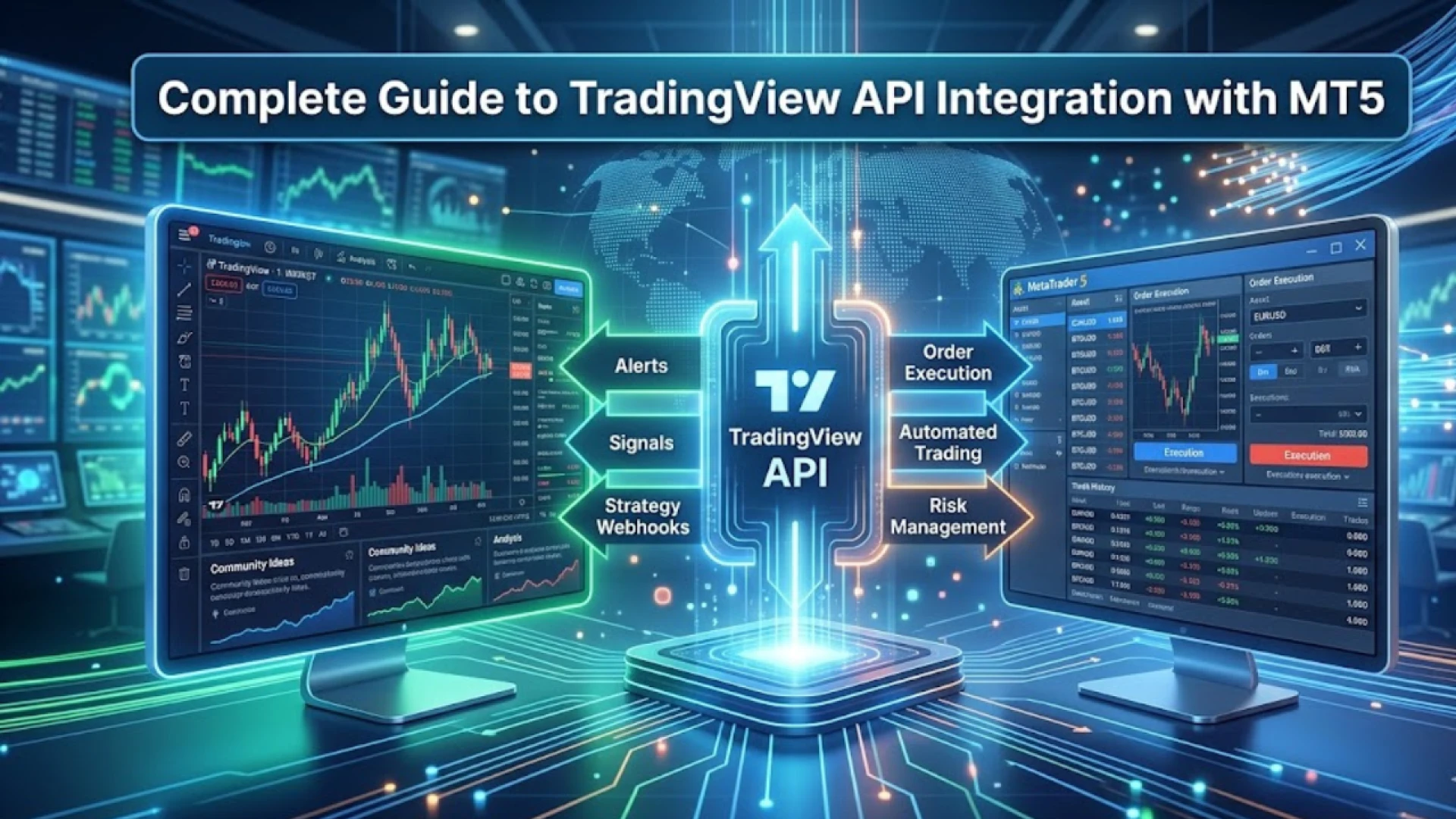
A TradingView to MT5 bridge is a trade automation tool based on the following simple workflow:
1. Create Alerts on TradingView
Pick a strategy, indicator, or chart configuration along with a webhook URL and add alerts.
2. Send Signals Through Webhook
TradingView communicates the alert message to your automation tool.
3. Trade Executes on MT5 Automatically
The connector sends buy/sell orders to MT5 that are in line with the alert message.
No coding.
No expert advisor setup.
No complicated configurations.
Key Features of Zero-Coding TradingView to MT5 Solutionsv
✔️ 100% No Coding Needed
All trades can be automated even by newcomers.
✔️ Rapid Execution (Low Latency)
Almost simultaneously the trades are placed making slippage less likely.
✔️ Support for Various Types of Orders
Buying
Selling
Buy Limit
Sell Limit
Buy Stop
Sell Stop
✔️ Stop Loss & Take Profit Automatically
Configured either from TradingView alert message or default settings.
✔️ MT5 Trade Copier Compatibility
At once duplicate trades to several MT5 accounts.
✔️ API-Based Automation that is Safe & Secure
The particulars of your MT5 account are always under guard.
The Pros of a No-Coding TradingView to MT5 Bridge
1. Ideal for Non-Technical Traders
You do not have to code Pine Script, EAs, scripts, or bots.
2. Compatible with Any TradingView Indicator
On MT5 can be automated any custom or built-in indicator signal.
3. Time-saving and Manual Errors Reduction
No more sitting for hours doing manual trade executions.
4. Multi-Account Trading
MT5 trade copier can be used to send the same signal to different accounts.
5. Trading Accuracy Improvement
Signals are executed instantly without any emotional interference.
What makes operators Automated TradingView-to-MT5 their first choice?
The TradingView platform is recognized for its excellent charts and indicators, whereas the MT5 platform is recognized for its rapid order execution and great broker support.
A zero-coding connector can be visualized as a bridge that connects the two platforms:
TradingView → the best in charting
MT5 → the best in executing
This makes the configuration suitable for scalping, intraday trading, swing trading, and copy trading.
Best Use Cases
Algo Trading Without Coding
Automate the entire process from TradingView strategies to live MT5 executions.
Signal Providers
Automatically send signals to clients via MT5 trade copier.
Multi-Broker Trading
Utilize a bridge + copier arrangement to trade simultaneously with several brokers.
High-Accuracy Breakout & Trend Strategies
Immediate execution to seize the exact market entries.
Conclusion
No-Coding needed Solution for TradingView to MT5 makes trading automation easy, quick, and non-selective for all. A professional trader or a novice doesn't matter, this tool will be of great help in alert automation, error decrease, and instant trade executions across MT5 accounts.
In case your requirement is to save time, enhance accuracy and expand your trading without the need for coding—then this is the perfect solution.



















Sign in to leave a comment.