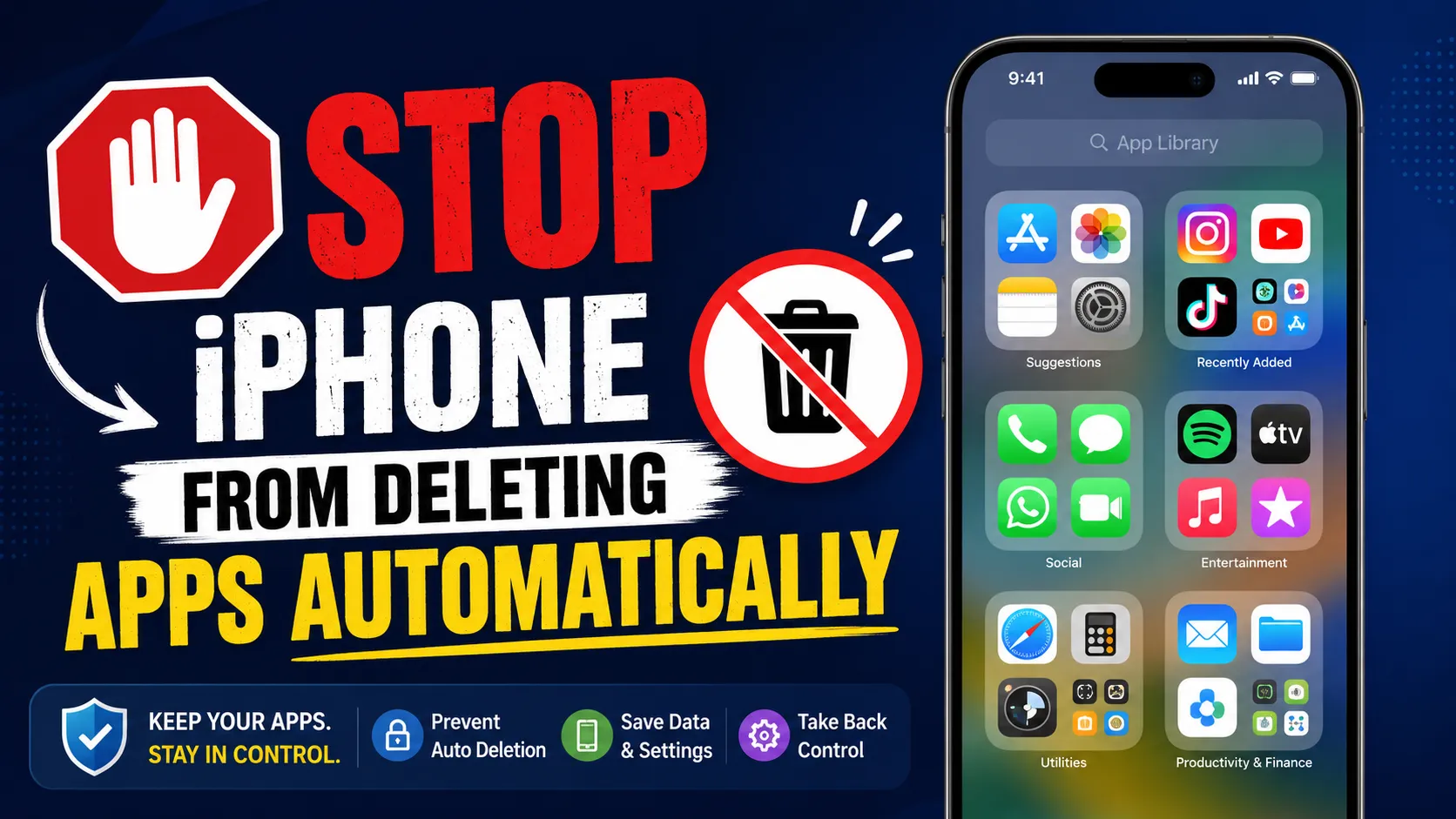

Understanding Offload Unused Apps on iPhone
Apple introduced the Offload Unused Apps feature to help users save storage space without permanently deleting their apps. When enabled, the feature automatically removes apps that are not used frequently while keeping their documents and data intact. This means that if you reinstall the app later, your personal information and settings are restored.
Although this feature is useful for people with limited storage, it can sometimes create inconvenience. Users may discover that an app they need has been offloaded automatically, requiring a download before it can be used again. For those who prefer to keep all apps readily available, disabling this setting is often the better choice.
Why You May Want to Disable Offload Unused Apps
Many iPhone users rely on certain apps only occasionally. Banking apps, travel applications, productivity tools, and educational resources may not be opened every day, but they remain important when needed. If Offload Unused Apps is enabled, these apps can disappear from active storage without warning.
Disabling the feature ensures that all installed applications remain available at all times. This is especially helpful when traveling, working in areas with limited internet connectivity, or needing immediate access to important apps. Keeping apps installed also reduces the inconvenience of waiting for downloads and updates whenever an offloaded app is required again.
How to Disable Offload Unused Apps
Turning off this feature is simple and only takes a few steps:
- Open the Settings app on your iPhone.
- Scroll down and tap App Store.
- Locate the Offload Unused Apps option.
- Toggle the switch to the Off position.
Once disabled, your iPhone will no longer automatically remove apps to free up storage. Every installed application will remain on your device unless you choose to delete it manually.
How to Keep Apps on Your iPhone Without Storage Issues
Disabling Offload Unused Apps is only part of managing your device effectively. If storage becomes a concern, there are several alternative methods to free up space while keeping all apps installed.
Start by reviewing large photos and videos that may no longer be needed. Media files often consume significantly more storage than applications. You can also clear unnecessary downloads, remove duplicate images, and delete old messages with large attachments.
Another useful approach is enabling iCloud Photos or other cloud storage solutions. This allows you to keep important content accessible without filling up local storage. Regular maintenance can help maintain performance while ensuring your favorite apps remain available.
The Benefits of Keeping Apps Installed
Having all apps installed provides a more seamless user experience. You can launch applications instantly without waiting for downloads. Notifications continue to function properly, and app-related data remains accessible whenever needed.
This approach is particularly valuable for users who depend on productivity, communication, health, and financial apps. In emergency situations, immediate access can be crucial. Keeping applications installed also makes it easier to manage updates and maintain consistency across your digital activities.
Storage Considerations for Modern iPhones
Modern iPhones offer a range of storage capacities, making it easier than ever to keep apps installed. However, users who frequently capture high-resolution photos, record videos, or download large files may still encounter storage limitations.
If your device consistently runs out of space, upgrading to a newer model with greater storage capacity can provide a long-term solution. Many consumers today explore refurbished devices because they offer excellent value while maintaining reliable performance. For example, an iphone 16 refurbished model can provide modern features and additional storage options at a more affordable price.
Choosing Reliable Refurbished iPhones
When considering an upgrade, purchasing from a trusted seller is important. Quality-tested refurbished devices undergo inspection and verification processes to ensure they meet performance standards. This allows users to enjoy premium Apple technology while reducing overall costs.
Those looking for advanced features and higher performance may also consider an iphone 16 pro refurbished device. Such options can provide enhanced capabilities while offering the storage flexibility needed to keep apps, media, and important files available without relying on automatic app offloading.
EasyPhones has become a popular choice for customers seeking dependable refurbished Apple devices. By focusing on quality assurance and customer satisfaction, the company helps users access premium smartphones at competitive prices.
Finding Affordable Apple Devices in India
The growing demand for refurbished smartphones has made it easier for consumers to find high-quality Apple devices at attractive prices. Buyers searching for second hand iphones online in india can explore a variety of models that fit different budgets and usage requirements.
Choosing a reputable platform ensures transparency regarding device condition, warranty coverage, and testing procedures. This provides greater confidence during the purchasing process and helps users make informed decisions when upgrading their iPhones.
Final Thoughts
Disabling Offload Unused Apps is a simple way to ensure your favorite applications remain available whenever you need them. While the feature can help save storage space, many users prefer having uninterrupted access to all installed apps. By managing storage through alternative methods and considering devices with larger capacities, you can enjoy a smoother and more reliable iPhone experience.
Whether you are maintaining your current device or considering an upgrade through trusted providers like EasyPhones, keeping your apps installed can improve convenience, productivity, and overall usability. With the right storage management practices, you can enjoy the full potential of your iPhone without worrying about apps disappearing when you need them most.



























Sign in to leave a comment.