
Google Voice for Business: A Smarter Way to Manage Calls and Messages
Effective communication is the cornerstone of any successful business. But managing personal and professional calls on the same number can quickly become chaotic. That’s where Google Voice comes in—offering a simple, affordable VoIP solution to keep your business calls, messages, and voicemail organized across multiple devices.
Let’s dive into what Google Voice is, how it works, and why it's become a go-to communication tool for entrepreneurs and small businesses.
What is Google Voice?
Google Voice is a cloud-based VoIP (Voice over Internet Protocol) phone service launched in 2009. It allows users to send and receive calls and texts over the internet using a virtual phone number. You can access it via mobile, desktop, or laptop—no traditional phone line needed.
Some key features include:
- Call forwarding
- Voicemail transcription
- Custom greetings
- Access across multiple devices
How Much Does Google Voice Cost?
Google Voice is free for personal use in the U.S. and Canada, offering unlimited calls and texts. However, international calls and business features require a paid plan. Subscription tiers include:
- Starter Plan – For up to 10 users
- Standard Plan – Includes auto attendants and ring groups
- Premier Plan – Adds advanced reporting and location support
You’ll need a U.S. phone number to activate the free version, and international calls are billed separately.
💡 Tip: Use Google’s call rate calculator to check international pricing.
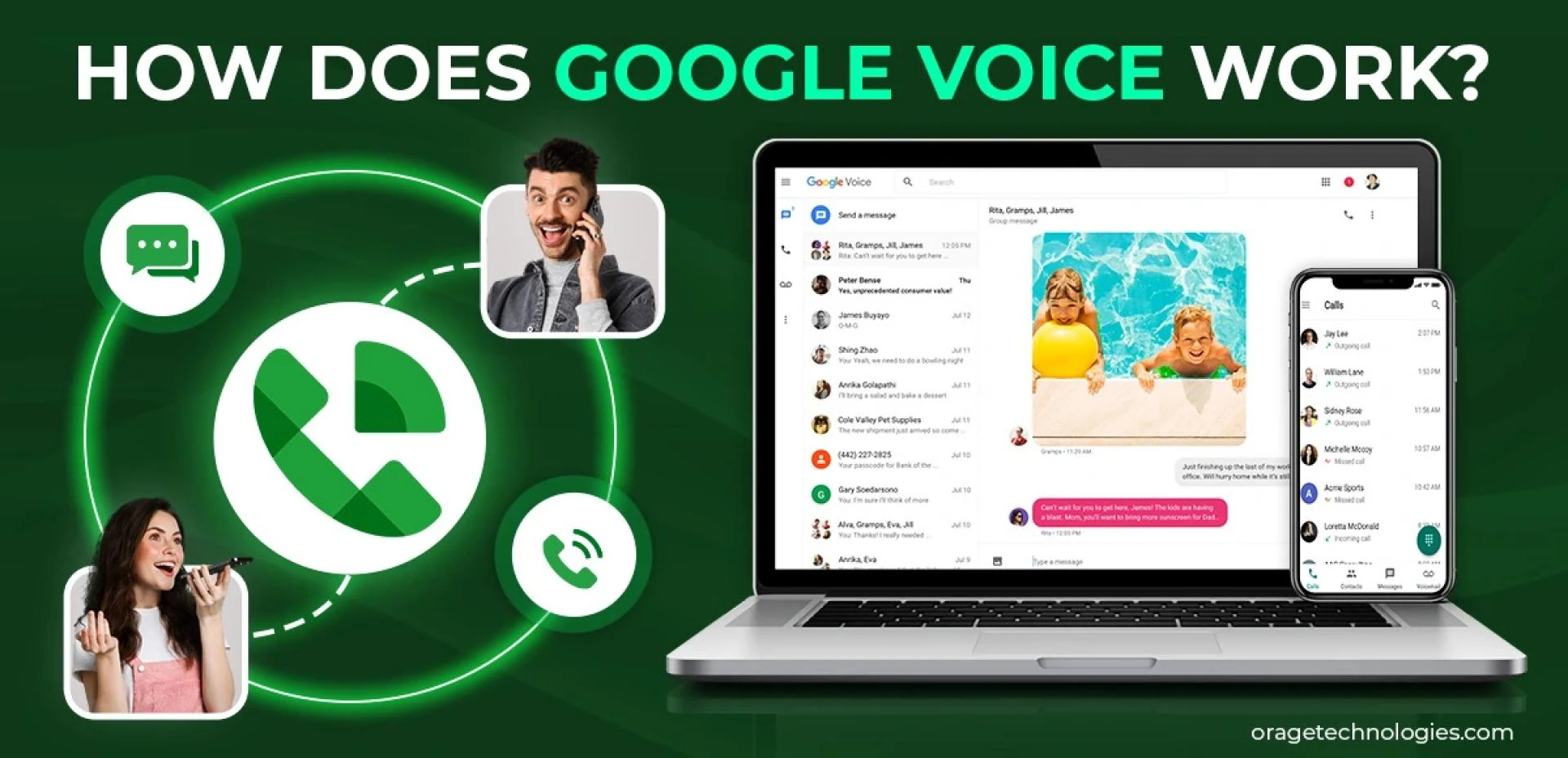
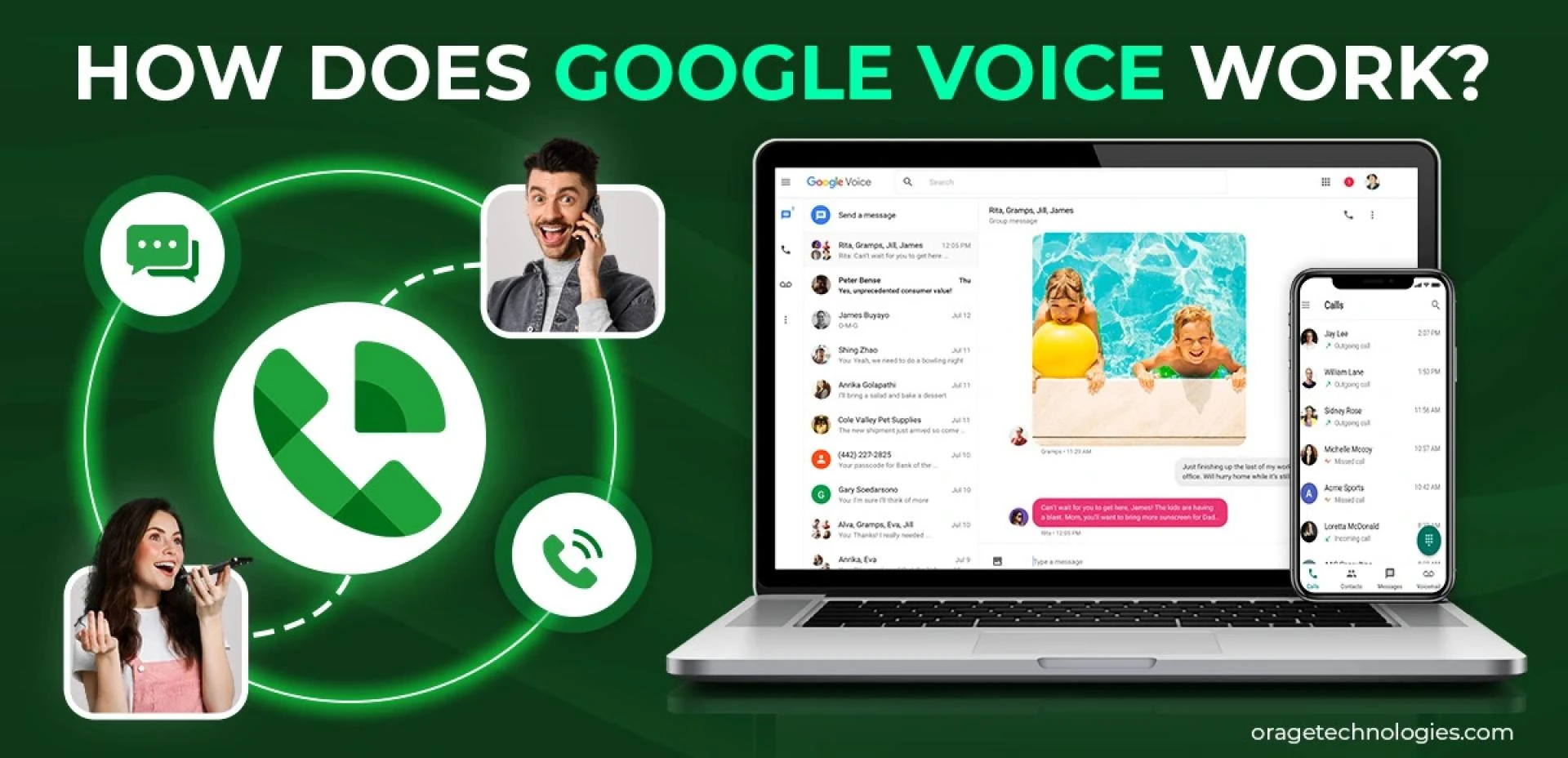
How Does Google Voice Work?
Google Voice converts your voice into digital signals and transmits them over the internet. All you need is:
- An internet connection
- A Google Account
- A microphone and speaker
- (Optional) The Google Voice mobile app
Just sign in, choose your number, and start calling from any device.
🔔 Note: Availability is limited to certain countries. Check the Google Voice availability list before signing up.
How to Set Up Google Voice
Setting up Google Voice is simple. Here’s a step-by-step guide:
Step 1: Sign In
Visit voice.google.com and sign in with your Google account.
Step 2: Choose a Phone Number
Search for a local or area-specific number and claim it.
Step 3: Verify Your Real Number
Link your current number to Google Voice by entering a verification code.
Step 4: Start Using It
Once verified, your account is ready to go. Download the app for mobile use.
Advantages of Google Voice for Business
Businesses thrive on seamless communication, and Google Voice offers just that. Here’s why it’s ideal for small teams:
1. One Number for All Devices
Forward calls to multiple devices and stay connected wherever you are.
2. Make Calls From Gmail
Place calls directly from your Gmail inbox and keep your business number visible to recipients.
3. Unlimited U.S. Texting
Send and receive unlimited texts from any device.
4. Easy Call Forwarding
Switch carriers or phones without changing your business number.
5. Voicemail Transcriptions
Read voicemails like emails—perfect for busy professionals.
6. Custom Call Settings
Manage how and when calls reach you with advanced settings.
7. Call Recording
Record important conversations at the click of a button.
8. Multi-Device Syncing
Move calls between devices without dropping them—ideal for working on the go.
Limitations of Using Google Voice
Despite its benefits, Google Voice isn’t perfect:
- Limited integrations: Mostly supports Google apps.
- User cap: The Starter plan supports only 10 users.
- No team collaboration tools.
- No toll-free numbers offered.
Best Google Voice Alternatives in 2025
If you’re a growing business needing more advanced features, consider these alternatives:
1. Zoom Metered
- $10/user/month
- Scalable and secure
- Extra charge for outbound calls
2. MagicJack
- $9.99/user/month
- Affordable and Workspace-independent
3. Dialpad
- $15/user/month
- Offers voicemail transcription, video calling, and call routing
Conclusion
Google Voice is an excellent solution for small businesses and individuals looking for a simple, budget-friendly VoIP service. It centralizes your communication, allows multi-device access, and is easy to set up. While it's not ideal for large teams or businesses needing toll-free numbers and extensive integrations, it remains a top choice for startups and solo professionals.
FAQs
Is Google Voice still free?
Yes, it's free for personal use in the U.S., but business features require a subscription.
Does Google Voice work internationally?
Yes, but you must pay international rates and it’s only supported in select countries.
What’s the downside of Google Voice?
It lacks enterprise-level features like team collaboration tools and third-party app integrations.
Can I use Google Voice on iPhone?
Yes, it's available for iOS, Android, and desktop platforms.
Also Read: How to Drop and Remove Pins in Google Maps on Phone & Desktop






























Sign in to leave a comment.