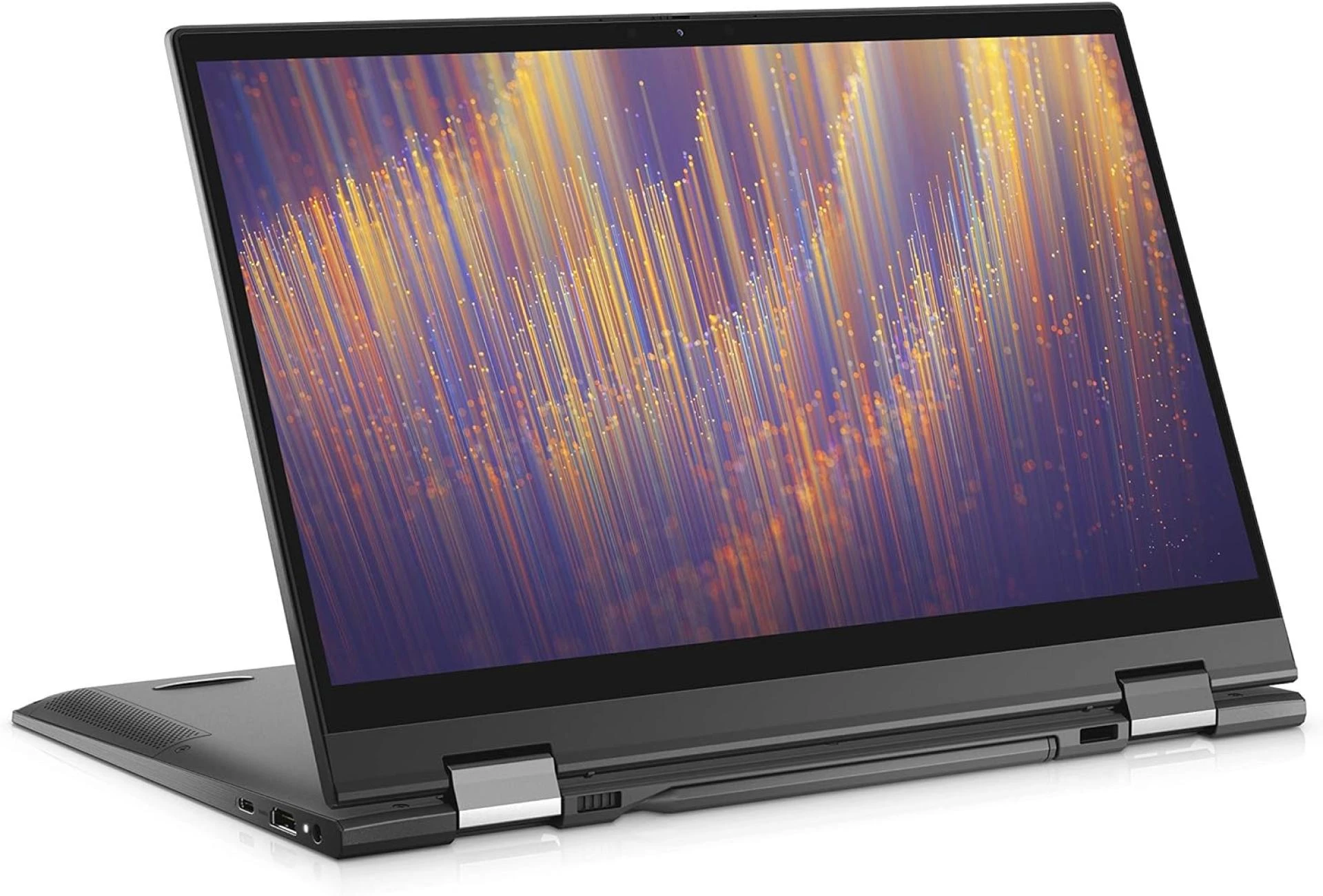

Rackmount LCD panels are an integral component in many technology setups, including broadcast environments, control rooms, AV racks, and more. When selecting a rackmount LCD monitor, durability and reliability should be foremost considerations. The panel will likely operate continuously in demanding conditions and will be difficult to access for repair after installation.
This article will examine key factors that affect the durability and dependability of rackmount displays. We will look at critical panel attributes like construction, components, connectivity, power handling, and more. Understanding these factors will ensure you choose a rugged, reliable rackmount LCD monitor engineered for 24/7 operation.
Construction Materials
A rackmount LCD panels must withstand heavy usage and potential impacts in demanding environments. Premium construction and materials are essential for maximum durability. Key areas to evaluate include:
Metal Chassis
Look for a sturdy powder-coated steel or aluminum chassis with metal reinforcement around vulnerable points like screw holes. This protects the LCD if installed in vibrating racks. Check for thick metal hinging to avoid flexing or warping under continuous motion.
Front Glass
Hardened glass protects the LCD screen itself. Tempered glass is best for high durability. If the unit will be operated by touch, specialty glass etching creates a textured surface for easier interaction.
Lens or Overlay Material
Some LCD panels feature a polycarbonate or optically-bonded overlay lens for additional protection. This shields the primary display glass from scratches or fractures.
Rack Ears
Check that integrated rack ears are thick cold-rolled steel. Avoid displays with plastic ears or minimal metal gauge, which may shear under equipment load. Proper rack ears safely distribute stress and vibration.
Internal Components
The quality of internal components also greatly affects overall reliability. Look for:
Display Panel
Commercial and industrial-grade LCD panels are specially engineered to avoid burn-in and faulty pixels during 24/7 operation. Consumer-level panels are insufficient. Verify wide viewing angles up to 178° for easy visibility.
Backlights
LED backlights last longer and run cooler than CCFL lamps. LEDs also allow for slimmer display profiles. Look for redundant LEDs to avoid single-point failure. RVBL and ambient light sensors automatically optimize backlight for conditions.
Thermal Design
Passive and active cooling components like heat sinks, fans, and vents ensure proper airflow and heat dissipation for stable performance. This avoids overheating and component failure.
Motherboard
A commercial or industrial-grade motherboard and integrated components are imperative for reliability. Consumer PC components lack longevity for continual use.
Connectivity Options
Rackmount LCD panels facilitate device integration via a wide range of connectivity. Carefully consider the types and amount of connections necessary for your purposes:
Video Inputs
Digital video inputs like HDMI, DisplayPort, and DVI ensure high-resolution images free of analog signal degradation. Look for future-proof options like HDMI 2.0 and DisplayPort 1.2 for 4K video. VGA is sufficient for less demanding applications.
USB Ports
USB ports enable localized peripheral and accessory connections without occupying main rack space. Look for modern high-speed USB 3.0 ports for best performance with external drives, controllers, cameras, etc.
Control Options
Network control capabilities allow full remote monitoring and administration without accessing the panel itself. Search for onboard LAN port, RS-232 serial, and LAN daisy-chain support.
Audio Connectivity
3.5mm stereo jacks or integrated speakers provide sound for video and broadcast applications. Consumer speakers likely lack necessary power and frequency response, so external amplification may be needed.
Power and Environmental Tolerance
Rack LCD panels must operate reliably despite inevitable power fluctuations, extreme temperatures, and disruptive interference. Consider:
Wide-Ranging Power Tolerance
Look for tolerance of 100 to 240 volts so the display can handle unpredictable power surges or inconsistencies without damage. Auto voltage sensing is ideal.
Power Continuity Features
Uninterruptible power supply (UPS) integration maintains operation during power failures. Quick startup and low energy consumption allow temporary battery power.
Operating Temperature Range
Check for reliable performance across wide temperatures like -4°F to 122°F for inevitable equipment rack heat. Industrial panels are hardened for more extreme environments.
Noise Immunity
Electrical noise from other equipment can disrupt performance. The LCD should utilize noise reduction technology and electrical shielding to prevent interference.
Burn-in Prevention
Advanced burn-in prevention technology like pixel orbiters avoid damaging image persistence from static content display. Panels lacking such features risk ghosting or burn-in.
Ruggedization
For highly demanding environments with excessive shock, vibration, moisture, or contaminants, look for ruggedized or mil-spec rated panels. They incorporate features like:
Water, dust, and contaminant sealingVibration and shock dampingElectromagnetic shielding Wide temperature operationHardened materials and design
While costlier, ruggedized panels reliably operate in challenging conditions that would damage or destroy standard displays.
Serviceability
Even durable rackmount LCD panels require occasional maintenance or repair. Look for units designed for easy serviceability:
Modular Construction
Components like backlights, power supplies, and boards should be modular and swappable for easy repair. Avoid units where major disassembly is required to replace common parts.
Front Access
The LCD panel and other critical components should be accessible from the front to avoid unmounting the entire display for service.
Replaceable Parts
Manufacturers should stock common replacement parts like backlights and power supplies for prompt repair turnaround. Avoid units with largely proprietary non-replaceable components.
Warranty Coverage
Multi-year warranties on parts and labor reflect confidence in reliability. One year is minimum acceptable coverage for a commercial-grade panel.
Manufacturer Experience
Opt for an established manufacturer with a reputation for commercial and industrial displays rather than a consumer PC monitor company. Experienced providers engineer products for demanding 24/7 environments.
Key items to research:
Years in businessFocus on commercial and industrial panelsIn-house engineering and testingRobust customer supportTrack record of reliability
Avoid low-cost consumer brands lacking necessary experience and credibility in commercial applications.
Conclusion
When selecting a rackmount LCD display, carefully examining construction, connectivity, power handling, serviceability, and overall reliability will ensure you choose a unit engineered to withstand your environment.
While pricier, commercial and industrial-grade panels provide the durability required for smooth 24/7 operation over many years of use. Partnering with an experienced manufacturer and assessing specific technical capabilities will provide peace of mind and long-term value.
























Sign in to leave a comment.