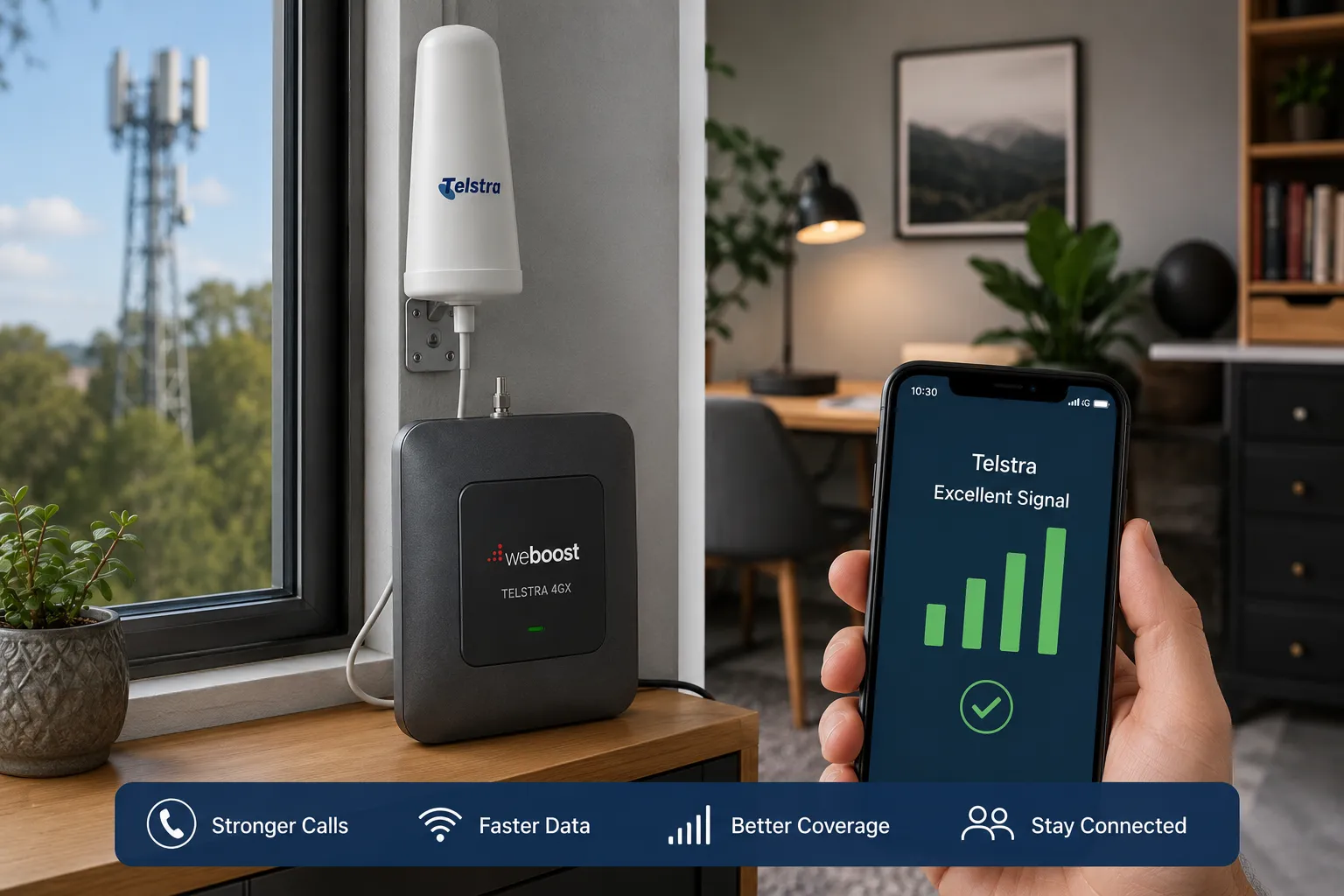

A weak mobile signal can be more than just an inconvenience. It can interrupt important calls, slow down your internet connection, and make it difficult to stay connected when you need it most. If you've been dealing with dropped calls, poor voice quality, or slow mobile data, a Telstra signal booster may be the solution you're looking for. Before assuming the issue is with your device or mobile plan, it's worth understanding the common causes of poor reception and the practical ways to improve it.
Why Does Your Telstra Signal Keep Dropping?
There are several reasons why your mobile signal may not be as strong as expected. In many cases, the problem isn't with the network itself but with your location or surroundings.
Distance from the nearest mobile tower is one of the most common reasons for weak reception. The farther you are from the tower, the more difficult it becomes for your phone to maintain a strong connection. This is especially common in rural and remote areas.
Building materials can also interfere with signal strength. Concrete walls, metal roofing, tinted windows, and insulated construction materials often block mobile signals from reaching inside your home or office.Natural obstacles such as hills, dense trees, and valleys may also reduce signal quality. Even changing weather conditions can occasionally affect mobile coverage.Network congestion is another factor. During peak hours or major public events, a large number of users connecting to the same tower can result in slower speeds and weaker performance.
Signs You Have a Signal Problem
Recognizing the symptoms of poor mobile reception can help you determine whether it's time to improve your setup.
Common signs include:
- Frequent dropped calls
- Slow mobile internet speeds
- Difficulty sending or receiving messages
- Calls that sound distorted or cut in and out
- Low signal bars inside your property
- Inconsistent coverage from room to room
If these problems occur regularly, improving your signal strength can make a noticeable difference.
Practical Ways to Improve Your Mobile Signal
Fortunately, there are several simple steps you can try before considering more advanced solutions.
Move to a Better Location
Sometimes moving closer to a window or stepping outside can significantly improve reception. Upper floors often receive stronger signals because there are fewer obstacles between your phone and the nearest tower.
Keep Your Phone Updated
Software updates frequently include improvements to network connectivity. Keeping your phone's operating system updated ensures you're benefiting from the latest performance enhancements.
Remove Sources of Interference
Electronic devices such as Wi-Fi routers, cordless phones, and other wireless equipment may contribute to interference. Keeping some distance between these devices and your mobile phone can sometimes improve call quality.
Restart Your Device
A simple restart allows your phone to reconnect to the nearest mobile tower and can resolve temporary connectivity issues.
When a Signal Booster Makes Sense
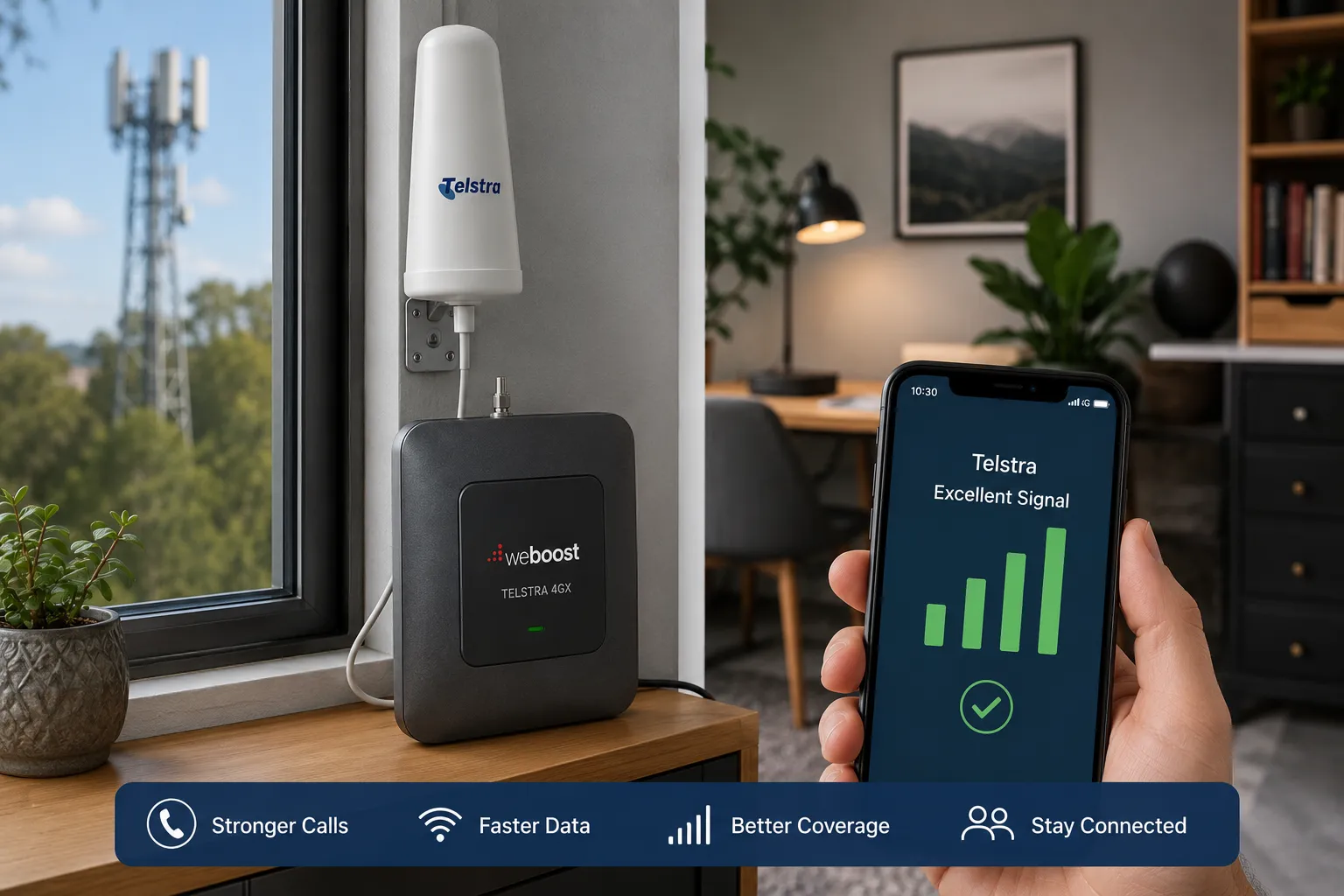
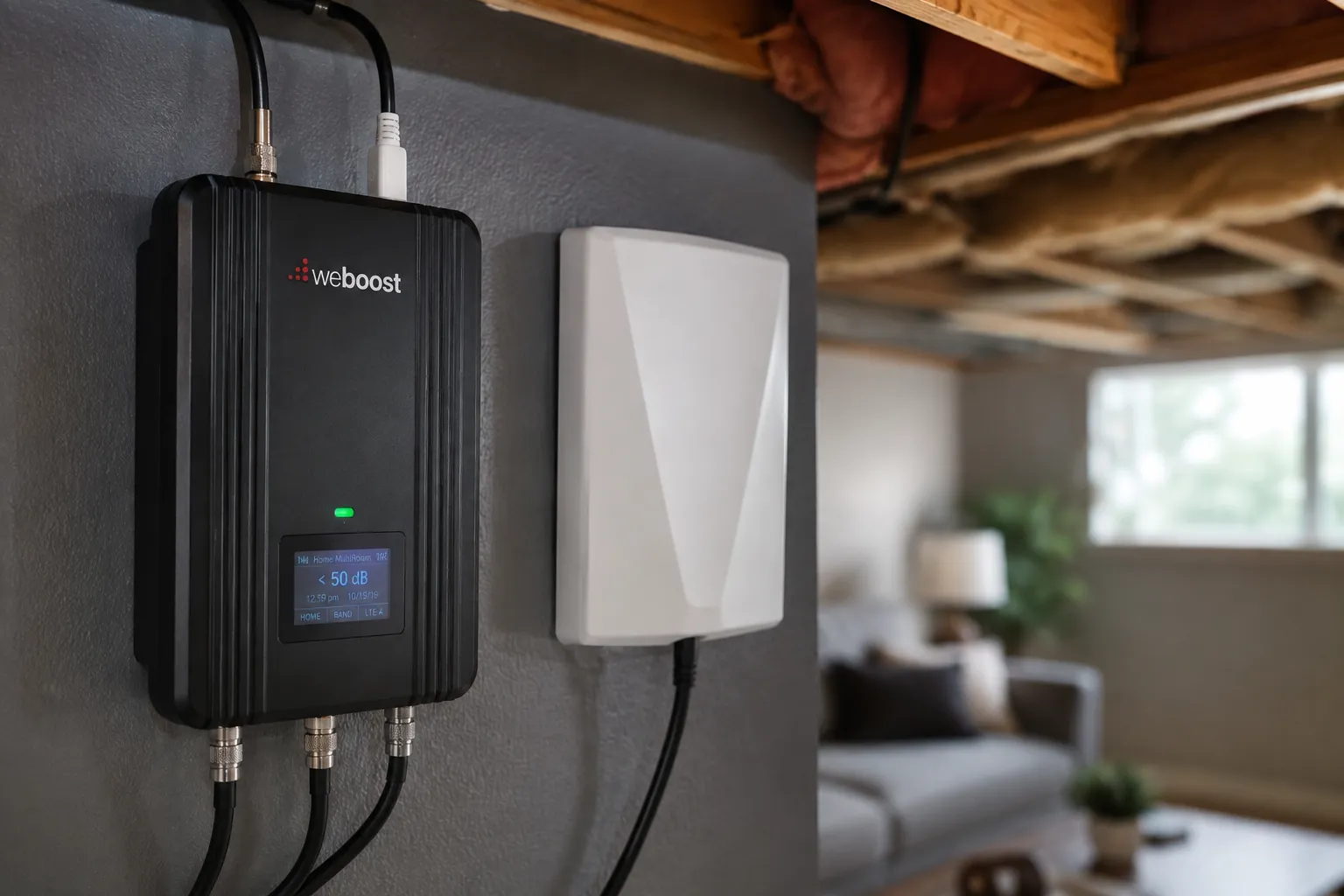
If you've tried basic troubleshooting without success, it may be time to consider a Telstra signal booster. These systems are designed to capture the available outdoor signal, strengthen it, and redistribute improved coverage throughout your home, office, warehouse, or commercial property.
Rather than relying on a weak indoor signal, a booster amplifies the existing network, helping reduce dead zones and providing a more reliable connection across a larger area.
Many businesses also benefit from improved communication, particularly when employees rely on mobile devices throughout the workday.
Choosing the Right Solution
Not every property requires the same type of signal improvement system. The right choice depends on several important factors.
The size of the building matters. A small home typically requires less coverage than a multi-story office or warehouse.
Location also plays an important role. Rural properties often require more powerful equipment than suburban homes because outdoor signal levels tend to be weaker.
It's also important to consider how many people will use the improved coverage at the same time. Larger households and busy workplaces may require systems designed to support multiple simultaneous users.
Selecting equipment that complies with Australian telecommunications regulations helps ensure safe and reliable performance.
Additional Tips for Better Coverage
Improving your mobile experience isn't always about installing new equipment. These habits can also help maximize your connection.
Keep your phone battery sufficiently charged, as some devices reduce network performance when power is low.
Avoid using bulky metal phone cases, which can sometimes weaken signal reception.
Check your carrier's coverage map before relocating or setting up a new office to understand expected signal strength in your area.
If you're frequently traveling between locations, monitor where reception is strongest so you know what to expect.
Stay Connected Without the Frustration
Reliable mobile coverage has become essential for work, business, education, and staying connected with family and friends. While weak reception can be frustrating, understanding the cause is the first step toward finding the right solution.
Whether the issue is caused by building materials, distance from a mobile tower, or challenging terrain, there are practical ways to improve your connection. From simple troubleshooting steps to professionally installed signal enhancement systems, addressing poor coverage can lead to clearer calls, faster data, and a much better overall mobile experience.
If unreliable reception has become part of your daily routine, taking action now can help you enjoy more dependable communication wherever you need it most.

























Sign in to leave a comment.