

Introduction
Getting started with a new SIM card is exciting, but before you can enjoy mobile data, calls, and texts, there’s one important step you must complete GOMO SIM Registration. In the Philippines, SIM registration is now required by law, and failing to comply could mean losing access to your SIM card altogether.

To make things easier, we’ve created this complete guide on the GOMO SIM Registration requirements. Whether you’re a new user or just about to activate your SIM, this article will walk you through everything you need to know — from the documents you must prepare to the step-by-step process of completing your registration smoothly.
Why GOMO SIM Registration Is Required
SIM registration is not just a formality; it’s a legal requirement under the Philippines SIM Registration Act. Here’s why it’s important:
- Security – Helps protect mobile users from scams, fraud, and identity theft.
- Accountability – Ensures every mobile number is tied to a real person with valid ID.
- Access – Without proper registration, your GOMO SIM may be deactivated, and you won’t be able to use mobile data, texts, or calls.
By knowing the right GOMO SIM Registration requirements, you’ll avoid delays and errors during the process.
GOMO SIM Registration Requirements
Before you begin, make sure you have these ready:
1. A Valid Government-Issued ID
To complete registration, you’ll need to present a valid ID. Accepted IDs include:
- Philippine National ID (PhilID)
- Passport
- Driver’s License
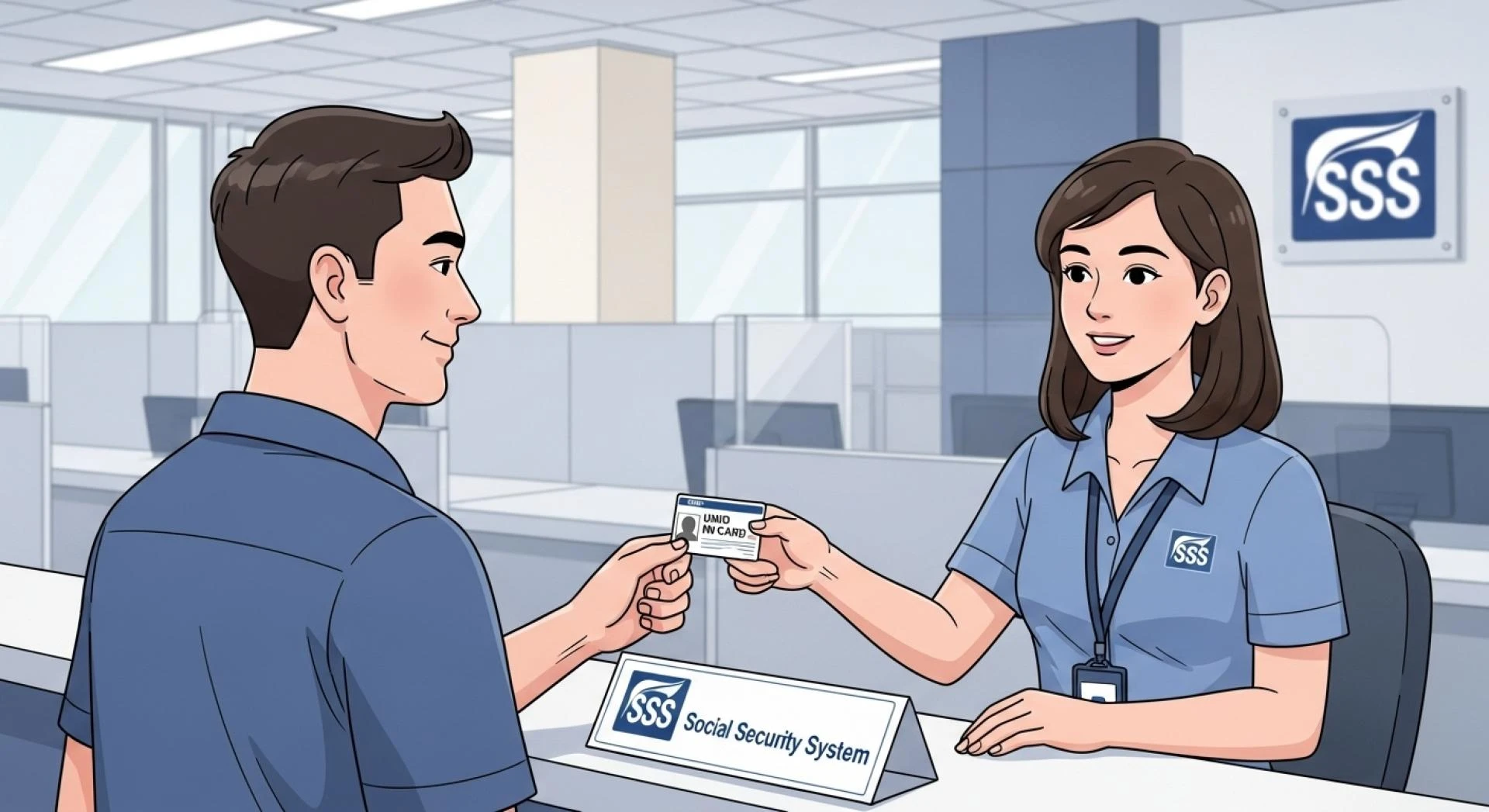
- SSS ID (Social Security System)
- UMID (Unified Multi-Purpose ID)
- PRC ID (Professional Regulation Commission)
- GSIS e-Card
- Senior Citizen ID
- OFW ID
- Voter’s ID
- Postal ID
- PWD ID
- Student ID (for minors, with guardian’s consent)
👉 Tip: Make sure your ID is clear, valid (not expired), and matches the personal information you’ll enter.
2. A Clear Photo of Yourself
You’ll need to upload a selfie photo for identity verification. This step ensures that the ID truly belongs to you.
- Take your photo in a well-lit area.
- Avoid blurry or dark images.
- Do not use filters.
3. Your Personal Information
You will be asked to provide accurate personal details, including:
- Full Name (as written on your ID)
- Date of Birth
- Gender
- Complete Address
- Nationality
Double-check spelling and avoid using nicknames or special characters.
4. GOMO Mobile Number and SIM Details
Make sure you have your GOMO number ready. Some registrations may also require your SIM card’s serial number (printed on the SIM itself).
5. A Stable Internet Connection
Since GOMO SIM Registration is done online, you’ll need reliable internet access through Wi-Fi or mobile data.
Step-by-Step Guide to Registering Your GOMO SIM
Now that you know the requirements, let’s walk through the process.
H2: Step 1 – Insert Your SIM
Insert your new GOMO SIM card into your phone. Make sure your device recognizes it and that you have a signal.
H2: Step 2 – Visit the Registration Portal
Go to the official GOMO SIM Registration website or open the GOMO app. Registration must be done through their authorized platform only.
H2: Step 3 – Enter Your Mobile Number
Type in your GOMO mobile number, then wait for the One-Time Password (OTP) that will be sent via SMS. Enter the OTP correctly to proceed.
H2: Step 4 – Provide Your Details
Fill in the form with your full name, birthday, gender, and address. Make sure they match the information on your ID.
H2: Step 5 – Upload Your Valid ID and Selfie
Upload a clear photo of your government ID and a selfie for verification. Ensure both are high quality and readable.
H2: Step 6 – Confirm and Submit
Review all details before submitting. Once done, you’ll receive a confirmation message that your GOMO SIM Registration is successful.
Tips to Avoid Registration Problems
- Use the latest version of the GOMO app or official website.
- Register in a place with a strong internet connection.
- Make sure your ID is valid and not expired.
- Enter information exactly as shown on your ID (no shortcuts).
- Save a screenshot of your confirmation for future reference.
Who Needs to Register Their GOMO SIM?
- New Users – Anyone buying a new GOMO SIM must register before activation.
- Existing Users – All current GOMO SIM users must also register within the government’s deadline to avoid deactivation.
- Minors – SIMs registered under minors must be under a parent or guardian’s name.
- Foreign Nationals – Tourists may register for temporary SIMs with their passport and proof of legal stay.
What Happens if You Don’t Register?
Failing to register your SIM will result in:
- Permanent deactivation of your SIM card.
- Loss of access to mobile data, calls, and texts.
- Inability to reactivate without going through the official process.
That’s why completing your GOMO SIM Registration as soon as possible is highly recommended.
Related Keywords to Include
- GOMO SIM activation requirements
- SIM registration Philippines
- How to register GOMO SIM card
- GOMO registration portal
- Valid ID for SIM registration
- GOMO SIM activation guide
Frequently Asked Questions (FAQs)
1. Can I register my GOMO SIM without a valid ID?
No. A valid government-issued ID is required to complete registration.
2. How do I know if my GOMO SIM is already registered?
You’ll receive a confirmation message after successful registration. You can also check through the GOMO app.
3. Can foreigners register for a GOMO SIM?
Yes. Foreign nationals can register using their passport and proof of legal stay in the Philippines.
4. What if my ID photo gets rejected?
Make sure the photo is clear, not blurry, and all details are visible. Try retaking the photo in good lighting.
5. What is the deadline for SIM registration?
The government sets specific deadlines for SIM registration. Failing to register before the deadline may result in permanent SIM deactivation.
Conclusion
Completing your GOMO SIM Registration is essential if you want uninterrupted mobile services in the Philippines. By preparing the right requirements such as a valid ID, a clear selfie, and accurate personal details you can register your SIM smoothly and avoid common errors.
Remember, registration is not just about compliance with the law. It also helps keep your mobile identity secure and ensures full access to GOMO’s services.
So before you insert your SIM and start browsing, double-check your GOMO SIM Registration requirements and complete the process right away. This small step will save you from future hassles and keep your mobile number active without problems.


























Sign in to leave a comment.