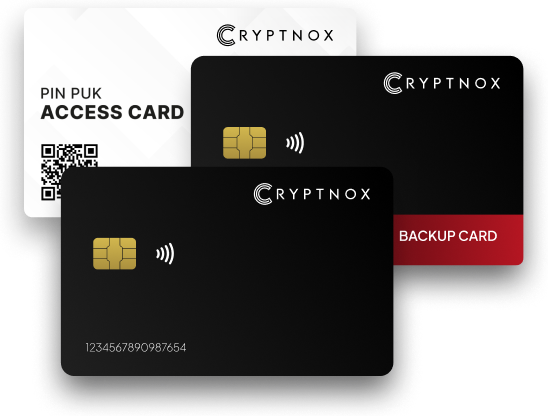

As cryptocurrency adoption grows, so does the importance of safeguarding digital assets. Unlike software wallets or exchanges, a hardware wallet provides an additional layer of security by keeping private keys offline and out of reach from hackers. This guide explains, step by step, how to use a hardware wallet effectively, with practical best practices for long-term crypto security—using Cryptnox hardware wallets as a reference point.
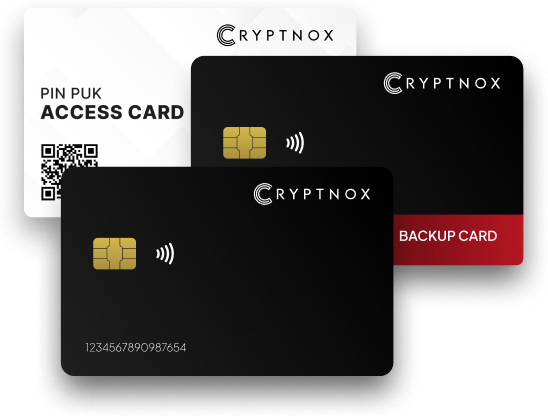
What Is a Hardware Wallet?
A hardware wallet is a physical device designed to securely store your cryptocurrency private keys offline. Transactions are signed inside the device, meaning your private keys never leave the wallet or touch an internet-connected system. This makes hardware wallets one of the most secure methods for managing and storing crypto assets.
Hardware wallets are particularly suitable for:
- Long-term investors (HODLers)
- High-value portfolios
- Users prioritizing maximum security over convenience
Why Use a Hardware Wallet?
Before diving into the “how,” it is important to understand the “why.”
Key benefits include:
- Offline key storage: Protection against malware and phishing attacks
- Full ownership: You control your private keys, not an exchange
- Transaction verification: Every transaction must be physically confirmed
- Multi-asset support: Store multiple cryptocurrencies in one device
Step-by-Step Guide: How to Use a Hardware Wallet
1. Unbox and Verify Authenticity
When you receive your hardware wallet:
- Ensure the packaging is sealed and unopened
- Purchase only from official websites or authorized sellers
- Never use a device that comes pre-initialized
Security begins at the point of purchase.
2. Initialize the Wallet
Connect the hardware wallet to your computer or mobile device using the recommended cable or NFC method (if supported).
During initialization:
- Create a new wallet
- Set a PIN code (this protects the device from unauthorized physical access)
- Follow on-screen instructions carefully
Never rush this step—this is the foundation of your wallet’s security.
3. Write Down the Recovery Phrase
The wallet will generate a recovery phrase (also called a seed phrase), typically 12, 18, or 24 words.
Critical rules:
- Write it down on paper (or a metal backup)
- Never store it digitally (no photos, cloud, or email)
- Never share it with anyone
This phrase is the only way to recover your funds if the device is lost or damaged.
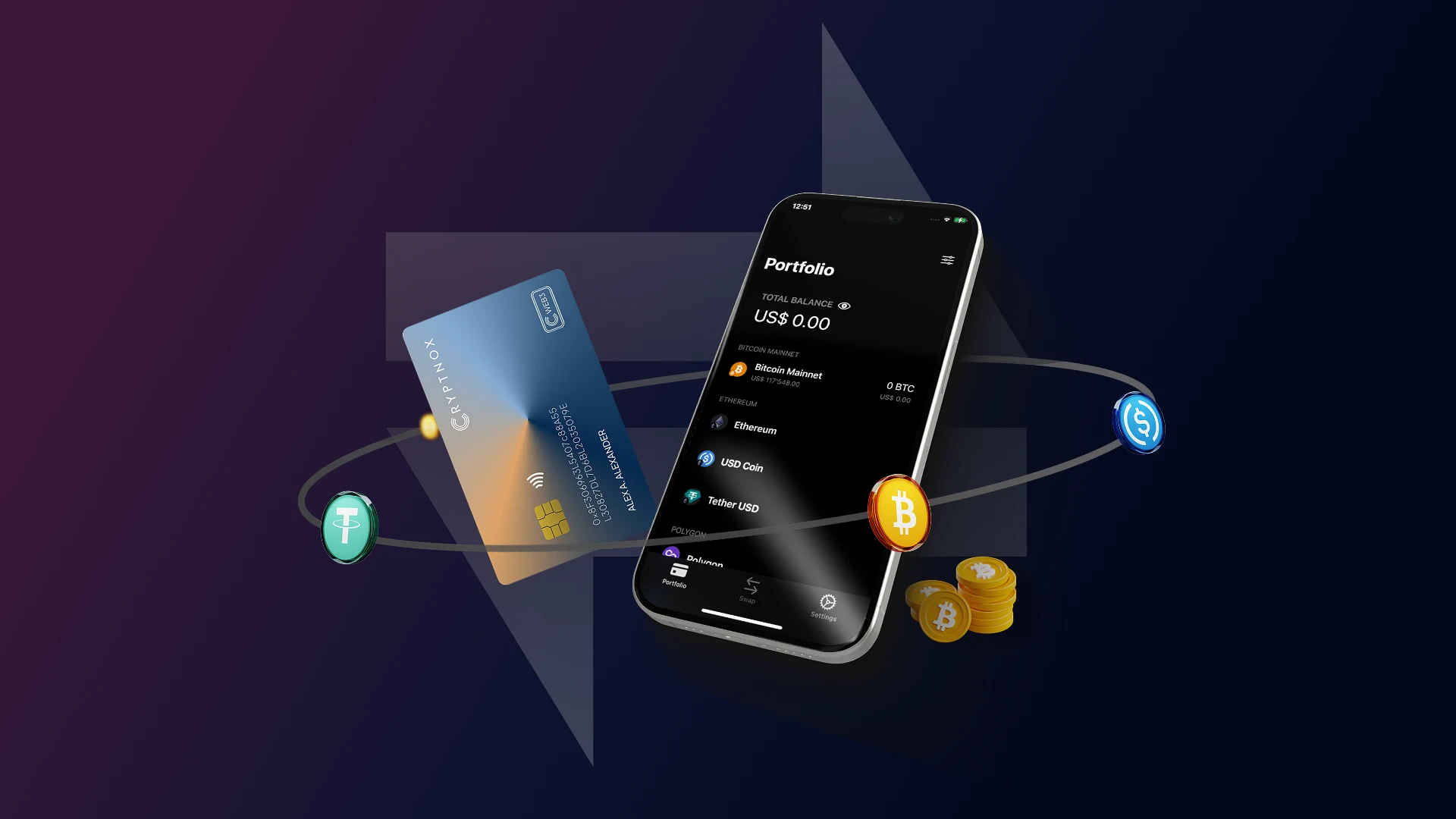
4. Install the Companion App or Interface
Most hardware wallets work with a companion application or web interface.
Using the official software:
- Add supported cryptocurrencies
- View balances
- Initiate transactions
Always download software directly from the official source to avoid fake or malicious apps.
5. Add Cryptocurrency Accounts
Once the wallet is set up:
- Select the cryptocurrency you want to use (e.g., Bitcoin, Ethereum, or others)
- Generate a receiving address
- Verify the address on the hardware wallet screen itself
This verification ensures the address has not been altered by malware.
6. Receive Cryptocurrency
To receive funds:
- Copy the verified wallet address
- Share it with the sender or use it on an exchange withdrawal page
- Wait for blockchain confirmations
Funds will appear in your wallet once the transaction is confirmed on the network.
7. Send Cryptocurrency Securely
When sending crypto:
- Enter the recipient’s address and amount in the app
- Review transaction details on the hardware wallet screen
- Physically confirm the transaction on the device
This manual confirmation step is what prevents unauthorized transfers.
8. Keep Firmware Updated
Manufacturers periodically release firmware updates to improve security and add features.
Best practice:
- Check for updates only through official software
- Never update firmware using third-party tools
Firmware updates help protect against newly discovered vulnerabilities.
Best Practices for Hardware Wallet Security
To maximize protection:
- Store the device in a secure physical location
- Keep recovery phrases in separate, safe locations
- Avoid using the wallet on public or compromised computers
- Enable additional security features if available
Remember: security is a process, not a one-time setup.
Common Mistakes to Avoid
- Taking photos of recovery phrases
- Buying second-hand hardware wallets
- Ignoring firmware updates
- Storing recovery phrases online
- Trusting unsolicited support messages
Most crypto losses occur due to user error, not device failure.
Who Should Use a Hardware Wallet?
A hardware wallet is ideal for:
- Long-term crypto investors
- Professionals managing significant holdings
- Anyone who wants full control over their digital assets
If you value ownership and security, a hardware wallet is not optional—it is essential.
Final Thoughts
Using a hardware wallet is one of the most reliable ways to secure cryptocurrency in today’s digital environment. While it requires careful setup and responsible handling of recovery phrases, the trade-off is unmatched security and peace of mind.
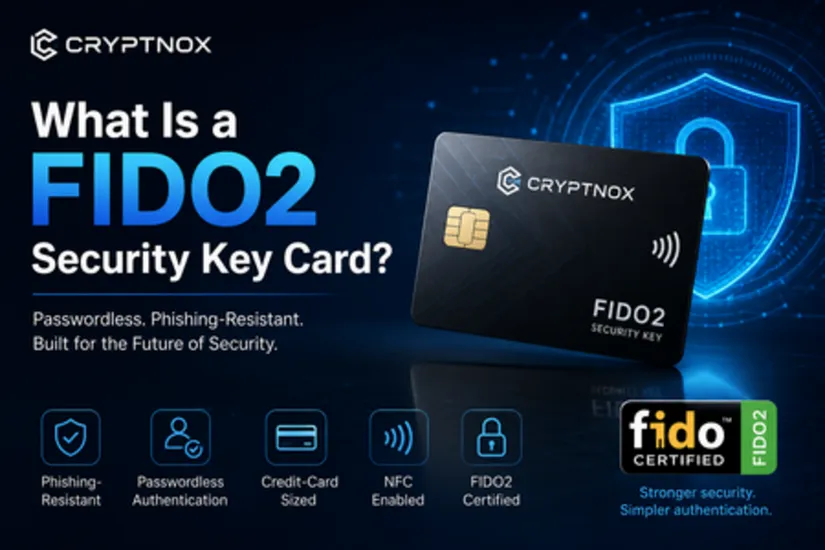
With a robust design, advanced security features, and offline key storage, hardware wallets such as those from Cryptnox are designed to help users take full control of their crypto assets—safely and confidently.
If you treat your hardware wallet with the same seriousness as a physical vault, it can protect your digital wealth for years to come.






















Sign in to leave a comment.