

Managing financial data can often feel overwhelming, especially when you receive your records in formats that are not immediately useful for analysis. Many banks provide statements in PDF format, which is secure but not always convenient for data processing. This is where a bank statement to excel solution becomes extremely valuable. With the help of tools like Bank Statements Converter, individuals and businesses can efficiently convert their financial records into editable spreadsheets for smoother management and accounting.
Understanding the Need for Converting Bank Statements
Bank statements in PDF form are designed primarily for secure distribution and easy viewing. While they serve as an official record, the format is not ideal for tasks like bookkeeping, reconciliation, budgeting, or auditing. A PDF file restricts users from editing or restructuring data. This limitation can cause inefficiencies when handling large volumes of financial information.
By converting bank statements into an Excel file, the information becomes flexible, sortable, and ready for deeper analysis. Businesses can quickly identify trends, calculate totals, and integrate financial data with accounting software. For personal users, converting into Excel helps with household budgeting, expense tracking, and ensuring accuracy in financial planning.

Benefits of Using Excel for Bank Statement Data
Excel is one of the most widely used tools for financial management because of its versatility. Once the PDF data is transferred, users gain access to features that dramatically improve how financial records are handled.
Excel enables data sorting, filtering, and formatting, making it easier to review months of transactions within minutes. Users can set up formulas to automatically calculate balances, categorize expenses, and monitor cash flow. The ability to create graphs and pivot tables helps turn static numbers into clear visual reports that can be shared with stakeholders or used for personal review. In addition, Excel files are compatible with most accounting software, making them easier to integrate into existing workflows. This makes the transition from manual entry to digital automation seamless and efficient.
Methods for Converting Bank Statements into Excel
There are several approaches available for transferring data from PDF bank statements into Excel, each offering different levels of efficiency and accuracy.
Manual Copy and Paste
The simplest method is to manually copy text from the PDF and paste it into an Excel sheet. While this may work for short statements, it is often impractical for lengthy documents. Formatting issues can occur, and the process is time-consuming. It is also prone to errors, especially when dealing with complex transaction records.
OCR-Based Extraction
Optical Character Recognition (OCR) software can scan PDFs and convert the text into editable data. This works well for scanned statements or locked PDFs. However, the accuracy depends heavily on the quality of the scan. OCR systems can sometimes misinterpret numbers or symbols, which requires manual corrections.
Automated Conversion with Specialized Tools
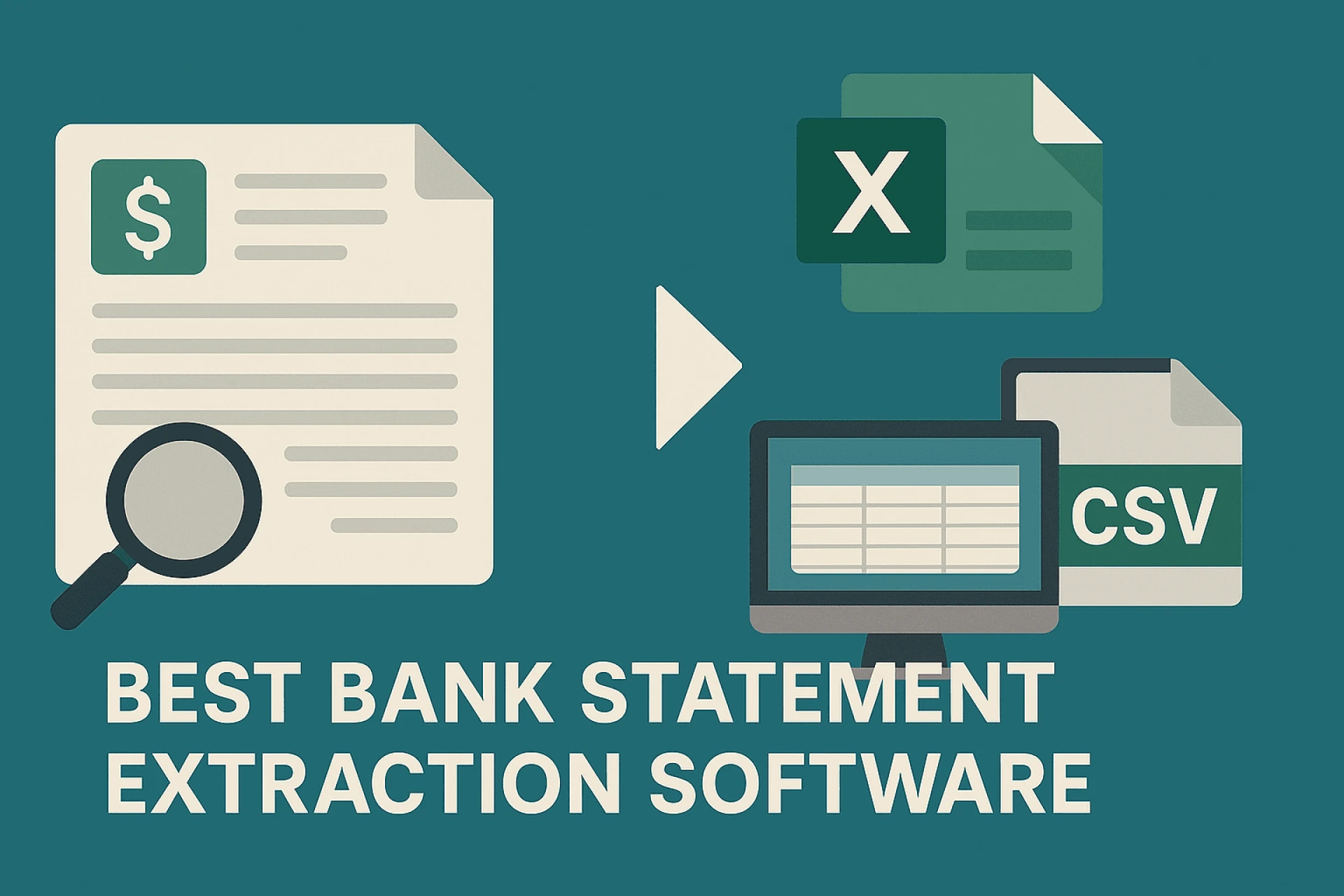
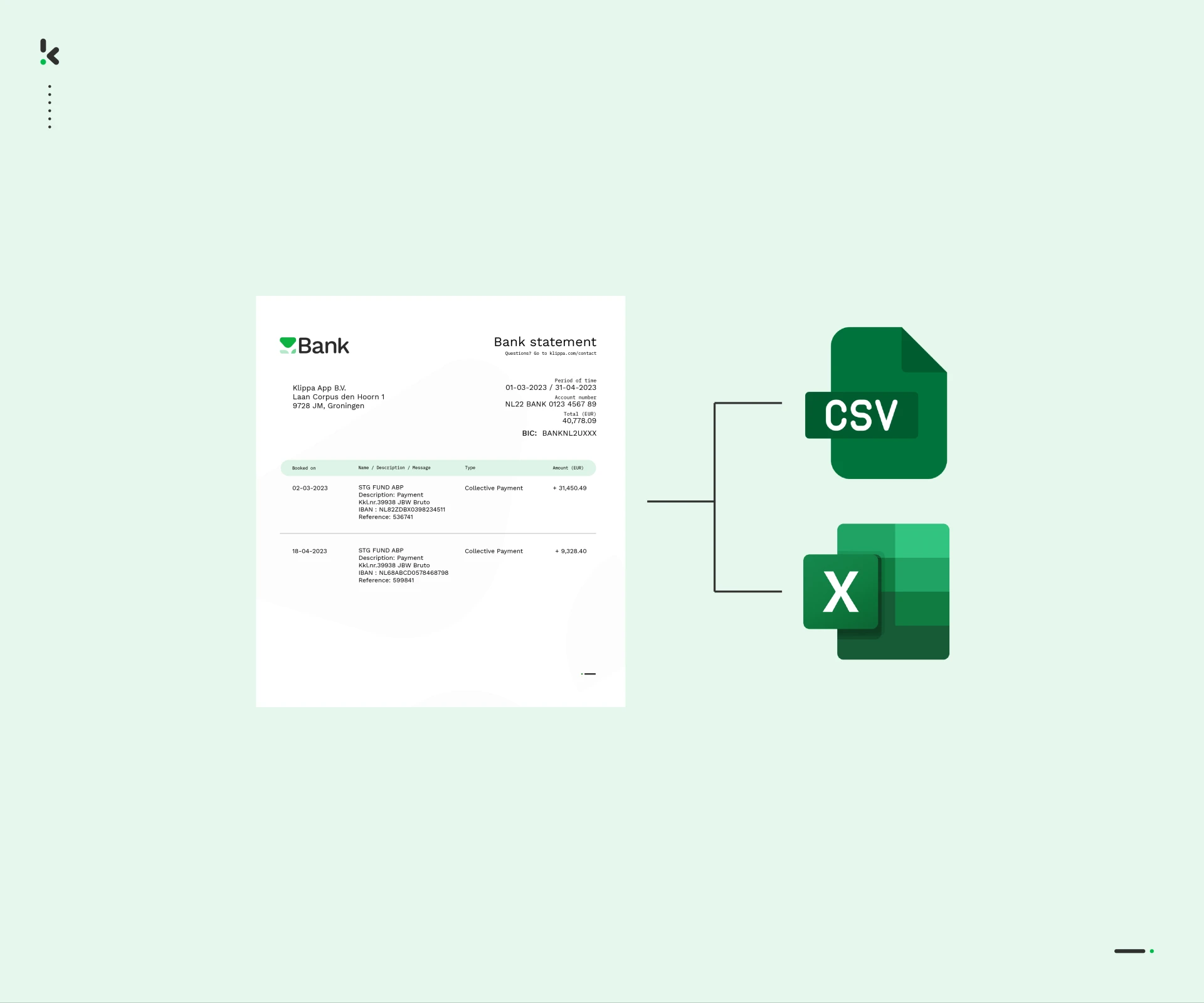
A more reliable solution is to use a dedicated converter such as Bank Statements Converter. Such tools are specifically designed to extract tabular data from PDFs while retaining the structure. Instead of spending hours restructuring information, the converter creates an organized Excel file in minutes. This method ensures accuracy and efficiency, especially for those who manage financial records regularly.
Steps to Transfer PDF Bank Statements into Excel
The process of moving your financial data into Excel generally involves a few clear steps:
- Select the bank statement PDF file that you want to convert.
- Open the file with a reliable converter such as Bank Statements Converter.
- Allow the software to extract the tabular data while preserving rows and columns.
- Save the converted document as an Excel file on your system.
- Review the file to ensure all transactions are properly aligned and categorized.
Once completed, you can use Excel’s built-in tools to perform calculations, filter information, and create charts for financial insights.
Practical Uses of Excel Bank Statement Files
Having bank statements in Excel format opens up a wide range of possibilities for both personal and professional finance management.
Bookkeeping and Reconciliation
For small businesses, reconciling bank accounts is essential to ensure that all financial transactions match internal records. Excel makes this process simpler by allowing you to line up transaction data against invoices and receipts, quickly spotting discrepancies.
Budgeting and Expense Tracking
Individuals and families often struggle to keep track of spending. With an Excel version of a bank statement, you can categorize expenses, calculate monthly totals, and even forecast future budgets. This makes financial planning clearer and more achievable.
Audit Preparation
During audits, presenting financial data in a clean, structured format is crucial. Excel bank statement files provide auditors with an easy-to-analyze report that speeds up the review process and reduces errors.
Business Reporting
Companies often rely on Excel to create customized financial reports. By converting statements into spreadsheets, managers gain direct access to transaction details, which can then be turned into strategic insights for decision-making.
Common Challenges in Conversion
While the benefits are clear, some challenges may arise during the conversion process. PDFs can have complex layouts that make extraction difficult. For example, multi-column designs or embedded images can confuse basic tools. Manual adjustments may still be required in some cases. Another issue is data security. Bank statements contain sensitive information, so it is important to use trusted software and store converted files securely. Choosing a tool like Bank Statements Converter ensures accuracy and safeguards data privacy.
Best Practices for Maintaining Data Accuracy
To ensure reliable financial management, users should always verify the accuracy of the converted Excel file. Cross-checking totals against the original PDF helps identify any discrepancies. Regular backups of financial records are also recommended to avoid data loss.
It is also wise to keep consistent formatting in Excel files. Standardizing column headings, date formats, and transaction categories makes long-term financial tracking smoother. Consistency improves both personal analysis and business reporting.
Conclusion
Converting a bank statement to excel is more than a convenience—it is a practical necessity for anyone serious about managing finances efficiently. With the help of reliable solutions like Bank Statements Converter, users can transform static PDF files into dynamic, editable spreadsheets that support better analysis, accuracy, and planning. From businesses managing multiple accounts to individuals organizing personal budgets, this process streamlines financial tasks and enhances productivity.
FAQs
Why should I convert my PDF bank statements into Excel?
Converting bank statements allows you to sort, filter, and analyze your data more efficiently. It simplifies budgeting, reconciliation, and reporting.
Can I use Excel statements with accounting software?
Yes, Excel files are compatible with most accounting tools, making them easy to import for further analysis and financial management.
Is manual conversion a good option for long statements?
Manual conversion may work for very short documents, but it is time-consuming and prone to errors for longer statements. Automated tools are more reliable.
How accurate are automated converters?
A trusted tool like Bank Statements Converter ensures high accuracy by preserving the structure of rows and columns while minimizing errors.
Is it safe to use conversion tools for bank statements?
Yes, as long as you use reputable software that prioritizes data security. Always ensure that sensitive information is handled and stored securely.






























Sign in to leave a comment.