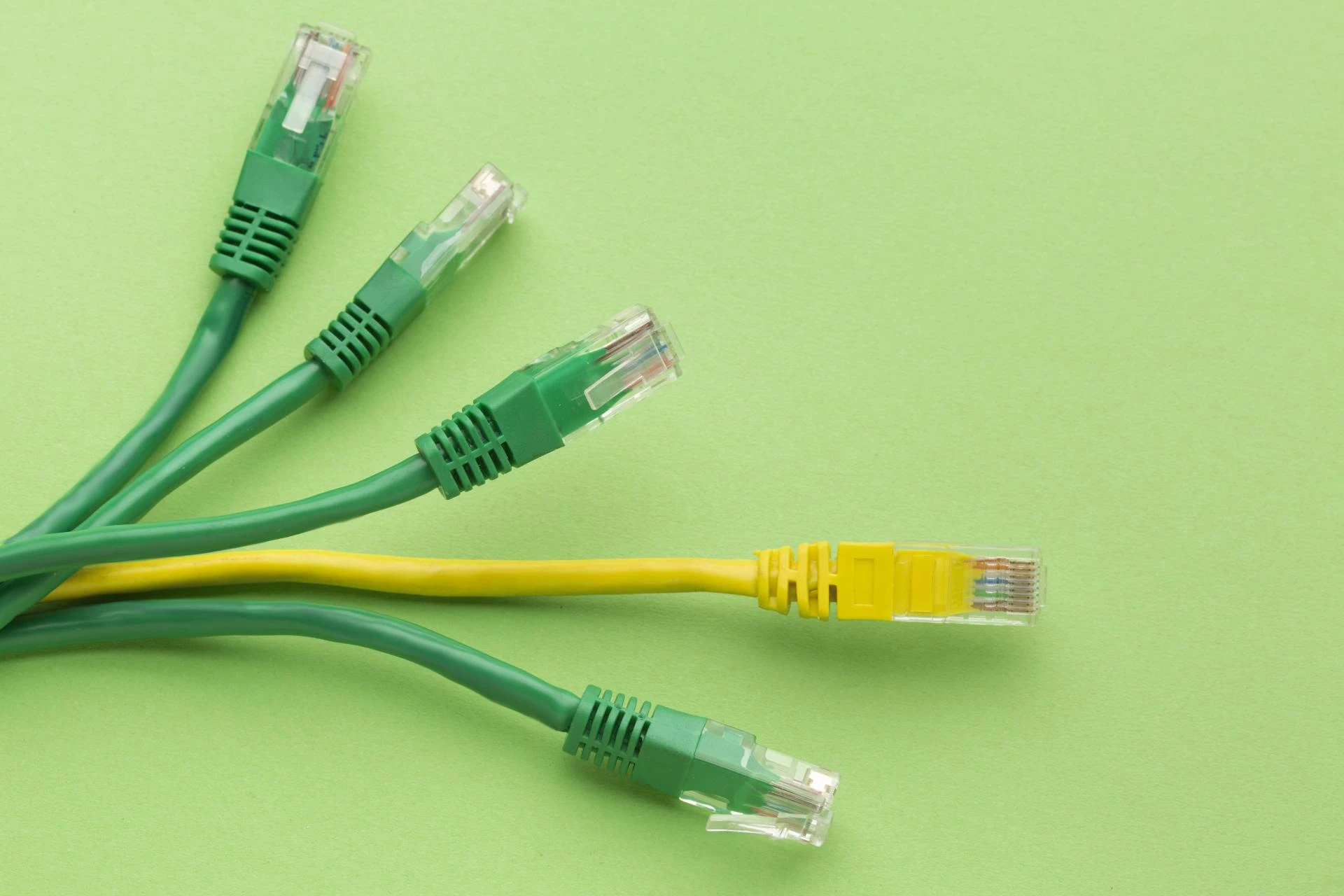

One of the most common questions asked by businesses is- How many Cat6 lines do they need for a security camera system? This often comes at a time when businesses are setting up a reliable and efficient security camera system.
This question sounds simple to most, but its answer depends on the range of factors such as camera coverage design, PoE camera load, and cabling layout. The businesses need to get these details right to bring about a difference in the network performance and long-term reliability.
In this blog, the data cable installers reveal everything you need to know about the Cat6 lines for a security camera system.
Significance of Cat6 for Modern Security Systems
It is the Cat6 cabling that has become the go-to choice of businesses when it comes to the security camera system. But most businesses don’t know the reason behind this. The reasons why businesses prefer Cat6 cabling are that it offers high-speed data transmission, minimal signal interference, and powering devices through PoE.
Besides this, some other benefits of using Cat6 cabling for modern security systems are as follows.
- High-bandwidth
- PoE support
- Future proofing
- Minimal interference
The Cat6 cabling is the best option to meet both your current as well as future demands if you’re upgrading or installing a new security system.
Cat6 Lines For Security Camera System
Installing a security camera system and having no idea about the Cat6 lines? Look no more. Cabling in DFW has got you an answer for you. Check out how you can figure out the number of Cat6 lines you need for the security camera system.
Determine the Number of Cameras
The number of cameras you plan to install is the first thing that goes into figuring out the Cat6 lines. Each security camera system requires one Cat6 line running back to the network switch, NVR, and PoE injector.
But this is not all. In addition to this, you also need to consider the following.
Camera resolution- The camera resolution goes a long way in determining the Cat6 lines. For instance, a high-resolution camera requires more bandwidth than the others.
Camera type- The next is the camera type, meaning that if it is a PTZ camera, then be prepared for more power and bandwidth usage.
PoE capacity- Then comes your PoE capacity. If your PoE switch supports multiple high-load cameras, then you need an additional line or a higher-capacity switch.
Camera coverage design
The next factor is the camera coverage design. It plays a major role in how you route and allocate CAT6 cables. The structured wiring companies do a site assessment and design the proper coverage map that minimizes the blind spots before the installation.
The camera coverage design includes:
- The building layout (Hallways, entrances, parking lots)
- Distance to network switch (A repeater switch beyond 110 meters)
- Cable management (Cables are not overly stretched or exposed to interference)
This is crucial because a poor coverage design only results in extra cable runs and signal loss. Not only this, the professional data cable installers also optimize the cable routes to ensure efficiency, signal quality, and aesthetics.
PoE Camera Load
Another way to figure out the required Cat6 lines for a security camera system is by determining the PoE camera load. Businesses overlook this, but this equally matters as much as others. The PoE camera load means how much power your network is delivering to each device.
Every camera draws a specific amount of wattage, and there’s a maximum power capacity of the PoE switches. The standard PoE delivers up to 15.4W per port. The chances are your switch may not supply enough power across a single Cat6 line if you have multiple PTZ cameras.
You can seek the help of professional low voltage wiring contractors to calculate this PoE load carefully so that your switch and cabling can handle the connected devices without witnessing any performance drops.
Plan for future expansion
Most businesses plan only for the current setup and forget about the future, which is a huge mistake. It’s always a smarter idea to plan for future expansion, even if your current setup includes a few cameras. The best alternative here would be installing additional CAT6 lines during the initial setup rather than running new cables later on.
You can consider the following for future expansion:
- Spare Cat6 lines in high-risk areas
- Extra network ports near entrances and parking areas
- Structured wiring panels to make expansion simple and organized.
The structured wiring companies recommend installing 20–30% more lines than the current system, as this ensures scalability without disrupting the existing infrastructure in the future.
A clean & efficient cabling layout
Have a messy cabling layout? Your business will be prone to interference, difficulties in troubleshooting, and safety hazards. You need to have a good cabling layout that uses proper labeling and maintains proper distance from power lines.
Not only this, the good cabling layout also includes cables bundled neatly and terminating them in patch panels. You can ensure a good cabling layout with the professional data cable installers.
Final Say
By now, you must have understood how many Cat6 lines your security camera system needs. The best alternative is to hire the data cable installers or low voltage wiring contractors to ensure your system is reliable and organized.



















Sign in to leave a comment.