
Introduction: The Frustration Is Real
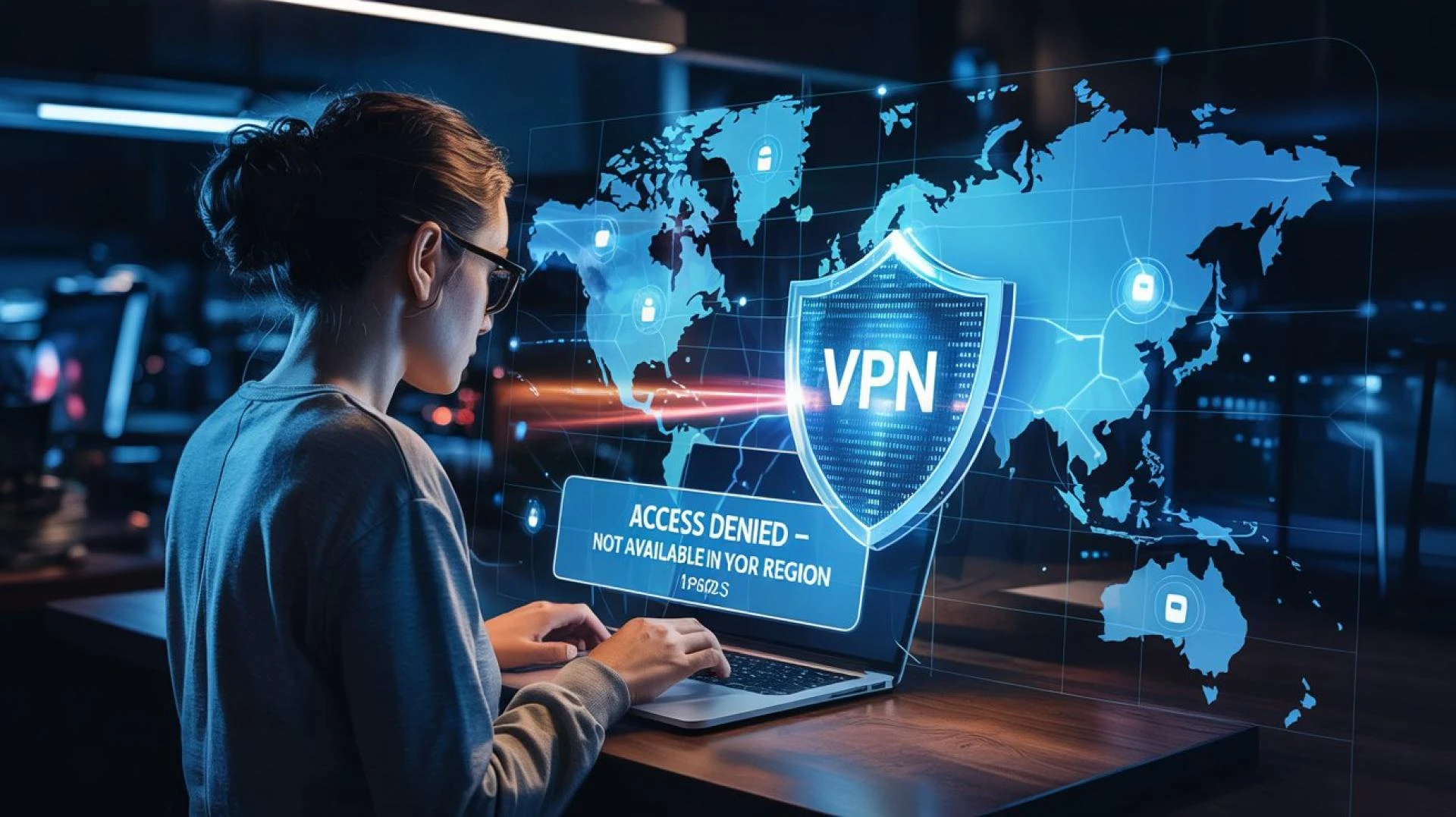
You click a link, excited to watch a show or access a website and instead of loading, you get a message: "This content is not available in your region."
It happens more often than most people realize. Whether you're a traveler abroad, a remote worker accessing company tools, or simply someone who wants to stream content from another country, geo-restrictions can feel like a wall you didn't know existed until you hit it.
The good news? Getting past these digital barriers doesn't have to be complicated, technical, or frustrating. With the right tools and a basic understanding of how regional content blocking works, you can regain access to the open internet safely and without drama.
What Is Geo-Blocked Content, and Why Does It Exist?
Geo-blocking is a technology that restricts access to internet content based on a user's physical location. When you connect to a website or streaming platform, your device sends out an IP address that reveals your geographic region. If that region is outside the platform's licensed territory, access is denied.
This isn't random. It happens because of:
- Licensing agreements between content providers and regional distributors
- Government censorship in certain countries
- Price discrimination strategies by businesses
- Compliance with local data regulations and corporate data protection services operating in an internal way
Streaming giants like Netflix, BBC iPlayer, and Hulu all serve different content libraries depending on where you are. Corporate tools, news platforms, and even some social media features follow similar restrictions.
Understanding the Problem Before Solving It
Before jumping to solutions, it helps to understand what's actually happening on a technical level.
When your device connects to the internet through a mobile network or Wi-Fi, it's assigned an IP address tied to a specific region. This is where things like carrier settings, network signal routing, and even SIM card configuration come into play especially on mobile devices.
If you've ever noticed your phone struggling to connect properly abroad, or seen errors related to mobile network settings or APN configuration, you've brushed up against the same infrastructure that makes geo-blocking possible. Mobile carriers route traffic through regional servers, which means your physical location is almost always detectable unless you take steps to mask it.
Practical Ways to Access Geo-Restricted Content
1. Use a Reliable VPN (Virtual Private Network)
A VPN is the most effective and widely-used tool to bypass geo-restrictions. It works by routing your internet traffic through a server in a different country, replacing your real IP address with one from that server's location.
When choosing a VPN, look for:
- Strong encryption protocols (AES-256 is the industry standard)
- A wide range of server locations
- No-logs policy for privacy assurance
- Fast connection speeds with minimal signal degradation
- Compatibility across devices mobile, desktop, and tablet
For businesses especially, a VPN isn't just about accessing content it's about protecting sensitive data while employees work across different networks and regions.
2. Use a Smart DNS Service
A Smart DNS service reroutes only the parts of your traffic that reveal your location. Unlike a VPN, it doesn't encrypt all your data, which means faster speeds but also less security. It's a good option for streaming on smart TVs or devices where full VPN setup isn't easy.
3. Browser Extensions for Quick Access
Several browser-based proxy tools and lightweight VPN extensions can help unblock websites quickly. These are best for casual browsing rather than heavy streaming or business use.
4. Check Your Mobile Network and Carrier Settings
If geo-blocking issues appear specifically on mobile, the problem might not be the content platform it could be your network configuration. Some common culprits include:
- Incorrect APN settings that route traffic through regional proxies
- Outdated carrier settings that limit how your device connects internationally
- SIM card errors affecting network authentication
- Baseband faults that interfere with how your device communicates with mobile towers
- IMEI-related issues that can flag your device as operating outside its registered region
Resetting your network settings or updating your carrier profile can sometimes resolve access issues that look like geo-blocking but are actually signal or configuration problems.
When the Problem Goes Deeper Than Software
Sometimes what appears to be a content access issue is actually a hardware or network hardware problem and no amount of VPN configuration will fix it.
Signs that you may be dealing with a deeper issue include:
- Persistent mobile network errors even after resetting settings
- Your phone shows signal bars but fails to load data
- SIM card not being recognized after travel
- Sudden baseband errors or IMEI-related warnings
- Apps that work fine on Wi-Fi but fail entirely on mobile data
These symptoms often point to motherboard faults, corrupted firmware, or physical damage to your device's antenna components. If this is the case, troubleshooting steps like toggling airplane mode, re-inserting your SIM, or updating software won't be enough.
At this stage, seeking professional mobile repair is the right move. A qualified technician can diagnose whether the issue lies in the baseband processor, network chip, or another hardware component and fix it properly rather than applying temporary patches.
Quick Troubleshooting Checklist
Before calling a technician or subscribing to a VPN, run through this simple checklist:
- Restart your device and router
- Check if the issue appears on both mobile data and Wi-Fi
- Update your device's software and carrier settings
- Try a different browser or app
- Disable any existing proxy or DNS settings that may conflict
- Test with another SIM card if possible
- Check if your IMEI is clean and unblocked
FAQ: Common Questions About Geo-Blocking
Is using a VPN to access geo-blocked content legal?
In most countries, using a VPN is legal. However, it may violate the terms of service of certain platforms. Always check local laws if you're traveling internationally.
Why does geo-blocking still occur even when I'm using a VPN?
Some platforms detect and block known VPN IP addresses. Choosing a premium VPN with regularly refreshed servers usually solves this.
Can mobile network issues cause geo-blocking problems?
Yes. Incorrect carrier settings, SIM card errors, or baseband faults can affect how your device's location is reported to networks, sometimes triggering access restrictions.
Does a VPN affect my mobile signal or connection speed?
A VPN doesn't affect your physical signal strength, but it can slightly reduce data speeds depending on server distance and encryption load.
What's the difference between a VPN and a proxy?
A proxy only reroutes specific traffic (usually browser-based), while a VPN encrypts and reroutes all internet activity from your device.
Final Thoughts
Accessing geo-blocked content doesn't have to mean hours of troubleshooting or technical headaches. In most cases, a reliable VPN solves the problem in minutes. For mobile-specific issues, checking your carrier settings, SIM configuration, and network hardware can make all the difference.
If your device has deeper signal or hardware problems that are blocking proper connectivity, don't ignore them get them assessed by a professional before the issue compounds.
For individuals and businesses across the US looking for a dependable solution, Skybound Cyber offers VPN services built for real-world needs. Whether you're a small business protecting remote teams, a startup managing cross-border operations, or an individual who just wants seamless access to the open internet, Skybound Cyber provides fast, secure, and straightforward VPN solutions designed with everyday users in mind.
The open internet should be accessible to everyone and with the right tools, it is.


























Sign in to leave a comment.