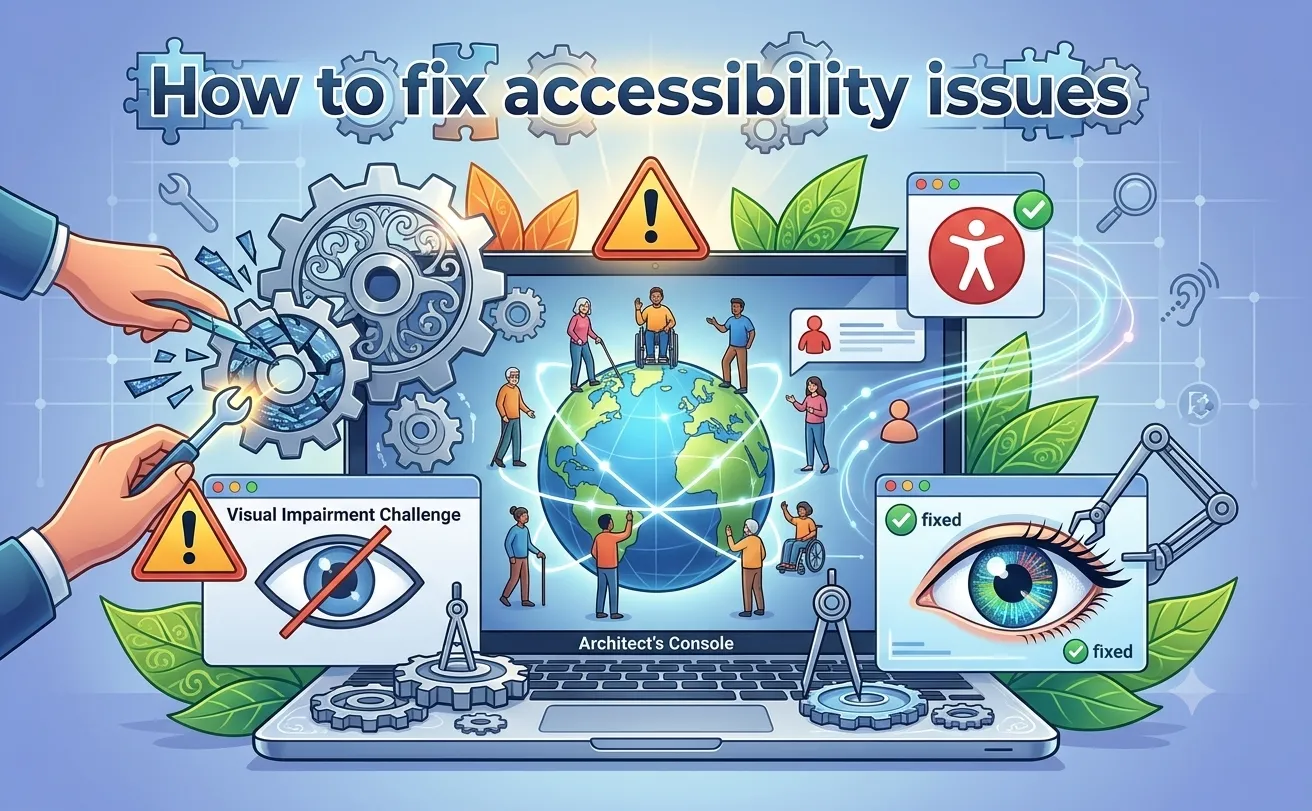

Digital accessibility is no longer optional. Every business with an online presence needs to ensure its website works for all users, including those with disabilities. Once you run a scan and get a report full of errors, the real challenge begins: knowing how to fix accessibility issues without breaking your design or workflow. This blog walks you through the process of turning scanner results into real, lasting improvements.
Understanding What the Scan Report Tells You
Accessibility scanners generate detailed reports listing violations such as missing alt text, poor color contrast, unlabeled form fields, and improper heading structures. Before jumping into fixes, take time to categorize these issues by severity. Critical issues, like missing form labels or keyboard traps, should be addressed first since they block users from completing basic actions. Minor issues, such as decorative image tags, can be handled afterward.
Identify Accessibility Issues Before You Fix Them
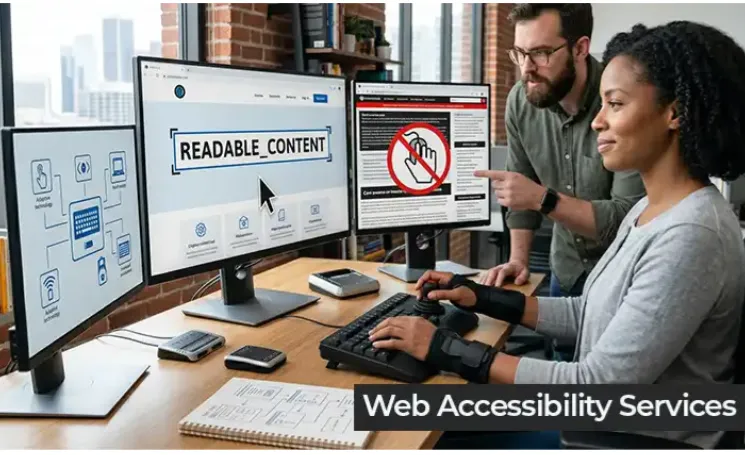
To identify accessibility issues accurately, you need more than a single automated scan. Automated tools catch around a third of all accessibility problems, so manual testing and screen reader checks are equally important. Combining automated results with manual review gives a complete picture of where your website fails to meet accessibility standards like WCAG.
Fixing Common Accessibility Errors
Start with alt text. Every meaningful image should have a clear, descriptive alt attribute so screen reader users understand its purpose. Next, review color contrast ratios between text and background; low contrast makes content unreadable for users with visual impairments. Fix form fields by adding proper labels and instructions so assistive technology can interpret them correctly. Ensure every interactive element, including buttons and links, is reachable and operable using only a keyboard. Lastly, structure your headings logically so screen readers can navigate the page in a meaningful order.
Testing After You Fix
Fixing issues is only half the job. Re-run your scan after every round of changes to confirm the errors are resolved and no new ones were introduced. Manual testing with a screen reader or keyboard-only navigation adds an extra layer of confidence that your website truly works for everyone, not just for automated checkers.
Building Accessibility Into Your Workflow
Rather than treating accessibility as a one-time fix, integrate it into your development lifecycle. Train your design and development teams to think about accessibility from the start of every project. Regular audits, combined with a strong internal checklist, prevent accessibility debt from piling up again.
Take the Next Step Toward an Accessible Website
Accessibility is an ongoing commitment, not a checkbox. If you are ready to identify and resolve accessibility issues efficiently, it is time to bring in the right tool and the right team.
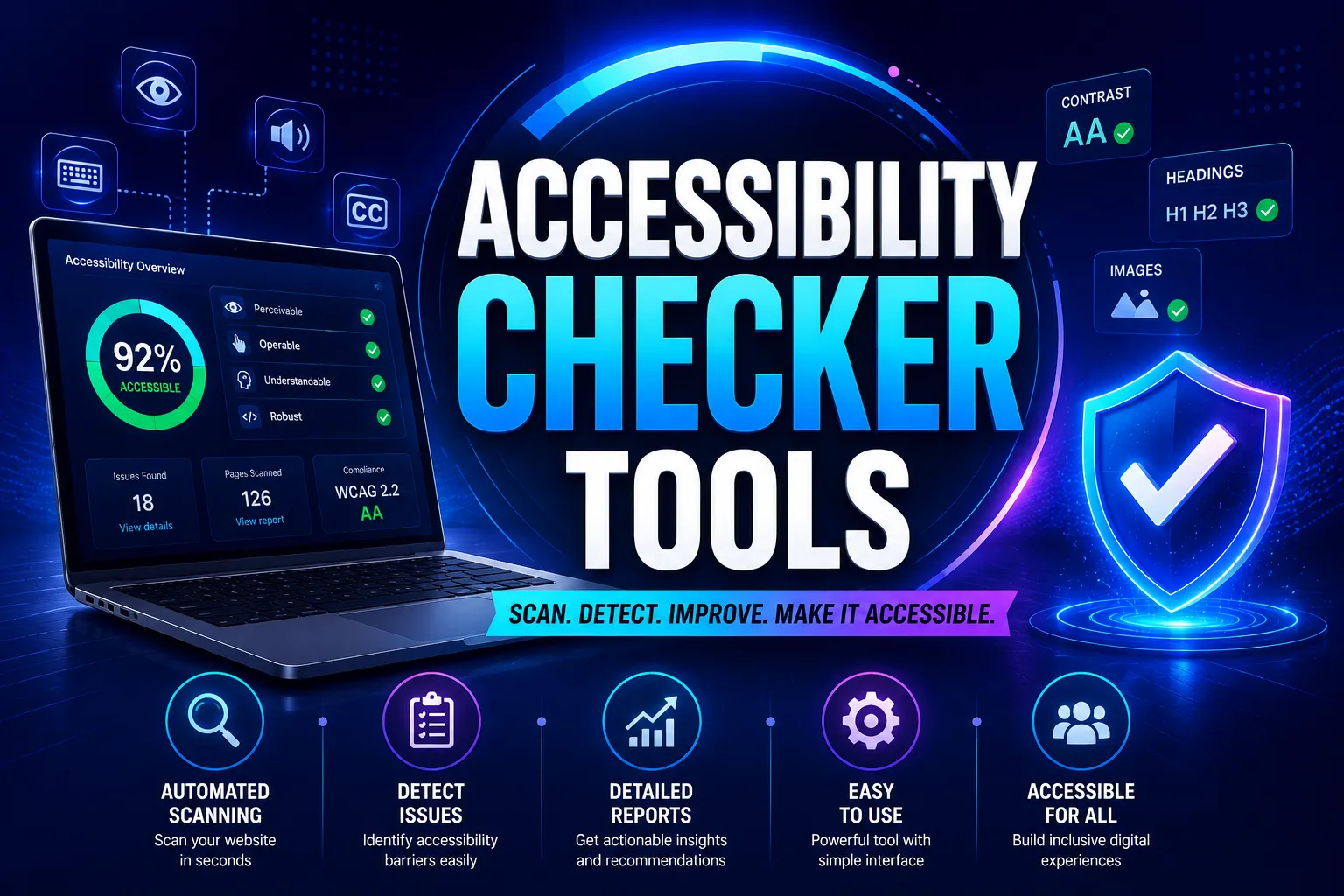
Tranistics Data Technologies Private Limited helps businesses build accessible, inclusive digital experiences through its accessibility checker tool. The Tranistics Data Technologies accessibility checker tool scans your website, highlights real issues, and helps your team fix them faster. Reach out to Tranistics Data Technologies Private Limited today and take the first step toward a fully accessible website that works for every user.























Sign in to leave a comment.