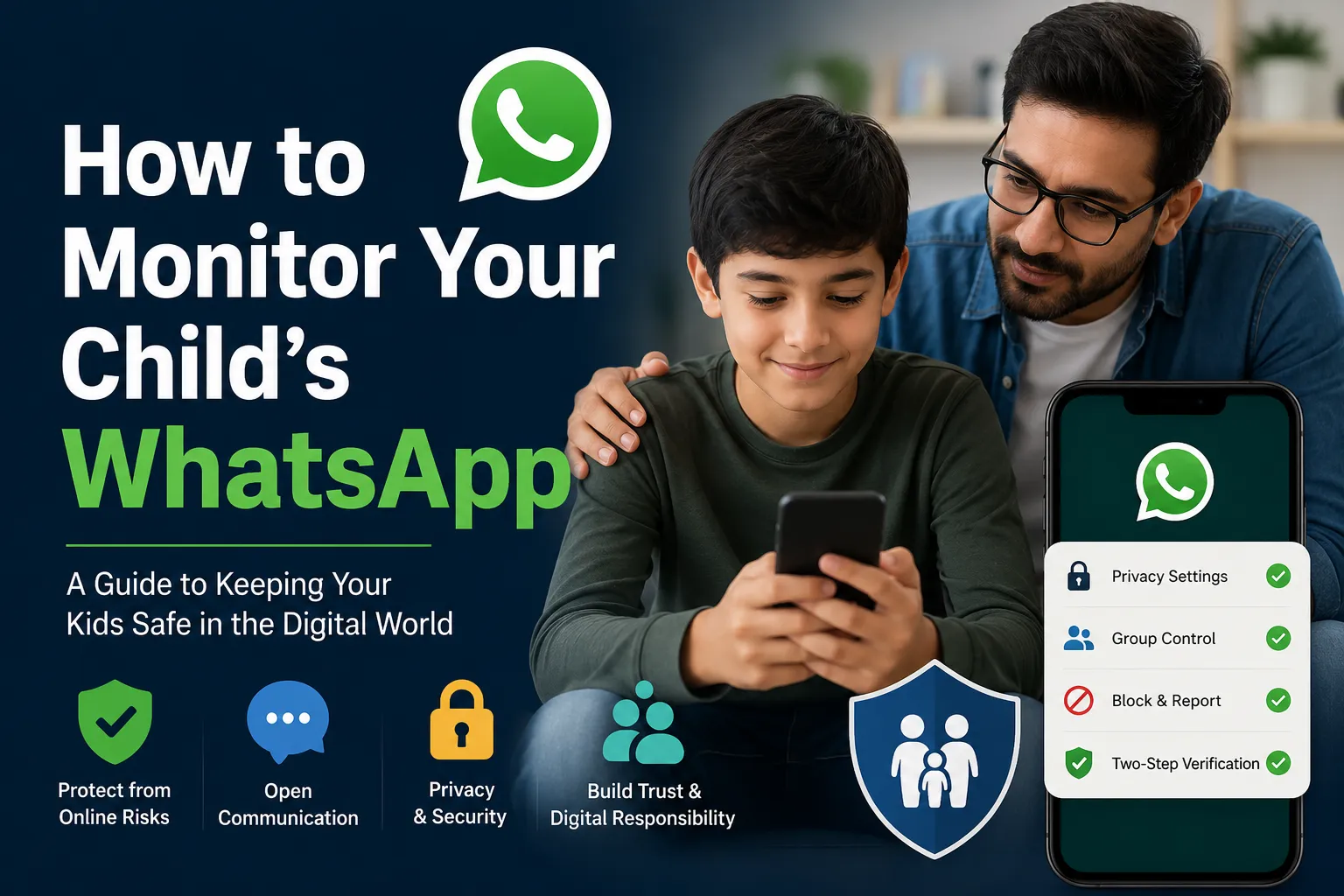

As children spend more time online, messaging platforms have become a major part of their daily lives. One of the most popular apps among kids and teenagers is WhatsApp. It allows users to send messages, share photos, make calls, join groups, and communicate instantly. While the app offers many benefits, it can also expose children to online dangers such as cyberbullying, scams, strangers, and inappropriate content.
Many parents search for answers about How to Monitor Your Child’s WhatsApp because they want to protect their children from online risks without damaging trust. Monitoring should never be about controlling every message or invading privacy. Instead, it should focus on safety, guidance, and building healthy digital habits.
In this guide, you will learn practical and responsible ways to monitor your child’s WhatsApp activity while maintaining a positive parent-child relationship.
Why Parents Want to Learn How to Monitor Your Child’s WhatsApp
Technology has changed parenting dramatically. Today’s children communicate through messaging apps more than traditional phone calls. Because of this shift, many parents worry about who their child talks to and what kind of content they see.
Common concerns include:
- Cyberbullying from classmates or strangers
- Exposure to harmful or adult content
- Online scams and phishing links
- Conversations with unknown people
- Excessive screen addiction
- Participation in risky online groups
Understanding How to Monitor Your Child’s WhatsApp can help parents stay informed and provide support before problems become serious.
Begin with Honest Communication
Before using any parental controls or monitoring methods, start with an open conversation.
Many parents make the mistake of secretly checking devices. This often damages trust if children eventually discover it. Instead, explain your intentions clearly.
Talk to your child about:
- Why internet safety matters
- The risks of talking with strangers
- Safe social media habits
- Rules for smartphone use
- Why parents sometimes supervise online activities
When children understand that monitoring comes from concern rather than control, they are more likely to cooperate.
Review WhatsApp Privacy Settings Together
If you're wondering How to Monitor Your Child’s WhatsApp, begin with the app’s own privacy settings.
WhatsApp includes several built-in safety features that can reduce risk.
Control Last Seen and Online Visibility
Limit who can see your child's online activity.
Restrict Profile Photo Access
Allow only trusted contacts to view profile details.
Manage Group Invitations
Children sometimes get added to unknown groups. Adjust settings so only approved contacts can add them.
Block Unknown Users
Teach your child how to block suspicious contacts immediately.
Enable Two-Step Verification
Adding extra account security helps prevent unauthorized access.
These settings create a safer digital environment without feeling intrusive.
Use Built-In Family Safety Tools
Parents searching for How to Monitor Your Child’s WhatsApp should also explore smartphone parental controls.
Android users can use:
- Google Family Link
- App usage reports
- Screen time controls
- Permission management
iPhone users can use:
- Screen Time
- Communication Limits
- Content Restrictions
- Activity Reports
These tools help parents understand device habits without directly invading conversations.
Review Phone Usage Together
Instead of secretly reading chats, consider scheduled device reviews.
Things parents can discuss:
- Recently added contacts
- New groups joined
- Time spent on messaging apps
- Shared images and videos
- Suspicious links received
This method creates transparency and reduces conflict.
Watch for Warning Signs
Sometimes children reveal online problems through behavior rather than words.
Possible signs include:
- Becoming unusually secretive
- Mood swings after using the phone
- Anxiety when receiving notifications
- Excessive nighttime phone use
- Suddenly deleting chats
- Avoiding conversations about online friends
If you notice these signs, start a calm discussion rather than immediate punishment.
Teach Digital Responsibility
Knowing How to Monitor Your Child’s WhatsApp is important, but education matters even more.
Teach your child simple digital safety habits:
- Never share passwords
- Avoid unknown links
- Think before sending photos
- Report suspicious messages
- Tell parents when something feels wrong
Children who understand online risks become better decision-makers.
Maintain Trust and Balance
Parents often struggle to find a balance between supervision and privacy.
Monitoring should support children—not create fear.
A helpful parenting approach is:
Communicate → Educate → Guide → Supervise
Children who trust their parents are more likely to ask for help when facing an online challenge





















Sign in to leave a comment.