

In today’s digital world, screens have become part of our daily lives. Whether it’s working on a laptop, scrolling through a phone, or watching TV, our eyes are exposed to digital screens for long hours. This constant exposure has given rise to a condition known as Computer Vision Syndrome (CVS), also called Digital Eye Strain. According to studies, more than 50% of regular computer users experience symptoms of CVS, making it one of the most common eye problems of the modern era.
The good news? With a few simple lifestyle changes and preventive measures, you can protect your eyes and reduce discomfort. Let’s dive deeper into what CVS is and how you can keep your eyes healthy.
What is Computer Vision Syndrome?
Computer Vision Syndrome is a collection of eye and vision-related issues caused by prolonged use of digital devices. It happens because our eyes work harder when viewing screens compared to printed text. Factors like poor lighting, improper posture, glare from the screen, and uncorrected vision problems can worsen the strain.
Common symptoms include:
- Blurred vision
- Dry eyes
- Headaches
- Neck and shoulder pain
- Eye fatigue and irritation
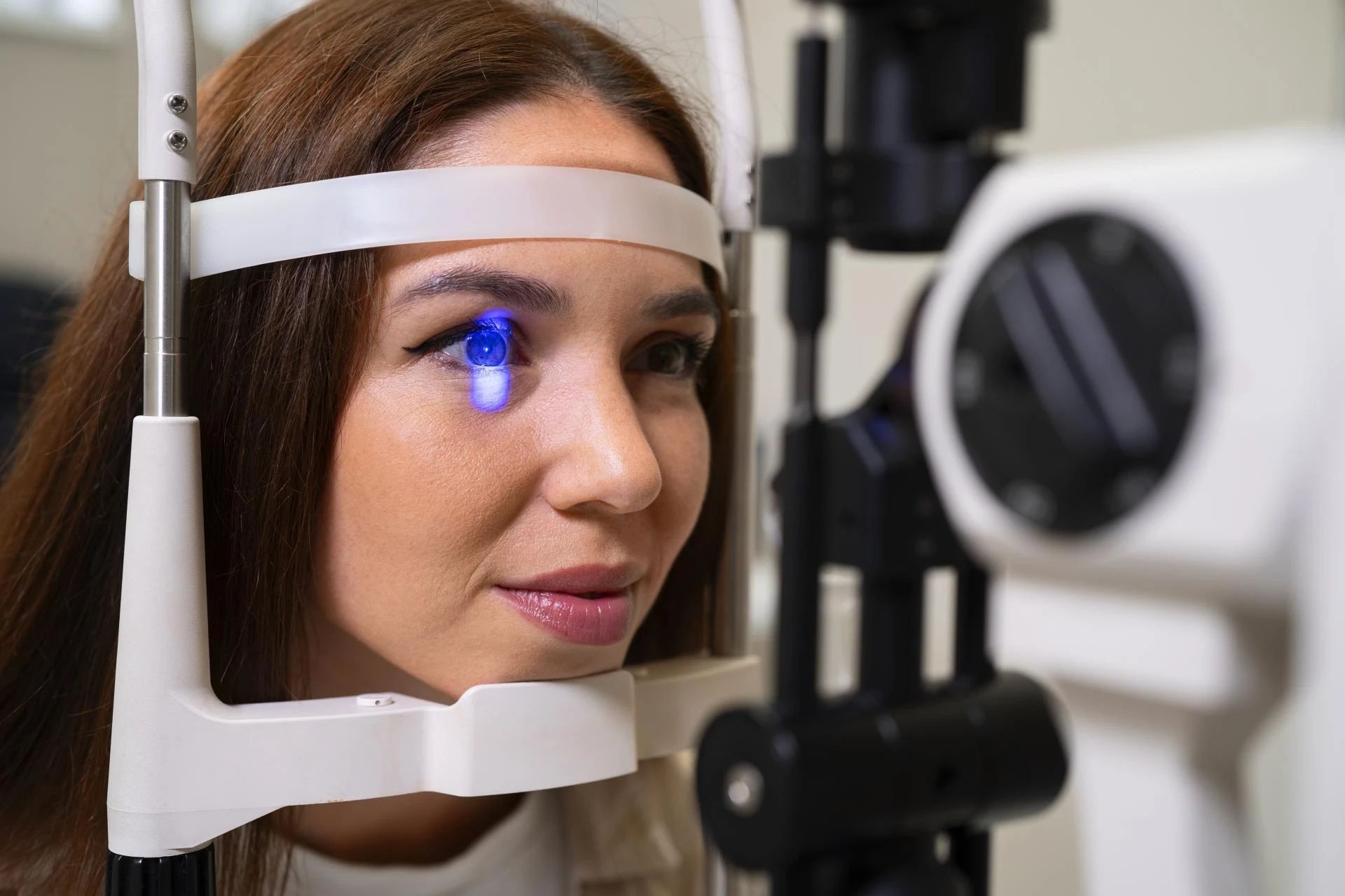
If ignored, CVS may affect productivity and reduce overall quality of life. If you continue to experience persistent symptoms like blurred vision, eye pain, or headaches despite taking preventive steps, it’s time to see an eye doctor near ECR.
Practical Ways to Protect Your Eyes from Computer Vision Syndrome
1. Follow the 20-20-20 Rule
The 20-20-20 rule is one of the easiest ways to relax your eyes. Every 20 minutes, take a 20-second break and look at something 20 feet away. This simple habit helps reduce continuous strain and keeps your eyes refreshed.
2. Adjust Screen Settings
- Brightness: Keep your screen brightness close to the lighting in your surroundings.
- Text Size & Contrast: Increase text size for easier reading and ensure there’s enough contrast.
- Color Temperature: Reduce blue light by switching to “night mode” or enabling blue light filters.
These small adjustments can make a big difference in reducing eye strain.
3. Blink More Often
When using digital devices, people tend to blink less frequently—sometimes five times less than usual. Blinking is essential as it moistens the eyes and prevents dryness. Make a conscious effort to blink often, or use lubricating eye drops if needed.
4. Maintain Proper Posture and Distance
Your screen should be about 20–24 inches away from your eyes, with the top of the screen at or slightly below eye level. Sitting too close or slouching can not only strain your eyes but also cause neck and back pain. An ergonomic chair and desk setup can improve posture and reduce discomfort.
5. Control Lighting and Glare
- Use curtains or blinds to reduce harsh sunlight.
- Position your screen away from direct light sources.
- Apply an anti-glare screen protector if needed.
Proper lighting ensures your eyes don’t have to overwork when adjusting to brightness differences.
6. Use Computer Glasses if Needed
If you already wear glasses, consult your eye doctor about computer-specific lenses. These glasses are designed to reduce glare, filter blue light, and optimize focus for screen distances.
7. Take Regular Screen Breaks
In addition to the 20-20-20 rule, try to take a 10–15 minute break every 2 hours away from screens. Step outside, stretch, or close your eyes for a short relaxation session. This helps not only your eyes but your overall body health.
8. Stay Hydrated and Maintain Eye Health
Drinking enough water keeps your eyes hydrated. Include eye-friendly foods in your diet, such as:
- Carrots and leafy greens (rich in Vitamin A)
- Fish like salmon and tuna (rich in Omega-3 fatty acids)
- Nuts and seeds (good for eye lubrication)
Good nutrition plays an important role in protecting against digital strain.
Final Thoughts
Computer Vision Syndrome may sound like a modern lifestyle challenge, but with awareness and proactive care, it’s entirely manageable. By practicing good screen habits, taking regular breaks, and maintaining overall eye health, you can enjoy the benefits of digital devices without compromising your vision. A comprehensive eye exam at Dr Ashok Eye Hospital will help detect underlying vision issues, and your doctor may prescribe computer glasses or treatment as needed.
Your eyes work hard for you every day—it’s time to return the favor by protecting them.



























Sign in to leave a comment.