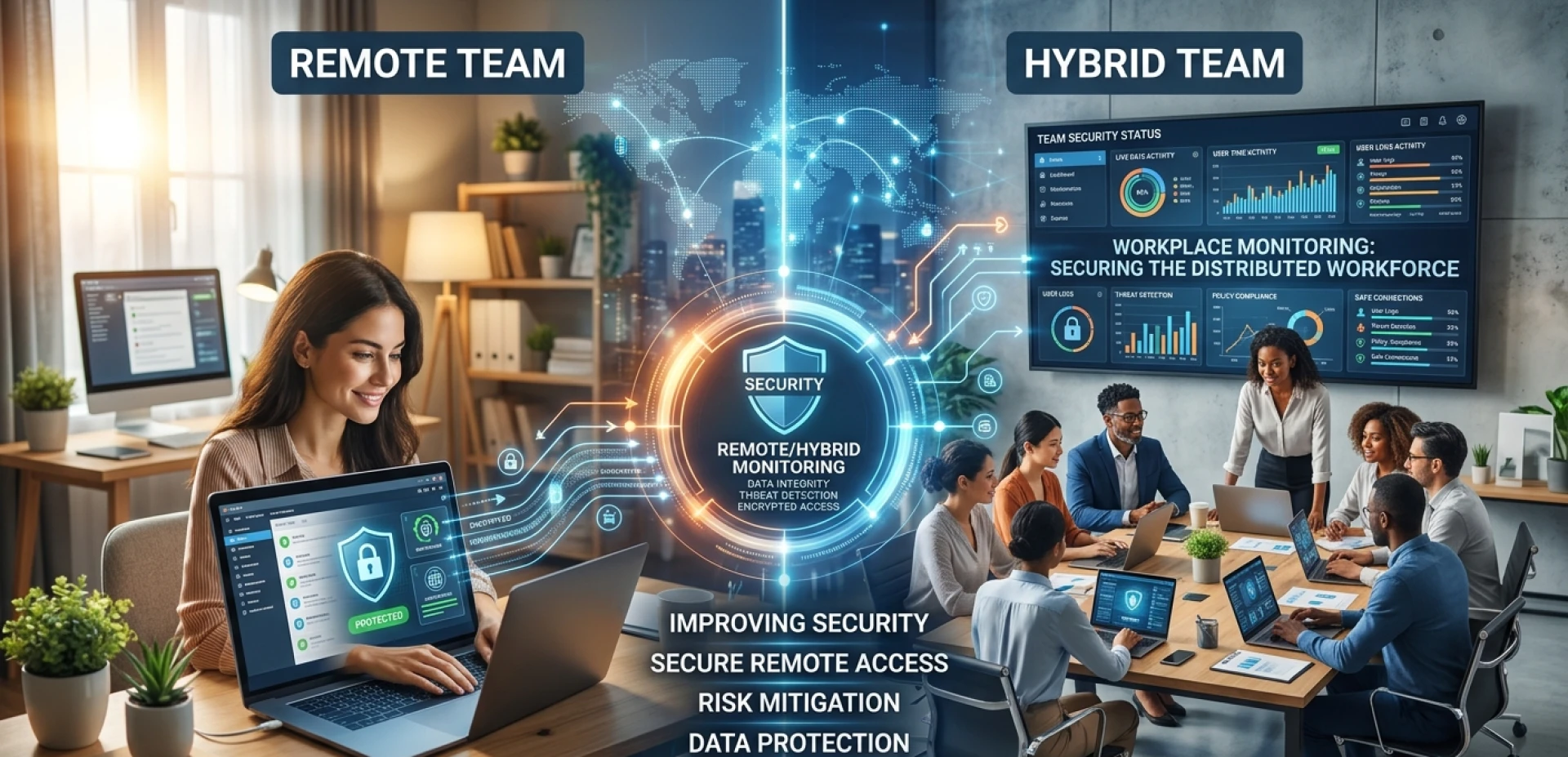

Keeping company data safe used to be simple, honestly. Everybody worked in one building, on one network, and IT had eyes on pretty much everything. Something looked weird? Someone caught it that same day.
That setup is gone for a lot of organizations now. People are working from home Wi-Fi, coffee shop hotspots, personal laptops, and shared devices with family members. Meanwhile, IT departments are struggling to maintain security using tools built for a different way of working.
This is not a minor issue that resolves on its own. It shows up in breach reports and incident logs regularly, and the organizations that haven't yet acknowledged how much their exposure has grown are often at risk.
Workplace monitoring is one of the most practical solutions available. While it requires thoughtful implementation and clear communication to be effective, it can be a genuinely valuable tool when grounded in transparency and defined objectives.
Why Remote and Hybrid Teams Face Bigger Security Risks
Most remote and hybrid work security risks don't look like risks until something goes wrong. They often appear as responsible attempts to stay productive.
For example, an employee might install a productivity app because a friend recommended it. It has never been approved by IT, but the employee is not trying to create a problem. They are simply trying to get work done.
In hybrid settings, this same behavior plays out across two environments, an office network one day, a home connection the next. This doubles the number of surfaces where something can go wrong.
Some of the most common vulnerabilities across both remote and hybrid setups include:
- Home routers running on factory default settings with no updates applied
- Personal devices used for work without proper endpoint protection
- Employees switching between corporate and personal networks without realizing the difference in security standards
- Files moved to personal cloud storage without oversight
- Unapproved tools handling sensitive business data
- Phishing emails that go unchallenged because no one is around to question them
- Credentials reused across personal and work accounts
None of this is usually malicious. It's just how people work when guardrails aren't in place. The challenge is building guardrails that fit the mixed and unpredictable environments employees are navigating today.
How Workplace Monitoring Closes Those Security Gaps
Workplace monitoring gets a bad reputation sometimes, and some of that reputation is earned. Some organizations use monitoring tools in ways that are invasive and damaging to trust. Constant webcam feeds, keystroke logging of personal browsing, and tracking that extends beyond work hours. These practices cause real harm.
Responsible monitoring looks nothing like that. What it involves is visibility into work-related activities on company systems and devices. It's closer to the kind of instrumentation an IT team uses to understand the health of their infrastructure. The goal is to catch problems early.
Here's what that typically includes:
- Login and access tracking: Knowing when employees log in, from where, and which systems they access, so anything unusual stands out
- File movement monitoring: Keeping a record of what data is being transferred or shared externally, with alerts when something looks off
- Application visibility: Understanding which tools are running on company devices, including anything installed without IT approval
- Endpoint health checks: Confirming remote devices meet basic security requirements, like current software and an active antivirus
- Behavioral anomaly detection: Identifying when activities deviate significantly from an employee's own established patterns, which is often the earliest sign that something is wrong
- Compliance logging: Automatically maintaining the access records that many industries are legally required to produce
Platforms like Fenced.ai bring these functions together in a way that works for organizations without large dedicated security teams. They offer monitoring, alerts, and usage insights across distributed workforces without constant manual oversight.
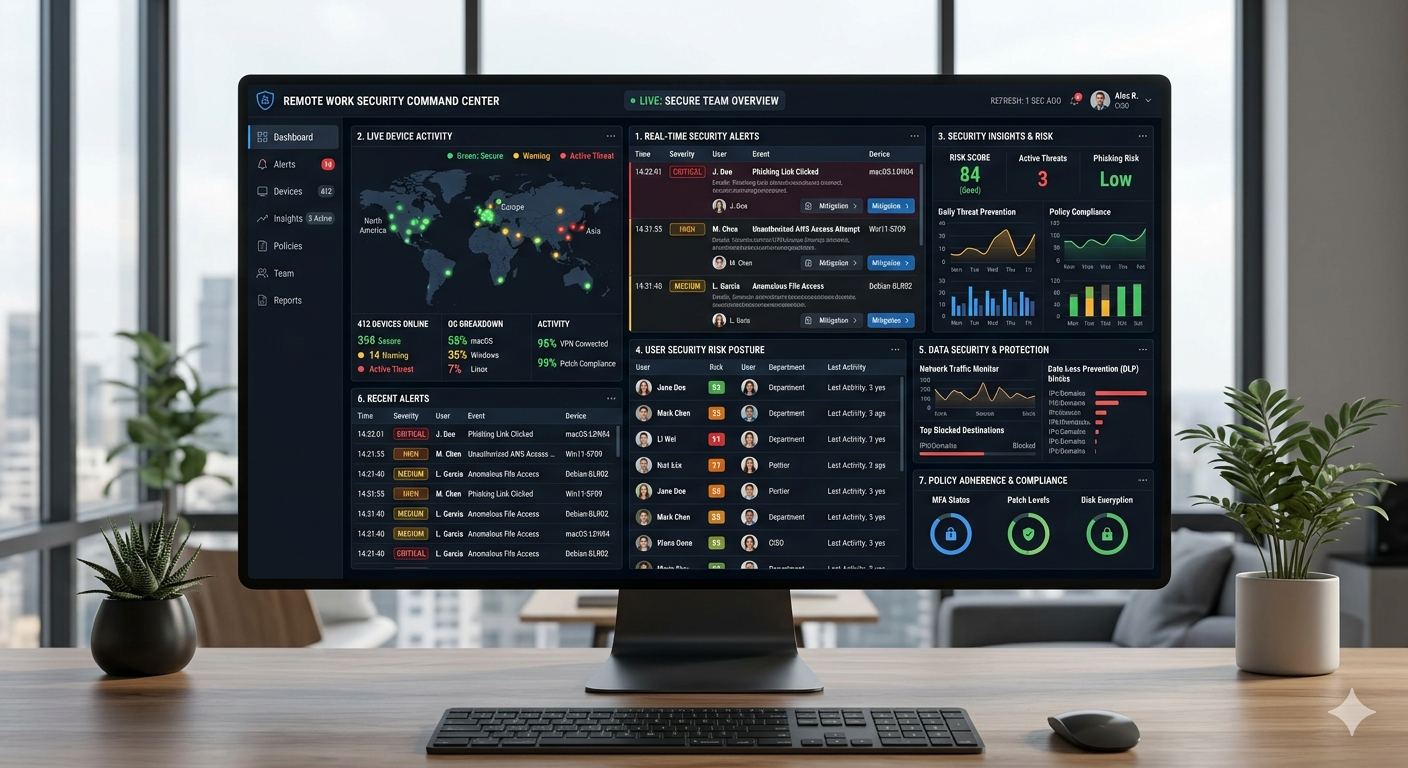
Self-Generated: [Alt Text: A sample of a remote work security dashboard showing real-time alerts, device activity, and security insights across a team.]
Workplace Monitoring vs. Traditional Security: What Actually Changes
| Aspect | Traditional Security | Workplace Monitoring |
| Visibility | Network perimeter only | Covers users, devices, and behavior across all locations |
| Threat Detection | Reactive, responds after an incident | Proactive, flags anomalies before they escalate |
| Data Protection | Firewall and antivirus | Behavioral tracking and data movement monitoring |
| Remote Work Suitability | Low, built for centralized offices | High, designed for distributed environments |
| Insider Threat Management | Limited | Supported by access logs and transfer records |
| Compliance Documentation | Manual and time-consuming | Automated and continuously maintained |
Traditional security was built on one core assumption that employees and their devices were inside a protected network perimeter. Remove that assumption, and most of the protection collapses. Monitoring fills in what was lost.
How Monitoring Tackles Real Remote & Hybrid Work Threats
| Threat Type | Traditional Approach | Monitoring-Based Approach |
| External Cyberattack | Blocked at the network perimeter if recognized | Unusual access behavior flagged before damage spreads |
| Insider Data Theft | Nearly impossible to detect without physical oversight | File transfer logs surface it early |
| Phishing Attack | Employee awareness training as the primary defense | Suspicious post-login activities are automatically caught |
| Unsecured Remote Device | Found through periodic manual audits, often too late | Continuous endpoint checks across all devices |
| Shadow IT Usage | Usually discovered after the fact | Application monitoring identifies unauthorized tools as they appear |
| Compliance Violation | Retroactive review and manual record reconstruction | Automatic logging keeps everything current |
How Workplace Monitoring Surfaces Employee Well-Being Signals
Security is usually the reason organizations consider monitoring, and that makes perfect sense. But there's another layer to this that doesn't get enough attention. A strong workforce analytics setup not only tells you about threats. It also tells you about people, and sometimes that's just as important.
Activity data can surface these patterns. If someone is consistently working late at night or their patterns show they haven't taken a break in weeks, that's worth a conversation before something breaks.
For a well-being-focused workplace, this is particularly valuable. A monitoring tool built primarily for security can also surface early signs of burnout or overwork. And that value goes well beyond its original purpose.
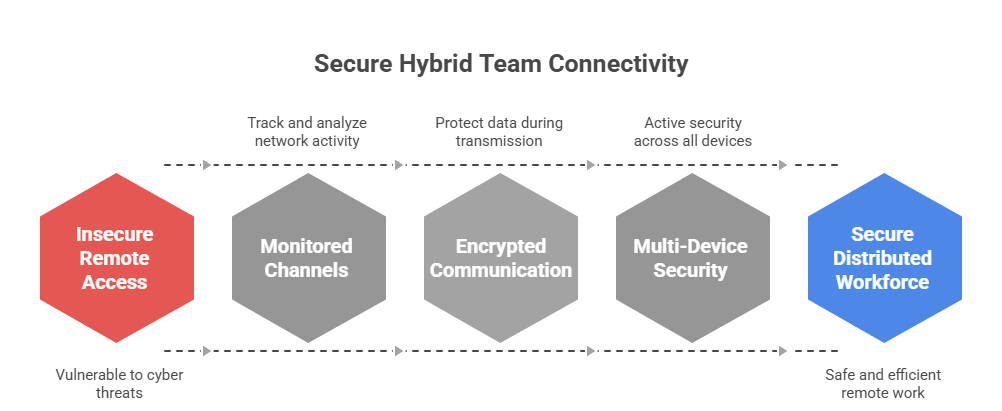
Self-Generated: [Alt Text: Hybrid team security illustration showing remote employees connected through monitored, encrypted channels.]
How to Roll Out Workplace Monitoring Transparently Across Your Team
Generally, companies that get into trouble with workplace monitoring aren't doing anything outrageous with it. They just never told anyone, or they mumbled through some explanation so vague it made things worse. And once people feel like they've been watched behind their backs, that resentment sticks around for a long time.
86% of employees say transparency from their employer matters more now than it used to.
Getting this right isn't that complicated. You just have to be willing to treat people like they deserve a straight answer:
- Tell your team what's being monitored before any of it goes live. And be specific. "We're keeping an eye on things" doesn't cut it. Say what you mean.
- Be upfront about why you're doing it. If it's about protecting company data and keeping systems secure, just say so. People can handle that. What they can't handle is the creeping feeling that someone's checking up on whether they're working hard enough.
- Don't give everyone access to monitoring data. Keep it tight. IT security, senior leadership, and that's about it.
- Write up a clear acceptable use policy so nobody's left guessing what they can and can't do on company devices. People do better when they know where the lines are.
- Train people on cybersecurity regularly so they understand the threats that monitoring can catch.
- Stay within work-related activities because keeping track of anything else breaks trust and puts you at risk of legal action.
Most workers will agree to being watched if it is explained clearly and tied to a real security reason. Most of the time, the resistance comes from unclear communication, not the monitoring itself.
What the Next Few Years Will Be Like
Tools for remote work have become a lot better, but the most important changes are still to come:
- AI-driven analytics that set a baseline for each user and find changes that a human reviewer wouldn't see in a manual log review
- Automated systems that can isolate a compromised account or block a suspicious transfer before anyone has read the alert
- Closer integration between security monitoring and employee well-being platforms
- Smarter filtering that reduces alert fatigue by surfacing only what genuinely needs attention
The direction is toward tools that need less constant human attention while becoming more accurate. That matters especially for organizations without large security teams.
Final Thought
Remote and hybrid work changed things permanently, but most businesses are still playing catch-up on the security side.
The old perimeter model worked great when everyone was in a single building. Now it's got more holes in it than most IT teams want to admit.
Workplace monitoring fills a lot of those holes. But it only works if your people know about it and understand why it exists. Monitoring that gets quietly switched on without any explanation doesn't just fail, it actively makes things worse because now you've got a trust problem sitting on top of a security problem.
Be upfront, keep it focused on protection rather than policing, and most employees will have absolutely no issue with it. That's really the whole game.
If you're looking for a monitoring solution that genuinely balances security with transparency, Fenced.ai is worth checking out. It's built for exactly the kind of distributed real-world teams we've been talking about throughout this post.



























Sign in to leave a comment.