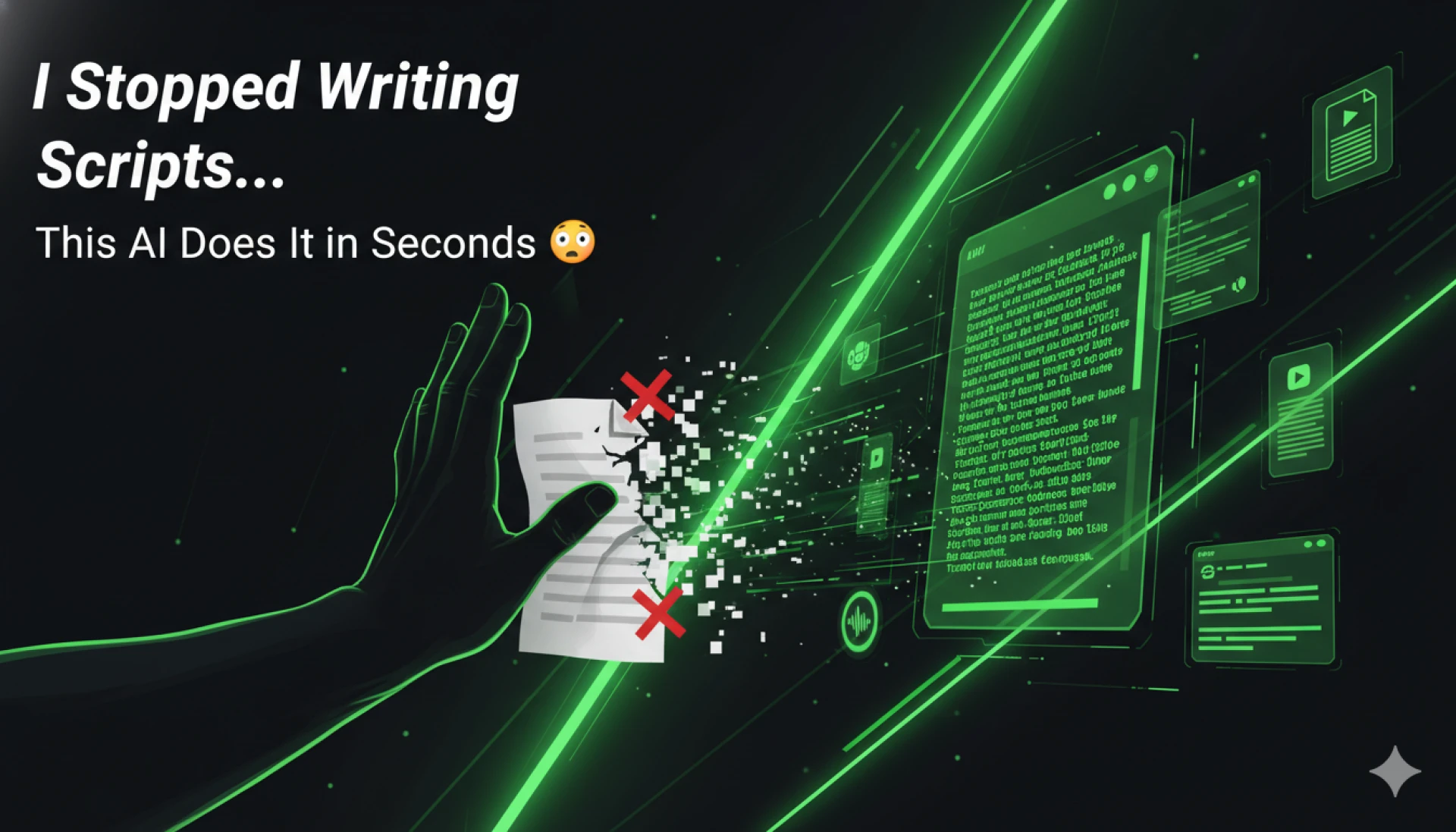

For years, writing video scripts was the most frustrating part of creating tutorial and product videos.
Not recording.
Not editing.
Not even publishing.
Just… writing.
You sit there staring at a blank document, trying to turn what you did on screen into something that actually makes sense to a viewer.
Now imagine skipping that entire step.
That’s exactly what happens when you start using videomule.
The Real Problem With Script Writing
Let’s be honest—most creators don’t struggle with ideas. They struggle with structuring those ideas.
When you record your screen, everything feels clear in your head. But when you try to explain it:
- You over-explain simple steps
- Skip important details
- Lose flow between sections
- End up rewriting multiple times
This is because raw content and structured content are not the same thing.
Content works best when broken into focused, digestible sections—each covering a single idea clearly.
That’s hard to do manually. And that’s exactly where AI changes everything.
“I Stopped Writing Scripts…” — What That Actually Means
It doesn’t mean scripts are gone.
It means you’re no longer starting from zero.
With tools like videomule, your workflow changes completely:
Instead of:
Record → Write script → Edit → Rewrite → Record voiceover
You now do:
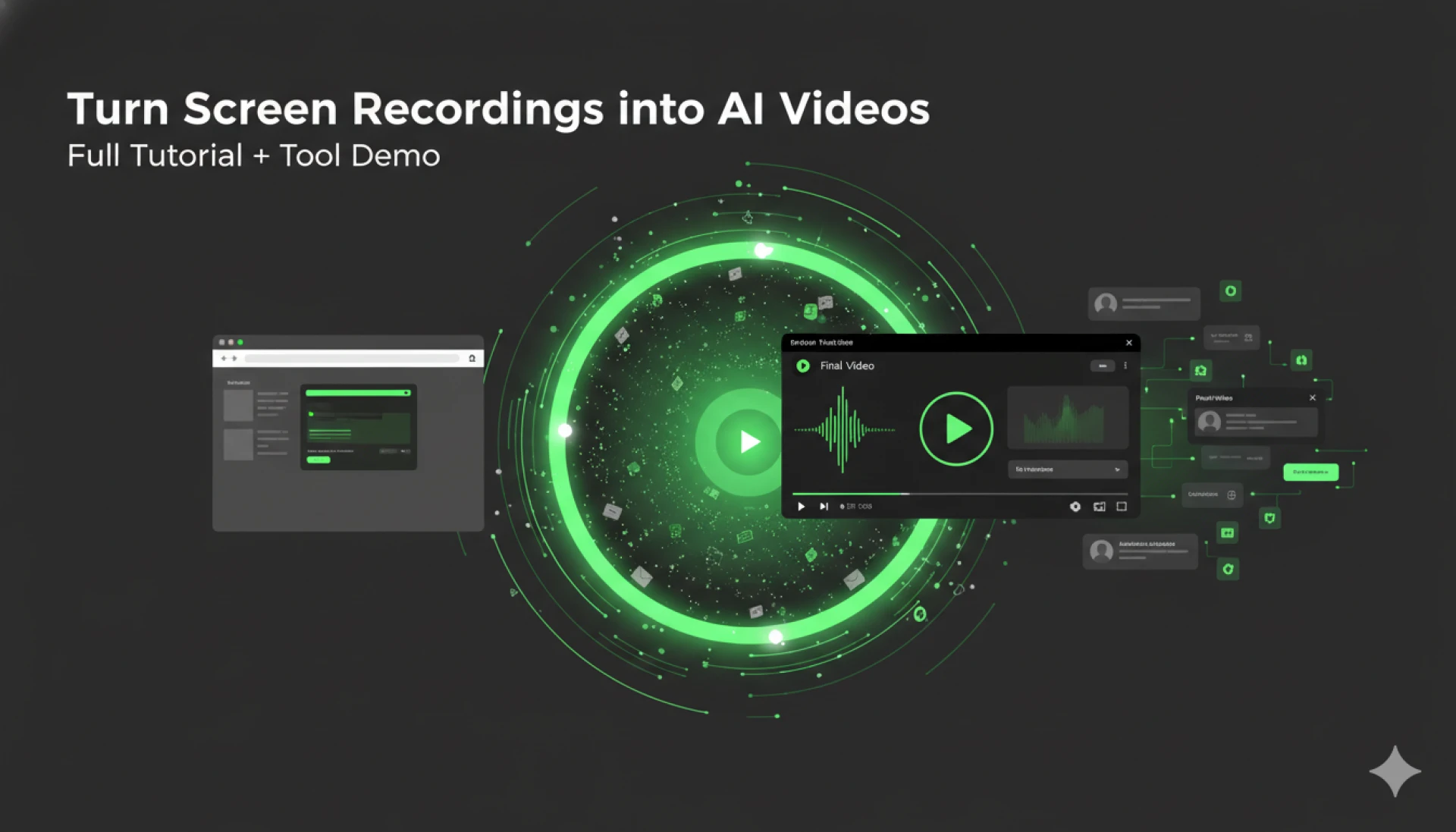
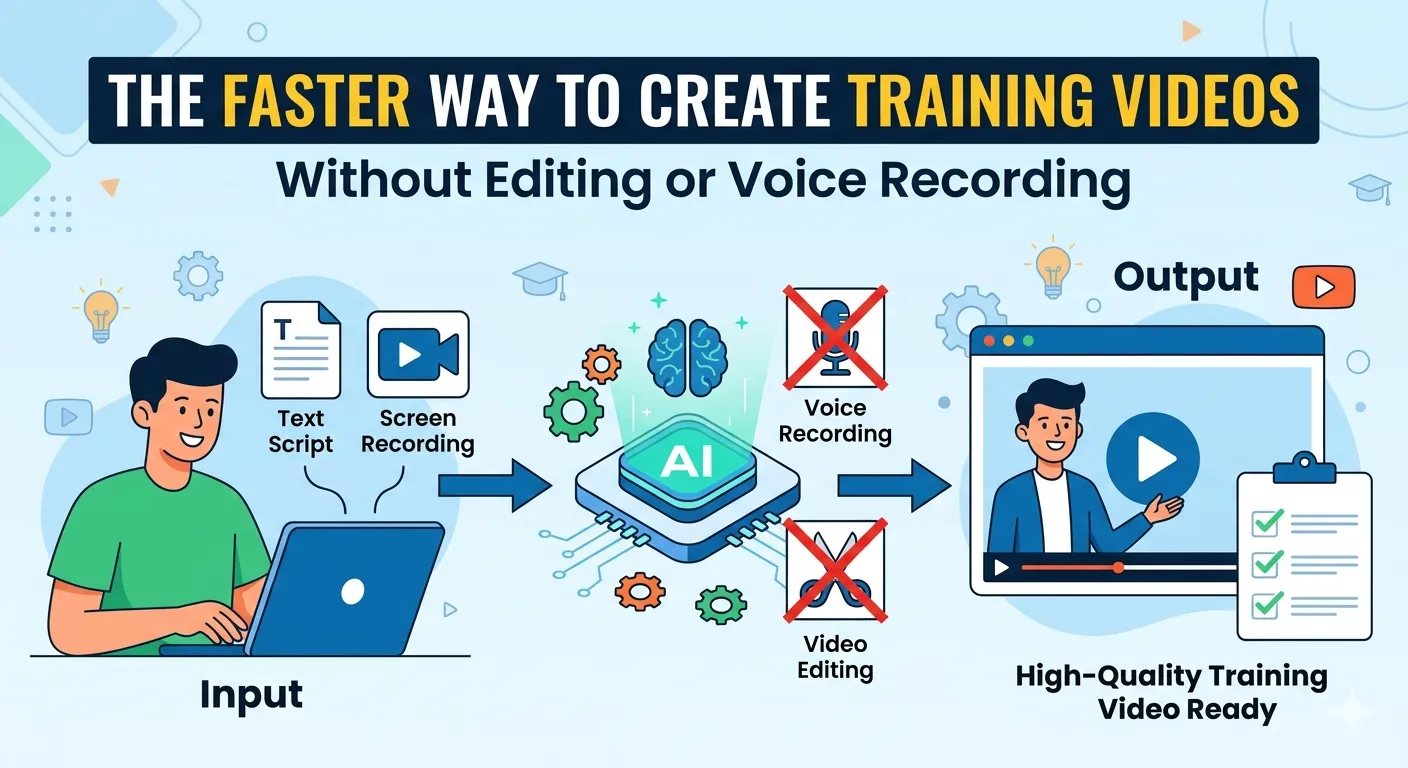
Record → Upload → Generate script → Review → Publish
The difference? Hours of work saved.
How videomule Writes Scripts in Seconds
At its core, videomule acts as a powerful Ai Video Script Generator.
Here’s what happens behind the scenes:
1. It Understands Your Screen Recording
When you upload a video, it analyzes:
- What actions are happening
- The sequence of steps
- Visual cues and transitions
Instead of treating your video like raw footage, it treats it like a story in progress.
2. It Structures the Content Automatically
One of the biggest advantages is how it organizes your video.
Rather than a long, unstructured explanation, it creates:
- Clear steps
- Logical flow
- Easy-to-follow sections
This mirrors how high-performing content is designed—simple, scannable, and focused.
3. It Generates a Ready-to-Use Script
The Ai Video Script Generator turns your actions into:
- Clear explanations
- Natural transitions
- Voiceover-ready text
And it does this in seconds.
No blank page. No writer’s block.
But Is AI Script Writing Actually Good?
Here’s the truth: AI is fast—but not perfect.
That’s why the best results come from combining AI speed with human judgment.
AI can:
- Draft quickly
- Structure efficiently
- Remove repetition
But humans must:
- Verify accuracy
- Adjust tone
- Add context where needed
A proper QA process is essential to ensure the final content is clear, accurate, and aligned with your goals.
From Script to Video—Automatically
What makes videomule different is that it doesn’t stop at script generation.
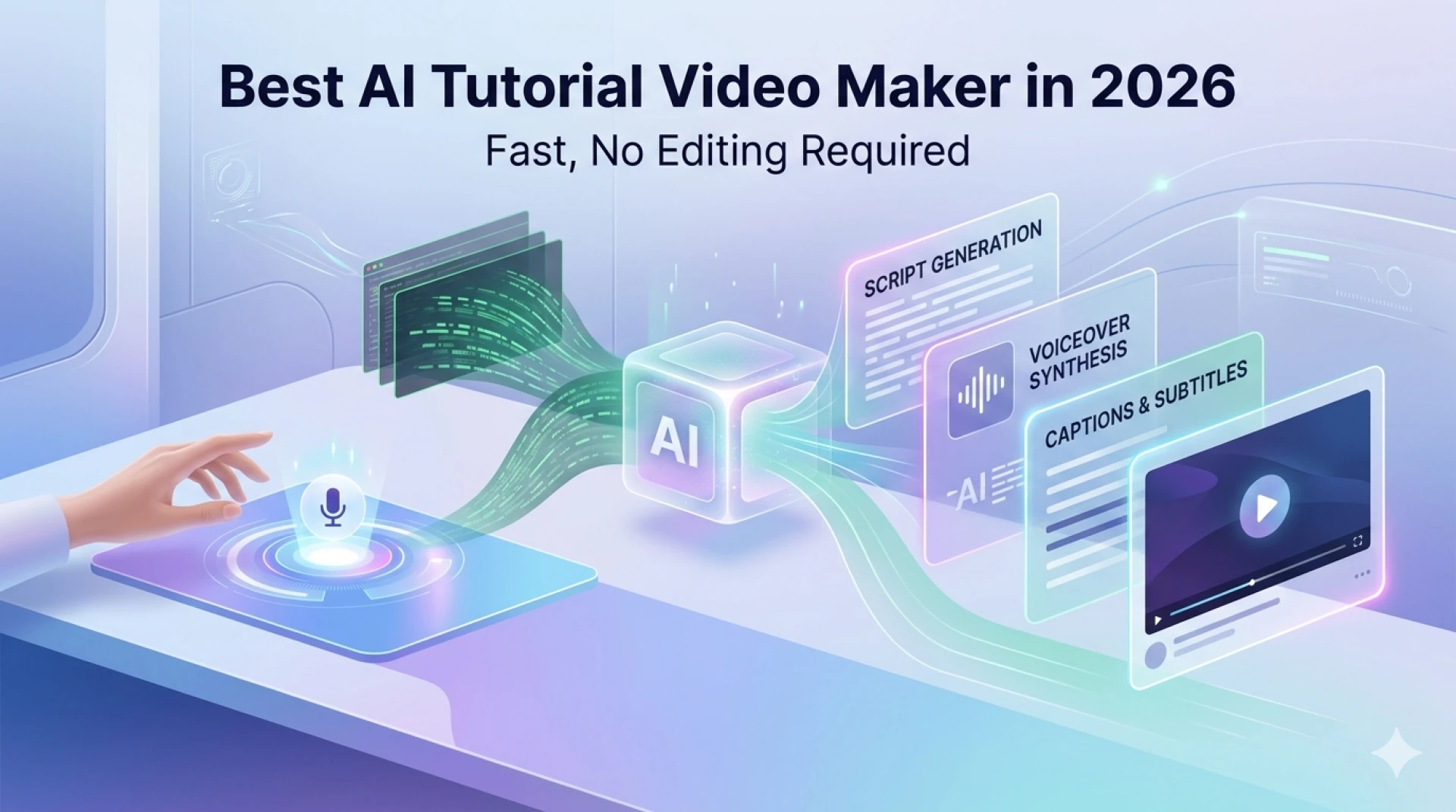
It also functions as an Ai Tutorial Video Maker.
Once your script is ready, the tool can:
- Add voiceovers
- Sync narration with visuals
- Insert subtitles
- Clean up timing
So instead of juggling multiple tools, everything happens in one workflow.
Not Just Tutorials — It’s Also an Ai Product Video Maker
If you’re creating SaaS demos or product walkthroughs, this becomes even more powerful.
With videomule as an Ai Product Video Maker, you can:
- Turn feature demos into guided experiences
- Explain value clearly
- Create onboarding videos at scale
This is especially useful for teams that need consistent, high-quality video content—without spending hours scripting every single one.
The Hidden Benefit: Consistency
One underrated advantage of AI-generated scripts is consistency.
When writing manually, your tone and structure can vary across videos.
With AI:
- Your format stays consistent
- Your explanations follow a pattern
- Your videos feel more professional
But there’s a catch.
If you don’t customize your voice, your content can sound generic.
That’s why maintaining your brand voice is critical—even when using AI.
How to Use videomule the Right Way
If you want the best results, don’t just rely on automation.
Use this simple workflow:
Step 1: Record Freely
Don’t worry about mistakes.
Focus on showing the process clearly.
Step 2: Let AI Generate the Script
Upload your recording and let the Ai Video Script Generator do its job.
You’ll get a structured draft instantly.
Step 3: Refine the Script
This is where you add value.
- Adjust tone
- Simplify explanations
- Add missing context
Step 4: Generate the Final Video
Use videomule’s Ai Tutorial Video Maker capabilities to:
- Add voiceover
- Sync visuals
- Finalize editing
Step 5: Review Before Publishing
Never skip this step.
Even the best AI needs human validation to ensure clarity and accuracy.
Why This Feels Like a “Cheat Code”
Once you use AI for scripting, going back feels impossible.
Because you realize:
- You don’t need to start from scratch
- You don’t need perfect wording upfront
- You don’t need hours to create one video
Instead, you focus on what actually matters:
- The message
- The clarity
- The user experience
Adding Storytelling (Yes, Even in Tutorials)
Even short tutorial videos benefit from storytelling.
Instead of jumping straight into steps, start with a hook:
“Still writing scripts manually? Here’s how to generate one in seconds.”
Then guide the viewer through:
- The problem
- The solution
- The result
This approach keeps viewers engaged and improves retention.
Common Mistakes to Avoid
Even with a powerful tool like videomule, things can go wrong.
1. Publishing Without Editing
AI-generated scripts are drafts—not final versions.
Always review.
2. Ignoring Your Audience
AI doesn’t fully understand your audience’s knowledge level.
You need to adjust for:
- Beginners vs advanced users
- Context and clarity
3. Over-Reliance on Automation
AI is a tool—not a replacement for thinking.
The best content comes from collaboration between human creativity and AI efficiency.
Final Thoughts
“I stopped writing scripts…” isn’t just a catchy statement.
It’s a shift in how content is created.
With tools like videomule, you can:
- Instantly generate scripts using an Ai Video Script Generator
- Turn recordings into polished videos with an Ai Tutorial Video Maker
- Create demos using an Ai Product Video Maker
And most importantly—you save time without sacrificing quality.
The future of video creation isn’t about working harder.
It’s about working smarter—with AI doing the heavy lifting, and you focusing on what truly matters: delivering value.






















Sign in to leave a comment.