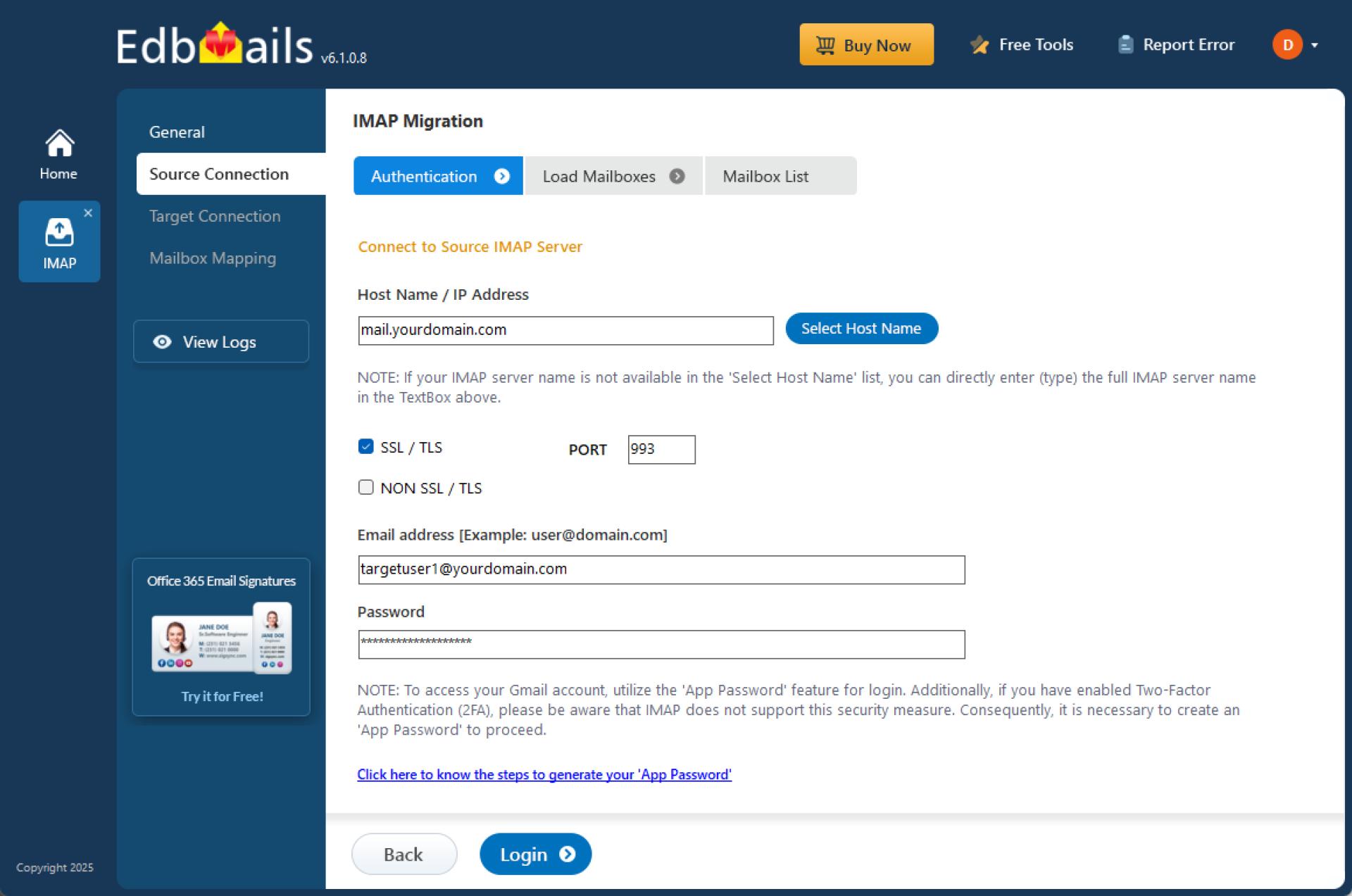
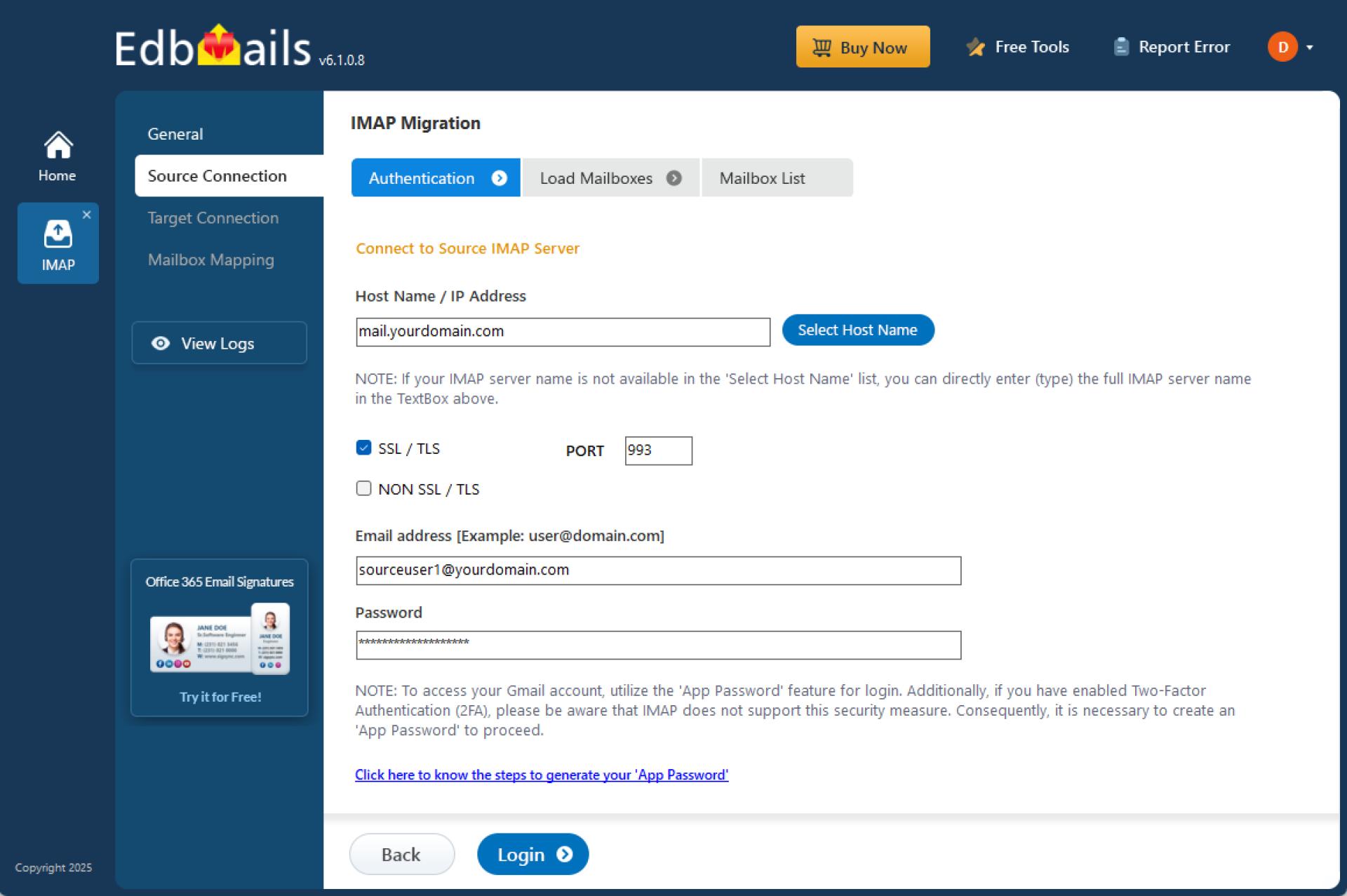
As businesses grow and evolve, email migration becomes an essential task—especially when changing service providers, upgrading infrastructure, or consolidating multiple accounts. One of the most common scenarios is IMAP to IMAP migration, which involves transferring emails between two IMAP enabled servers. Whether you're switching from Gmail to Zoho, Yahoo to Outlook.com, or between private mail servers, a reliable migration solution is critical to avoid data loss and ensure business continuity.
What is IMAP to IMAP Migration?
IMAP (Internet Message Access Protocol) allows users to access their emails stored on a remote server from multiple devices. IMAP to IMAP migration refers to the process of moving mailboxes from one IMAP server to another while preserving folder structures, metadata (like timestamps and sender/recipient info), and email content. This type of migration becomes necessary when businesses change hosting providers, upgrade email platforms, or reorganize their email systems.
Why Choose EdbMails for IMAP to IMAP Migration?
EdbMails offers a secure and highly efficient IMAP to IMAP migration tool that simplifies the migration process, even for users with limited technical expertise. Here's why it stands out:
- Direct Server-to-Server Migration: EdbMails enables direct migration from source to target IMAP servers without requiring any intermediate steps or manual exports.
- Preserves Email Structure and Integrity: The tool maintains the original folder hierarchy, email formatting, attachments, and metadata, ensuring nothing is lost or altered during the transfer.
- Supports All IMAP Servers: It is compatible with all major IMAP-based platforms, including Gmail, Yahoo, AOL, Zoho Mail, Outlook.com, Exchange Server (IMAP-enabled), and many cPanel-based email services.
- Incremental Migration: If you've already migrated some emails, EdbMails supports incremental migration, transferring only new or modified items to avoid duplication.
- Advanced Filtering Options: Users can filter emails by date, sender, recipient, or subject to migrate only what’s needed, reducing the load and speeding up the process.
- Secure and Encrypted: All data is transmitted using secure and encrypted channels, safeguarding sensitive information during migration.
When to Use IMAP to IMAP Migration
- Switching to a new email provider without losing old emails
- Consolidating mailboxes from multiple domains or services
- Upgrading to a more reliable or feature-rich IMAP service
- Offloading data from a legacy server to a modern one
Conclusion
IMAP to IMAP migration is a common yet crucial task for businesses looking to stay agile and competitive. With the right tool like EdbMails IMAP Migration, organizations can perform secure, fast, and hassle-free email migrations with minimal downtime. Its user-friendly interface, robust features, and compatibility with all IMAP servers make it an ideal choice for IT admins and end-users alike.
Whether you're a small business moving to a more reliable host or an enterprise consolidating multiple accounts, EdbMails ensures your transition is smooth, secure, and stress-free.
























Sign in to leave a comment.