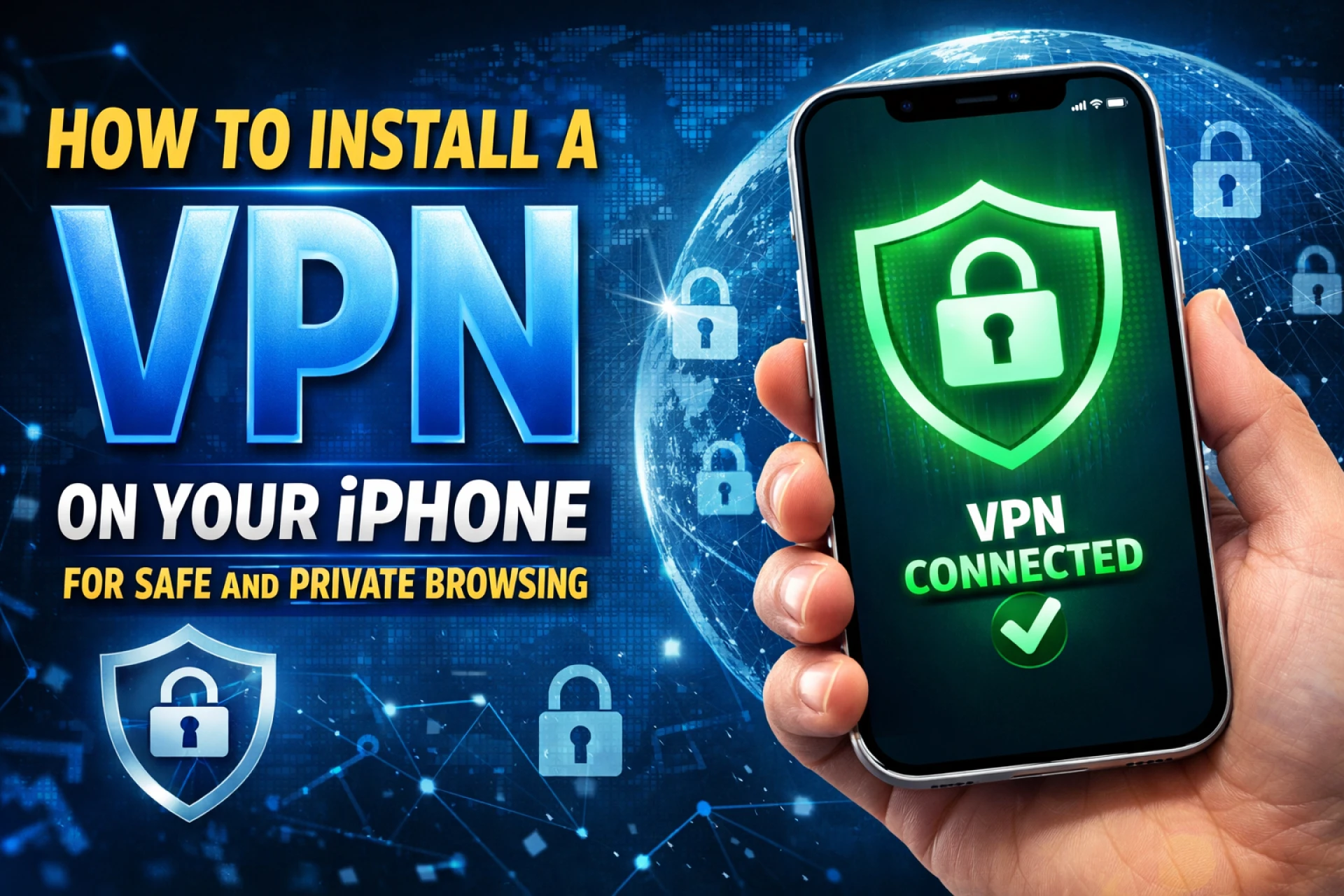

In an era where our digital and physical lives are inextricably linked, securing your smartphone is no longer optional—it is a necessity. For iPhone users, Apple provides a robust foundation of security, but the increasing sophistication of cyber threats means that personal vigilance is required to truly protect your data. Whether you are using the latest flagship or a reliable iphone 16 pro refurbished, implementing a few key privacy measures can safeguard your identity and peace of mind.
Why a VPN is Your First Line of Defense
A Virtual Private Network (VPN) is one of the most effective tools for maintaining anonymity online. When you browse the web, your device sends data packets that can be intercepted by hackers, especially on public Wi-Fi networks in cafes or airports. A VPN creates an encrypted tunnel for your data, making it unreadable to anyone outside the connection.
For those looking for a high-quality second hand iphone in india, ensuring the device is compatible with modern VPN protocols like WireGuard or IKEv2 is essential. These protocols offer the best balance of speed and security, ensuring your browsing remains private without sacrificing performance. By routing your traffic through a secure server, a VPN also hides your IP address, preventing websites and advertisers from tracking your physical location and browsing habits.
Easy VPN Setup Guide for iPhone
Setting up a VPN on your iPhone is a straightforward process that takes less than five minutes. Most reputable VPN providers offer dedicated apps in the App Store that handle the technical configuration for you.
- Choose a Provider: Select a trustworthy VPN service that has a strict "no-logs" policy.
- Download and Install: Open the App Store, search for your chosen VPN, and install it.
- Grant Permissions: Upon opening the app, you will be asked to "Add VPN Configurations." Tap "Allow" and enter your device passcode to authorize the setup.
- Connect: Once configured, you can toggle the VPN on or off directly within the app or via the "VPN" switch in your iPhone’s main Settings menu.
At EasyPhones, we believe that high-end technology should be accessible and secure. Whether you are buying a premium device or a budget-friendly alternative, the setup remains the same, providing universal protection for every user.
Essential Privacy Settings You Should Change
Beyond using a VPN, iOS offers several granular privacy settings that are often overlooked. Reviewing these regularly ensures that apps are not over-harvesting your data.
- App Tracking Transparency: Navigate to Settings > Privacy & Security > Tracking. Ensure that "Allow Apps to Request to Track" is managed carefully. This prevents apps from following your activity across other companies' apps and websites.
- Safety Check: This feature allows you to quickly see who has access to your information and apps. It is a vital tool for anyone wanting to audit their digital footprint.
- Mail Privacy Protection: Within the Mail app settings, enable "Protect Mail Activity." This hides your IP address and prevents senders from knowing if or when you opened an email.
These small adjustments, combined with a secure device from EasyPhones, create a formidable barrier against digital intruders.
Enhancing Physical Device Security
Digital privacy is only half the battle; physical security is equally important. Apple’s "Stolen Device Protection" is a game-changer for iPhone security. When enabled, this feature requires Face ID or Touch ID for sensitive actions—like changing your Apple ID password or turning off Find My—whenever you are away from "familiar locations" like home or work.
Additionally, always ensure your device is running the latest version of iOS. Apple frequently releases security patches that address "zero-day" vulnerabilities. If you purchase a pre-owned device through a trusted platform like EasyPhones, you can rest assured that the hardware has been vetted to support these critical updates, keeping you protected against the latest exploits.
Advanced Data Protection and iCloud Security
For users who handle sensitive professional or personal information, Apple’s Advanced Data Protection for iCloud is a must-activate feature. While standard iCloud security encrypts your data, Apple holds the keys for certain categories to help with recovery. Enabling Advanced Data Protection moves the encryption to an end-to-end model, meaning only your trusted devices have the keys to decrypt your photos, notes, and backups.
Even if Apple’s servers were ever compromised, your data would remain an unreadable jumble of code. This level of security is why iPhones remain the preferred choice for privacy-conscious individuals globally.
Final Thoughts on iPhone Privacy
Improving your iPhone security does not require expert technical knowledge. By combining an easy VPN setup with proactive privacy settings, you can significantly reduce your vulnerability to cyberattacks. Whether you are upgrading your current setup or looking for a new device, starting with a secure foundation is the best investment you can make for your digital life.


























Sign in to leave a comment.