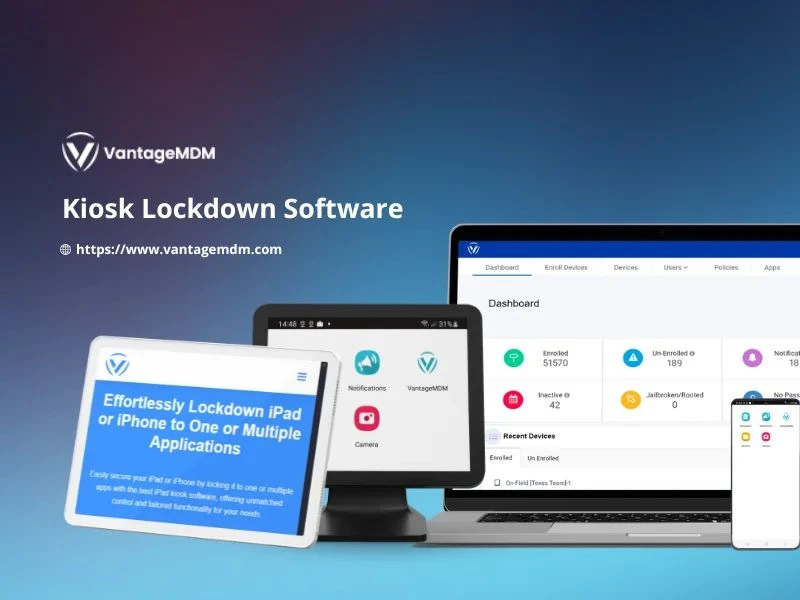

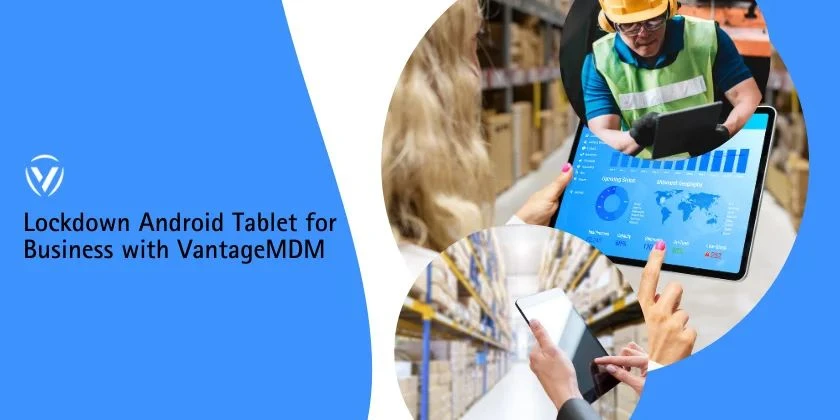
In today’s digital-first world, organizations rely heavily on mobile devices for customer engagement, field operations, and internal processes. However, without proper management, these devices can become a liability—leading to distractions, misuse, or even security risks. This is where kiosk lockdown software comes in, helping businesses secure, control, and optimize their devices for productivity.
By leveraging Android kiosk mode and advanced rugged device management, companies can ensure devices serve only their intended purpose, reducing risks and improving efficiency.
What is Kiosk Lockdown Software?
Kiosk lockdown software is a solution that restricts a mobile device to specific apps or functions, preventing unauthorized access or misuse. When a device is put in kiosk mode, it operates with limited features—often locked to one or more business-critical applications.
For example, a retail store can lock a tablet to a point-of-sale (POS) app, while a logistics company may configure rugged handheld devices for inventory management only.
Key Features of Kiosk Lockdown Software
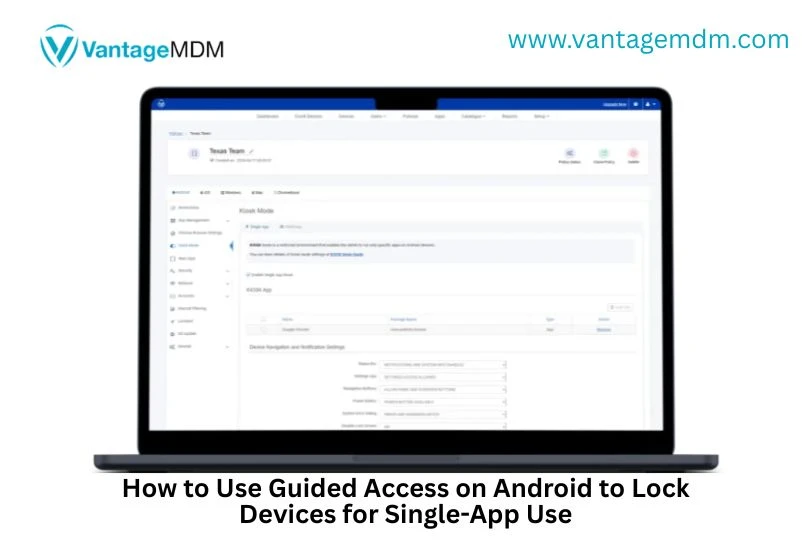
- Single-App and Multi-App Mode
- Single-app mode locks the device to one specific application.
- Multi-app mode allows access to a limited set of apps relevant to business use.
- Remote Device Management
- Administrators can configure, monitor, and troubleshoot devices remotely, ensuring seamless operations across multiple locations.
- Custom Branding
- Businesses can customize device interfaces with company logos, colors, or messaging, creating a professional and branded look.
- Usage Restrictions
- Block access to settings, unauthorized websites, and personal apps to minimize distractions and security risks.
- Reporting & Analytics
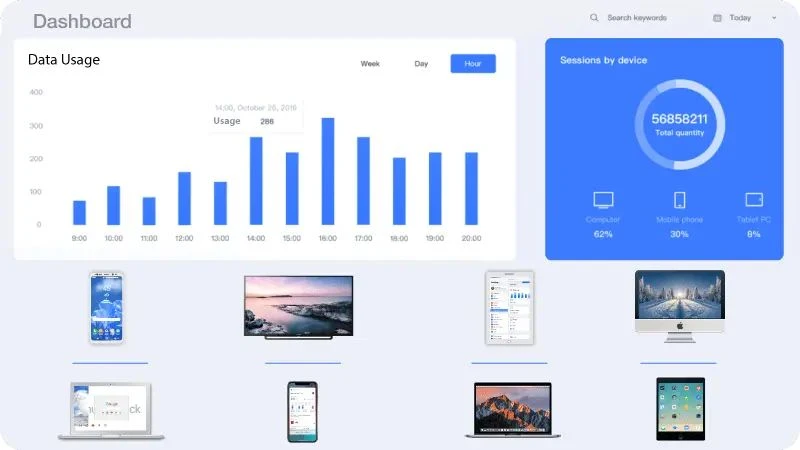
- Monitor device performance, app usage, and connectivity to optimize workflows and improve decision-making.
Benefits of Using Kiosk Lockdown Software
1. Enhanced Security
Kiosk mode prevents unauthorized access, protecting sensitive business data from misuse or cyber threats.
2. Improved Productivity
By restricting devices to work-related apps, employees stay focused, reducing downtime and distractions.
3. Cost Efficiency
Businesses save on hardware costs by repurposing existing devices for specific functions using kiosk software.
4. Better User Experience
Devices locked to user-friendly interfaces ensure smooth operations for customers, employees, or partners.
5. Centralized Control
With remote monitoring and management, IT teams can oversee devices spread across multiple cities or countries.
Android Kiosk Mode: Powering Business Efficiency
Most businesses today use Android-based devices due to their affordability and flexibility. Android kiosk mode enables organizations to configure smartphones, tablets, or rugged devices for specialized use.
Examples include:
- Retail: Locking tablets for product catalogs and checkout.
- Education: Limiting student tablets to learning apps.
- Hospitality: Using Android kiosks for self-check-ins.
- Healthcare: Securing patient registration systems.
With Android kiosk mode, businesses maintain total control while ensuring smooth device performance.
Rugged Device Management for Field Operations
Industries like logistics, manufacturing, construction, and utilities often rely on rugged devices—built to withstand harsh conditions. However, without proper rugged device management, these devices may underperform or be misused.
Kiosk lockdown software enhances rugged device management by:
- Restricting devices to essential work apps.
- Preventing tampering with settings in remote environments.
- Allowing real-time monitoring for device health and location.
- Ensuring consistent performance in demanding conditions.
This ensures field teams remain productive, devices last longer, and operations run smoothly.
Industries Benefiting from Kiosk Lockdown Software
- Retail & E-commerce – Customer kiosks, POS systems, inventory management.
- Healthcare – Patient self-service kiosks, telehealth devices.
- Education – Tablets restricted to learning apps and portals.
- Hospitality – Self-check-in/check-out systems, feedback kiosks.
- Logistics & Manufacturing – Rugged devices for tracking and workforce management.
In an era where mobile devices are the backbone of business operations, security and control are non-negotiable. Kiosk lockdown software offers a powerful way to lock devices into Android kiosk mode or streamline rugged device management, ensuring they remain focused on business tasks.
By investing in the right solution, businesses can improve productivity, enhance customer experiences, and safeguard their digital assets—all while maintaining centralized control over their devices.
Whether you’re managing a retail chain, a healthcare facility, or field operations, kiosk lockdown software is the key to smarter, safer, and more efficient device usage.























Sign in to leave a comment.