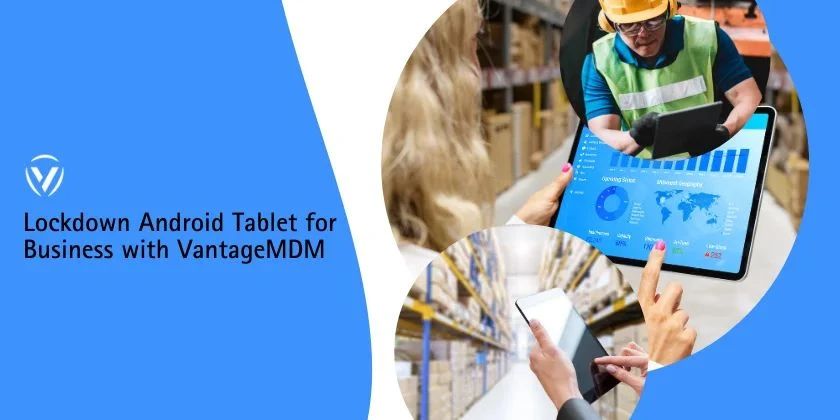

Android tablets are widely used in businesses for point-of-sale systems, field operations, education, and customer-facing kiosks. However, without proper controls, these devices can be misused, misconfigured, or exposed to security risks. Implementing a lockdown Android tablet for business strategy using kiosk lockdown software and rugged device management ensures security, consistency, and productivity across your organization.
Why Businesses Need to Lock Down Android Tablets
When tablets are shared among employees or used in public environments, unrestricted access can lead to:
- Installation of unauthorized apps
- Accidental changes to system settings
- Data leaks and security breaches
- Reduced productivity
Locking down Android tablets helps organizations maintain full control over device usage while protecting business data.
What Does Lockdown Android Tablet for Business Mean?
Locking down an Android tablet means restricting the device so users can access only approved apps and features. This is commonly achieved through kiosk lockdown software, which allows IT teams to define exactly how a device can be used.
Understanding Kiosk Lockdown Software
Kiosk lockdown software transforms standard Android tablets into purpose-driven devices.
Key Capabilities
- Single-app or multi-app kiosk mode
- Blocking system settings and navigation buttons
- Preventing app installations and removals
- Remote configuration and monitoring
This makes kiosk lockdown software ideal for retail kiosks, digital signage, check-in systems, and frontline workers.
Role of Rugged Device Management
Rugged device management ensures these devices remain secure and operational.
Benefits of Rugged Device Management
- Centralized control of field-deployed tablets
- Remote troubleshooting and updates
- Reduced device downtime
- Enhanced durability combined with software security
When combined with kiosk lockdown software, rugged device management creates a powerful solution for field operations.
Best Practices to Lock Down Android Tablets for Business
Use Dedicated Kiosk Lockdown Software
Avoid manual configurations. Enterprise-grade kiosk lockdown software offers scalability, automation, and centralized control.
Enable Single-App or Multi-App Kiosk Mode
Choose single-app mode for focused tasks and multi-app mode when users need access to a controlled set of applications.
Restrict System Settings and Hardware Buttons
Disable access to settings, status bars, power buttons, and USB debugging to prevent tampering.
Implement App and Data Security
Allow only approved apps, enforce encryption, and block data sharing between apps.
Manage Devices Remotely
Use remote management features to push updates, lock or wipe devices, and monitor usage in real time.
Industries Benefiting from Locked-Down Android Tablets
- Retail: POS systems and self-service kiosks
- Logistics: Inventory and tracking on rugged tablets
- Healthcare: Secure patient data access
- Education: Controlled learning environments
- Hospitality: Check-in and guest service tablets
Common Mistakes to Avoid
- Relying on basic Android restrictions instead of professional software
- Ignoring regular updates and security patches
- Allowing unrestricted internet or app access
- Not planning for remote device management
Implementing a lockdown Android tablet for business approach is no longer optional—it’s essential for secure and efficient operations. By using reliable kiosk lockdown software and integrating rugged device management, businesses can protect data, reduce misuse, and ensure devices perform exactly as intended. A well-locked-down tablet environment leads to higher productivity, better security, and long-term cost savings.





















Sign in to leave a comment.