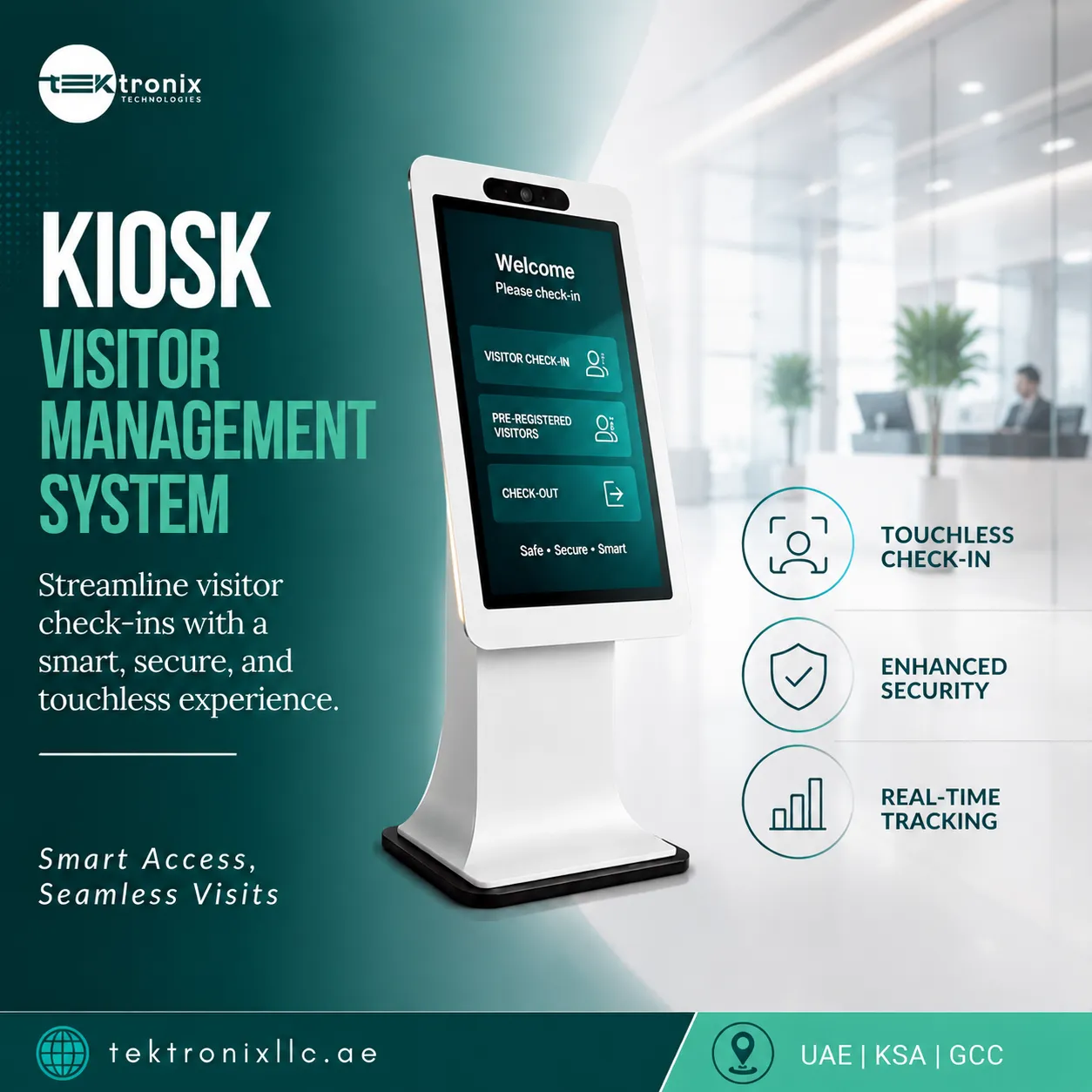

Reception staff can only greet one visitor at a time, but a busy UAE office lobby often needs to handle several arrivals within the same few minutes. A Kiosk Visitor Management System solves this bottleneck directly, letting visitors register themselves at a standalone touchscreen unit the moment they arrive, without needing to wait for a receptionist to become free.
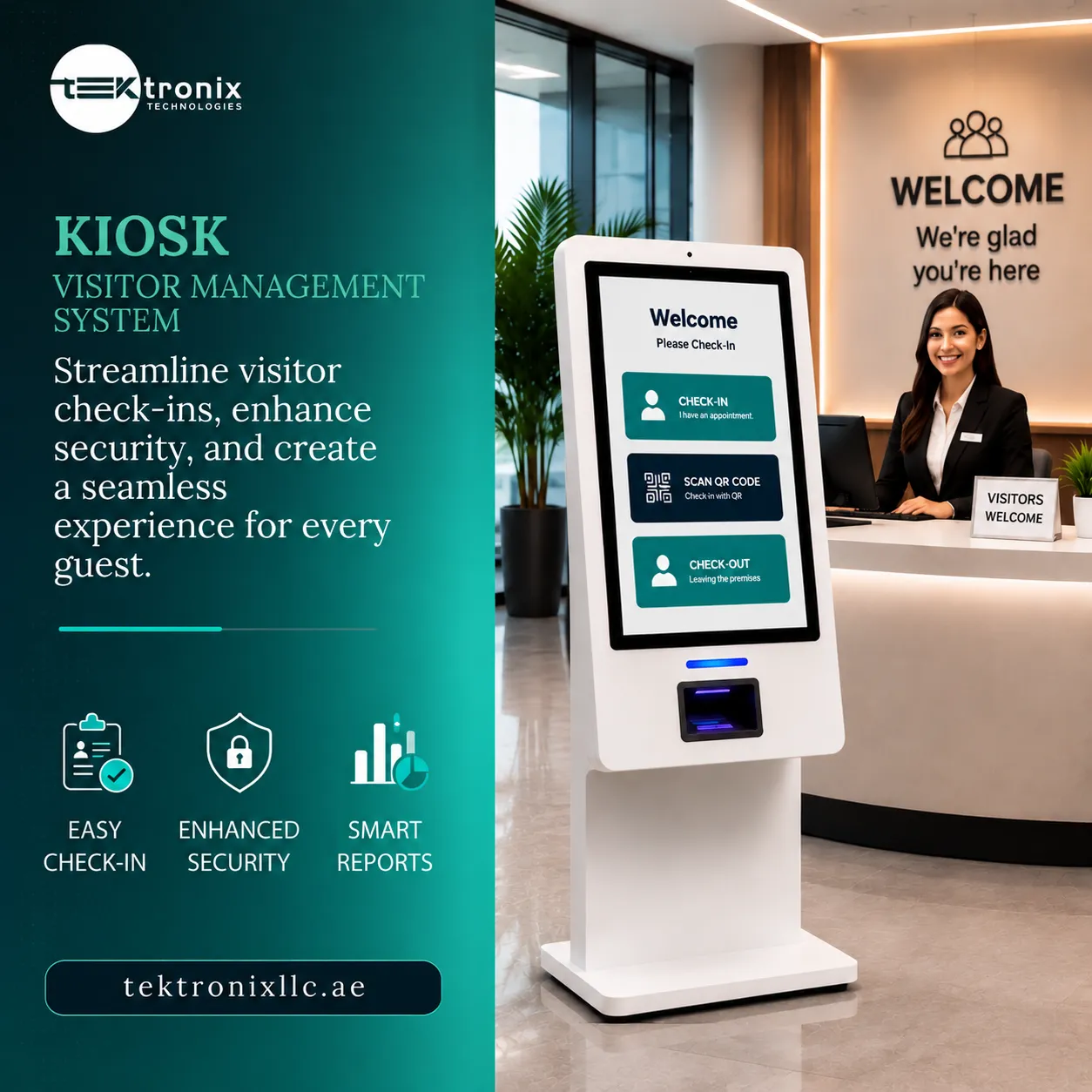
For UAE facility managers, the appeal of a dedicated kiosk goes beyond simply reducing wait time. A well-placed kiosk creates a consistent, professional first impression regardless of how busy reception happens to be at that exact moment, while capturing the same visitor identity and purpose-of-visit data a staffed check-in process would, without requiring a receptionist to manually type it in for every single visitor.
Why Standalone Kiosks Solve a Problem Software Alone Cannot
Visitor management software running on a receptionist's own computer still depends entirely on staff availability — if reception is handling a phone call, assisting another visitor, or simply away from the desk momentarily, arriving visitors have nowhere to register themselves. A dedicated kiosk removes this dependency entirely, giving visitors a consistently available self-service point regardless of what reception staff happen to be doing at any given moment.
This becomes particularly valuable during predictable high-volume periods — a large meeting with multiple external attendees arriving within the same few minutes, a job fair, or a training session bringing dozens of visitors through the same entrance simultaneously — situations where a single staffed reception desk simply cannot process arrivals fast enough without a kiosk absorbing the volume.
Visitor Management System Kiosk Hardware: What Actually Matters
Selecting the right Visitor Management System Kiosk hardware involves more than picking an attractive touchscreen. Facility managers should weigh screen size and readability against the lobby's typical lighting conditions, physical durability suited to continuous public use, and whether the unit includes an integrated camera and ID scanner or relies on manual data entry alone.
Placement within the lobby matters just as much as the hardware itself. A kiosk tucked into a corner where arriving visitors don't immediately notice it defeats much of its purpose — effective deployments position the kiosk prominently near the main entrance, often with clear signage directing visitors to use it upon arrival rather than approaching reception directly.
Visitor Registration Kiosk Workflows for Different Visitor Types
A well-configured Visitor Registration Kiosk typically supports several distinct registration paths rather than forcing every visitor through an identical process. A pre-scheduled guest can simply scan a QR code sent ahead of their visit, completing registration in seconds, while a walk-in visitor without a prior appointment follows a longer path that captures their details, purpose of visit, and host information directly at the kiosk.
This flexibility matters considerably for facilities with mixed visitor traffic — a corporate office handling both scheduled client meetings and unannounced deliveries, for example, needs a kiosk workflow that handles both scenarios smoothly rather than optimizing exclusively for one visitor type at the expense of the other.
Self-Registration Kiosk Design for Genuine Ease of Use
The entire value proposition of a Self-Registration Kiosk collapses if visitors find the interface confusing or slow to navigate. Effective kiosk software prioritizes a minimal number of screens and clear, large-format prompts, recognizing that most visitors are using the interface for the first time and have no patience for a lengthy, multi-step registration process before they've even had their meeting.
Multilingual support is a particularly important design consideration for UAE deployments specifically, given the country's diverse visitor population — a kiosk defaulting to a single language creates genuine friction for a meaningful share of visitors, while clear language selection at the start of the registration flow removes that barrier entirely.
Self-Service Check-In and Check-Out for the Complete Visit Lifecycle
Registration is only the beginning of a visitor's interaction with the system. Self-Service Check-In and Check-Out covers the full lifecycle of a visit, allowing a visitor to formally check out at the same kiosk when they leave — tapping their printed badge or scanning a QR code — closing out their visit record with an accurate departure timestamp rather than leaving the system to assume a visitor has left based on their scheduled meeting end time.
This checkout step matters more than it might initially seem. Accurate departure data is what allows a facility to answer, with confidence, exactly who remains on-site at any given moment — a detail that becomes critical during an emergency evacuation, when an accurate real-time occupancy count depends on visitors having actually checked out rather than simply assumed to have left.
Badge Printing: The Visible Credential Behind Every Registered Visitor
Once registration is complete, Badge Printing produces a physical credential the visitor wears throughout their visit, giving staff throughout the building a quick visual confirmation that a person has been properly registered and authorized, rather than relying entirely on staff memory or challenging unfamiliar faces directly.
Well-designed badge templates typically include the visitor's photo captured at the kiosk, their name, the host they're visiting, and the date — details that make the badge genuinely useful for staff throughout the building, not just a formality handed out at reception and then largely ignored for the remainder of the visit.
Key Benefits of a Kiosk-Based Visitor Management Approach
Facilities deploying a dedicated visitor kiosk typically report measurable improvements across several practical areas:
- Faster visitor processing during peak arrival periods without additional reception staff
- Consistent registration data quality independent of staff workload or attention
- A more professional, modern first impression for arriving visitors and clients
- Reduced reception workload freeing staff for higher-value guest service tasks
- Accurate check-in and check-out timestamps supporting emergency evacuation accuracy
- Visible badge credentials improving building-wide visitor identification
Data Privacy Considerations for Kiosk-Captured Visitor Information
A kiosk typically captures more identifying information than a casual paper sign-in sheet ever did — a photo, sometimes a scanned ID document, and detailed visit purpose information. Organizations deploying kiosks should be able to clearly explain to visitors how this data is stored, how long it's retained, and who has access to it, particularly for facilities in regulated sectors where visitor data handling may fall under specific compliance requirements.
Reputable kiosk platforms encrypt captured visitor data and allow administrators to configure clear retention policies, automatically purging visit records after a defined period rather than retaining visitor photos and details indefinitely without any defined lifecycle.
The Business Case: What a Kiosk Saves Beyond Reception Time
Beyond the immediate benefit of faster visitor processing, a kiosk deployment carries a straightforward cost case for many facilities. Reduced reliance on additional reception staffing during peak visitor periods, fewer data entry errors requiring correction, and a lower administrative burden on existing staff all contribute to a return that becomes more apparent the higher a building's daily visitor volume happens to be.
For facilities with historically high reception staffing costs specifically to manage visitor volume during busy periods, a kiosk can meaningfully reduce that staffing requirement without sacrificing the quality or completeness of visitor registration data collected.
Where Kiosks Fit Best Within a Building's Overall Visitor Strategy
A kiosk works best as part of a broader visitor management strategy rather than as a complete replacement for staffed reception in every scenario. High-security facilities, or those handling particularly sensitive visits, often retain a staffed verification step alongside kiosk registration, using the kiosk to handle routine data capture while reserving human judgment for situations that genuinely require it.
For most general corporate, healthcare, and educational environments, however, a kiosk can comfortably handle the majority of routine visitor traffic, with reception staff available to assist visitors who need help or who fall outside the kiosk's standard registration flow — a hybrid approach that captures the efficiency benefit without removing the human element entirely.
Kiosk Visitor Management System UAE: Regional Deployment Considerations
Rolling out a Kiosk Visitor Management System UAE-wide involves a few practical regional considerations — multilingual interface support reflecting the country's diverse workforce and visitor population, ID scanning capability compatible with the range of identification documents visitors commonly present, and hardware durability suited to lobby environments that may see high visitor volumes throughout a busy business day.
For organizations operating across multiple emirates or multiple buildings, standardizing on one kiosk platform and badge design across every location also creates a more consistent visitor experience and simplifies compliance reporting, compared to different reception processes and record-keeping approaches at each individual site.
Integrating Kiosk Visitor Management with Building Access Control
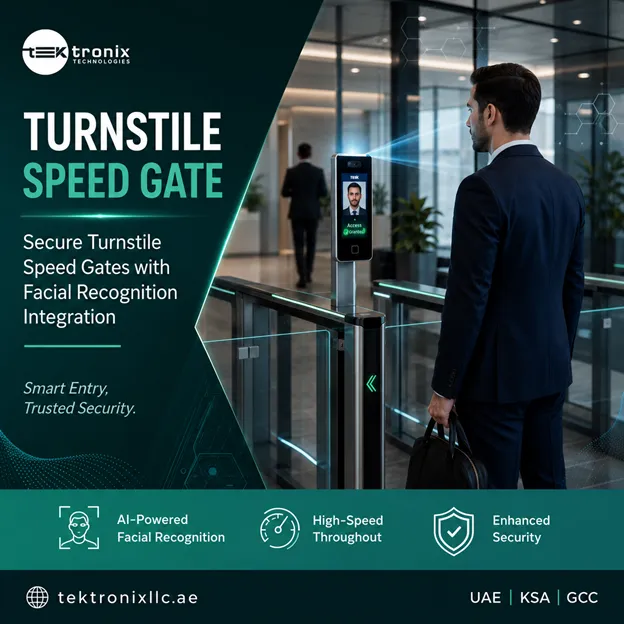
A visitor kiosk delivers its greatest value when connected to a building's broader access control and security infrastructure rather than operating as a standalone check-in tool. Linking kiosk registration directly to door and turnstile access means a visitor's badge can automatically open only the specific areas relevant to their visit, while integration with host notification systems alerts the appropriate employee the moment their guest checks in at the kiosk.
This is where Tektronix's kiosk visitor management platform stands out for UAE facility operators — the system is designed to integrate with existing access control, turnstile, and badge printing infrastructure, helping organizations avoid a standalone kiosk disconnected from the rest of their building security stack.
What Facility Operators Should Look for in a Kiosk Vendor
Facilities teams evaluating vendors should look for kiosk hardware genuinely built for continuous public-facing use, rather than a repurposed tablet mounted on a stand, since durability and reliability matter considerably more when hundreds of unfamiliar visitors interact with the device daily. Clear, intuitive interface design tested with real users, rather than software designed primarily from an administrator's perspective, is also worth confirming during evaluation.
Because a malfunctioning kiosk during a busy arrival period creates immediate, visible frustration for waiting visitors, local support responsiveness and spare-parts availability should factor meaningfully into vendor selection, alongside the software's core registration and reporting capabilities.
Why UAE Organizations Trust Tektronix for Kiosk Visitor Management Deployments
Tektronix has deployed kiosk-based visitor management systems across corporate offices, healthcare facilities, and educational campuses throughout the UAE, Saudi Arabia, and Qatar, giving the team direct, hands-on experience with the hardware durability, workflow design, and integration demands unique to self-service visitor registration. Every deployment is supported end-to-end, from initial lobby assessment and hardware selection through installation, workflow configuration, and ongoing local maintenance.
For organizations across Dubai, Abu Dhabi, and the wider Emirates evaluating a self-service visitor registration solution for corporate lobbies, this regional deployment experience translates into a smoother rollout, more intuitive workflow design from the outset, and a support team already familiar with how UAE facility managers use kiosk technology day to day.
Conclusion
Kiosk Visitor Management System technology solves the reception bottleneck software alone cannot. A well-placed Visitor Management System Kiosk and intuitive Visitor Registration Kiosk workflow give every Self-Registration Kiosk genuine ease of use. Self-Service Check-In and Check-Out completes the visit lifecycle, while Badge Printing gives staff a visible credential. Demand for Kiosk Visitor Management System UAE deployments keeps growing.
Frequently Asked Questions
1. How is a visitor kiosk different from staffed reception check-in?
A kiosk lets visitors register themselves at a standalone touchscreen without waiting for a receptionist to be available, capturing the same identity and visit information a staffed process would.
2. Can a kiosk handle both pre-scheduled and walk-in visitors?
Yes. Well-designed kiosk workflows typically offer a fast QR-code path for pre-registered guests and a longer manual entry path for unannounced walk-in visitors.
3. Does a visitor kiosk print a physical badge for every guest?
Most deployments include badge printing as part of the registration process, giving staff throughout the building a visible confirmation that a visitor has been properly registered.
4. Can kiosk visitor management integrate with a building's access control system?
Yes. Integrated deployments can automatically restrict a visitor's badge to only the specific areas relevant to their visit, and notify their host the moment they check in.
5. How long does it take to set up a kiosk visitor management system?
Most single-lobby deployments can be completed within a few days, with workflow configuration for different visitor types typically taking more time than the physical installation.






























Sign in to leave a comment.