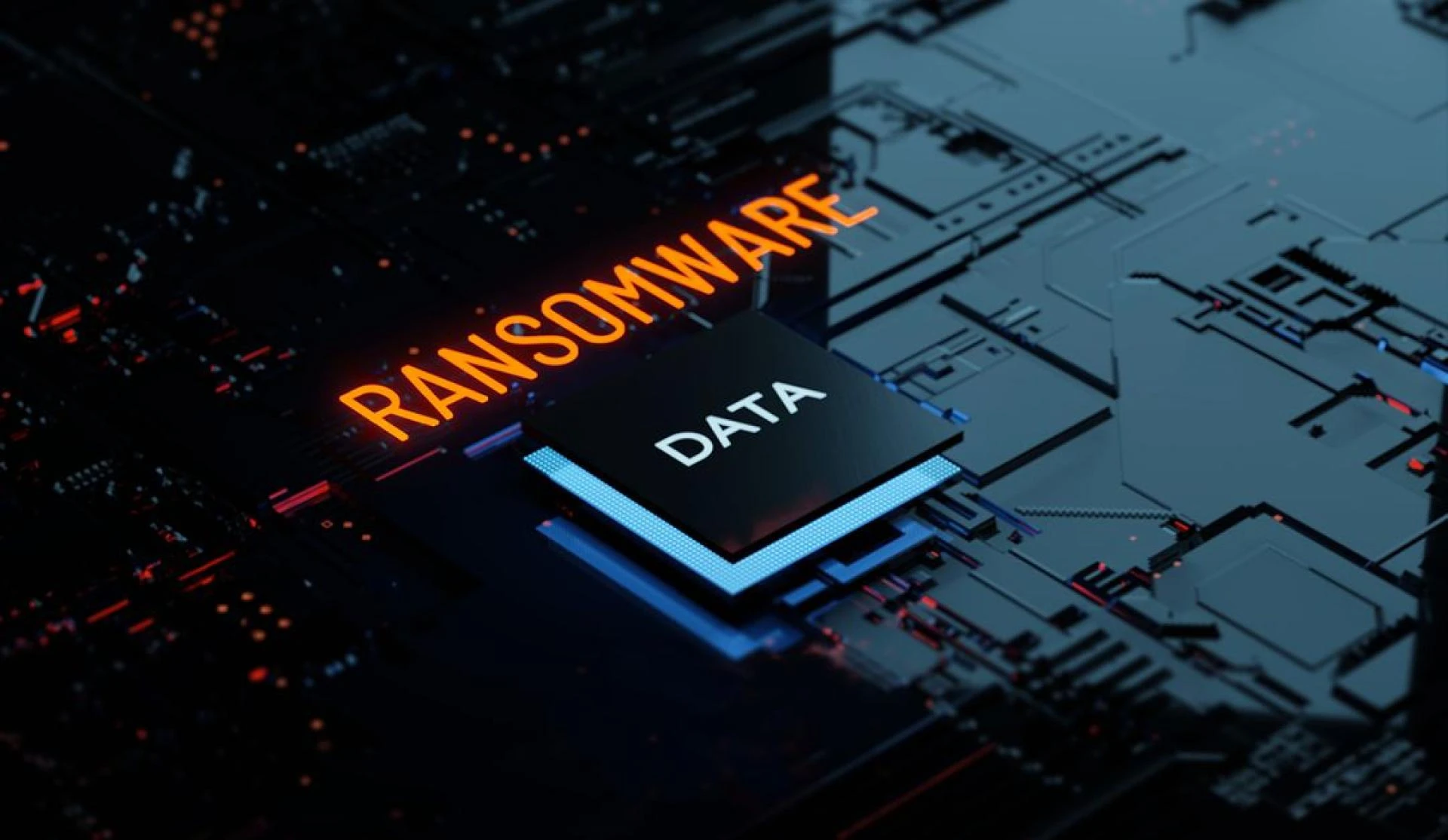

Ransomware attacks cost businesses an average of $4.45 million in 2024, marking a 15% increase from the previous year. What started as isolated incidents targeting individual computers has evolved into sophisticated campaigns that can paralyze entire organizations within hours.
Understanding ransomware is your first line of defense against these increasingly costly attacks. This comprehensive ransomware review will equip you with the knowledge needed to protect your business, recognize different attack types, and respond effectively when threats emerge.
You'll learn about the four main types of ransomware, proven prevention strategies that actually work, step-by-step incident response protocols, and an honest review of the top protection tools available in 2025. Whether you're a small business owner or managing enterprise security, this guide provides actionable insights to strengthen your cyber security posture.
The threat landscape changes rapidly, but the fundamentals of protection remain constant. Let's explore how ransomware operates and what you can do to stay ahead of cybercriminals.
What is Ransomware?
Ransomware is malicious software that encrypts your files or locks you out of your systems until you pay a ransom to the attackers. Think of it as a digital kidnapping—criminals hold your data hostage and demand payment, typically in cryptocurrency, for its safe return.
The impact on businesses extends far beyond the immediate ransom demand. Organizations face operational downtime that can last weeks, regulatory fines for data breaches, recovery costs that often exceed the original ransom amount, and lasting reputational damage that affects customer trust and future revenue.
Most ransomware enters organizations through a phishing attack, where employees unknowingly click malicious links or download infected attachments. Once inside your network, the malware spreads rapidly, encrypting files across connected systems and servers.
Know Your Enemy: Types of Ransomware
Encrypting Ransomware
This represents the most common and dangerous form of ransomware. It scrambles your files using complex encryption algorithms, making them completely inaccessible without the decryption key held by attackers.
The WannaCry attack of 2017 exemplified this type's devastating potential, affecting over 300,000 computers across 150 countries and causing billions in damages. More recently, Ryuk ransomware has targeted healthcare systems and municipal governments, often demanding millions in ransom payments.
Locker Ransomware
Rather than encrypting individual files, locker ransomware prevents access to your entire device or system. It typically displays a full-screen message demanding payment while blocking all other functionality.
While less sophisticated than encrypting variants, locker ransomware can still cause significant disruption by rendering workstations completely unusable until the infection is removed.
Scareware
This less severe but still problematic type uses fake security warnings to trick users into believing their computer is infected. Pop-ups claim to detect numerous threats and offer to remove them for a fee.
Though scareware rarely causes actual damage to files, it can lead to financial loss and may serve as a gateway for more serious infections.
Doxware/Leakware
This emerging threat combines traditional encryption with data theft. Attackers steal sensitive information before encrypting it, then threaten to publish confidential data online if the ransom isn't paid.
Doxware attacks pose particular risks for organizations handling personal information, as they can trigger regulatory penalties and lawsuits even if systems are eventually restored.
Prevention is Better Than a Cure: How to Stop Ransomware
Employee Training: The Frontline Against a Phishing Attack
Your employees represent both your greatest vulnerability and strongest defense against ransomware. Regular training helps staff recognize suspicious emails, malicious links, and social engineering tactics used in phishing attacks.
Effective training programs include simulated phishing exercises, clear reporting procedures for suspicious messages, and regular updates about emerging threats. Remember that cybercriminals constantly evolve their tactics, so training must be ongoing rather than a one-time event.
Regular Backups: Your Safety Net
The "3-2-1" backup rule provides robust protection against ransomware: maintain three copies of critical data, store them on two different types of media, and keep one copy offsite or offline.
Automated daily backups ensure minimal data loss, while offline storage prevents ransomware from encrypting your backup files. Test your backup restoration process regularly to ensure it works when needed most.
Software Updates: Closing Security Gaps
Cybercriminals exploit known vulnerabilities in outdated software to gain network access. Keeping operating systems, applications, and security software current closes these entry points.
Enable automatic updates where possible, prioritize critical security patches, and maintain an inventory of all software to ensure nothing gets overlooked. Legacy systems that can't be updated should be isolated or replaced.
Advanced Security Software: Your Digital Shield
Modern security solutions go beyond traditional antivirus software. Look for tools that offer real-time threat detection, behavioral analysis to catch unknown malware, email security to block phishing attacks, and network monitoring to detect suspicious activity.
Under Attack: How to Respond
Isolate the Infected Device
The moment you suspect a ransomware infection, immediately disconnect the affected computer from your network. This prevents the malware from spreading to other systems and limits the scope of encryption.
Turn off Wi-Fi, unplug network cables, and if possible, shut down the infected machine entirely. Speed is critical—ransomware can encrypt thousands of files per minute.
Assess the Damage
Once isolation is complete, determine which files and systems are affected. Check file extensions for encryption indicators, test access to critical applications, and identify any network shares that may be compromised.
Document everything for insurance claims and law enforcement reporting. Screenshots of ransom messages and encrypted files provide valuable evidence.
Report the Incident
Contact the FBI's Internet Crime Complaint Center (IC3) to report the attack. Law enforcement agencies track ransomware trends and may have decryption tools available for certain variants.
Also notify your insurance provider, legal team, and any customers or partners who may be affected by the breach.
To Pay or Not to Pay?
The FBI strongly advises against paying ransoms, as it doesn't guarantee data recovery and directly funds criminal operations. Payment also marks your organization as a willing target for future attacks.
However, some organizations face impossible choices when critical systems are encrypted and backups are unavailable. If considering payment, consult with legal counsel and cybersecurity experts first.
The Ultimate Ransomware Review: Top Protection Tools for 2025
Bitdefender GravityZone Business Security
Key Features:
- Machine learning-based threat detection
- Advanced anti-phishing protection
- Centralized management console
- Behavioral analysis for zero-day threats
Pros: Excellent detection rates, low system impact, comprehensive reporting
Cons: Higher cost for smaller businesses, complex initial setup
Ideal User: Mid-sized to large enterprises with dedicated IT teams
Malwarebytes Endpoint Protection
Key Features:
- Real-time malware blocking
- Anomaly detection technology
- Remediation and rollback capabilities
- Integration with existing security tools
Pros: Strong against unknown threats, easy deployment, good technical support
Cons: Can have false positives, requires regular tuning
Ideal User: Small to medium businesses seeking proactive protection
Your Next Steps in Ransomware Defense
Ransomware represents one of the most serious threats facing organizations today, but proactive prevention and clear response planning can dramatically reduce your risk. The key lies in combining robust technical defenses with comprehensive employee education and reliable backup systems.
Employee training remains your most critical investment—no security tool can protect against someone who willingly downloads malicious software. Couple this with the 3-2-1 backup rule, and you'll have strong defenses against even sophisticated attacks.
Take action today by conducting a cyber security review of your current defenses. Assess your backup procedures, evaluate your security software, and schedule regular training for your team. Consider subscribing to a cyber security daily newsletter to stay informed about emerging threats and protection strategies.
Remember, cybercriminals constantly evolve their tactics, so your defenses must evolve too. The investment you make in ransomware protection today could save your organization millions tomorrow.






























Sign in to leave a comment.