
In the fast-paced world of IT, disaster recovery (DR) planning is essential for ensuring business continuity and minimizing downtime. At the heart of any robust DR strategy lies a reliable storage solution, and Storage Area Networks (SANs) have proven to be a game-changer in this arena. In this blog post, we'll explore the critical role of SAN storage in disaster recovery and guide you through the process of building a resilient backup plan.
Understanding SAN Storage
Before diving into the specifics of disaster recovery, let's briefly discuss what SAN storage is and how it differs from other storage solutions. A SAN is a dedicated high-speed network that interconnects and presents shared pools of storage devices to multiple servers. This architecture allows for the consolidation of storage resources, improved scalability, and enhanced performance.
Key benefits of SAN storage include:
High Availability: SANs are designed to provide continuous access to data, even in the event of hardware failures or maintenance activities.Scalability: As your storage needs grow, SANs allow you to easily add more capacity without disrupting existing operations.Performance: With dedicated bandwidth and advanced features like storage tiering and caching, SANs offer superior performance compared to traditional storage solutions.The Role of SAN Storage in Disaster Recovery
Now that we have a basic understanding of SAN storage let's explore how it plays a vital role in disaster recovery planning.
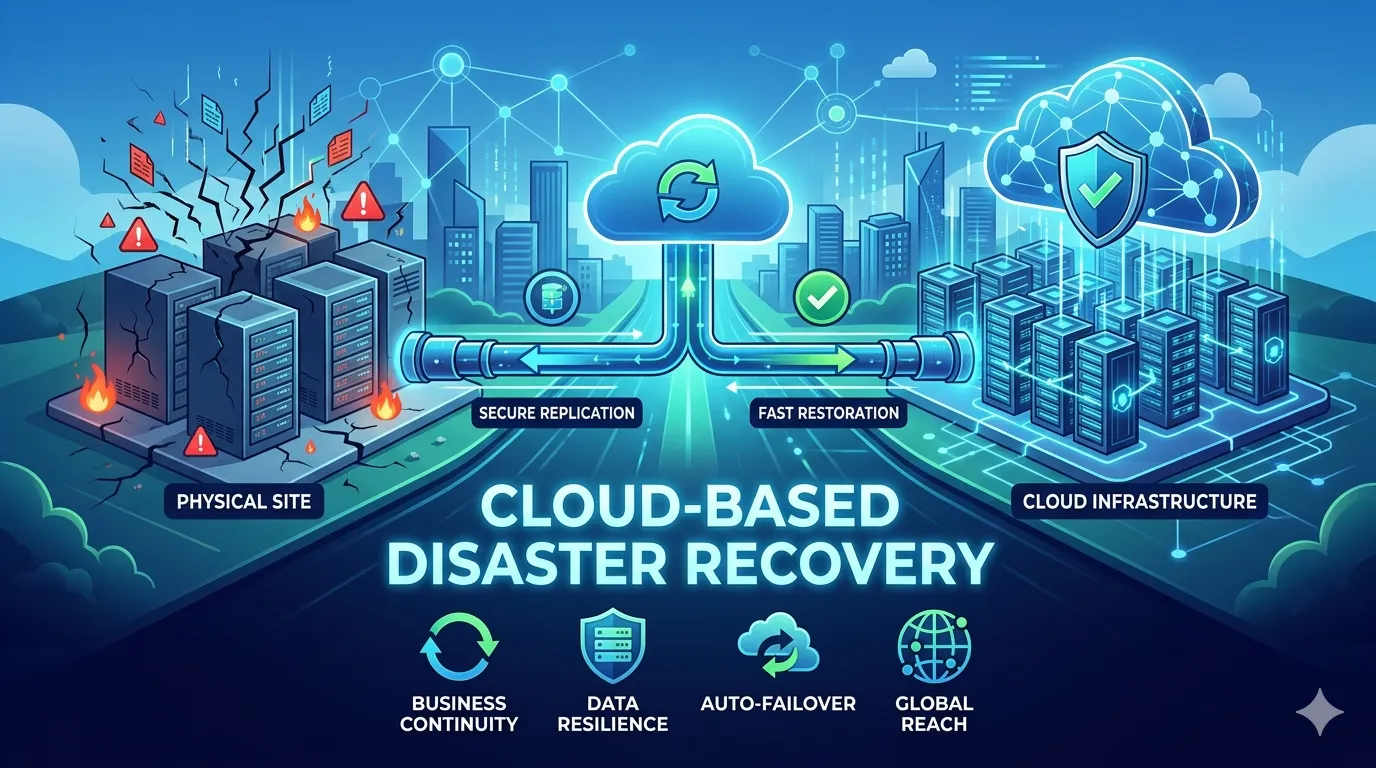
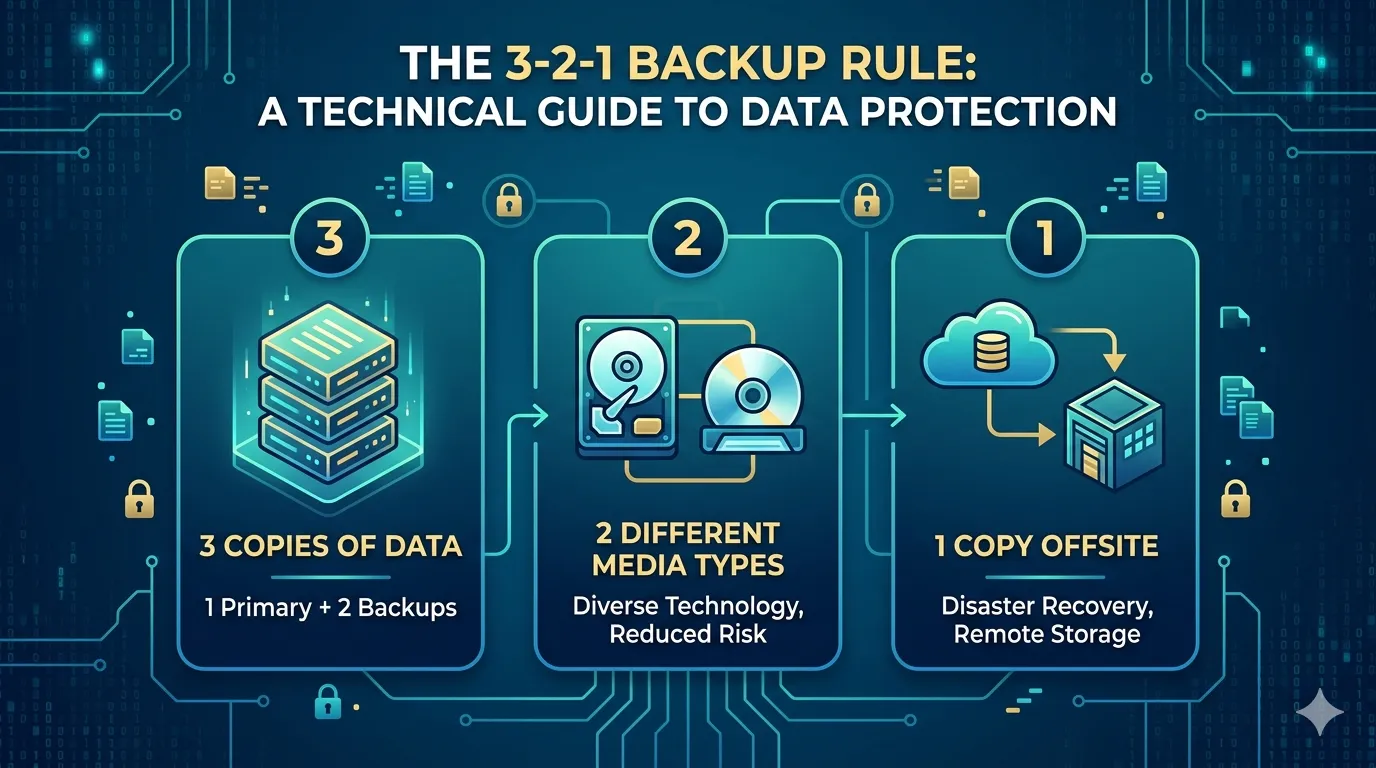
Data Replication and MirroringOne of the key advantages of SAN storage is its ability to facilitate data replication and mirroring. By creating multiple copies of your data across different storage devices or even geographically dispersed locations, you can ensure that your information remains accessible even if one site experiences a disaster. This redundancy is crucial for minimizing data loss and enabling swift recovery.
Snapshots and Point-in-Time RecoverySANs also offer snapshot capabilities, allowing you to create point-in-time copies of your data. These snapshots serve as a valuable recovery point, enabling you to roll back to a specific moment before a disaster occurred. This feature is particularly useful in case of data corruption or ransomware attacks, as it allows you to quickly restore your systems to a known good state.
Integration with DR SolutionsSAN storage can seamlessly integrate with various disaster recovery solutions, such as replication software and failover systems. When coupled with these tools, SANs provide a comprehensive and automated approach to disaster recovery. For instance, you can configure your SAN to automatically replicate data to a secondary site and have your DR solution trigger a failover in case of a primary site failure, minimizing downtime and ensuring business continuity.
Building Your Resilient Backup Plan
Now that we've established the importance of SAN storage in disaster recovery let's walk through the steps to create a robust backup plan.
Step 1: Assess Your Business Requirements
Start by conducting a thorough assessment of your organization's DR requirements. Consider factors like Recovery Point Objectives (RPO), Recovery Time Objectives (RTO), and the criticality of each application or dataset. This assessment will help you determine the appropriate level of protection needed for your SAN storage.
Step 2: Design Your SAN Architecture
Based on your business requirements, design a SAN solution architecture that incorporates redundancy, scalability, and performance. Consider factors like storage capacity, IOPS requirements, and network bandwidth. Ensure that your design accounts for both local and remote replication to protect against site-level disasters.
Step 3: Implement Data Protection Policies
Develop and implement data protection policies that align with your RPO and RTO objectives. This may include setting up snapshot schedules, configuring replication intervals, and defining retention periods. Be sure to test these policies regularly to ensure they meet your recovery requirements.
Step 4: Integrate with DR Solutions
Integrate your SAN storage with the appropriate disaster recovery solutions. This may involve configuring replication software, setting up failover workflows, and defining recovery procedures. Test your integration thoroughly to identify any potential gaps or issues.
Step 5: Test and Refine Your Plan
Regular testing is essential to validate the effectiveness of your backup plan. Conduct periodic DR drills to simulate various disaster scenarios and assess your team's readiness to respond. Use the insights gained from these tests to refine your plan, address any weaknesses, and continuously improve your recovery capabilities.
Conclusion
SAN storage plays a pivotal role in building a resilient disaster recovery plan. By leveraging its high availability, scalability, and performance capabilities, you can ensure that your critical data remains protected and accessible even in the face of disasters. By following the steps outlined in this blog post, you can design and implement a robust backup plan that minimizes downtime and enables swift recovery. Remember, investing in a solid DR strategy is not just a best practice - it's a business imperative in today's digital landscape.




























Sign in to leave a comment.