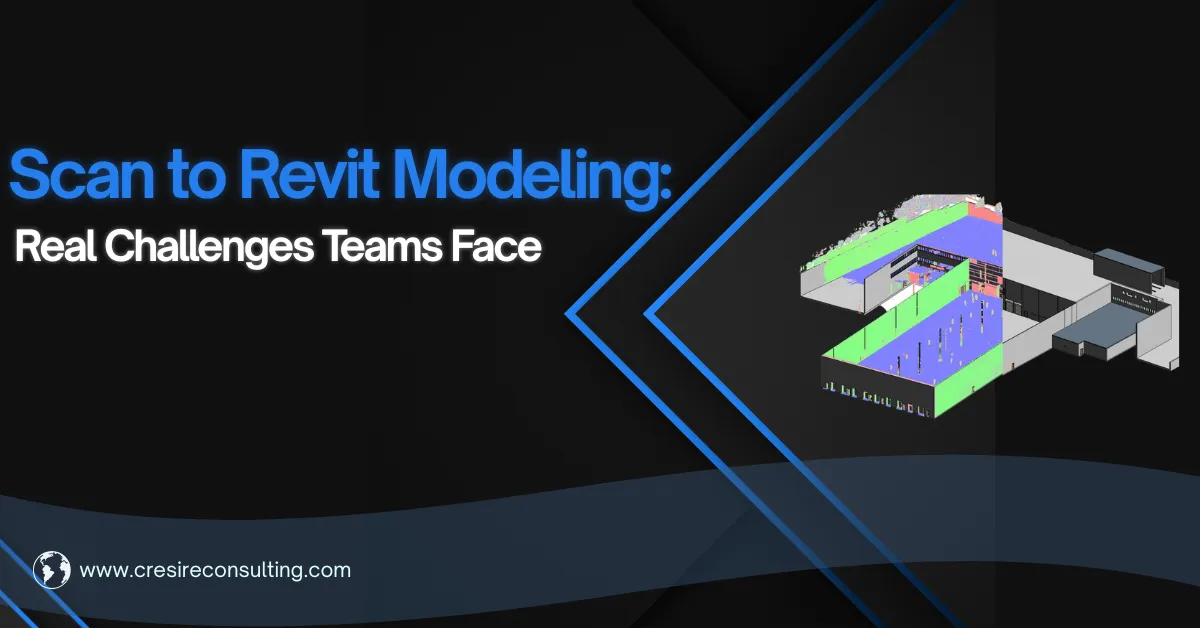

On paper, Scan to Revit modeling sounds straightforward that includes capturing the site, processing the point cloud, creating the model. In the real world point cloud modeling process, it is rarely that clean.
Anyone who has worked on real AEC projects knows the gap between theory and execution. The technology is powerful, no doubt. But the challenges sit in the details of how data is captured, how it is interpreted, and how decisions are made during modeling.
In this article, let’s talk about what actually goes wrong and what experienced BIM professionals do differently to solve 3D scan to revit modeling challenges.
The Point Cloud Data Isn’t Always as “Complete” as It Looks
A point cloud can look dense and detailed, almost like a perfect digital copy of the building/site.. But once you start scan to 3d bim modeling, gaps begin to show.
Hidden areas, occlusions behind services, tight ceiling voids (these are common). The laser scanner only captures what it can see. And if scan planning was not thorough, those blind spots become modeling problems later.
What usually happens? Project stakeholders begin filling in gaps based on assumptions. It feels like a small shortcut, but it’s often where inaccuracies begin. This article on AutoDesk explains how to handle the model when point cloud size is too large.
What works instead:
- Treat missing data carefully. Cross-check with drawings (if available), or flag uncertain areas rather than guessing
- Invest time in scan planning upfront. Good data capture reduces half the problems before modeling even begins.
Large Point Clouds Slow Everything Down
Another reality is that cloud files can be heavy. Very heavy.
Open a large dataset in Revit without preparation, and you will feel it immediately. Lag, slow navigation, delayed responses. Productivity drops, and frustration builds.
Some teams try to push through it, but that rarely ends well.
A better approach:
- Segment the point cloud into manageable zones.
- Link files instead of importing them.
- Use worksets strategically. It’s not about reducing data—it is about structuring it so the model remains usable.
A fast most is critical for effective design planning and construction management.
Interpreting the Scan Is Not as Simple as It Seems
Point clouds do not give you perfect geometry. They give you millions of points.
And those points don’t always form clean edges. Walls might look uneven. Pipes may not appear perfectly circular. Structural elements can feel distorted in dense areas.
A common mistake is trying to match every single point. It leads to messy geometry and overcomplicated models. It is therefore important to evaluate point cloud data quality before modeling.
Experienced modelers take a different approach:
- They look for best-fit logic and understand what needs to be precise and what can be simplified.
- The goal is not to copy the scan but to create a model that represents reality in a usable way
The LOD Problem (More Common Than You Think)
Level of Development sounds simple in theory. In practice, it often becomes a source of confusion for scan to revit modeling.
Some teams over-model- adding unnecessary detail because “it’s there in the scan.” Others under-model, missing critical elements needed for coordination.
Both approaches create issues.
Over-modeling slows everything down. Under-modeling creates gaps that show up later.
The solution is clarity:
- Define LOD at the beginning. Not everything visible needs to be modeled.
- Align it with the purpose of the model (design, coordination, or fabrication)
- A good model is not the most detailed one. It’s the most useful one.
Scan to 3D Revit Model QA/QC Often Comes Too Late
There’s always pressure to move fast. Deadlines don’t wait.
So QA/QC gets pushed toward the end. “We’ll check it later.” The problem is later is often too late.
Small errors that could have been fixed early become coordination issues. And by the time they’re discovered, they affect multiple elements.
What actually works:
- Make QA/QC part of the workflow, not a final step.
- Regularly overlay the model with the point cloud. Validate key elements as you go.
It doesn’t slow you down but it prevents rework.
Coordination Breaks Down Faster Than Expected
Scan to Revit is not just a modeling task. It sits between multiple teams—surveyors, BIM modelers, architects, engineers.
When communication isn’t clear, issues creep in.
Survey teams may not capture what modelers need. Modelers may interpret data differently. Stakeholders may expect a level of detail that was never defined.
The fix is simple, but often ignored:
- Define expectations early. Align on scope, LOD, and deliverables.
- Keep communication active throughout the project (not just at milestones).
- Most coordination issues are not technical. They’re communication gaps.
Point Cloud Modeling Software Is Not Always the Problem (Workflow Is)
It’s easy to blame tools when things don’t go smoothly. But in most cases, the issue is not Revit or the point cloud software. It’s how the workflow is set up.
Incorrect file handling, inconsistent formats, poor linking strategies, which create friction.
A stable workflow matters more than anything else:
- Use consistent formats. Define file structures early.
- Make sure everyone is working within the same system.
When the 3D scan to bim modeling workflow is clean, the tools perform better.
Final Thought
Scan to Revit modeling is not just about converting data into a model. It’s about making decisions that includes; what to model, how to interpret data, and how to balance accuracy with usability.
The challenges are real. But so are the solutions. And most of them come down to one thing that is being deliberate in how you approach the scan to bim modeling process. Because in the end, a model is only as good as the thinking behind it.

























Sign in to leave a comment.