
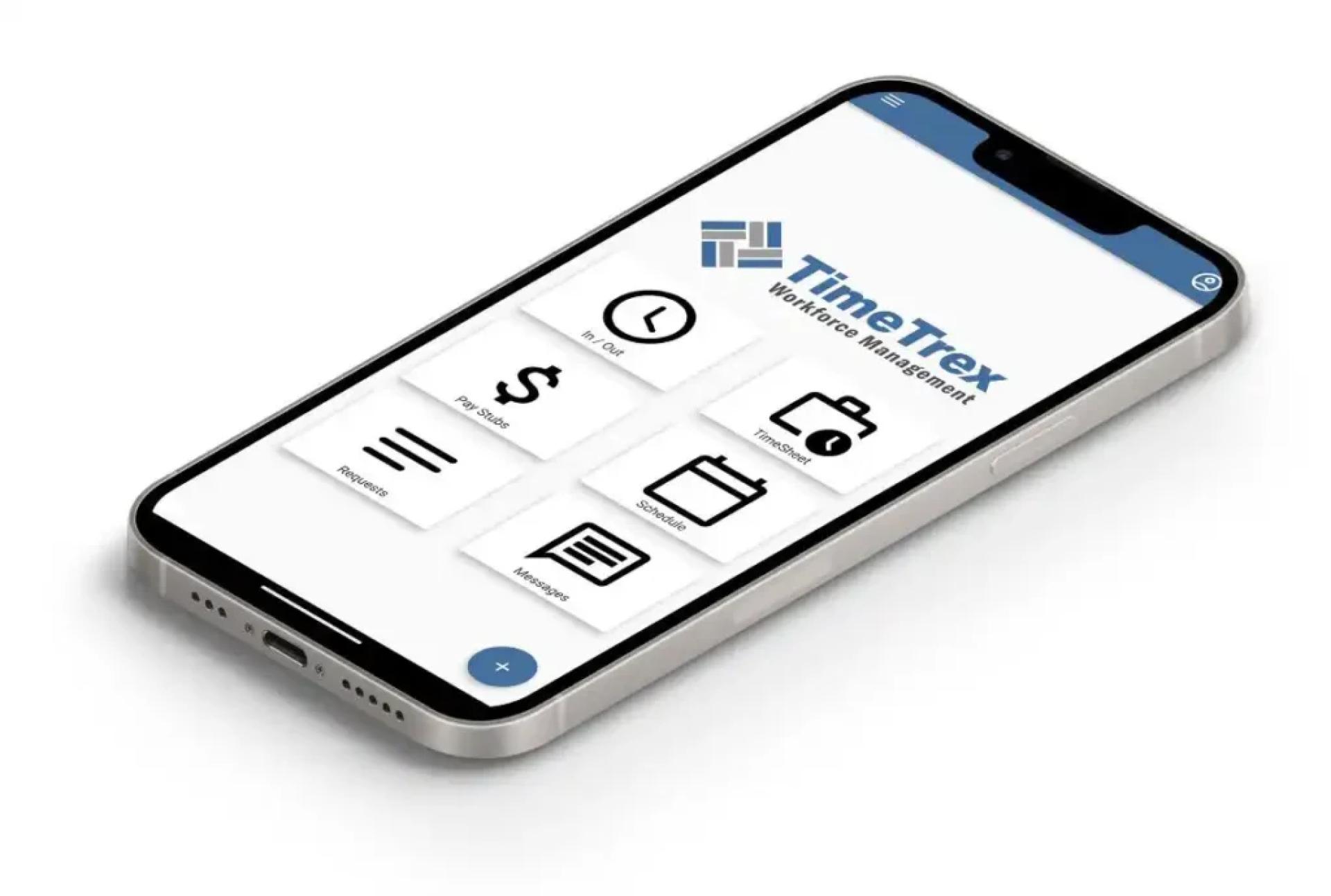
In today’s fast-paced work culture, time is the most valuable asset. Businesses and individuals alike seek effective ways to measure productivity, ensure accountability, and optimize workflows. Hour tracking tools have become an essential part of modern work environments, providing valuable insights into how time is allocated. Whether you are a freelancer, a small business owner, or managing a large workforce, hour tracking software can help streamline operations and reduce wasted effort.
This article explores the benefits, features, and leading options in the market, guiding you to make informed choices that suit your unique needs.
Why Hour Tracking Matters in Modern Workplaces
Time tracking goes beyond just recording work hours. It serves as the foundation for productivity, billing accuracy, and operational efficiency. For freelancers, it ensures transparency in client invoicing. For companies, it supports better project management, payroll automation, and performance evaluations.
Key advantages of hour tracking include:
- Improved Accountability: Both employees and managers can identify how time is spent.
- Enhanced Productivity: Identifying bottlenecks helps in reallocating resources more effectively.
- Accurate Invoicing: Freelancers and agencies can provide detailed reports for client billing.
- Compliance Support: Many industries require precise hour records for legal or contractual reasons.
Key Features to Look for in Hour Tracking Apps
With hundreds of options available, selecting the right tool can feel overwhelming. The best apps usually share several important features that make them reliable and efficient.
- Automated Time Tracking: Minimizes manual input, capturing work activity in real-time.
- Project & Task Management: Allows users to link tracked hours with specific projects.
- Integrations: Compatibility with payroll, project management, and CRM software.
- Reporting & Analytics: Provides insights into productivity trends and billable hours.
- User-Friendly Design: Intuitive dashboards that make adoption easier for teams.
When comparing solutions, it’s important to align features with your specific business model—what works for freelancers might not be ideal for large enterprises.
Popular Use Cases for Hour Tracking Software
Different professionals use hour tracking tools in unique ways:
- Freelancers: Simplify invoicing by generating reports directly from tracked hours.
- Small Businesses: Monitor employee time, manage projects, and ensure accurate payroll.
- Large Enterprises: Gain visibility across multiple teams and streamline productivity metrics.
- Remote Teams: Coordinate distributed workforces while maintaining accountability.
By tailoring hour tracking tools to these use cases, organizations maximize efficiency and reduce operational costs.
A Look at the Market Leaders
Some of the most popular and trusted apps in this category include:
- Toggl Track: Known for simplicity and ease of use, ideal for freelancers and small teams.
- Clockify: Offers unlimited tracking for free, making it a great choice for budget-conscious teams.
- Hubstaff: Includes advanced features like GPS tracking for field teams.
- Harvest: A favorite among agencies, combining time tracking with invoicing tools.
- RescueTime: Focuses on productivity analysis by tracking how users spend their computer time.
Each of these tools addresses different needs, so your choice should depend on whether your priority is invoicing, team management, or productivity insights.
Benefits of Using Hour Tracking Tools
Adopting the right app delivers long-term benefits for both individuals and organizations.
- Financial Accuracy: Prevents overbilling or underbilling by ensuring precise time logs.
- Resource Allocation: Managers can assign tasks more effectively by analyzing work patterns.
- Performance Monitoring: Encourages accountability and self-discipline among employees.
- Stress Reduction: Clear visibility into workloads prevents burnout and promotes balance.
With structured tracking, both companies and employees can achieve higher satisfaction levels while minimizing inefficiencies.
How to Choose the Right Software
The decision should be guided by your unique requirements. Here are some practical tips:
- Budget Considerations: Some apps are free, while others require subscriptions. Evaluate ROI before investing.
- Team Size: Smaller teams may benefit from lightweight tools, whereas larger companies need robust features.
- Industry-Specific Needs: Creative agencies, tech firms, and law practices may require specialized integrations.
- Ease of Adoption: Choose software that your team will actually use. A steep learning curve can undermine adoption.
Testing free trials and demos before making a final decision is a smart approach.
Future of Hour Tracking Tools
With the rise of AI and automation, hour tracking is becoming even more intelligent. Future trends include predictive analytics that anticipate project timelines, integrations with AI-powered productivity assistants, and biometric logins for enhanced security. These innovations will not only make tracking easier but also more insightful, helping businesses fine-tune strategies with real-time data.
Final Thoughts
The demand for accurate and efficient hour tracking tools continues to rise as workplaces evolve. Whether you’re a freelancer trying to bill clients fairly, a small business striving for accountability, or a large enterprise managing complex projects, the right software can make all the difference.
By carefully analyzing features, usability, and integrations, you can select the right option from the top hour tracking software apps available today. Ultimately, success lies in finding a tool that doesn’t just track hours, but enhances productivity and supports long-term growth.






























Sign in to leave a comment.