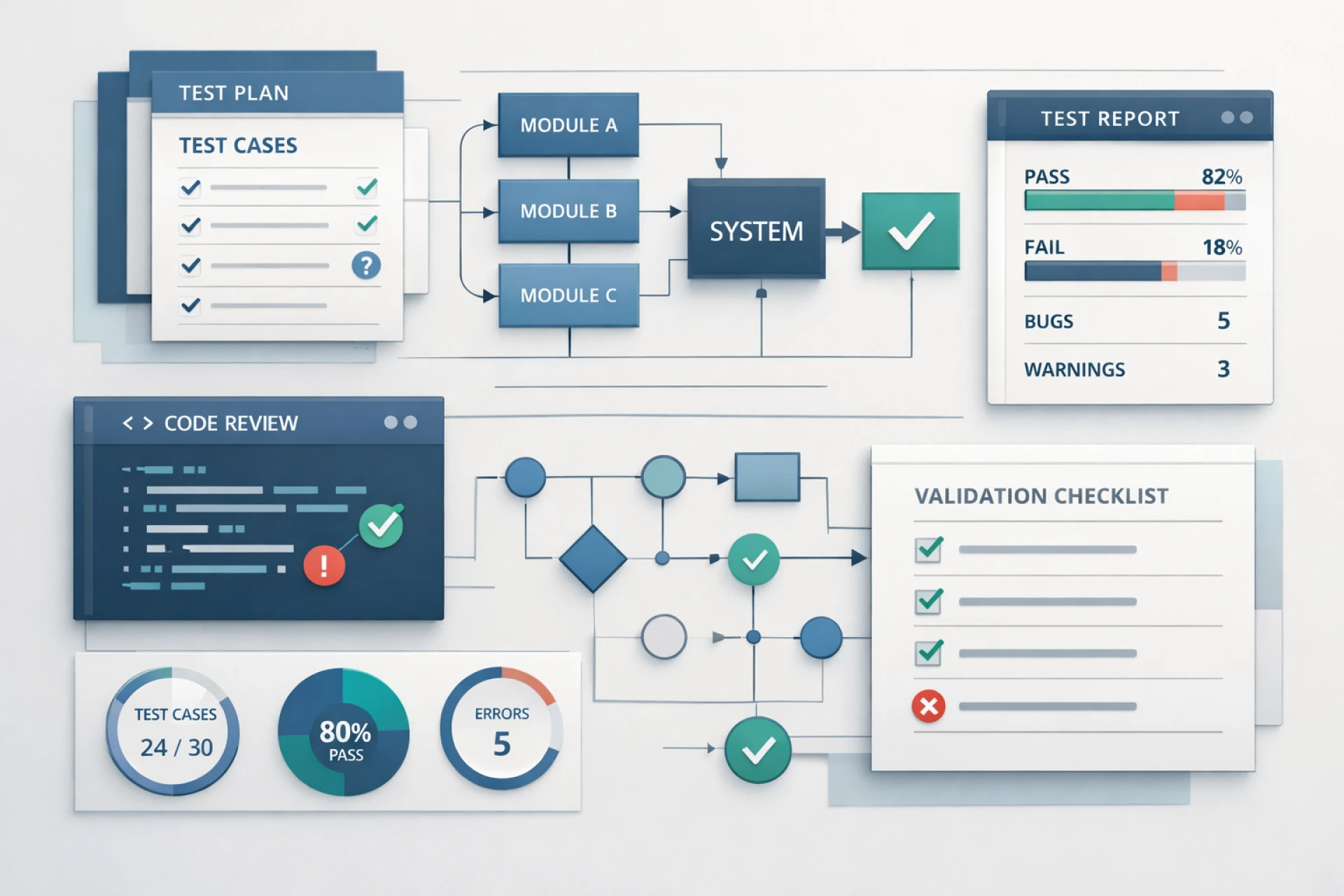

Building high-quality software requires more than just writing clean code. It demands a structured approach to testing that ensures every feature works as expected. This is where understanding software testing basics becomes essential.
From planning what to test to reporting bugs effectively, each step in the testing lifecycle plays a crucial role in delivering reliable software. For beginners and experienced professionals alike, mastering software testing basics helps create a consistent and efficient testing process.
In this guide, we’ll walk through the complete journey—from test planning to bug reporting—so you can understand how testing works in real-world projects.
Understanding Software Testing Basics
Software testing basics involve the fundamental principles and processes used to verify and validate software functionality.
The main objectives include:
- Ensuring the application meets requirements
- Identifying defects early
- Improving performance and usability
- Delivering a seamless user experience
Testing is not just about finding bugs—it’s about preventing them and ensuring overall product quality.
Step 1: Test Planning
Test planning is the foundation of the testing process. Without a clear plan, testing efforts can become unorganized and ineffective.
What is Test Planning?
Test planning involves defining:
- Scope of testing
- Objectives and goals
- Resources and tools
- Timeline and milestones
Why It Matters
A well-defined test plan ensures:
- Clear direction for the testing team
- Better resource allocation
- Improved coordination between teams
Test planning sets the stage for all subsequent testing activities.
Step 2: Understanding Requirements
Before designing test cases, testers must thoroughly understand the requirements.
Types of Requirements
- Functional requirements: What the system should do
- Non-functional requirements: Performance, security, usability
A clear understanding of requirements ensures that testing aligns with business goals and user expectations.
Step 3: Test Case Design
Test case design is a critical part of software testing basics.
What Makes a Good Test Case?
A well-written test case includes:
- Test case ID
- Description
- Preconditions
- Steps to execute
- Expected results
Clear and concise test cases improve test coverage and make execution easier.
Step 4: Understanding Types of Software Testing
To test effectively, it’s important to know different approaches. There are various types of software testing that help validate different aspects of an application:
- Unit testing: Tests individual components
- Integration testing: Verifies interactions between modules
- System testing: Tests the complete system
- Acceptance testing: Validates user requirements
Each type ensures quality at a different level of the application.
Step 5: Test Environment Setup
A test environment is where testing is performed.
Key Components
- Hardware and software configurations
- Network setup
- Test data
A stable environment ensures accurate and reliable test results.
Step 6: Test Execution
Test execution is where the actual testing takes place.
What Happens During Execution?
- Test cases are run step by step
- Results are compared with expected outcomes
- Defects are identified
This phase directly impacts the quality of the software being tested.
Step 7: Bug Reporting
Bug reporting is one of the most important aspects of software testing basics.
What is a Bug Report?
A bug report is a detailed description of an issue found during testing.
Key Elements of a Good Bug Report
- Bug ID
- Summary of the issue
- Steps to reproduce
- Expected vs actual results
- Severity and priority
- Screenshots or logs
Clear bug reports help developers understand and fix issues quickly.
Step 8: Defect Tracking and Management
Once bugs are reported, they must be tracked and managed effectively.
Defect Lifecycle
- New
- Assigned
- In progress
- Fixed
- Retested
- Closed
Proper tracking ensures that no issue is overlooked.
Step 9: Regression Testing
After bugs are fixed, regression testing ensures that existing functionality still works correctly.
This step is essential to maintain system stability and prevent new issues from being introduced.
Step 10: Test Closure
Test closure marks the end of the testing cycle.
Activities Involved
- Reviewing test results
- Documenting lessons learned
- Preparing test summary reports
This step helps evaluate the effectiveness of the testing process.
Common Challenges in Testing
Even with a strong understanding of software testing basics, teams often face challenges:
- Unclear or changing requirements
- Limited time for testing
- Maintaining test cases
- Communication gaps between teams
Addressing these challenges requires good planning and collaboration.
Best Practices for Effective Testing
To apply software testing basics effectively:
- Start testing early in the development lifecycle
- Write clear and maintainable test cases
- Prioritize critical functionalities
- Combine manual and automated testing
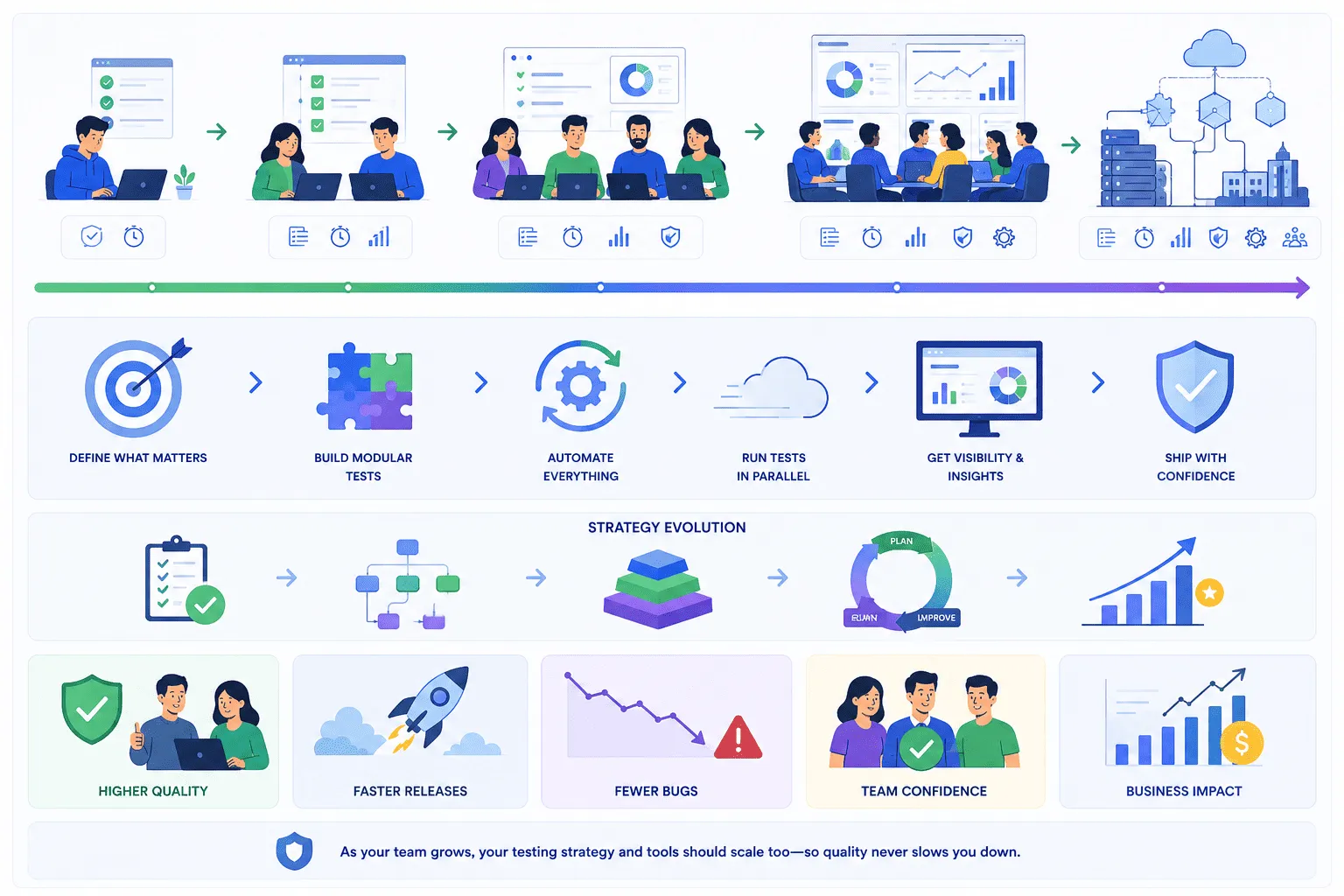
- Continuously improve testing strategies
These practices help ensure better quality and efficiency.
Role of Tools in Testing
Modern testing tools help streamline the testing process by:
- Automating repetitive tasks
- Improving test coverage
- Providing faster feedback
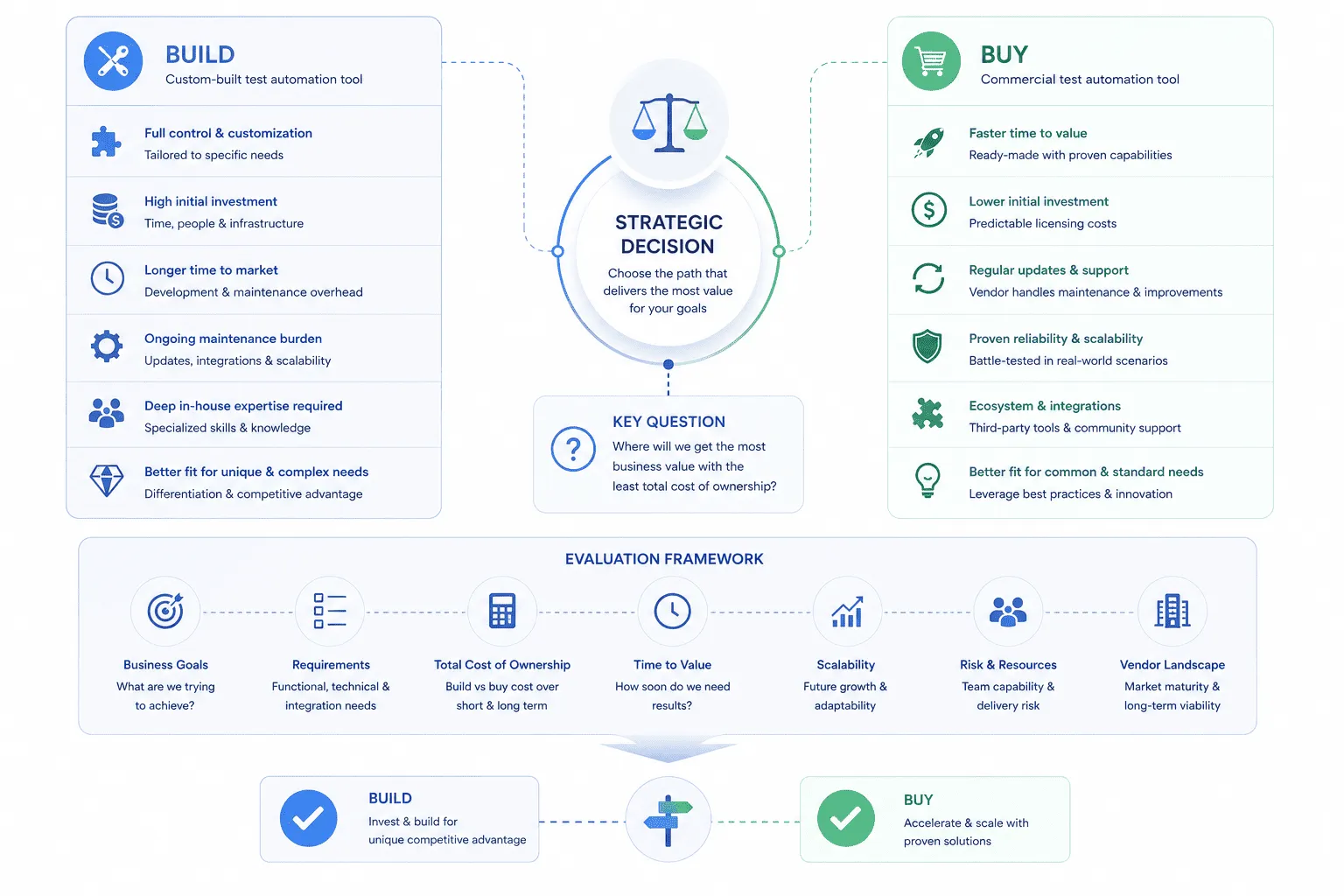
For example, platforms like Keploy help capture real API interactions and convert them into test cases, making testing more aligned with real-world usage and reducing manual effort.
Conclusion
Understanding software testing basics from test planning to bug reporting is essential for delivering high-quality software. Each step in the process, from defining a test plan to tracking defects, plays a crucial role in ensuring reliability and performance.
By following a structured approach and applying best practices, teams can reduce defects, improve efficiency, and build software that meets user expectations. Strong testing fundamentals not only improve product quality but also contribute to overall development success.
























Sign in to leave a comment.