
Pharmacies don’t run like typical retail stores. They deal with prescriptions, compliance checks, batch-level inventory, and insurance workflows—all at once. When systems are manual or fragmented, errors increase. So do delays.
That’s where pharmacy management software becomes a strategic asset. For enterprises, it’s not just about automation. It’s about control, compliance, and scalable growth.
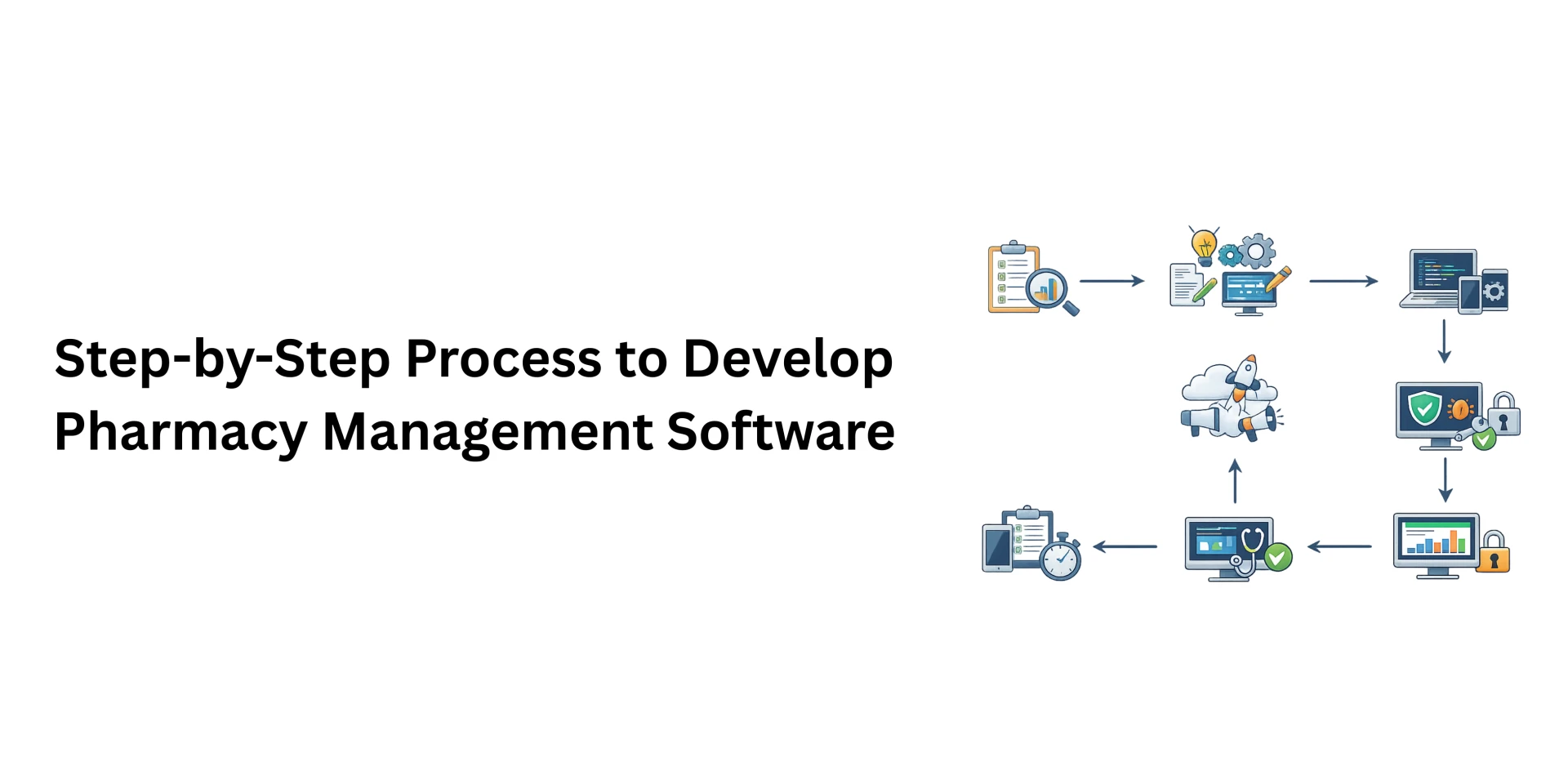
If you’re planning pharmacy software development, here’s a practical, step-by-step approach grounded in real-world implementation experience.
1. Clarify the Business Model First
Before pharmacy software development begins, understand the type of pharmacy operation:
- Retail pharmacy
- Multi-branch chain
- Hospital-integrated pharmacy
- Franchise network
Each model has different workflow needs.
At this stage, define:
- Core modules required
- Expected daily transaction volume
- Compliance requirements by region
- Integration with hospital or ERP systems
Many projects fail because stakeholders rush into development without aligning business objectives. A clear scope prevents expensive rebuilds later.
2. Map Real Pharmacy Workflows
Software must reflect ground reality.
Spend time understanding:
- Prescription validation flow
- Drug dispensing process
- Batch tracking and expiry management
- Insurance claim handling
- Return and replacement handling
Interview pharmacists. Observe peak-hour operations. Document edge cases.
This ensures the pharmacy management software supports daily work instead of complicating it.
3. Plan for Compliance from Day One
Pharmacies operate under strict regulations. These vary by country but commonly include:
- Data protection rules
- Controlled drug reporting
- E-prescription standards
- Audit documentation
Compliance cannot be retrofitted. It must be embedded in the system architecture.
Include:
- Secure data storage
- Role-based access
- Activity logs
- Regulatory reporting modules
For a deeper breakdown of modules and implementation considerations, please read more about this here.
4. Design a Scalable Architecture
Enterprise systems must scale smoothly.
Early architectural decisions impact long-term performance.
Consider:
- Cloud-based infrastructure for multi-location visibility
- API-ready architecture for integrations
- Centralized reporting dashboards
- Data encryption standards
Avoid overly complex structures at the beginning. Focus on stability and expansion capability.
Scalability is not a feature. It’s a design principle.
5. Prioritize Usability
Pharmacists work under time pressure. They cannot navigate five screens to process one prescription.
UI/UX design should focus on:
- Fast search functionality
- Barcode scanning
- Minimal data entry repetition
- Clear stock alerts
- Simplified billing
Test designs with real users before final development.
Good usability reduces training time and operational friction.
6. Build Core Modules in Phases
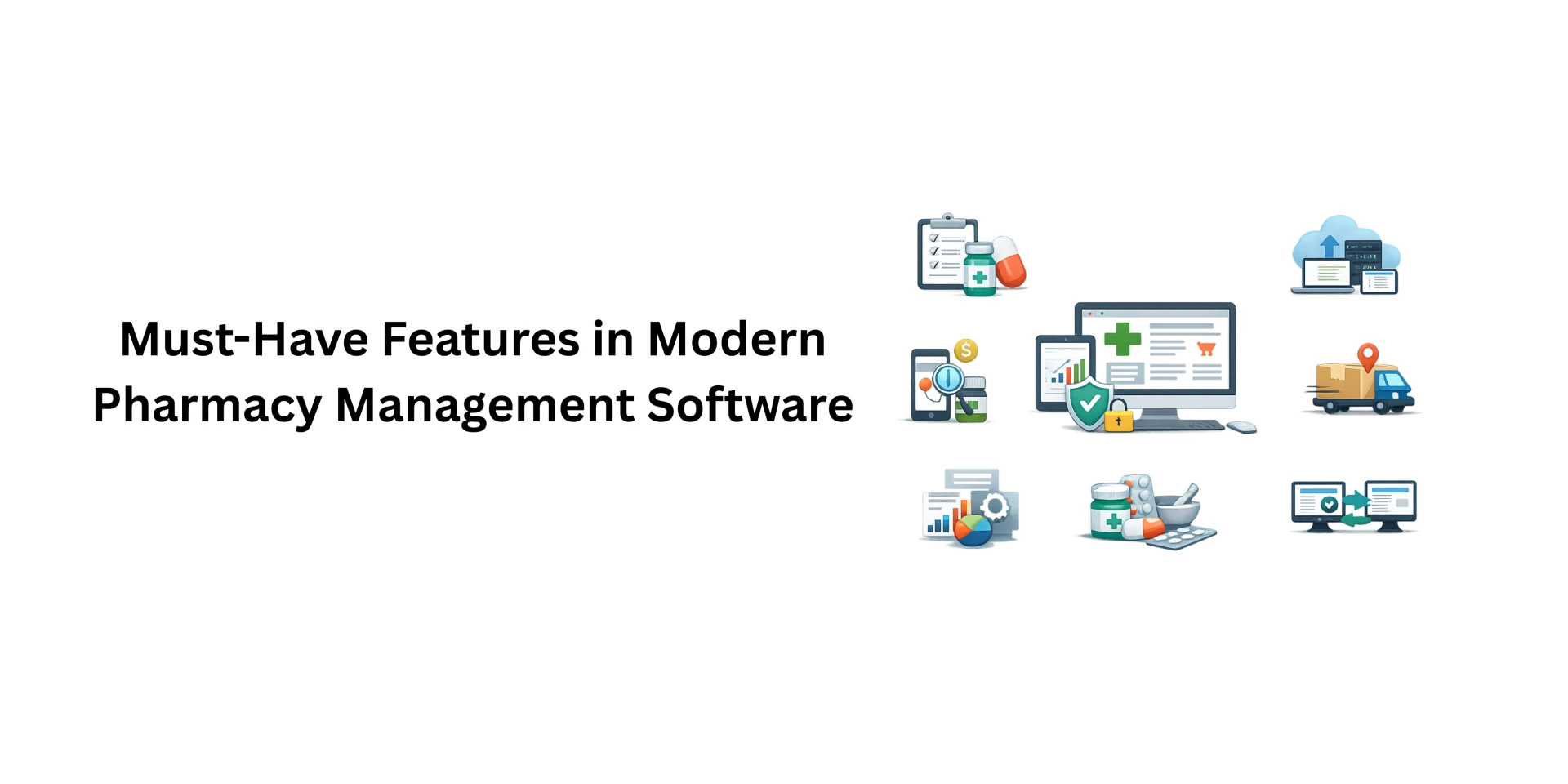
Structured pharmacy software development typically includes the following modules:
Inventory Management
- Batch tracking
- Expiry alerts
- Stock level automation
- Supplier management
Prescription Management
- E-prescription upload
- Drug interaction checks
- Controlled medicine logging
Billing & Insurance
- GST or tax calculations
- Multi-mode payments
- Insurance claim integration
Reporting & Analytics
- Daily sales reports
- Stock movement analysis
- Margin insights
Develop in iterations. Release stable versions internally. Test before expanding scope.
Phased pharmacy software development reduces risk.
7. Integrate with Existing Systems
Enterprises rarely operate in isolation.
Integration may be required with:
- Hospital Information Systems
- Electronic Health Records
- ERP platforms
- Payment gateways
APIs should be secure and documented.
Poor integration slows down adoption and increases manual reconciliation work.
8. Implement Strong Security Controls
Healthcare data is sensitive.
Your pharmacy management software must include:
- Role-based access control
- Two-factor authentication
- Encrypted databases
- Secure backups
- Regular security audits
Data breaches are not just technical failures. They damage brand trust.
Security should be treated as an ongoing discipline, not a one-time checklist.
9. Conduct Multi-Level Testing
Testing should cover:
- Functional accuracy
- Performance under load
- Compliance validation
- Multi-location data sync
- User acceptance testing
Simulate peak-hour conditions. Test batch tracking across branches.
Quality assurance is where many projects try to save costs. That shortcut often backfires.
10. Plan Deployment & Training Carefully
Large pharmacy networks benefit from phased deployment.
Options include:
- Pilot branch rollout
- Region-wise launch
- Gradual feature activation
Training is equally important.
Even the best pharmacy software development fails if staff don’t understand how to use it properly.
Provide structured onboarding. Offer post-launch support.
11. Commit to Continuous Improvement
Healthcare regulations evolve. Business models expand.
After launch, plan for:
- Regulatory updates
- Feature enhancements
- Performance monitoring
- Security patching
- User feedback integration
Successful pharmacy management software adapts over time.
It grows with the business.
Final Thoughts
Developing pharmacy management software is not simply a coding project. It’s a long-term operational decision.
For enterprises, the right system improves:
- Inventory accuracy
- Prescription compliance
- Financial transparency
- Customer experience
The key is disciplined planning, domain understanding, and scalable architecture.
When pharmacy software development is approached strategically—not reactively—it becomes a growth engine rather than just another internal tool.




















Sign in to leave a comment.