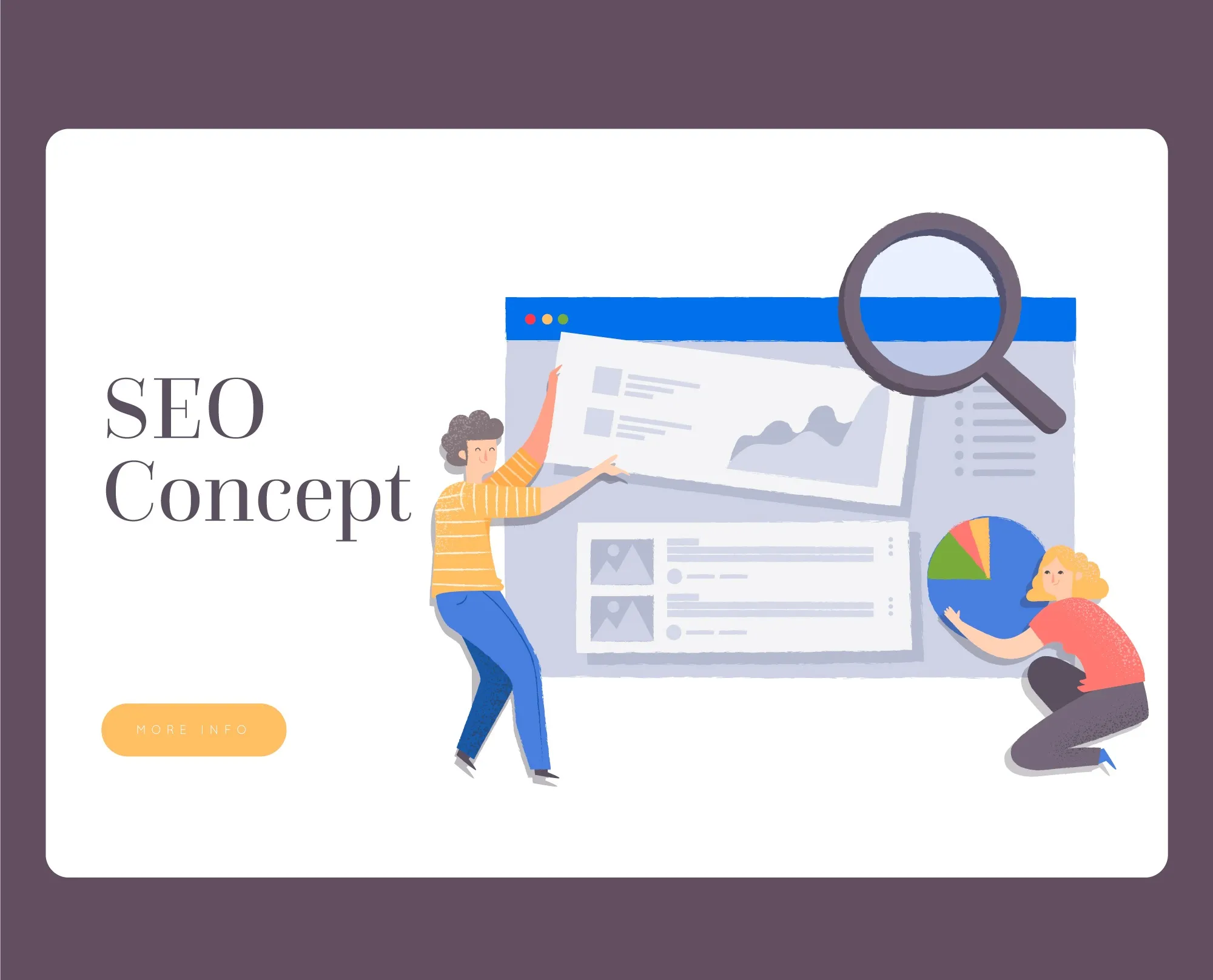

Your home page is the most visited web page on a website, which makes it crucial to work on it and boost it. A well-known fact is that SEO is the key to achieving significant results for the website; however, of all the pages on a website, optimising the home page is extremely important.
Even if a user lands on another page from SERP, they are more likely to open the home page to know more about the business. Therefore, it becomes necessary to make a homepage SEO-friendly.
Take it like this, your homepage is the first impression of your business to anyone who has no idea about your business. And if the page is not well-optimised, it can be the first and last impression.
Homepage SEO
Like any other web page, the home page SEO is also a critical process that involves a wide range of crucial steps. If you implement these steps precisely using the best homepage SEO practices, it will become easier to improve the search engine rankings for the homepage.
We will help you understand the best practices of homepage SEO and how you can utilise these practices to improve the performance of the website’s homepage.
SEO Tips to Optimise the Homepage
Here are a few things you definitely need for your homepage SEO:
Optimise Home Page Title
The first thing is to optimise the homepage title. Why is it needed? Because it is the first thing a user and the search engine notice about the website. You would want your target audience to look and understand what the business is about, while giving a hint to the search engine about the context of the website, which means that the title needs to be captivating and search engine-friendly at the same time.
Many businesses make huge mistakes by only using their business name as the home page title. While there is nothing wrong with using your name as the home page title, you should get more creative by providing more information along with it.
Here are some important homepage title rules:
- Keep the title length up to 60 characters.
- Precisely put keywords in the title, but avoid adding too many keywords, as it makes your title too complicated to understand.
- If the plan is to add the business name, make sure to add it at the beginning of the description.
These can help you create a title worth getting the attention of the users and search engines.
Optimise Home page Meta Description
Optimising your homepage meta description is crucial because it acts as a free, high-impact "mini-ad" that directly increases Click-Through Rate (CTR) from search results. A compelling, 150-160-character description boosts brand visibility, improves organic traffic, and informs users what to expect, acting as a crucial element of on-page SEO.
It acts as a marketing message, allowing you to highlight unique value propositions, such as free shipping or key services, to improve user engagement. It provides a concise summary of the page content, helping users quickly determine if your site meets their needs.
Optmise the H1 tag
It acts as the primary, most prominent title of a webpage, telling both search engines and users what the content is about. Effective H1 optimisation improves search visibility, boosts user experience by clearly stating the page's topic, and lowers bounce rates.
Google uses the H1 tag to understand the main subject of a webpage, making it essential for relevance in search queries. A clear, concise, and descriptive H1 tag helps users immediately understand if the page matches their search intent, which can increase engagement.
Image SEO
Image SEO for your homepage is crucial for boosting organic traffic, improving page speed, and enhancing user experience. Optimising images helps search engines understand content, leading to higher rankings, better visibility in image searches, and lower bounce rates due to faster loading times.
Search engines cannot "see" images, so they rely on optimised alt text, file names, and descriptions to understand content. Proper optimisation helps your homepage rank better in both general search and image search results.
Optimise Website Logo
It ensures faster page loading speeds, better mobile responsiveness, and consistent branding across devices. It improves user experience (UX) and SEO by reducing file sizes and ensuring high-quality, sharp visuals, which increases trust, brand recognition, and search ranking.
A large, uncompressed logo slows down your site. 53% of users abandon sites taking longer than 3 seconds to load. Optimising reduces file size, which boosts site speed and improves SEO rankings.
When in doubt, ask expert SEO Services. They will help optimise the website, create unique content and elevate your entire SEO.

























Sign in to leave a comment.