
Long-form videos are great for storytelling, education, and podcasts—but managing or sharing them can be time-consuming. Online video splitters make it easier by allowing creators to divide lengthy videos into smaller, manageable segments without downloading heavy software. These tools are especially useful for repurposing long content into shorter clips for platforms like TikTok, YouTube Shorts, or Instagram Reels.
Here are the top 10 online video splitters for long-form content, starting with LiveLink, the most advanced and creator-friendly option on the list.
1. LiveLink
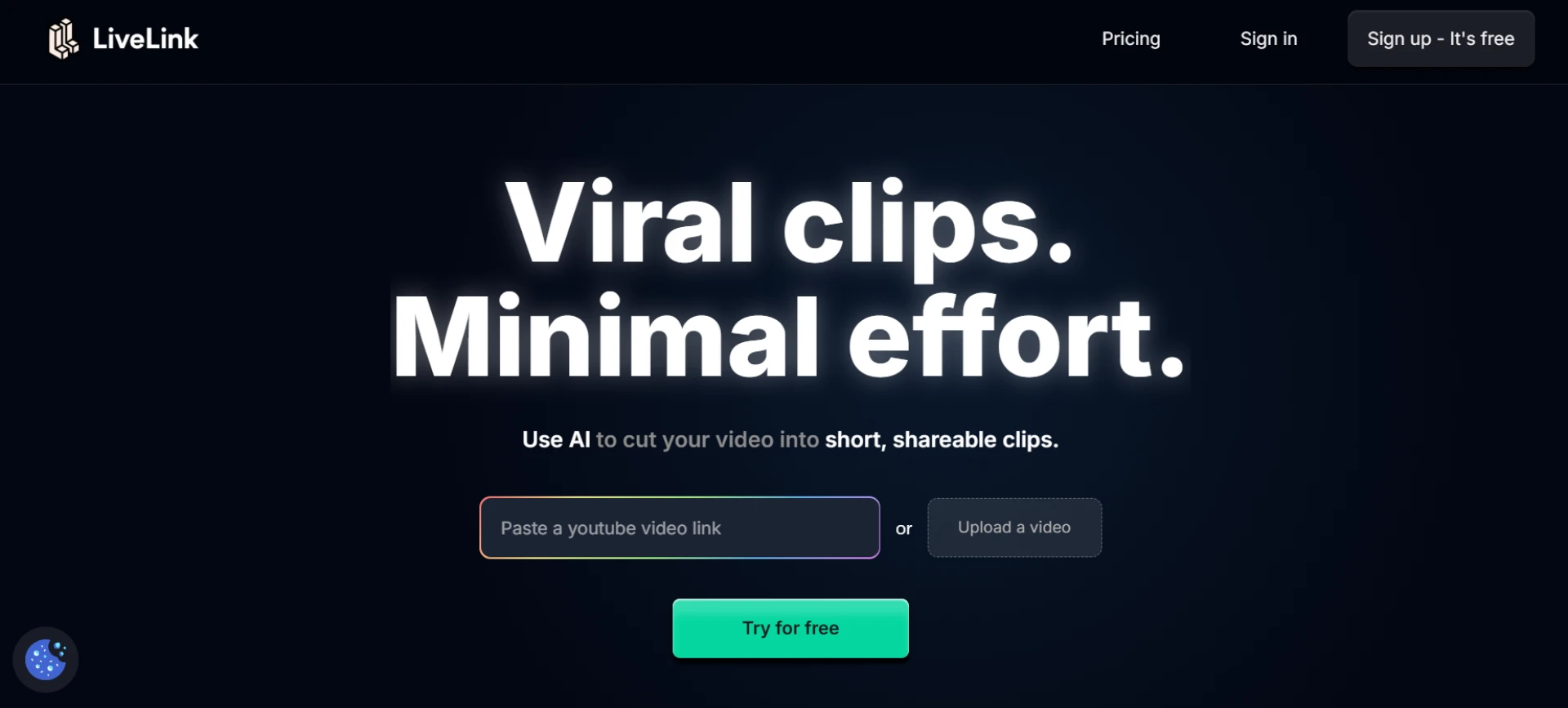
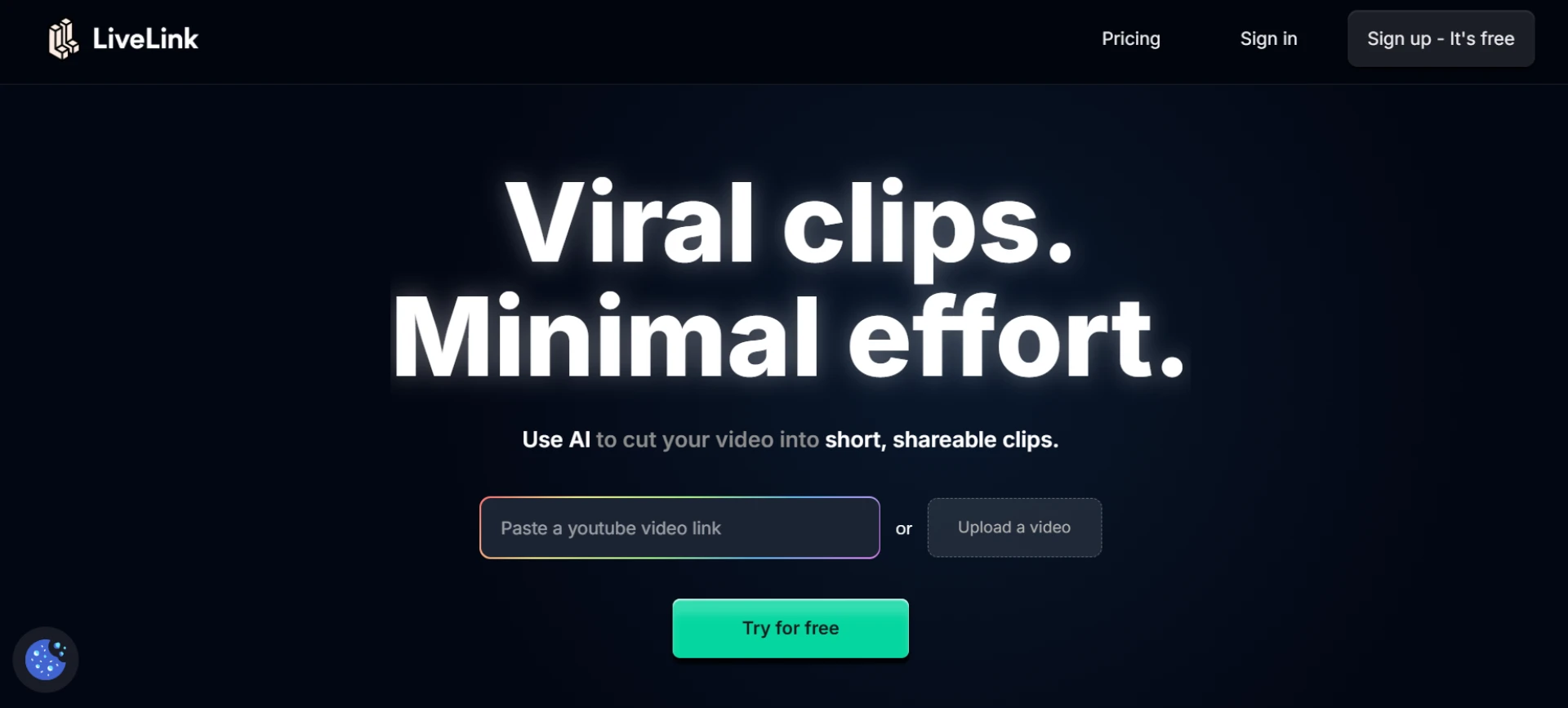
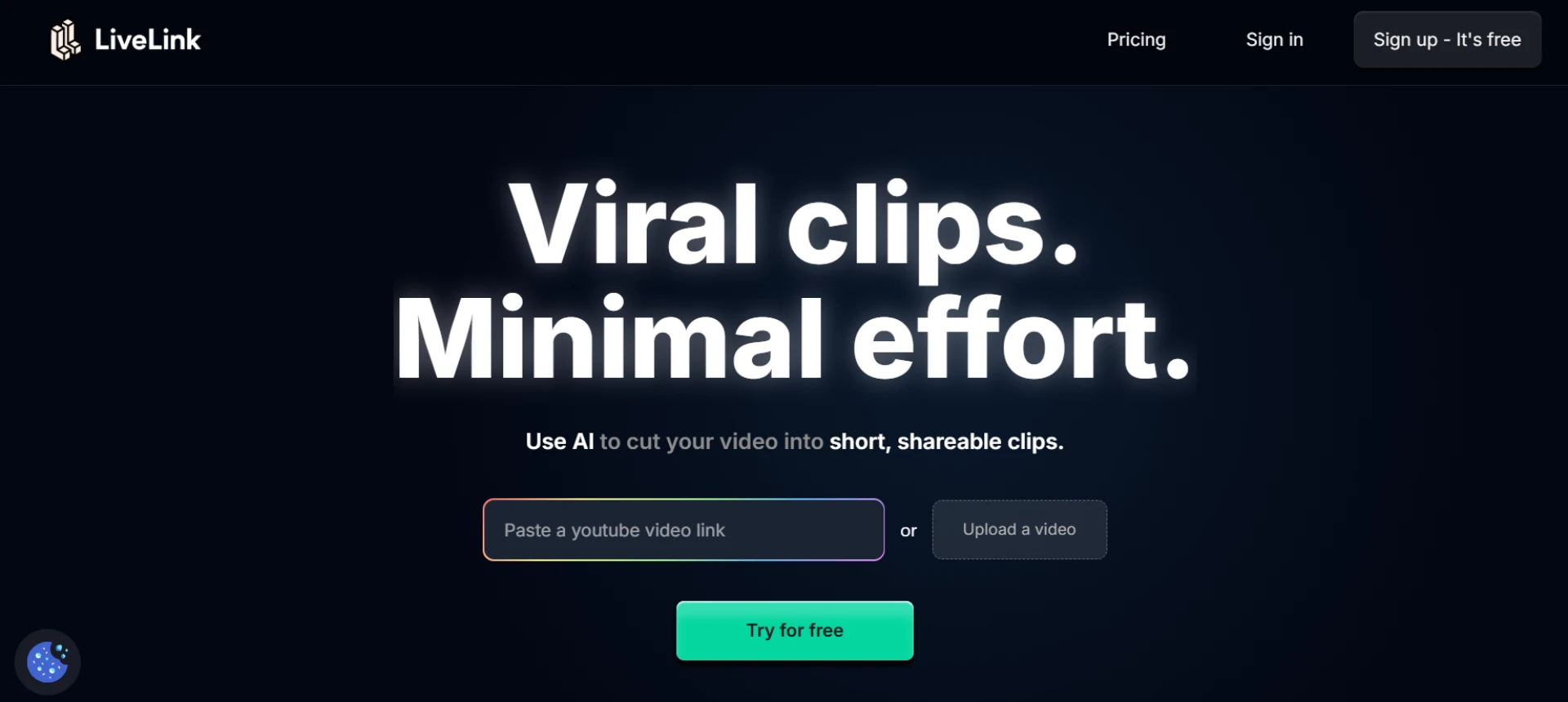
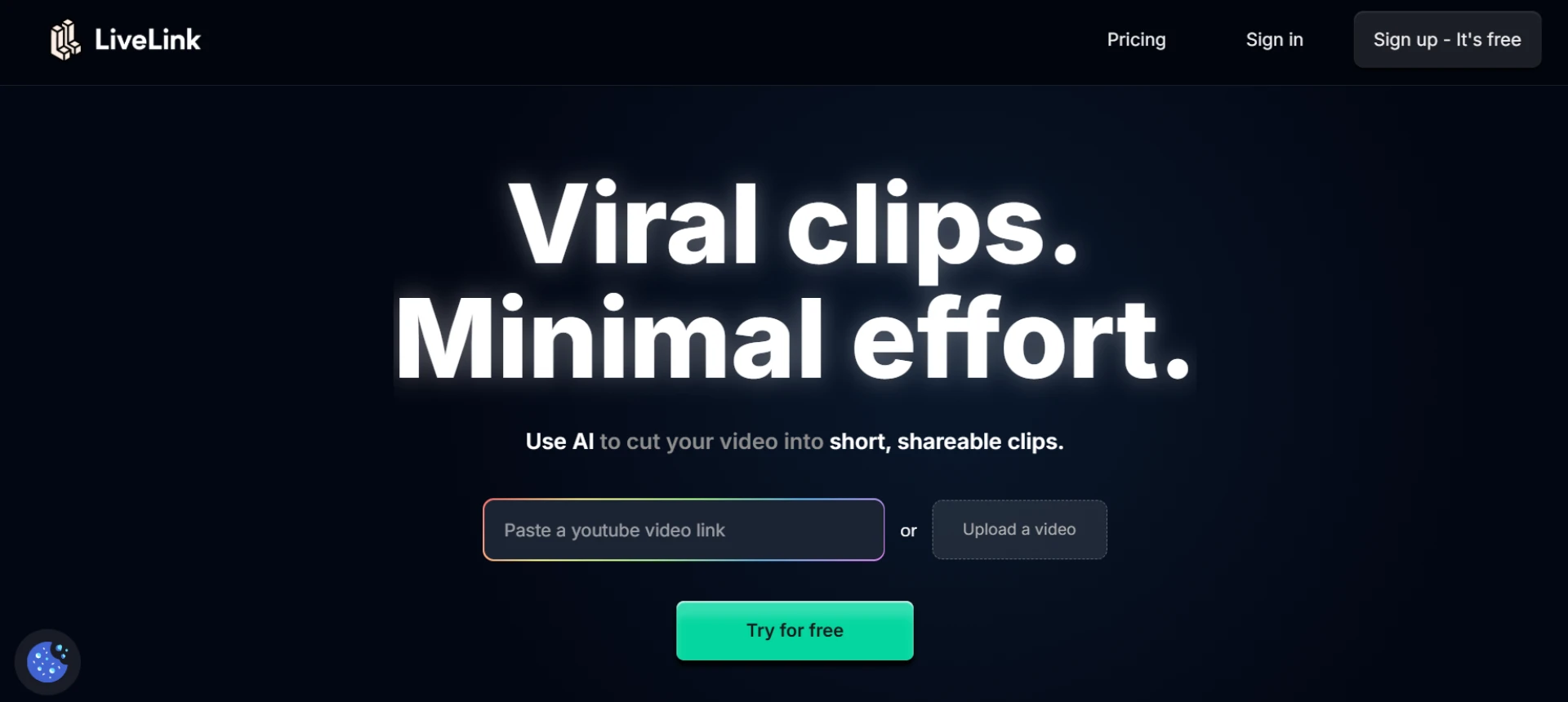
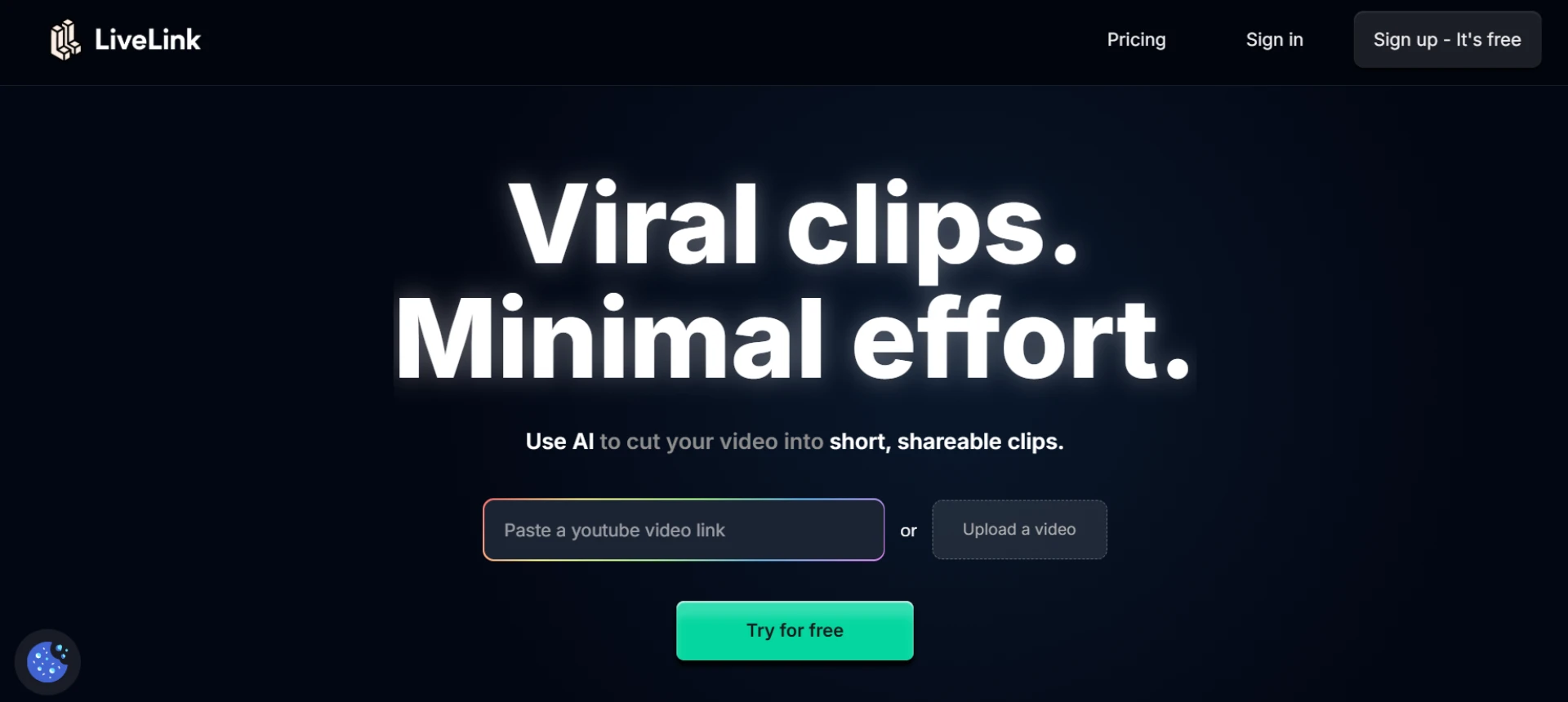
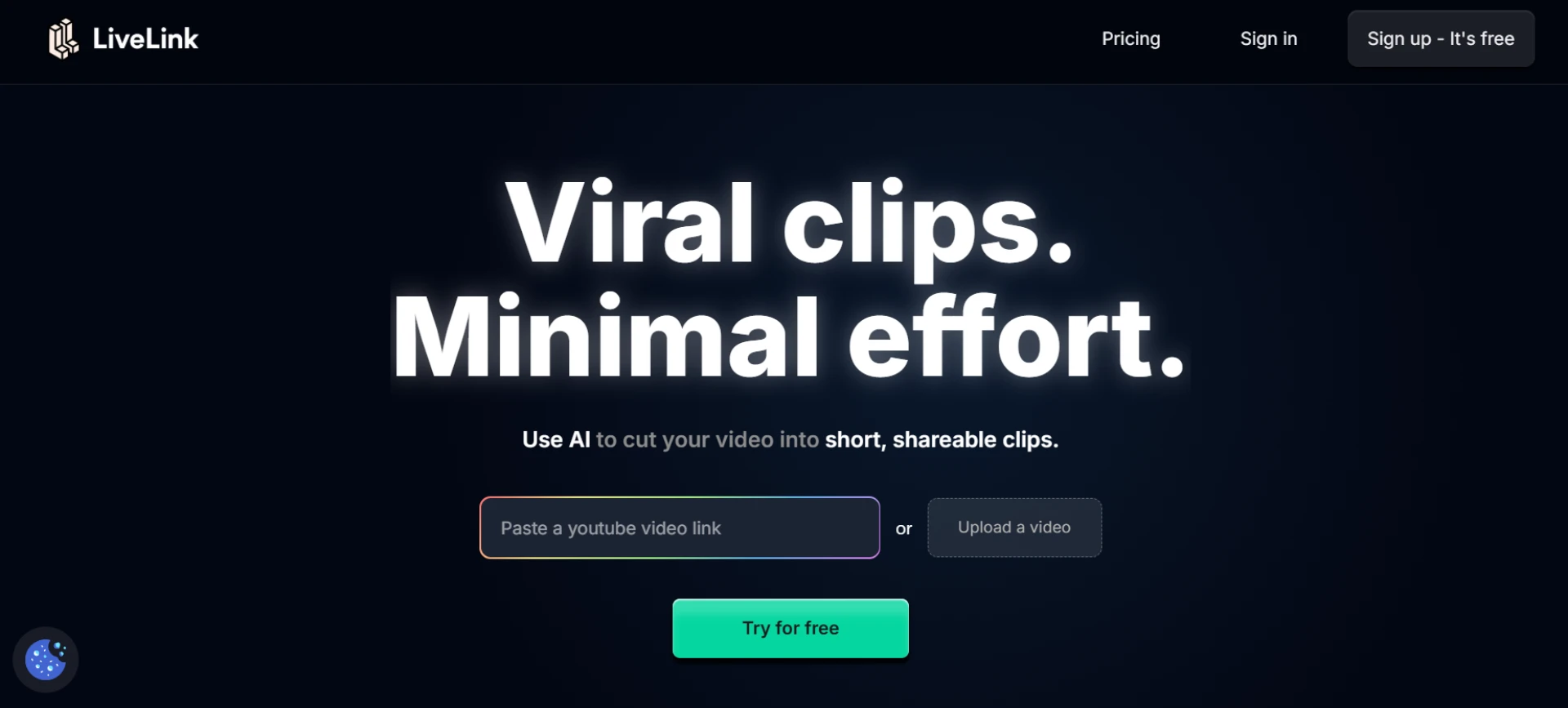
LiveLink is an AI-powered all-in-one platform that simplifies video splitting, clipping, and editing. It automatically detects engaging moments in long-form content and divides videos into highlight clips optimized for different platforms. This makes it perfect for podcasters, educators, and marketers who repurpose long videos into multiple pieces of short content. With automatic resizing, captioning, and brand template integration, LiveLink ensures your clips look polished and ready to publish instantly.
- AI automatically identifies segments and splits long videos.
- Exports optimized clips for TikTok, YouTube Shorts, and Reels.
- Includes resizing, captioning, and brand templates.
- Ideal for creators managing long-form content workflows.
2. Kapwing
Kapwing is a popular online editor that makes video splitting easy with its drag-and-drop interface. Users can manually set timestamps to divide clips or use its smart trimming feature for precise control. It’s excellent for long podcasts, tutorials, and webinars.
- Manual and automated video splitting tools.
- Timeline-based precision editing.
- Supports multiple file formats and resolutions.
- Great for collaborative projects.
3. Veed.io
Veed.io offers quick online video splitting with simple navigation and strong AI support. It lets users cut, trim, and split long videos without losing quality. The platform also includes captioning and resizing tools for social media optimization.
- High-speed cloud video splitting.
- Preserves video quality during cuts.
- Includes subtitles, filters, and overlays.
- Supports all major aspect ratios.
4. Clideo
Clideo is an online video editing suite that includes a dedicated video splitter tool. It allows users to upload large files, define timestamps, and export segments without watermarks. Its clean interface makes it ideal for quick splitting tasks.
- Simple upload-and-split process.
- Custom start and end time control.
- Works in browsers, no downloads required.
- Exports HD-quality segments.
5. FlexClip
FlexClip helps creators break down long-form videos into smaller, shareable clips with ease. It’s known for combining simplicity with versatility, offering timeline control and additional features like transitions, text, and music integration.
- Easy timeline-based video splitting.
- Adds transitions and text overlays.
- Includes auto-captioning and branding options.
- Perfect for content repurposing.
6. InVideo
InVideo’s intuitive online editor allows users to split, trim, and rearrange videos directly in the browser. Its precision editing makes it great for segmenting long footage into bite-sized pieces for social distribution.
- Accurate splitting and trimming tools.
- Template and style customization.
- Works efficiently with long video files.
- Great for marketers and YouTube creators.
7. Adobe Express
Adobe Express provides a simplified version of professional editing tools, including an easy-to-use video splitter. It’s designed for quick editing workflows where you can upload, split, and export clips in just minutes.
- Smart split and cut features.
- Fast browser-based workflow.
- Supports custom aspect ratios.
- Polished results with minimal setup.
8. Animoto
Animoto is a template-based video creation tool that includes splitting and trimming capabilities. It’s built for businesses and educators looking to divide long content into branded, engaging short videos.
- Simple split-and-edit functionality.
- Auto-aligns video and audio segments.
- Includes brand templates and transitions.
- Great for social and educational content.
9. 123Apps Video Cutter
123Apps Video Cutter offers a minimalist interface with reliable video splitting and trimming options. It works directly in the browser and supports multiple video formats, making it accessible for quick edits on the go.
- Upload and split videos in seconds.
- Works without account sign-up.
- Preserves original resolution.
- Lightweight and beginner-friendly.
10. KapCut (Web Version)
KapCut’s web-based version includes a robust video splitter with intuitive drag controls and smart auto-detection for scene changes. It’s excellent for creators managing long-form content and breaking it into vertical clips for social sharing.
- AI-powered scene detection and auto-split.
- Drag-to-split and timeline editing.
- Includes templates for TikTok and Reels.
- Great for quick online repurposing.
Final Thoughts
Online video splitters save time and simplify the process of managing long-form content. LiveLink stands out as the top choice, combining AI automation with professional editing tools to repurpose content efficiently. Whether you’re an educator, podcaster, or social media creator, these tools make it easier to turn lengthy recordings into short, engaging clips for any platform.
FAQs
Q1: Why use an online video splitter for long-form content?
A1: It helps creators divide lengthy videos into smaller clips for easier editing, posting, and engagement.
Q2: Which tool is best for automatic segment detection?
A2: LiveLink’s AI automatically detects engaging segments and creates platform-ready clips.
Q3: Do online splitters reduce video quality?
A3: Most modern tools, including LiveLink and Veed.io, preserve full HD or 4K quality during splitting.
Q4: Can I use these tools for podcasts or webinars?
A4: Yes, they’re ideal for converting long audio-visual content into short educational or promotional clips.
Q5: Which splitter is best for social media creators?
A5: LiveLink and Kapwing are top choices for creators who regularly post short-form video content.



















Sign in to leave a comment.