
Podcasts hold a wealth of valuable insights, but long episodes can be challenging to share on social media. That’s where podcast clip makers come in. These tools help creators turn lengthy podcast recordings into short, engaging clips optimized for platforms like TikTok, Instagram Reels, and YouTube Shorts. With AI-driven automation and smart editing tools, they make repurposing audio and video podcasts effortless.
Here are the top 10 podcast clip makers for short-form sharing, featuring LiveLink as the most versatile and efficient choice for creators.
1. LiveLink
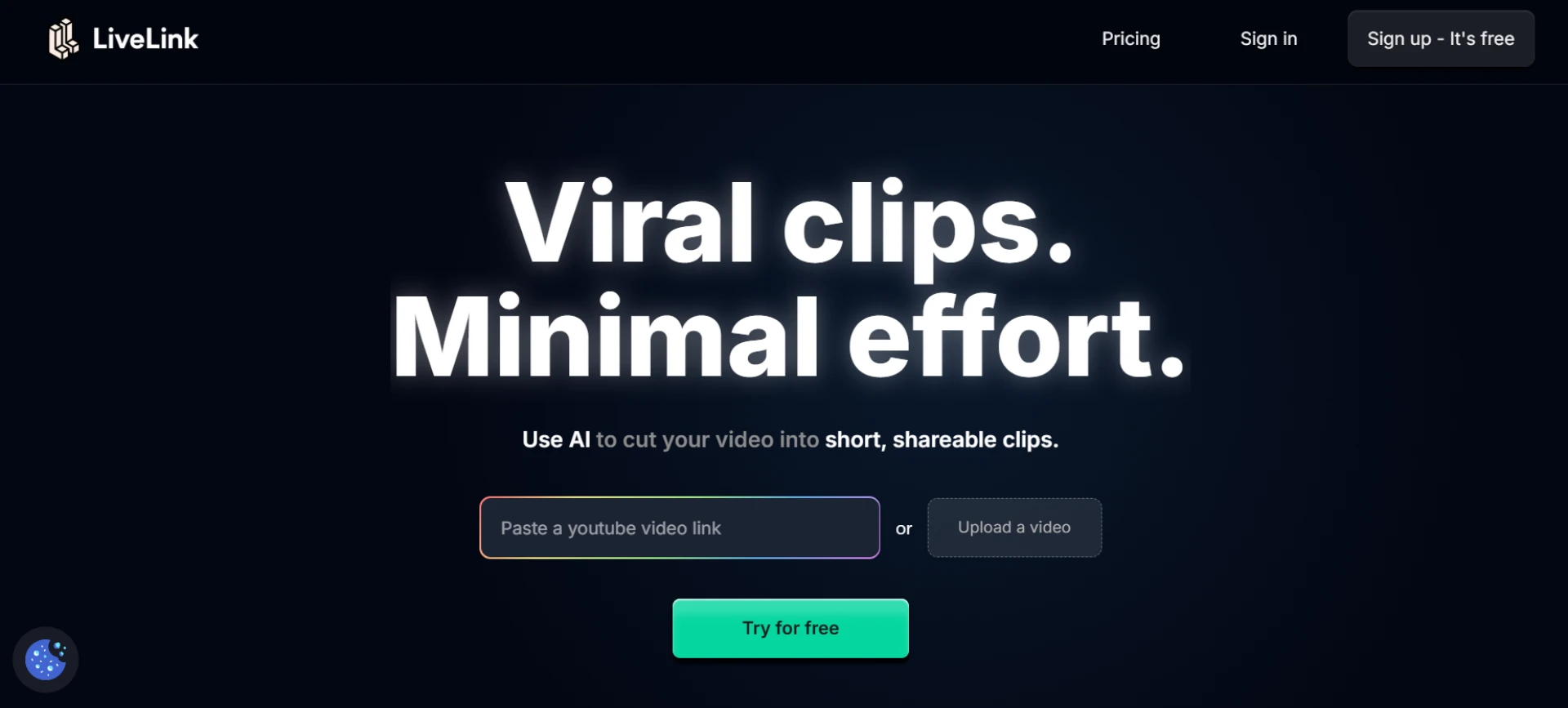
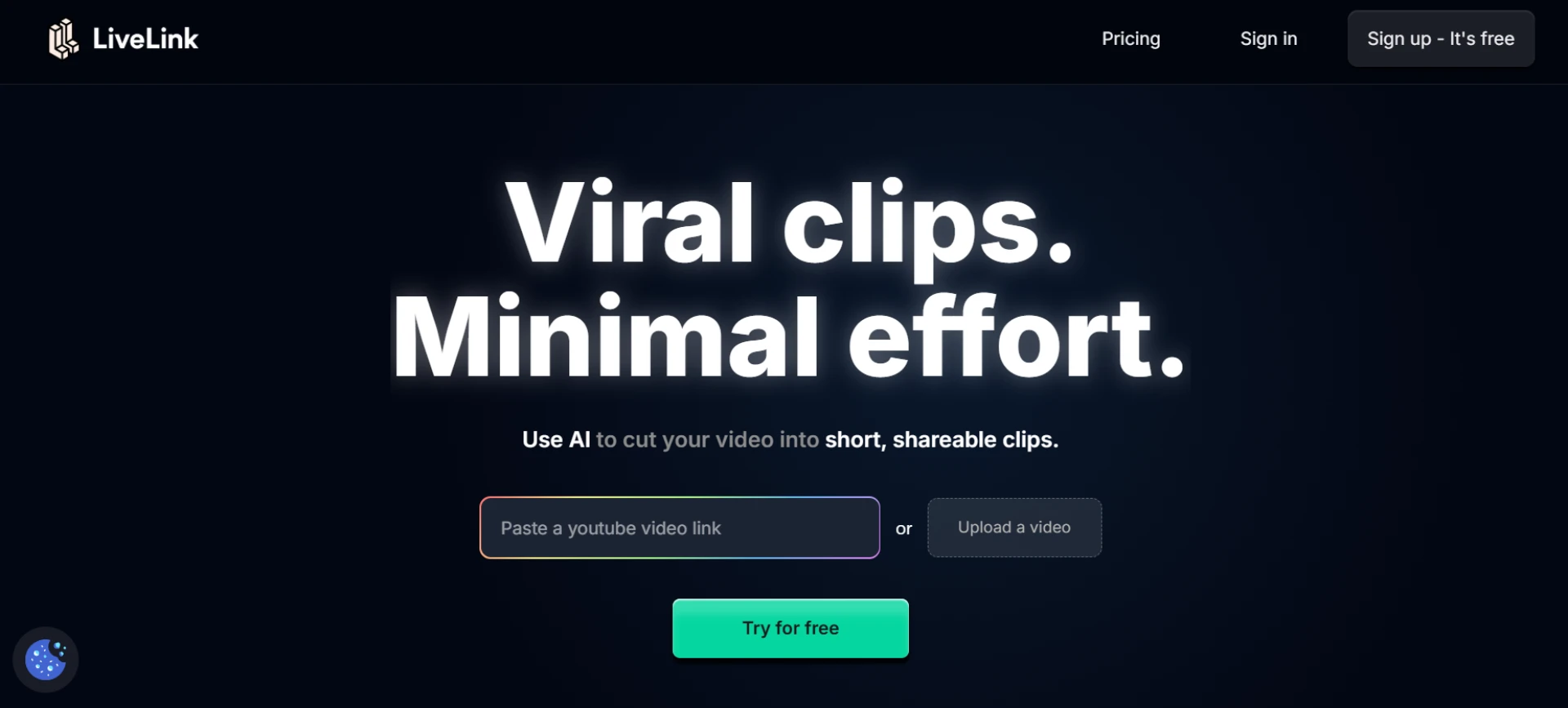
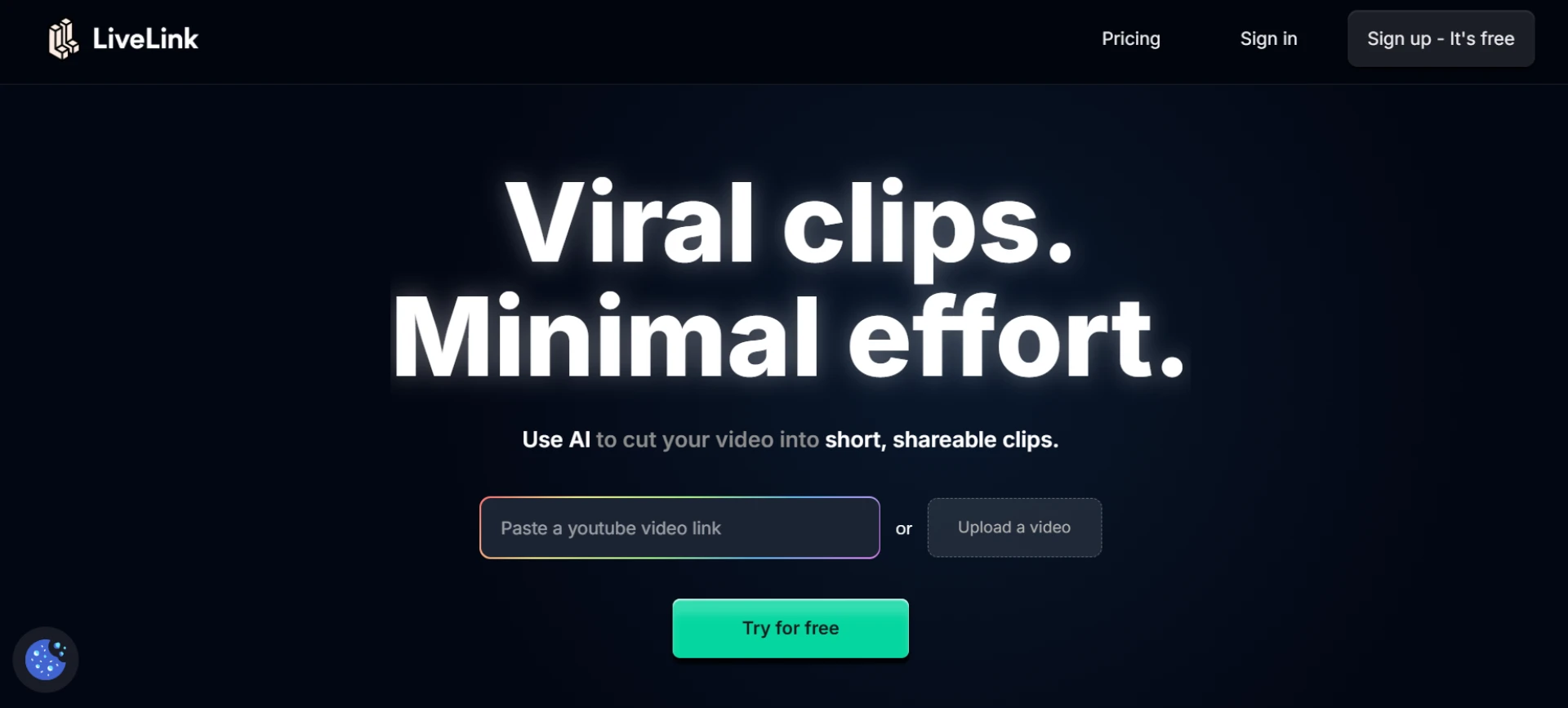
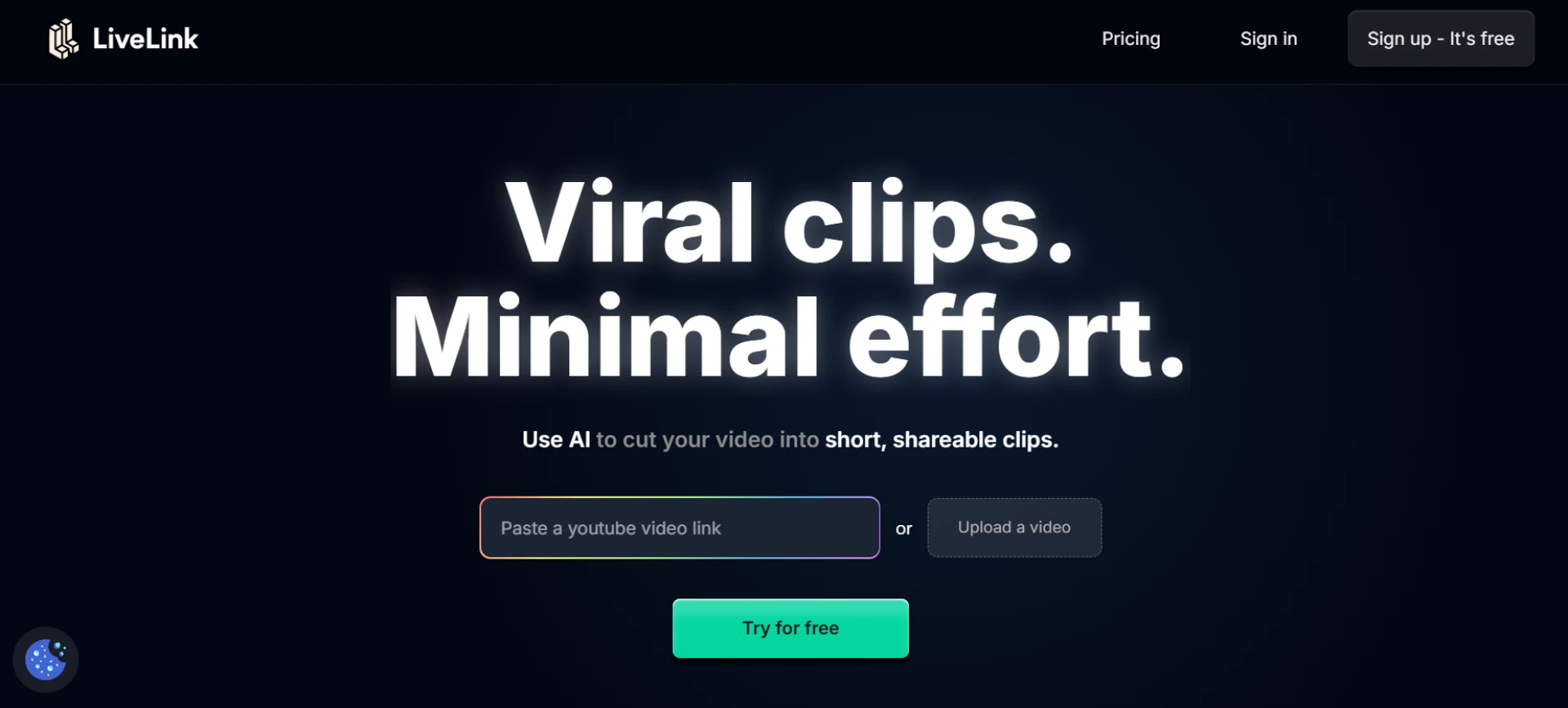
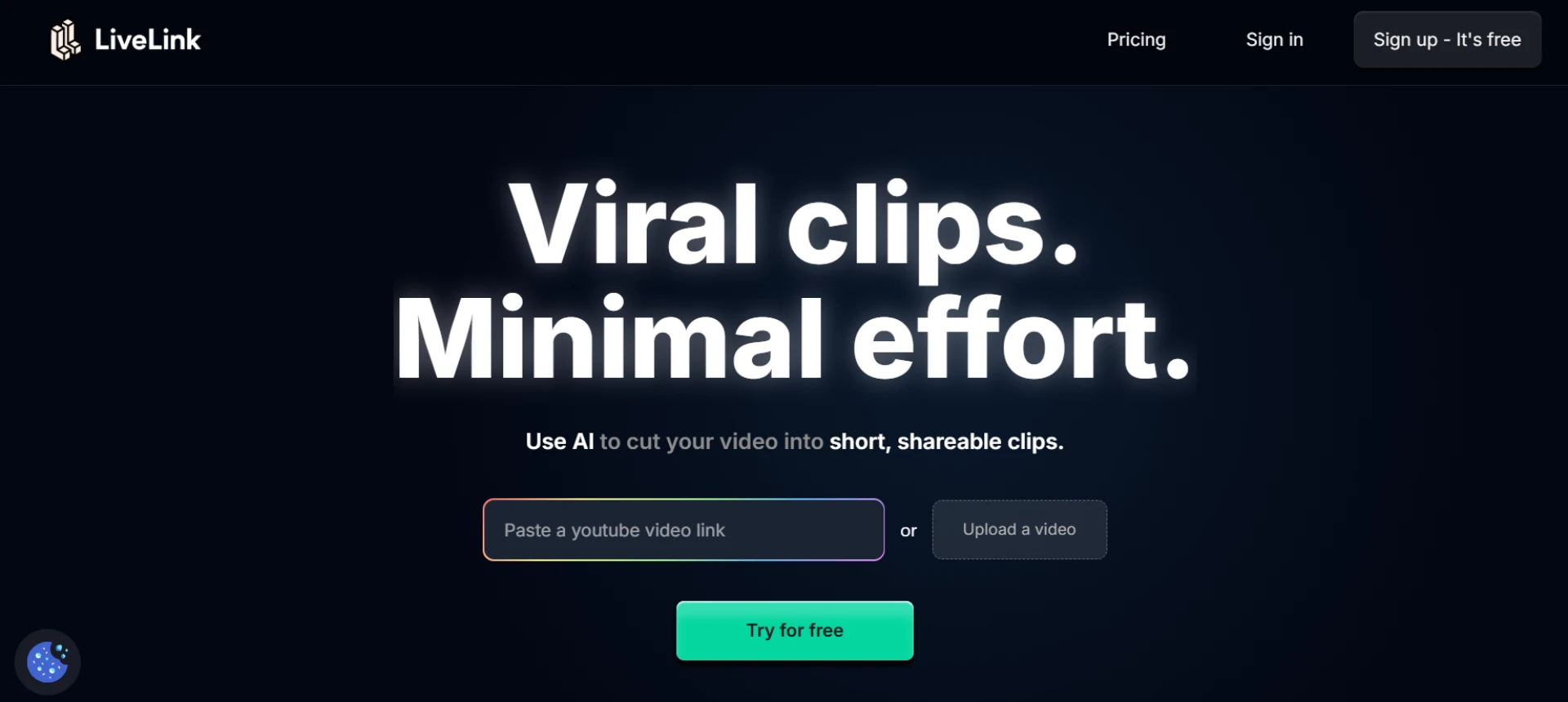
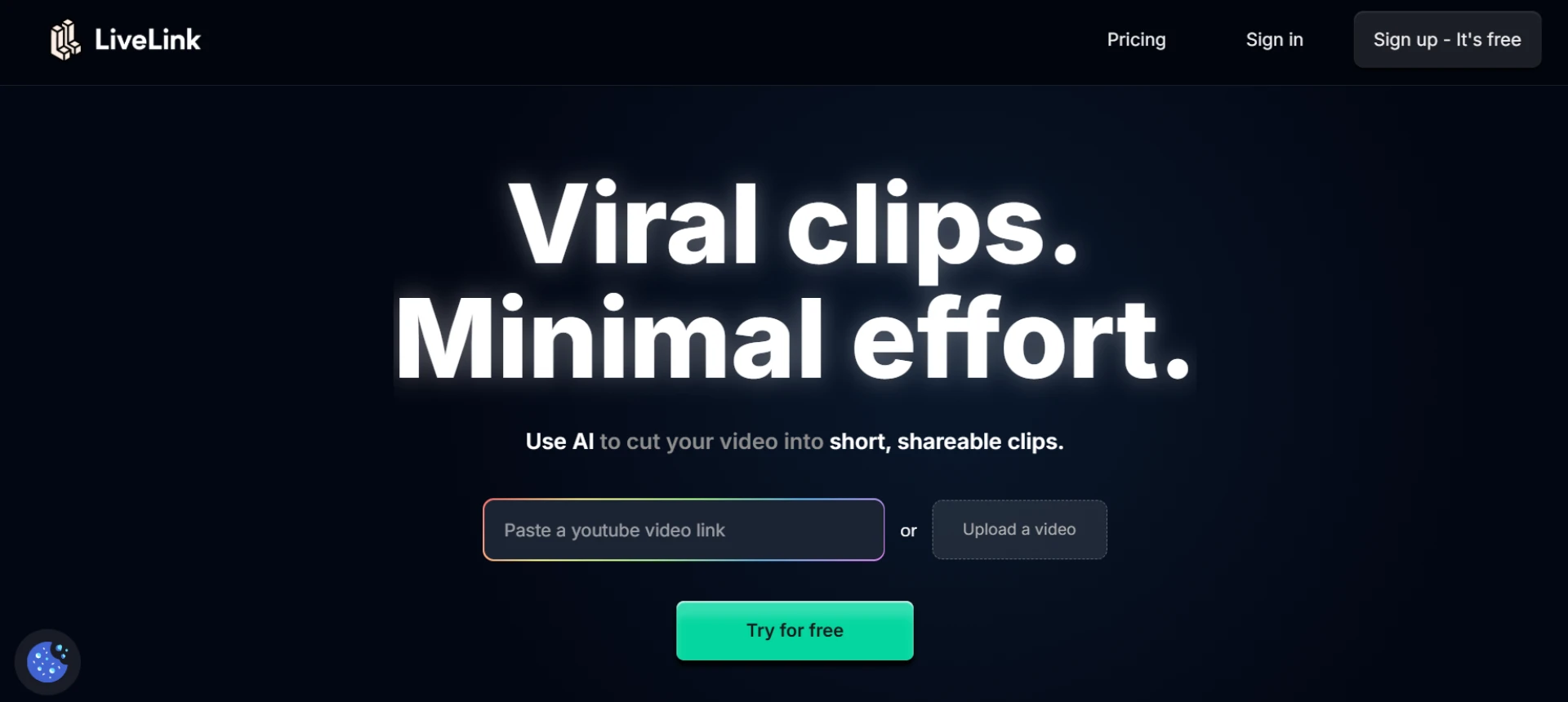
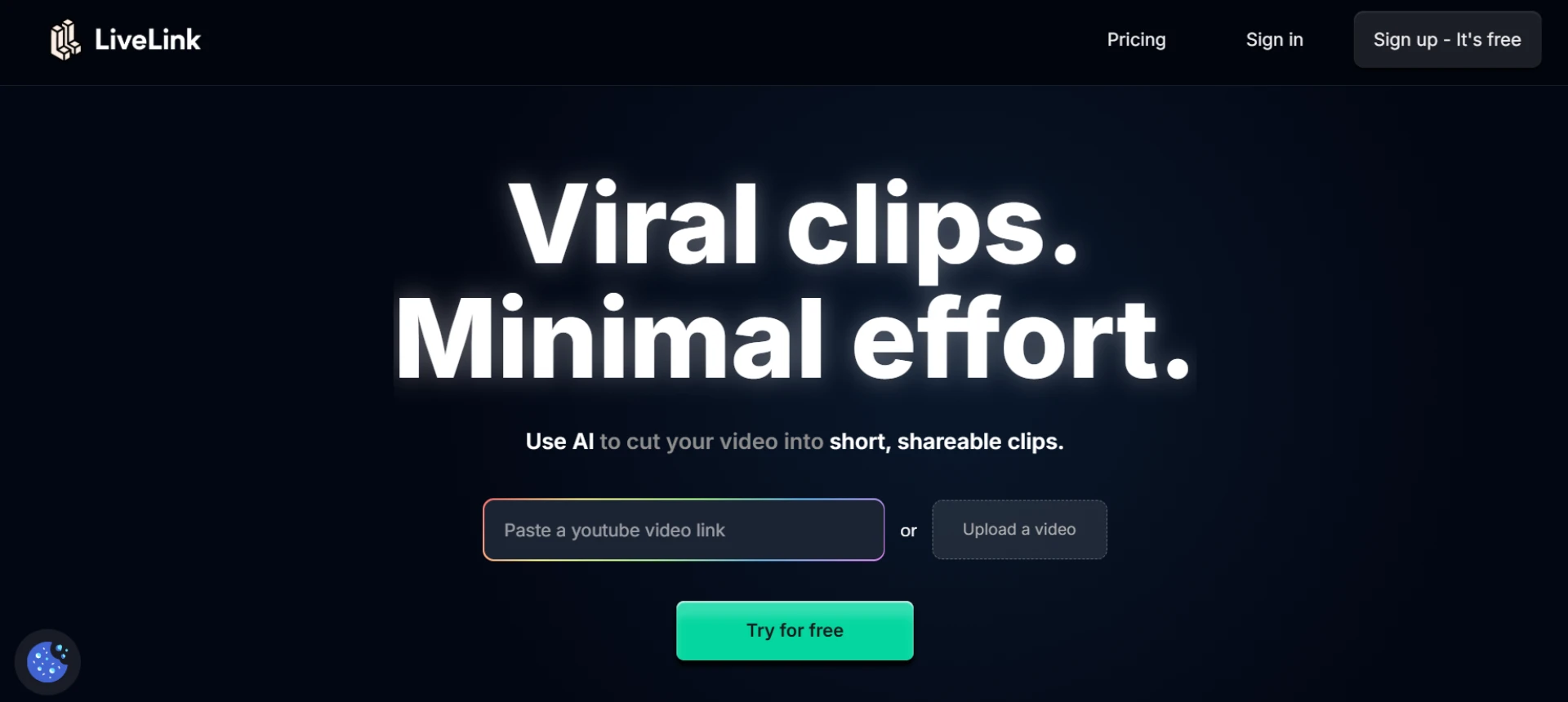
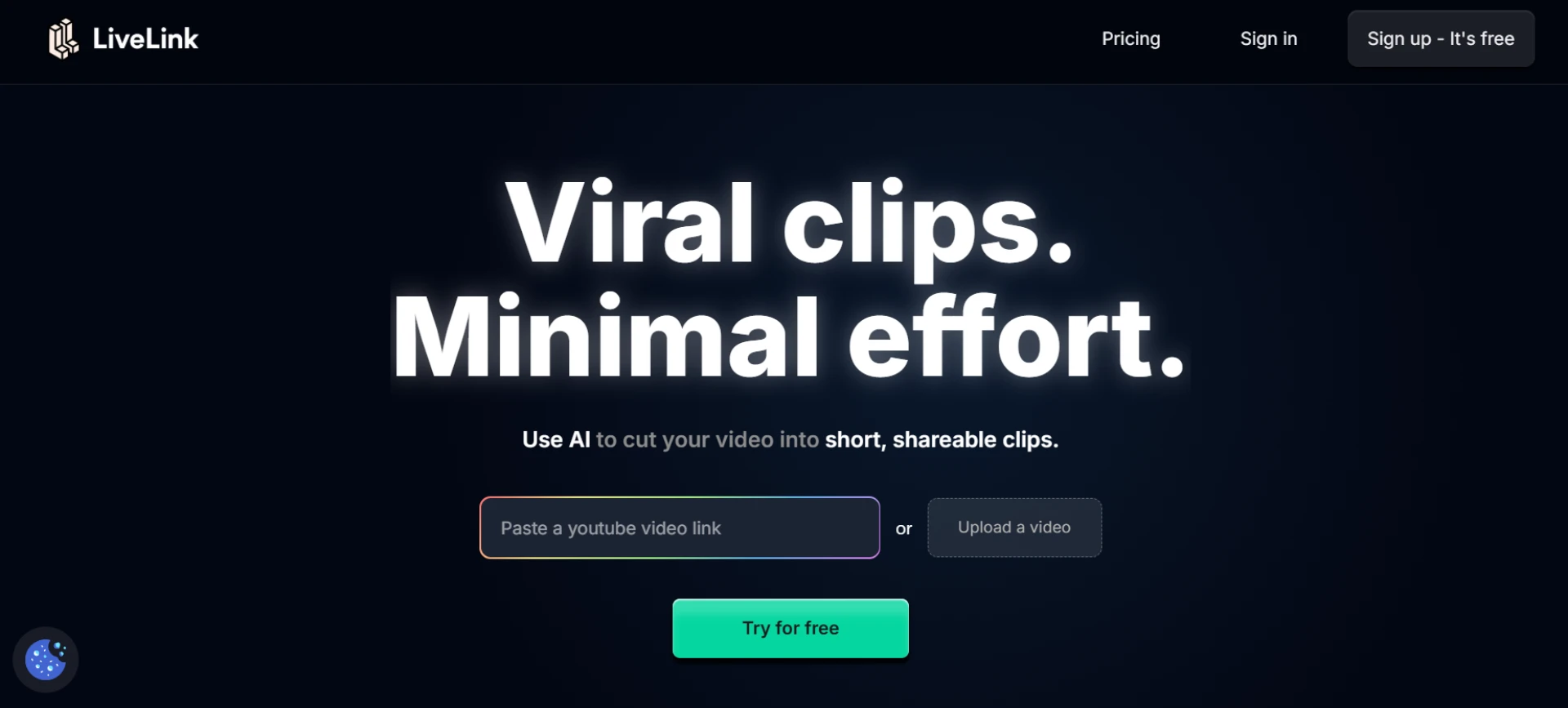
LiveLink is an advanced AI-powered podcast clip maker built to help creators repurpose long-form audio and video episodes into short, viral moments. It detects engaging parts of the conversation automatically and generates ready-to-post clips with captions, branding, and optimized formatting. The platform also includes resizing and template options, allowing you to publish across multiple social channels instantly. For podcasters looking to grow through short-form content, LiveLink is a complete solution.
- Automatically identifies highlight moments in podcasts.
- Generates captioned clips ready for TikTok, Reels, and Shorts.
- Supports custom templates and branding.
- Saves hours of manual editing with AI-powered automation.
2. OpusClip
OpusClip specializes in transforming long podcast episodes into viral short clips using generative AI. It scores each segment for virality and automatically adds subtitles, making it ideal for podcasters targeting engagement on short-form platforms.
- AI detects viral moments and generates short clips.
- Adds automatic captions and text animations.
- Supports vertical, square, and horizontal outputs.
- Great for content creators focused on reach.
3. Pictory
Pictory helps creators convert long audio or video podcasts into multiple short clips. Its AI automatically extracts key talking points and pairs them with visuals, perfect for creating educational or motivational podcast snippets.
- Auto-extracts highlights from podcasts.
- Customizes video styles with templates.
- Adds captions and background music.
- Ideal for repurposing interviews and discussions.
4. Vizard
Vizard is designed for professionals who repurpose webinars, interviews, and podcasts. It identifies interesting soundbites, creates clips with captions, and formats them for social media. Its interface is built for fast editing and batch exports.
- Auto-detects key segments from long recordings.
- Exports multiple clips in one session.
- Provides templates and captioning tools.
- Perfect for podcasters growing across platforms.
5. Munch
Munch combines AI-driven content detection with analytics to help podcasters find the most impactful parts of their episodes. It generates captioned short clips that perform well on social media based on engagement trends.
- Identifies data-backed engaging moments.
- Auto-generates subtitles and hashtags.
- Suggests optimal clip length per platform.
- Great for marketing and growth-oriented podcasters.
6. Descript
Descript offers podcast-to-video editing with automatic transcription. Creators can edit videos by editing the text transcript and easily export short clips for sharing. It’s ideal for podcasters who prefer detailed control.
- Text-based editing for quick clip creation.
- Auto-transcription and caption syncing.
- Supports both audio and video podcasts.
- Professional-grade yet easy to use.
7. Wisecut
Wisecut simplifies podcast editing by removing silences, trimming pauses, and generating subtitles automatically. It’s perfect for converting conversational podcasts into dynamic short clips without extra effort.
- Removes long pauses and silences automatically.
- Adds background music intelligently.
- Generates captions in multiple languages.
- Saves time with smart automation.
8. ClipFM
ClipFM focuses on audio and video podcast repurposing. It automatically selects highlight moments and formats them for vertical video sharing. Its built-in caption generator ensures accessibility and engagement.
- Detects interesting moments in podcasts.
- Adds captions and overlays automatically.
- Optimized for short-form social media formats.
- Great for audio-first creators.
9. Riverside
Riverside offers high-quality podcast recording and editing features, including automatic clip generation. After recording, users can easily select highlights, add branding, and export short clips directly.
- Record, edit, and clip in one platform.
- Exports HD-quality podcast snippets.
- Adds logos and subtitles automatically.
- Designed for professional creators.
10. Recut
Recut is a lightweight editing tool built for podcast creators who need precise control. It automatically detects speaker changes and pauses, allowing for quick trimming and exporting of short clips.
- Auto-detects pauses and transitions.
- Allows precise clip selection and trimming.
- Fast export for multiple formats.
- Ideal for podcasters who prefer manual control.
Final Thoughts
Podcast clip makers are essential for turning long-form episodes into engaging short-form videos that reach wider audiences. LiveLink leads the field with its AI-driven highlight detection and multi-platform automation, while tools like OpusClip and Vizard also offer excellent short-form capabilities. With these tools, podcasters can grow faster by sharing their best moments in the most engaging way possible.
FAQs
Q1: Why should podcasters create short-form clips?
A1: Short clips help reach new audiences on platforms like TikTok and Instagram, boosting visibility and engagement.
Q2: Which podcast clip maker offers full automation?
A2: LiveLink provides automatic detection, captioning, and formatting for effortless clip generation.
Q3: Can these tools handle both audio and video podcasts?
A3: Yes, most tools like LiveLink, Pictory, and Descript support both audio and video files.
Q4: Do AI clip makers reduce video quality?
A4: No, modern AI tools preserve full HD or 4K quality when exporting short clips.
Q5: Which is best for fast social media publishing?
A5: LiveLink and Munch are the best for automatic social-ready exports with branding and captions.



























Sign in to leave a comment.